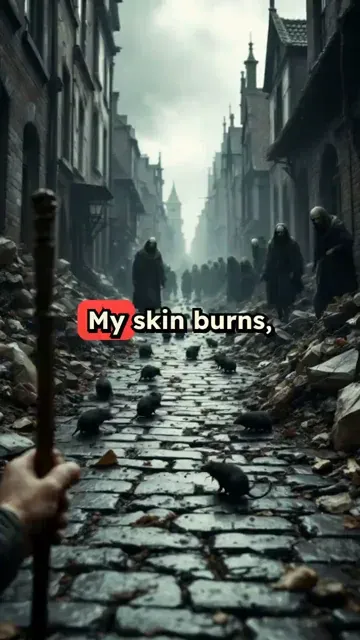
AI Viral POV Video Generator

Create immersive Point-of-View (POV) videos that put viewers in the action. Generate #fnaf survival scenarios, #fnaf2movie scenes, or "POV: You met #50cent" clips instantly.

Related tools you might like:

3,485 people used this tool in the last 24h
Start for free.(no credit card required)

or explore our 42+ other tools to create the exact video you want

Explore our tools

Create Viral AI POV Videos in 3 Easy Steps

1 Describe Your Scenario

Start by typing a prompt that sets the scene. Use the format "POV: You are..." to establish the first-person perspective. Whether it's a spooky #fnaf night guard shift or a surprise meeting with a celebrity, just describe what the viewer should see and feel.

2 Select Visual Style & Audio

Choose how you want to visualize the experience. You can select 'AI Video' for unique generated clips, 'Moving AI Images' for stylized motion, or 'Stock Video' for realistic footage. Pick a suspenseful or trending background track to match the mood.

3 Generate and Share

Click "Generate Video" and let our AI write a second-person script and produce the visuals. Within minutes, you'll have an immersive POV video ready to go viral on TikTok, Instagram Reels, or YouTube Shorts. Use our editor to tweak captions before exporting.

Example Videos

See What You Can Create with AI Viral POV Maker

Explore different styles and possibilities with our AI Viral POV Maker

Horror Game POV Experience

Immerse viewers in a terrifying survival horror scenario. Perfect for Five Nights at Freddy's fans and gaming content creators looking to visualize gameplay concepts.

  • First-person perspective camera angles
  • Tense, atmospheric sound design
  • Survival horror narrative structure
  • Visualizes game mechanics and lore
Horror Game POV Experience

Celebrity Encounter POV

Create viral 'What would you do?' scenarios featuring trending celebrities. Place your audience in the room with stars for high-engagement social content.

  • Realistic celebrity interaction scenarios
  • Engaging 'What If' narrative hooks
  • Optimized for comment section debate
  • Trending topic visualization
Celebrity Encounter POV

Viral Situation Simulations

Visualize relatable or absurd situations from a first-person perspective. From 'POV: You won the lottery' to specific fan-fiction scenarios.

  • Relatable first-person storytelling
  • High-impact visual hooks
  • Versatile for comedy or drama
  • Perfect for TikTok trends
Viral Situation Simulations
Tools

Free AI Video Tools

Pick the right tool, provide your input, and you'll create a video in no time - customize it however you want.

AI TikTok Video Generator

Turn text into trendy, viral TikTok videos in a snap

Try it out

Add Caption to Video

Generate subtitles in 100+ languages with AI captions

Try it out

PDF to Brainrot

Convert PDFs into attention-grabbing, scrollable videos

Try it out

Text to Brainrot

Turn your text into trendy, scrollable content with dynamic visuals

Try it out

AI Talking Avatar

Create lifelike talking avatars from text in seconds

Try it out

Video Podcast Generator

Transform your podcasts into visually engaging video content

Try it out

AI Movie Maker

Create studio-quality videos from text, no filming required

Try it out

Audio to Video

Make engaging videos from your podcasts, interviews, or any audio content

Try it out

AI Music Video Generator

Transform your music into cinematic music videos.

Try it out

AI Lyrics Video Generator

Transform your lyrics into a complete music video with AI

Try it out

Instrumental Music Visualizer

Transform your instrumental music into videos.

Try it out

Prompt to Video

Turn your prompts into engaging videos with AI assistance

Try it out
See all tools
How it works

Four Easy Steps To Create & Share Your Story

1

Get inspired by viral content

Looking for story ideas? Our AI finds trending content and helps you remake it into your very own videos - no more trial and error.
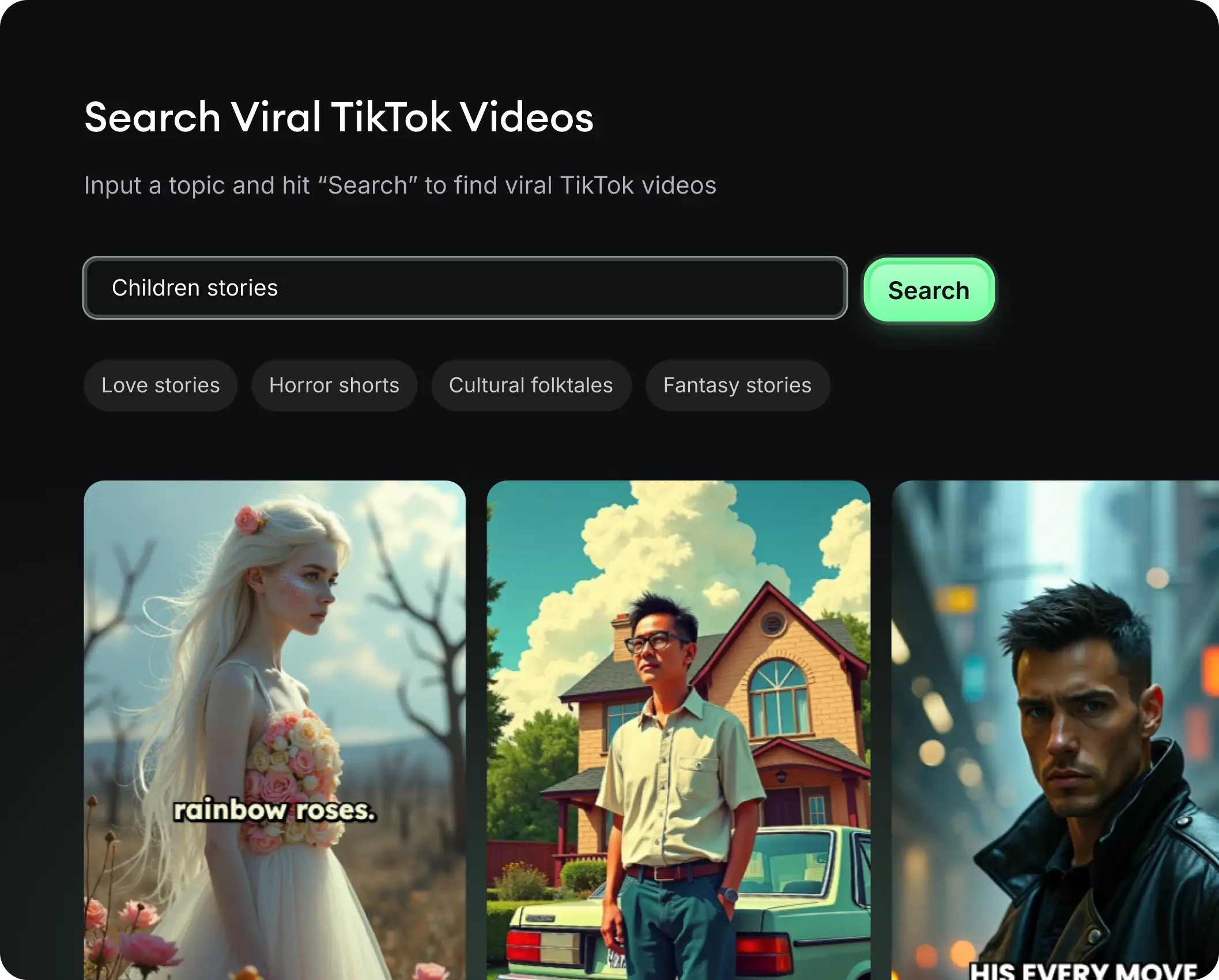
  • See what types of stories are working right now
  • Get inspiration from successful creators
  • Turn your ideas into stories people want to hear
Get inspired by viral content
2

Storytelling to Hook your Audience

Revid.ai understands what makes videos go viral and uses the same proven methods to write scripts for you.
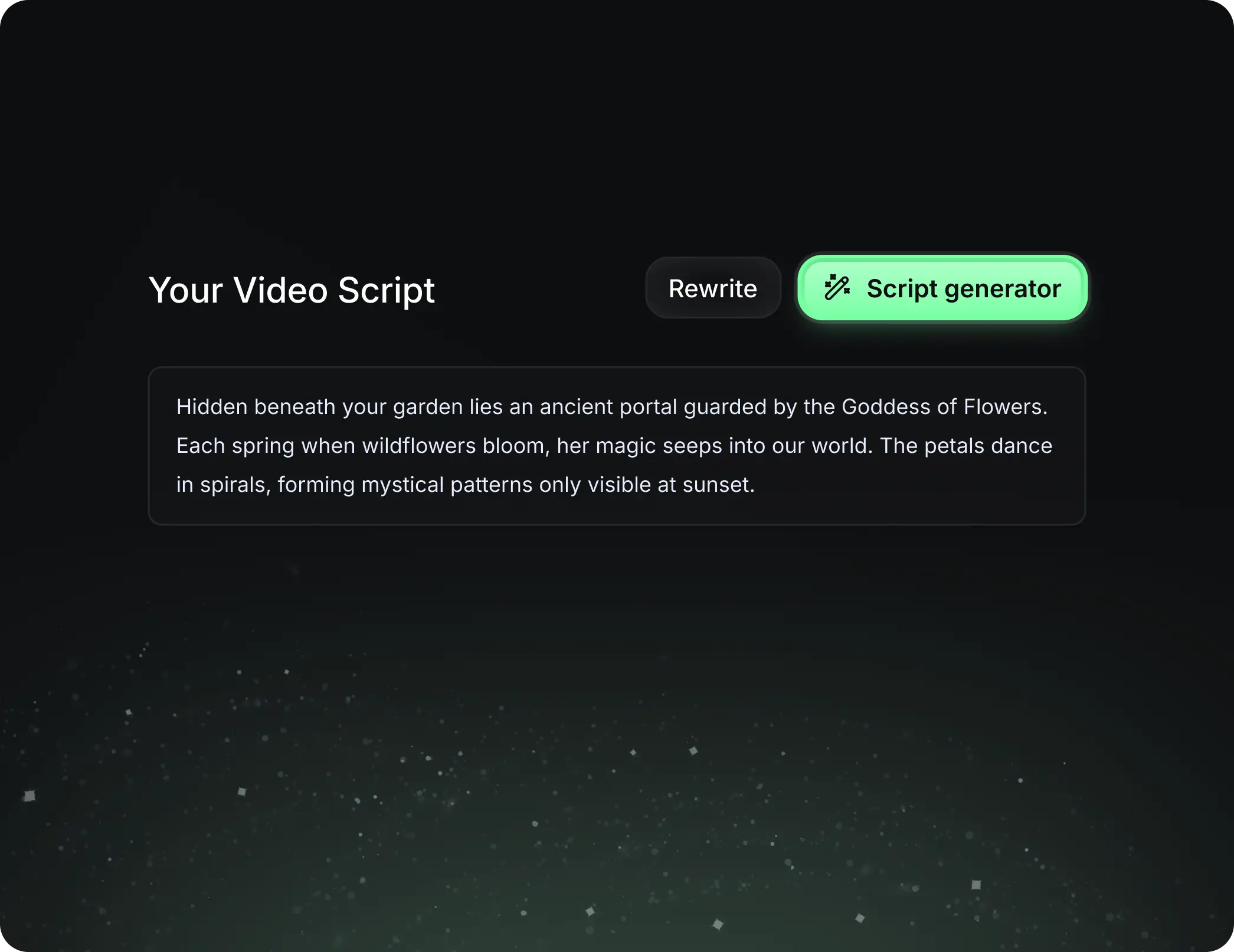
  • Write your script or tell our AI what you want to talk about
  • The AI will find relevant content to get inspired by
  • Drop any link and it will be automatically parsed and formatted for a video
Storytelling to Hook your Audience
3

Videos You'd LOVE to Watch

Create perfect videos, share instantly, and grow your business.
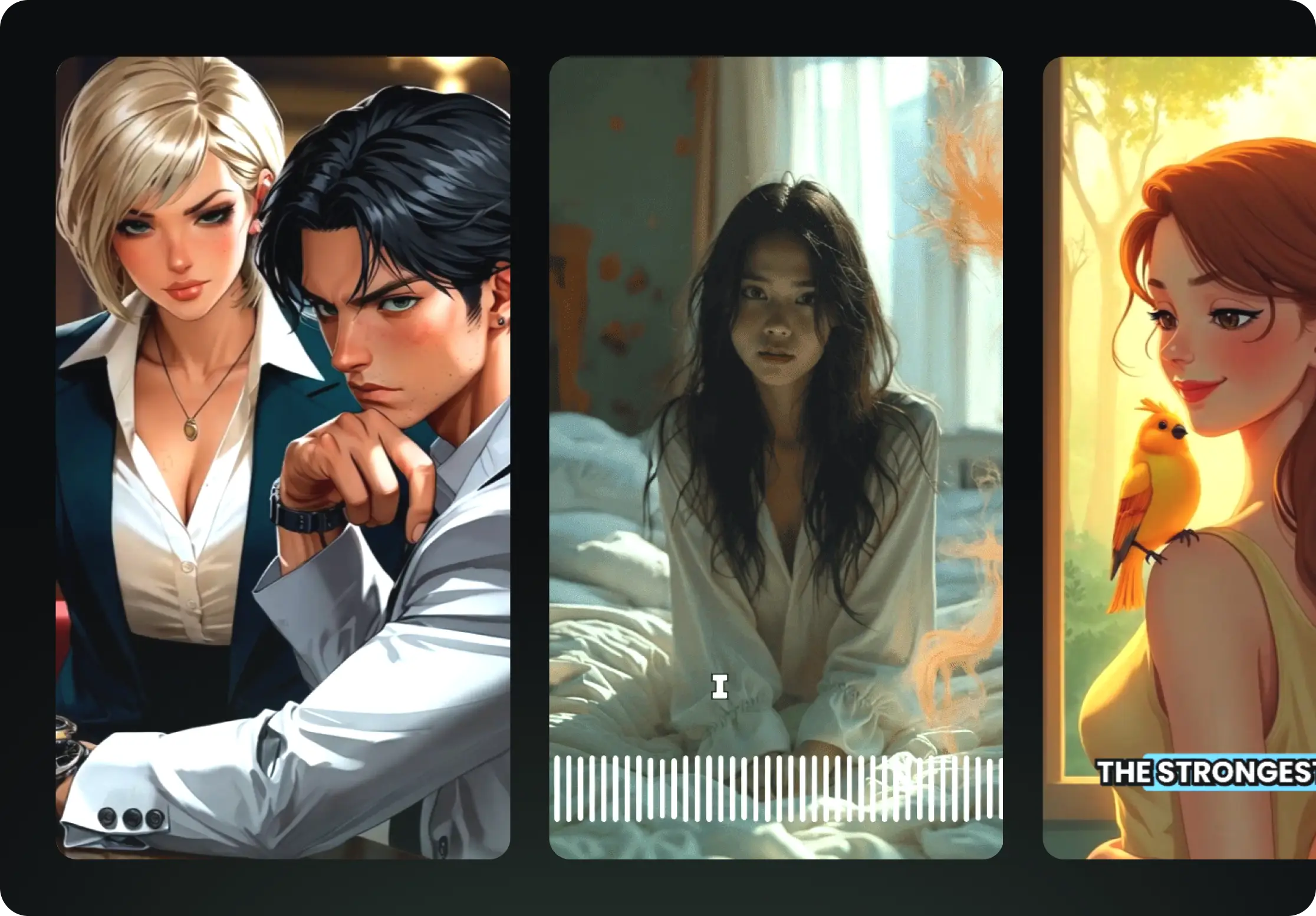
  • Watch your words become a professional video
  • Set up automatic video creation from your content
Videos You'd LOVE to Watch
4

Publish on TikTok, YouTube, Instagram and more...

Reach a wider audience by sharing your video across your favorite social media platforms
    Publish on TikTok, YouTube, Instagram and more...
    revid.ai logo

    Your shortcut to effortless video storytelling.

    FAQs

    Frequently Asked Questions

    What is the AI Viral POV Maker?
    The **AI Viral POV Maker** is a specialized tool designed to create immersive **Point-of-View (POV) videos** instantly. It automatically generates scripts in the second person (e.g., "You walk down the hall...") and matches them with AI-generated visuals or stock footage. It is perfect for creating trending content for TikTok, such as **#fnaf horror scenarios**, celebrity encounters, or relatable "day in the life" clips.
    How do I create a POV video with this tool?
    Creating a **POV video** is simple. First, enter a text prompt describing the scenario—we recommend starting with "POV:" followed by the situation. Next, choose your visual style (AI Video, Moving Image, or Stock). Finally, select a voice and background music. Our **AI POV Video Generator** will stitch everything together into a cohesive, viral-ready video.
    What kind of scenarios work best for POV videos?
    The **AI Viral POV Maker** thrives on immersive storytelling. Popular scenarios include survival horror experiences (like **Five Nights at Freddy's** fan content), meeting famous celebrities (like #diddy or #50cent), or high-stakes situations like winning the lottery. Any scenario where you want to put the viewer directly in the shoes of the protagonist works perfectly with our **POV video creator**.
    Does the AI write the script in the second person?
    Yes! A key feature of our **AI POV creator** is that it automatically structures the narrative in the second person using "You" statements. This ensures the audience feels like they are experiencing the events firsthand, which is essential for high-engagement **TikTok POV trends**.
    Can I use AI-generated video for my POV clips?
    Absolutely. You can choose the "AI Video" option to have our engine generate unique, never-before-seen clips based on your prompt. This is ideal for specific fantasy or horror scenarios, such as **#fnaf2movie scenes**, where stock footage might not exist. Alternatively, you can use **moving AI images** or high-quality stock video depending on your preference.
    Is the content optimized for TikTok and Instagram Reels?
    Yes, the **AI Viral POV Maker** is designed specifically for short-form vertical content. All videos are generated in a 9:16 aspect ratio, making them ready to post directly to **TikTok**, **Instagram Reels**, and **YouTube Shorts**. The pacing and visual style are tuned to maximize retention on these platforms.
    How much does it cost to generate a POV video?
    The cost depends on your subscription plan and the specific settings used. Generally, generating a video costs a base amount of credits. Using premium features like fully **AI-generated video** rendering may require a specific subscription tier. You can check your available credits in your dashboard before generating your **viral POV video**.
    Can I edit the video after the AI generates it?
    Yes! Once the **AI POV Video Generator** finishes, you have full access to our built-in video editor. You can modify the script, change the voiceover, adjust the background music, or swap out specific visual clips. This allows you to fine-tune your **POV content** to ensure it hits exactly the right tone before you share it.
    Do I need to record my own voice?
    Not at all. We provide a wide range of realistic **AI voices** that can narrate your script. However, if you want to add a personal touch to your **POV video**, you can use the "Record Yourself" feature to capture your own voiceover directly within the tool, or upload a pre-recorded audio file.
    How do I write a good prompt for a POV video?
    To get the best results from the **AI Viral POV Maker**, be descriptive and sensory. Start with "POV: You are..." and describe what the viewer sees, hears, and feels. For example: "POV: You are the night guard at a pizza place, the lights flicker, and you hear animatronic footsteps approaching." The more specific you are, the more immersive the **AI-generated video** will be.
    View Complete Help Center

    Find detailed answers to 100+ questions about features, tools, and workflows

    or check our markdown version optimized for LLMs