Creators publish 30,000+ videos a month with Revid
Veo3 AI Video Generator
Generate ASMR videos, street interviews, product showcases, cooking demos, and cinematic content with Google's Veo3 AI model. Transform text prompts into realistic, high-quality videos perfect for TikTok, YouTube, and Instagram creators.
Start from text in seconds
Auto-selects visuals
Captions and sound-ready
Your video prompt
💡 Use natural language to describe what you want to see in the video. AI will generate a script based on your prompt.
2,625 videos created with Revid in the last 24h
Ready in minutes · Edit everything before you post
Output Example
Related tools you might like:
or explore our 42+ other tools to create the exact video you want
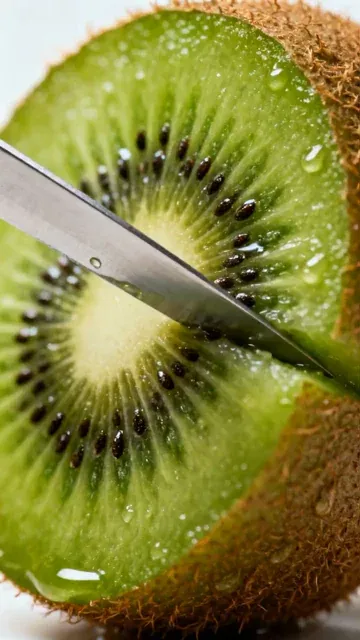
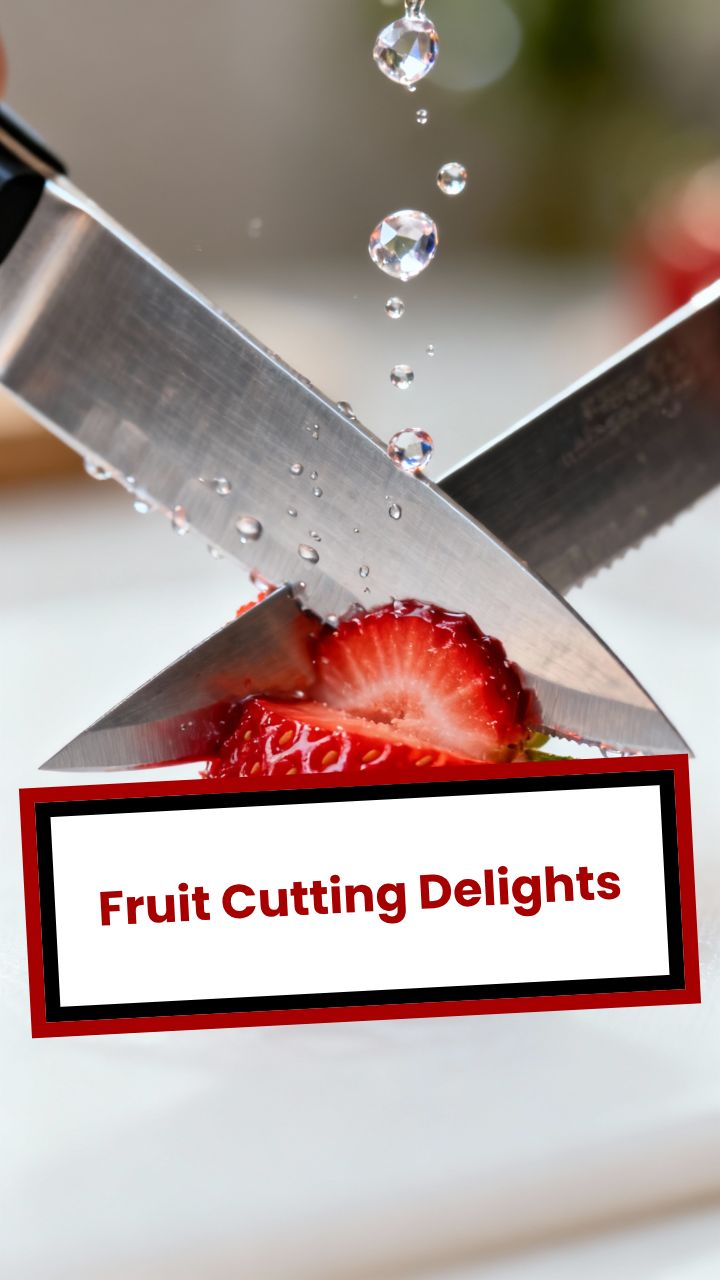
Some beautiful Fruit cutting scenes.
Every scene should have a knife cutting a diffrent fruit
Visual FormatAI Video
Visual StyleDefault
FINAL VIDEO
Create Cinematic Videos with Google's Veo3 AI in 3 Steps
1 Write a Detailed Prompt
Describe the video you want to create in the text box. Be specific about the subject, setting, actions, lighting, and camera style. For example, 'A cinematic shot of a vintage car driving on a coastal road at sunset, with lens flare and a slow-motion effect'.
2 Choose Your Settings
Select the aspect ratio for your video, such as 9:16 for social media or 16:9 for YouTube. Choose a background music track from our professional library to set the mood for your cinematic AI video.
3 Generate and Refine Your Video
Click 'Generate Video' and let Google's Veo3 model bring your prompt to life. In just a few minutes, you'll have a high-quality, realistic AI video. You can then use our built-in editor to make final adjustments before downloading and sharing your creation.
What Google Veo3 Generates That Other AI Video Models Cannot
Veo3 is the first publicly available AI video model that generates synchronized audio natively as part of the video, meaning ambient sounds, foley effects, and environmental audio are created alongside the footage rather than added in post-production. It also produces significantly more realistic human motion and interaction compared to earlier AI video models. For content categories like ASMR, street interviews, and product showcases, this audio-visual realism is what makes the output feel like real footage rather than an obvious AI generation.
02
ASMR, Street Interviews, and Cinematic Scenes from One Tool
Veo3's strengths align directly with three of the most popular content formats on TikTok and YouTube Shorts. For ASMR content, the model produces close-up textures with authentic foley sounds. For street interviews, it generates realistic human figures in natural environments with documentary-style camera movement. For cinematic content, it delivers depth of field, lighting, and scene composition that match what you would expect from professional production equipment. All three use the same text prompt input in Revid. For a dedicated street interview workflow, the street interview video generator offers additional scene templates.
03
How to Get the Best Results from Veo3 Video Generation
Veo3 responds well to detailed, descriptive prompts that specify the physical environment, lighting conditions, camera angle, subject behavior, and any audio elements you want present. Vague prompts produce generic output. Specific prompts produce footage that matches your vision closely. Describe the setting as if directing a camera operator. Include sound cues in your description when audio texture matters, such as the specific type of material being touched for ASMR or the ambient noise level for a street scene. The tool supports 9:16, 4:5, and 16:9 output formats.
Target Audience
Who is this tool for?
ASMR and satisfying content creators
Generate macro close-up videos with authentic foley sounds without owning specialized camera equipment, allowing you to post ASMR content consistently at scale.
Social media storytellers
Create street interview style content and first-person documentary clips that feel authentic without organizing any actual filming or locations.
Brand and product video teams
Produce high-quality cinematic product showcase videos with realistic lighting and camera motion using text descriptions alone, cutting studio costs significantly.
Video producers and directors
Use Veo3 to prototype scenes and visual concepts before committing to a real production, getting a photorealistic preview of how a shot will look and sound.
Comparison
Why Choose Revid for Veo3 Video Generation?
Accessing Veo3 directly requires API setup and technical knowledge. Revid wraps Veo3 in a creator-friendly interface with content templates, audio options, and direct social publishing.
Setup
Revid Veo3 GeneratorStart generating immediately with no API keys or technical configuration
Direct AI API AccessRequires API access, prompt engineering knowledge, and technical setup
Audio generation
Revid Veo3 GeneratorVeo3's native synchronized audio included in every video
Direct AI API AccessAudio output requires additional configuration and post-processing
Content templates
Revid Veo3 GeneratorPreset workflows for ASMR, interviews, and cinematic content
Direct AI API AccessAll prompts must be written from scratch with no structural guidance
Output formatting
Revid Veo3 GeneratorDirect export in 9:16, 4:5, and 16:9 for TikTok, Reels, feeds, and YouTube
Direct AI API AccessRaw output requires additional formatting and compression
Music and captions
Revid Veo3 GeneratorAdd background music and captions inside the same tool
Direct AI API AccessRequires separate software for post-processing and finishing
Publishing
Revid Veo3 GeneratorPublish or download directly from the platform after generation
Direct AI API AccessManage files and distribution through separate workflows
Feature / Benefit
Revid Veo3 Generator
Direct AI API Access
Setup
Start generating immediately with no API keys or technical configuration
Requires API access, prompt engineering knowledge, and technical setup
Audio generation
Veo3's native synchronized audio included in every video
Audio output requires additional configuration and post-processing
Content templates
Preset workflows for ASMR, interviews, and cinematic content
All prompts must be written from scratch with no structural guidance
Output formatting
Direct export in 9:16, 4:5, and 16:9 for TikTok, Reels, feeds, and YouTube
Raw output requires additional formatting and compression
Music and captions
Add background music and captions inside the same tool
Requires separate software for post-processing and finishing
Publishing
Publish or download directly from the platform after generation
Manage files and distribution through separate workflows
More Tools
Explore Similar Video Creation AI Video Tools
Discover more ways to create engaging videos with our AI-powered tools
FAQs
Frequently Asked Questions
What is the Veo3 AI Video Generator?
Revid.ai's Veo3 AI Video Generator is a cutting-edge tool that uses Google's advanced Veo3 model to transform text prompts into high-quality, realistic videos. It's designed for creators and marketers who want to produce cinematic video content without needing complex equipment or skills. Simply describe your vision, and our text-to-video AI does the rest.
How does Google's Veo3 model improve AI video generation?
Google's Veo3 model represents a major leap in AI video technology. It excels at understanding natural language prompts to create videos with unprecedented realism, consistent characters and objects, and fluid, believable motion. This allows you to generate professional-grade, cinematic AI video that was previously impossible to achieve with AI.
How do I write an effective prompt for the Veo3 video generator?
For the best results, write a descriptive prompt. Include details about the subject (e.g., 'a woman with red hair'), the action ('walking her dog'), the environment ('in a misty forest'), the lighting ('golden hour sunlight'), and the camera style ('wide-angle tracking shot'). The more detailed your prompt-to-video instructions, the more accurately the Veo3 AI can realize your vision.
What kinds of videos can I create with this tool?
You can create a wide range of content, from short cinematic clips for social media to realistic product visualizations and dynamic B-roll for marketing campaigns. The Veo3 AI video generator is perfect for creating engaging content for TikTok, Instagram Reels, YouTube Shorts, and professional presentations.
Is this tool free to use?
Our Veo3 video generator operates on a credit-based system. Free plan users receive a starting allocation of credits to try the tool. For more extensive use, you can upgrade to one of our paid plans, which provide a larger monthly credit allowance. Generating video with the premium Veo3 model uses more credits than standard generation, reflecting its advanced capabilities.
How many credits does it cost to create a video with Veo3?
The cost for Veo3 video creation is based on the length and complexity of the generated video. Before you click 'Generate', the tool will display the exact number of credits required. This premium feature ensures you get the highest quality AI video possible, and the cost is clearly communicated upfront.
How long does it take to generate a realistic AI video?
Due to the immense computational power required to create high-quality video from text, generation with the Veo3 model typically takes a few minutes. The final render time depends on the video's length. We'll notify you by email as soon as your stunning AI video is ready to view and edit.
Can I choose the video format and aspect ratio?
Yes. You can select the aspect ratio that best fits your needs before generating the video. We support 9:16 (vertical for TikTok and Reels), 4:5 (for feeds), and 16:9 (horizontal for YouTube), ensuring your video is perfectly optimized for any platform.
Can I edit the video after it has been generated by the AI?
Absolutely. Once your video is generated, it opens directly in the Revid.ai editor. You can trim the clip, add text overlays, adjust the music, and make other refinements to ensure the final product perfectly matches your creative vision. The AI provides the foundation, and you add the finishing touches.
Who owns the rights to the videos created with the Veo3 AI?
You own the commercial rights to the videos you create with our Veo3 AI Video Generator. You are free to use them for marketing, on social media, or in any commercial project, as long as your usage complies with our terms of service. This allows you to leverage professional-quality video content without worrying about licensing fees.
What makes this different from other text-to-video AI tools?
Our tool is powered by Google's Veo3, one of the most advanced video AI models in the world. This provides a significant advantage in terms of visual quality, realism, coherence over time, and understanding of complex prompts. While other tools can generate video, our Veo3 generator is focused on delivering cinematic, high-fidelity results that stand out.
I have another question. How can I get help?
Our support team is ready to assist you. If you have any further questions about the Veo3 AI Video Generator or any other Revid.ai feature, please email us at hello@revid.ai. We are committed to helping you make the most of our powerful video creation tools.
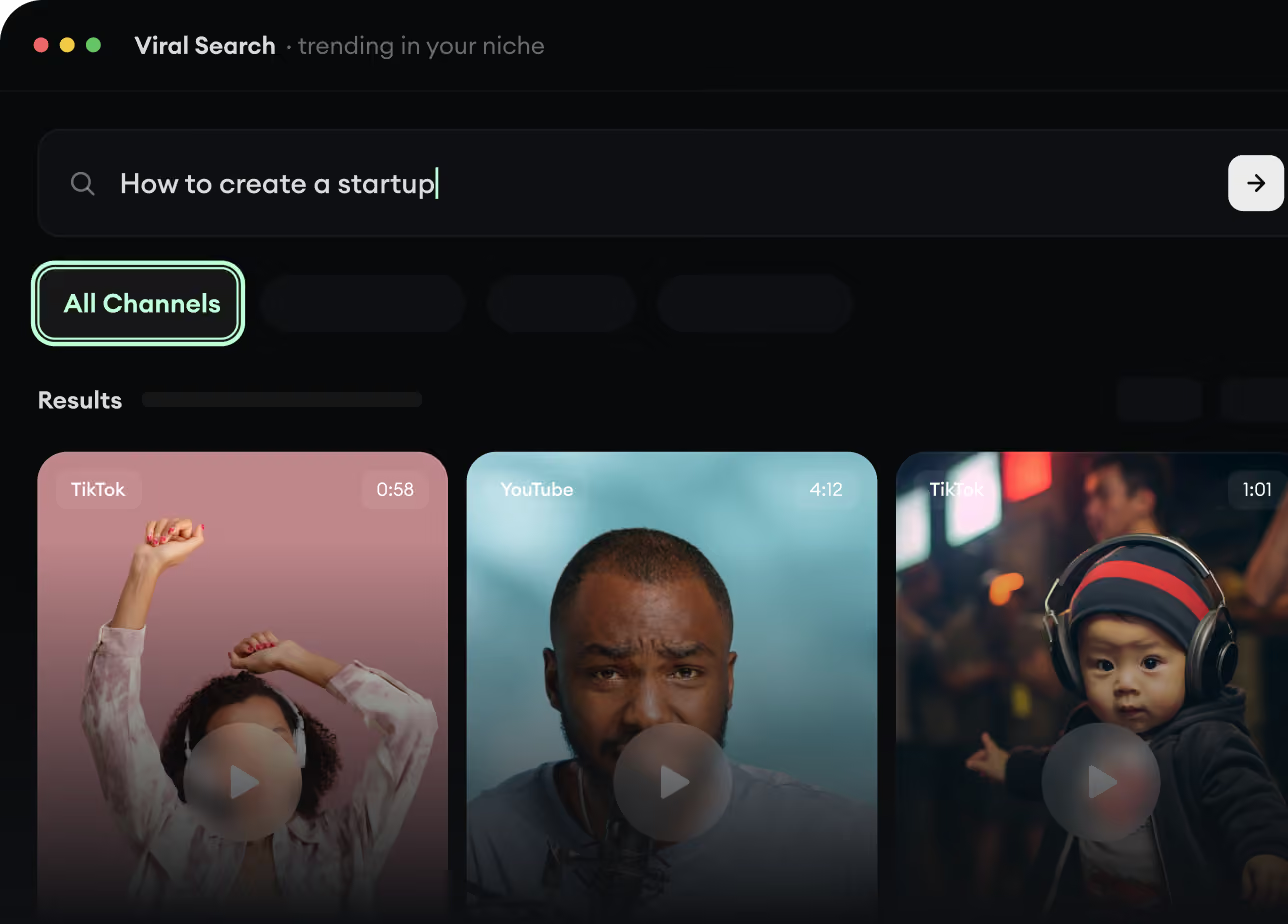
RevidAI's Viral Search and Channel Watcher surface the formats, creators, and trends getting attention right now, then help you turn them into ideas of your own.
Discover winning video formats in your niche
Follow creators and channels that matter
Start with proven ideas instead of guessing
2
Turn An Idea Into A Story.
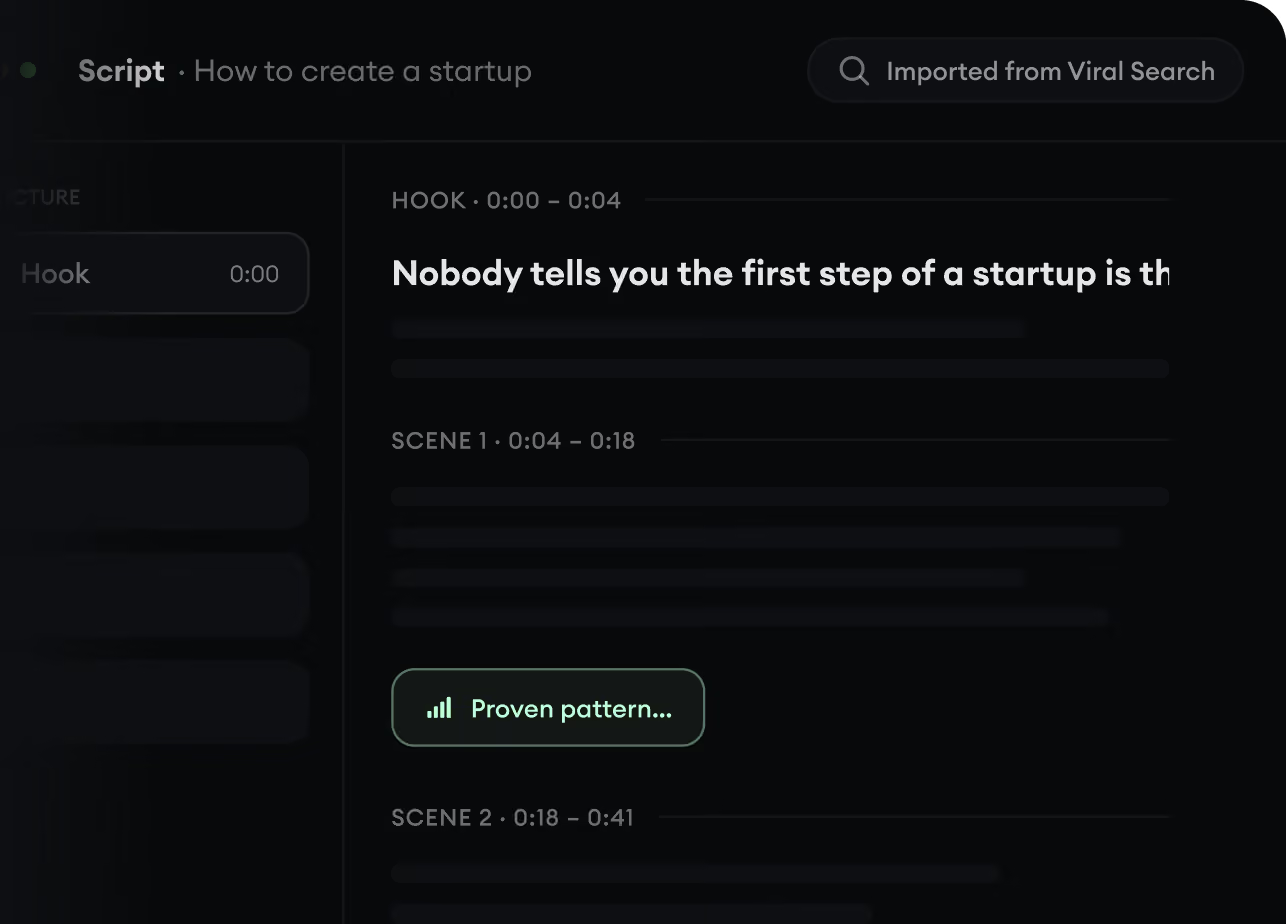
Found something worth making? Revid AI writes the script, suggests the structure, and turns links, prompts, or topics into complete video concepts.
Start with a prompt, topic, or URL
Generate scripts inspired by proven patterns
Build stories designed to keep people watching
3
Generate The Finished Video.
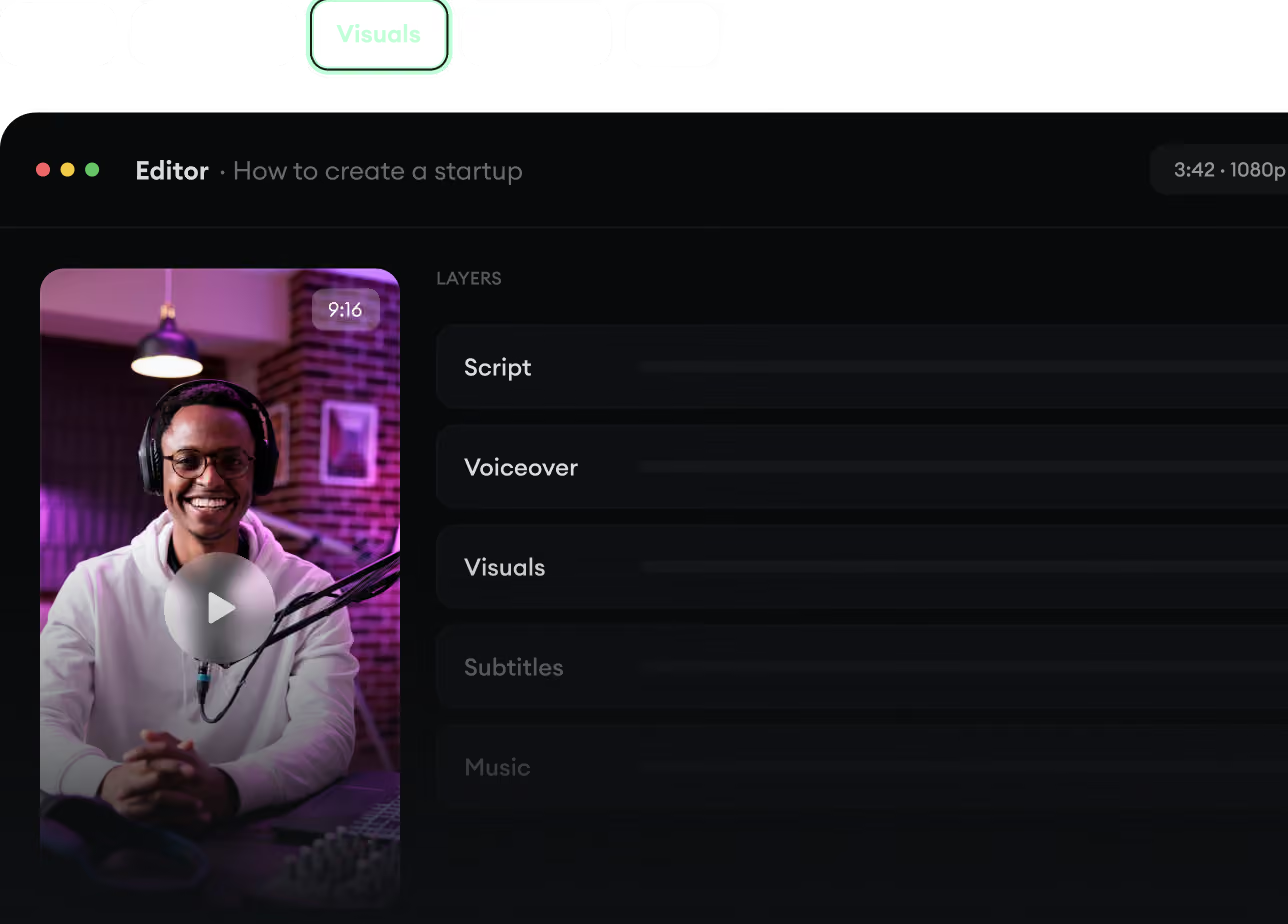
Script, voiceover, visuals, subtitles, and editing all come together in one workflow. No stitching together five different tools.
Turn text into complete, multi-minute videos
Generate everything in one place
Refine the result in the editor
4
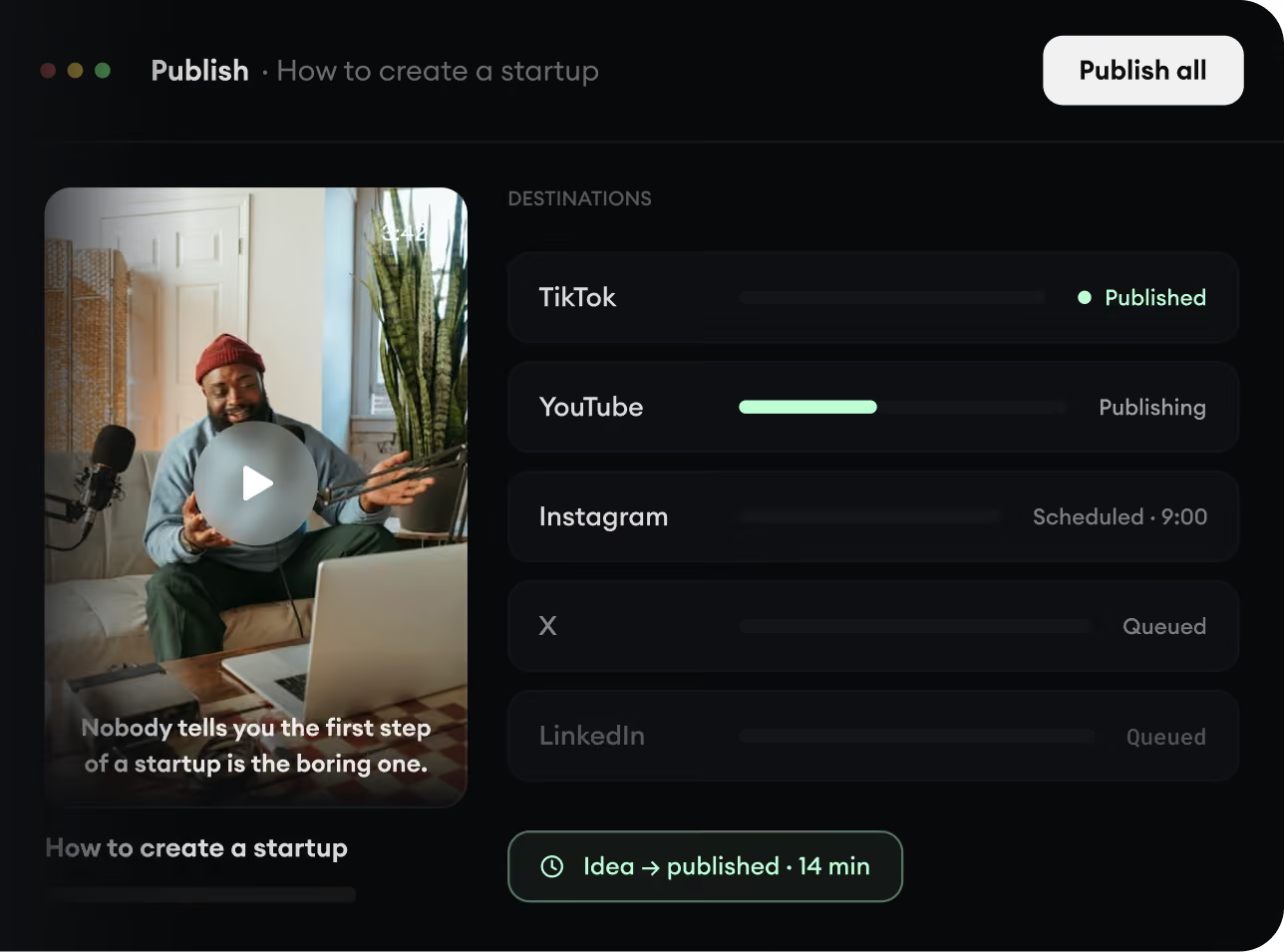
Publish Everywhere.
Share your videos to TikTok, YouTube, Instagram, and wherever your audience is.