Creators publish 30,000+ videos a month with Revid
AI Valentine Video Generator
Generate romantic AI Valentine videos instantly! Turn any text prompt into heartfelt video messages with our AI Valentine video generator. Create personalized love letters, romantic surprises, and shareable content for your loved one in minutes.
Start from text in seconds
AI voiceover
Auto-selects visuals
Captions and sound-ready
Your video prompt
💡 Use natural language to describe what you want to see in the video. AI will generate a script based on your prompt.
3,986 people used this tool in the last 24h
Ready in minutes · Edit everything before you post
Output Example
Related tools you might like:
or explore our 42+ other tools to create the exact video you want
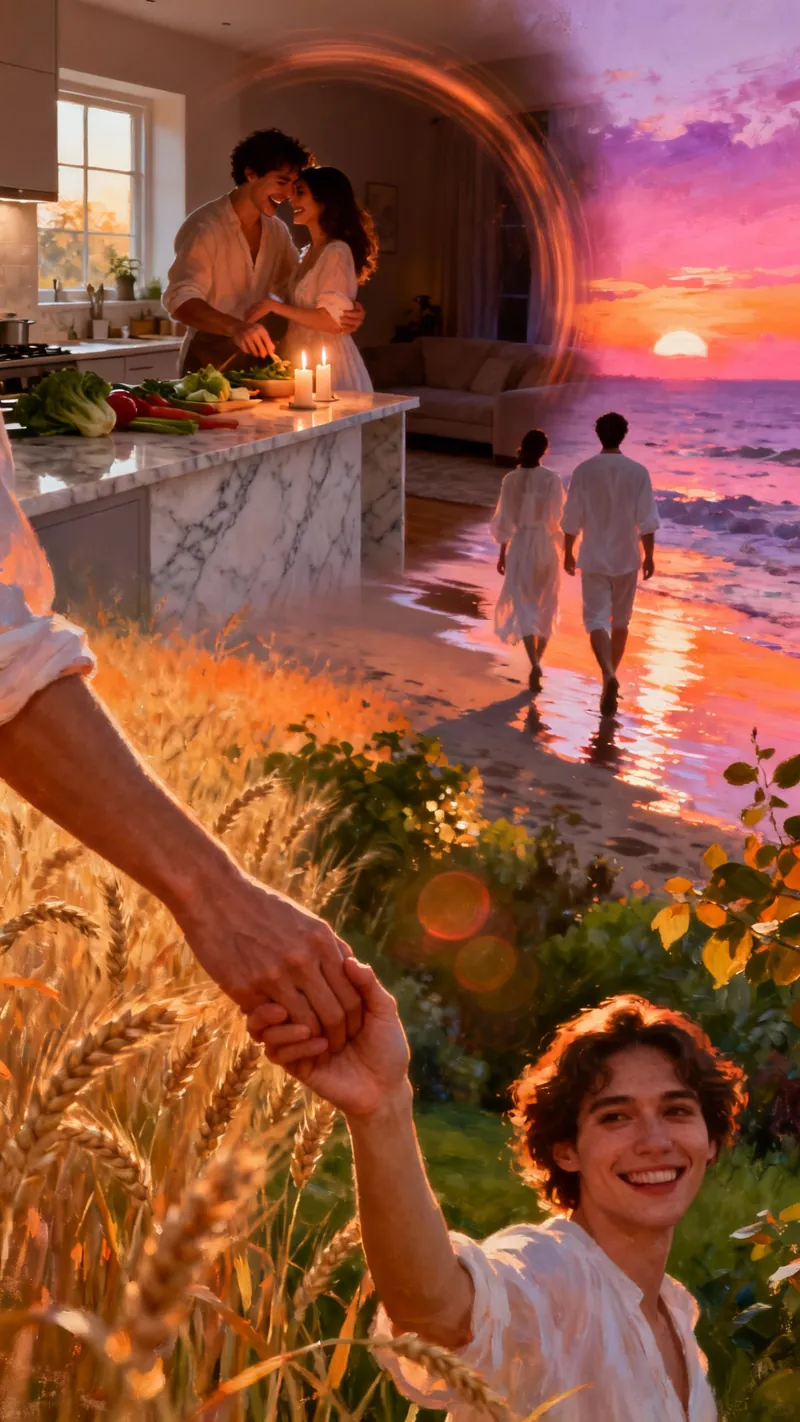
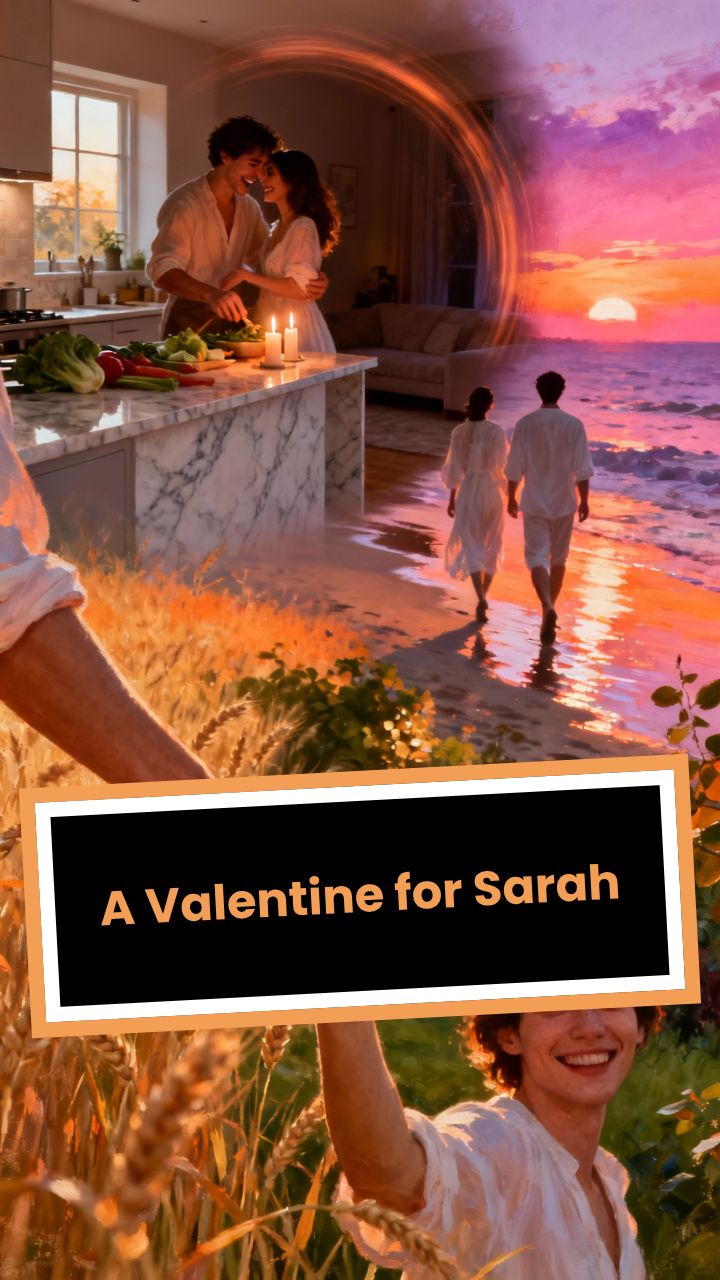
Create a cinematic, romantic 30-second video montage dedicated to Sarah.
VISUAL STYLE:
- Dreamy, "golden hour" lighting.
- Soft focus, film grain texture.
- Diverse happy couple sharing genuine moments.
SCENES:
1. (0-5s): Close up of holding hands walking through tall grass at sunset.
Overlay Text: "Happy Valentine's Day" (Elegant Serif Font).
Script: "To the love of my life..."
2. (5-10s): Couple laughing together while cooking in a sunlit kitchen.
Overlay Text: "To My Best Friend"
Script: "...thank you for all the laughter and joy you bring."
3. (10-15s): Slow dance in a dimly lit living room, forehead to forehead.
Overlay Text: "To My One and Only"
Script: "Every moment with you feels like a beautiful dream."
4. (15-20s): Walking away from camera on a beach, looking at a view.
Overlay Text: "Forever & Always"
Script: "I promise to love you, today and forever."
5. (20-30s): Beautiful portrait shot of the couple smiling.
Overlay Text: "I Love You, Sarah" (Large, Script Font).
Script: "Happy Valentine's Day, Sarah."
MUSIC: Slow, acoustic guitar (warm and intimate).
Visual FormatAI Video
Visual StyleDefault
FINAL VIDEO
Create a Romantic Valentine’s Day Video in 4 Simple Steps (AI Valentine Video Generator)
1 Write a Love Message (or Start From a Prompt)
Type a heartfelt message for your partner, crush, or long-distance love. This AI Valentine video generator turns your text into a romantic Valentine video with a clear story arc: an emotional hook, meaningful moments, and a strong closing line. Tip: include names, shared memories, and a specific detail (place, date, inside joke) to make your Valentine video message feel truly personal.
2 Choose a Voice (AI Voice or Your Own)
Pick a warm, sincere AI voice for your Valentine’s Day video, or record/upload your own voiceover for maximum authenticity. You can add pauses for emotion using <break time="0.8s" /> and use short lines to guide pacing. The goal is a romantic video message that sounds intimate and genuine (not robotic or cheesy).
3 Select Romantic Visuals (AI Video, Moving Images, Stock, or Your Media)
Choose how your Valentine video will look: AI video clips, moving AI images, stock videos, static satisfying backgrounds, or your own uploaded photos and videos. Add [bracketed visual cues] in your script like [candlelit dinner], [sunset walk], or [bouquet of red roses] to guide the AI Valentine video generator without changing what’s spoken.
4 Generate, Edit, and Share Anywhere
Click “Generate Video” to create your AI Valentine video in minutes, complete with romantic visuals, captions, transitions, and music. Then fine-tune it in the editor (timing, subtitles, clips, audio) and download a vertical 9:16 video optimized for TikTok, Instagram Reels, YouTube Shorts, or sharing directly on WhatsApp.
More Tools
Explore Similar Video Creation AI Video Tools
Discover more ways to create engaging videos with our AI-powered tools
FAQs
Frequently Asked Questions
What is the AI Valentine Video Generator?
Revid AI’s AI Valentine video generator is a text-to-video tool that creates a romantic Valentine’s Day video from a simple prompt or love message. You write what you want to say, choose a voice and visual style, and the Valentine video generator produces a shareable, heartfelt video message with captions, transitions, and romantic music.
How do I make a Valentine’s Day video using this Valentine video generator?
To make a Valentine’s Day video, enter your romantic message (or a prompt), select an AI voice (or record your own), choose a media style (AI video, moving AI images, stock footage, static, or your own media), and click Generate. In a few minutes, this AI Valentine video maker creates your Valentine video message ready for TikTok, Instagram Reels, YouTube Shorts, or WhatsApp.
What should I write to get the best results from an AI Valentine video generator?
For the best AI Valentine video, write in short, emotional lines and include personal details: names, a memory, a compliment, and a promise. A strong structure is: 1) hook (“I’ve been thinking about you…”), 2) meaningful moments, 3) future intention, 4) closing (“Happy Valentine’s Day, I love you”). This helps the Valentine’s Day video maker create a natural romantic arc.
Can I create a personalized Valentine video with names, dates, and inside jokes?
Yes. This Valentine video generator is designed for personalized Valentine videos. Add names, dates, places, and small details (your first trip, your favorite song, a quote you share) to create a romantic video message that feels unique and truly meant for one person.
Can I use my own photos and videos in the Valentine video message?
Yes. Choose “Your own media” to let the AI select the best moments from your uploaded photos and videos. This is one of the easiest ways to make a personalized Valentine’s Day video that feels real, intimate, and memorable.
What visual styles can I choose for my AI Valentine video?
You can generate an AI Valentine video using AI video clips (subscription feature), moving AI images, stock videos, static satisfying backgrounds, or your own uploaded media. This flexibility makes it easy to create anything from a cinematic Valentine’s Day video to a cozy, simple romantic video message.
How do I control what visuals appear in the video?
Use [square brackets] inside your script to guide visuals in the AI Valentine video generator. Example: “You’re my favorite person. [cozy coffee shop]” or “I choose you, always. [sunset beach walk]”. Bracket cues affect visuals only—they won’t be spoken or added to captions.
Can I add pauses for emotional pacing in the voiceover?
Yes. Add SSML breaks like to create natural pauses and emotional timing. This is especially useful for a romantic Valentine video message where pacing matters as much as the words.
Does the AI Valentine video generator create captions/subtitles automatically?
Yes. Your AI Valentine video is generated with captions/subtitles so it’s easy to watch on mute on TikTok, Instagram Reels, and YouTube Shorts. After generation, you can edit subtitle timing, style, and placement in the editor.
How long should a Valentine’s Day video be for TikTok, Reels, or WhatsApp?
For most platforms, 15–45 seconds works great for a Valentine video message, while 45–90 seconds is ideal for a more detailed love letter video. This AI Valentine video maker is optimized for short-form vertical video (9:16), making it perfect for TikTok and Instagram Reels, and easy to send on WhatsApp.
How long does it take to generate a romantic Valentine video?
Most videos are generated in a few minutes. Longer scripts and heavier visual styles (like AI video clips) can take a bit longer. Once complete, your Valentine video generator output is ready to preview, edit, and download.
Can I edit the AI Valentine video after it’s generated?
Yes. Every AI Valentine video is fully editable. You can swap visuals, trim scenes, adjust timing, change captions, replace music, and refine the final romantic video message until it feels exactly right.
Can I add romantic music to my Valentine’s Day video?
Yes. Choose from our romantic music options (love, piano, romantic vibes) or upload your own audio. Music is a key part of a great Valentine’s Day video, and this AI Valentine video generator makes it easy to match the tone—soft, warm, and intimate.
Is this AI Valentine video generator free to use?
You can try the AI Valentine video generator with the credits available on your account (including free-tier credits if available). The exact credit cost depends on your settings and video length, and you’ll see the estimate before generating. Upgrading a plan increases your monthly credits for creating more Valentine video messages.
Can I use this Valentine video maker for TikTok, Instagram Reels, and YouTube Shorts?
Yes. This Valentine video generator is built for short social videos and exports in a vertical 9:16 format that looks great on TikTok, Instagram Reels, and YouTube Shorts. You can also download and share the Valentine video message on WhatsApp, iMessage, or anywhere else.
What are good examples of prompts for a Valentine video generator?
Try prompts like: “Create a romantic Valentine’s Day video message for my girlfriend Emma, thanking her for always supporting me.” “Write a sweet, funny Valentine video for my boyfriend with a cozy vibe and a strong ending.” “Make a long-distance Valentine love letter video with hopeful, warm visuals.” The more specific your prompt, the more personalized your AI Valentine video will feel.
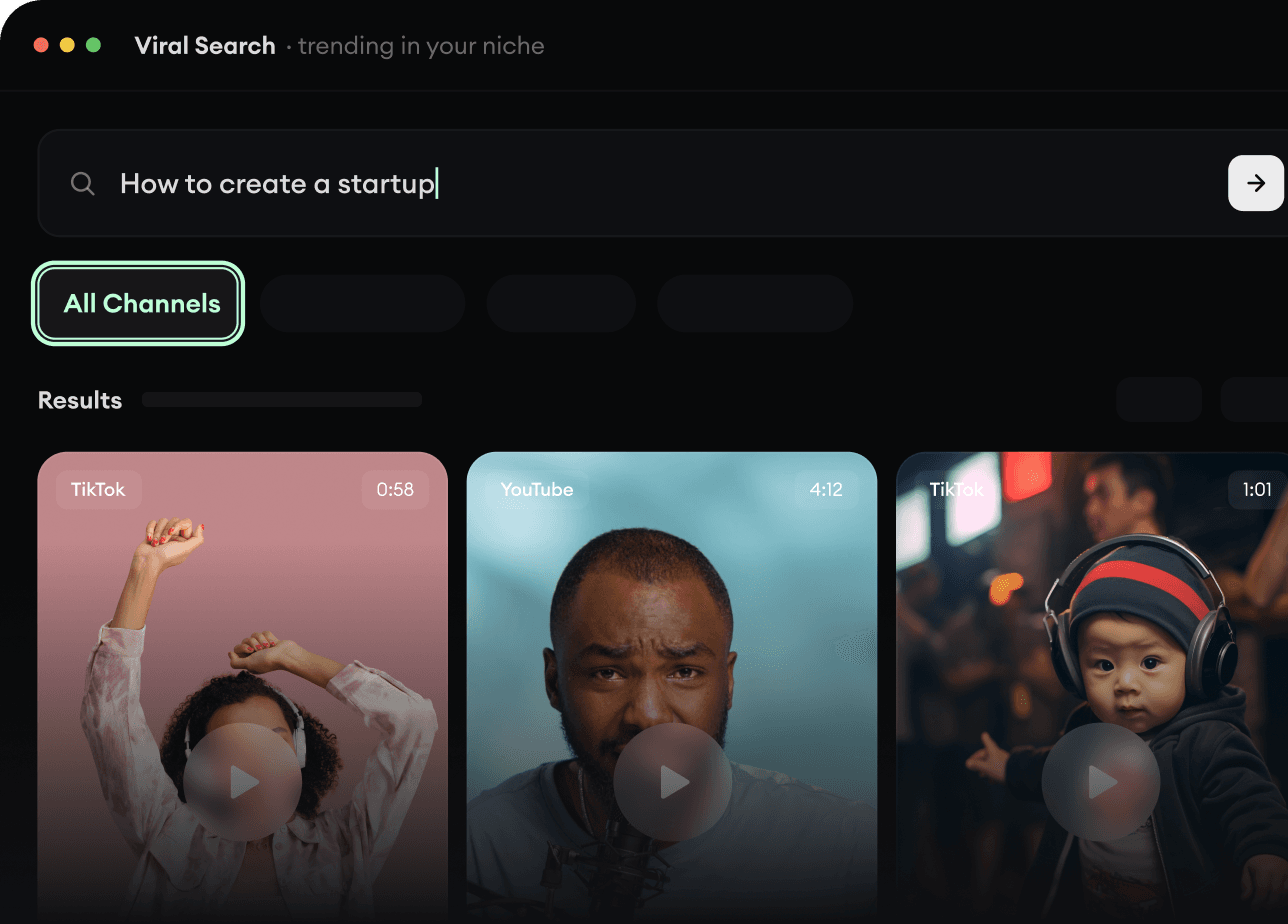
RevidAI's Viral Search and Channel Watcher surface the formats, creators, and trends getting attention right now, then help you turn them into ideas of your own.
Discover winning video formats in your niche
Follow creators and channels that matter
Start with proven ideas instead of guessing
2
Turn An Idea Into A Story.
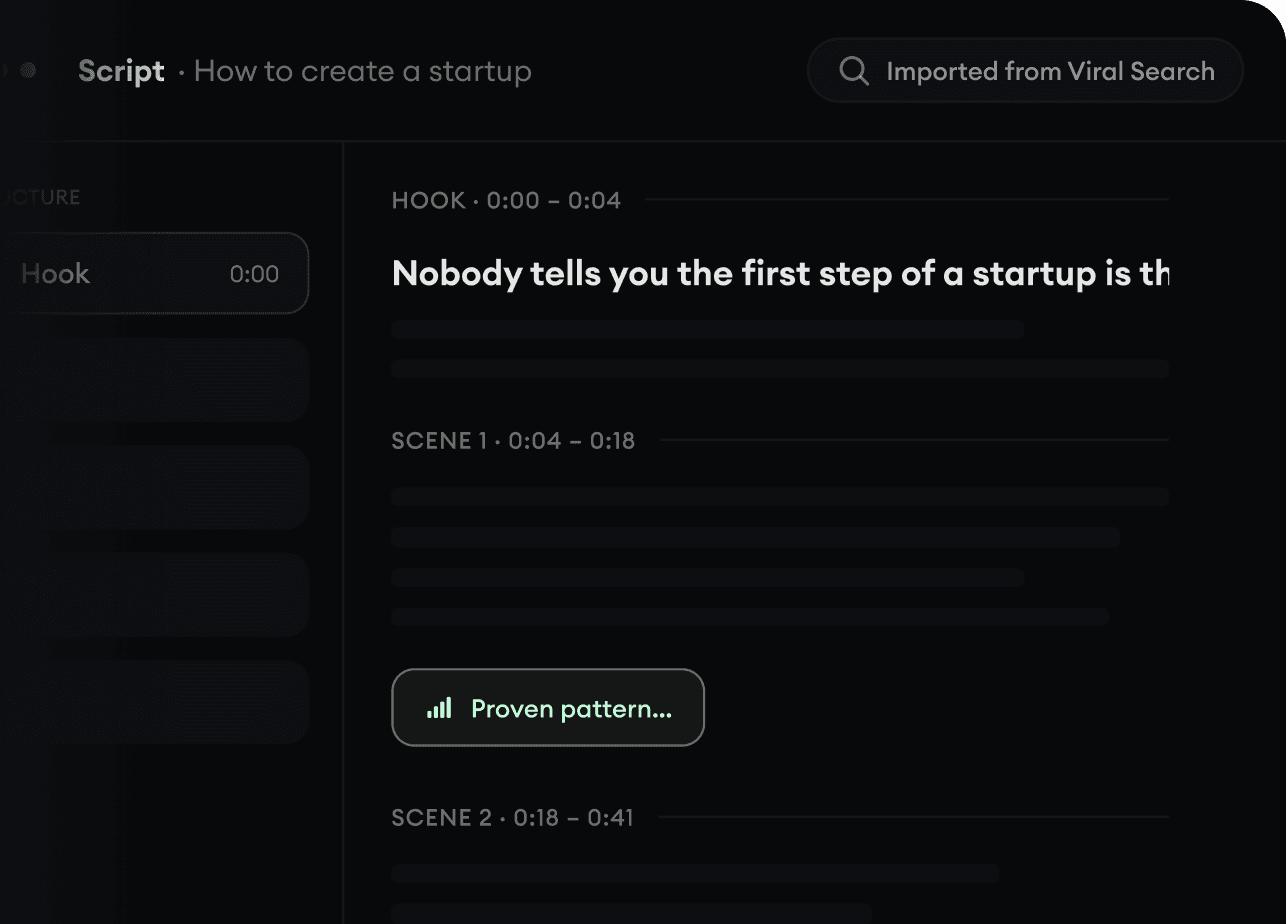
Found something worth making? Revid AI writes the script, suggests the structure, and turns links, prompts, or topics into complete video concepts.
Start with a prompt, topic, or URL
Generate scripts inspired by proven patterns
Build stories designed to keep people watching
3
Generate The Finished Video.
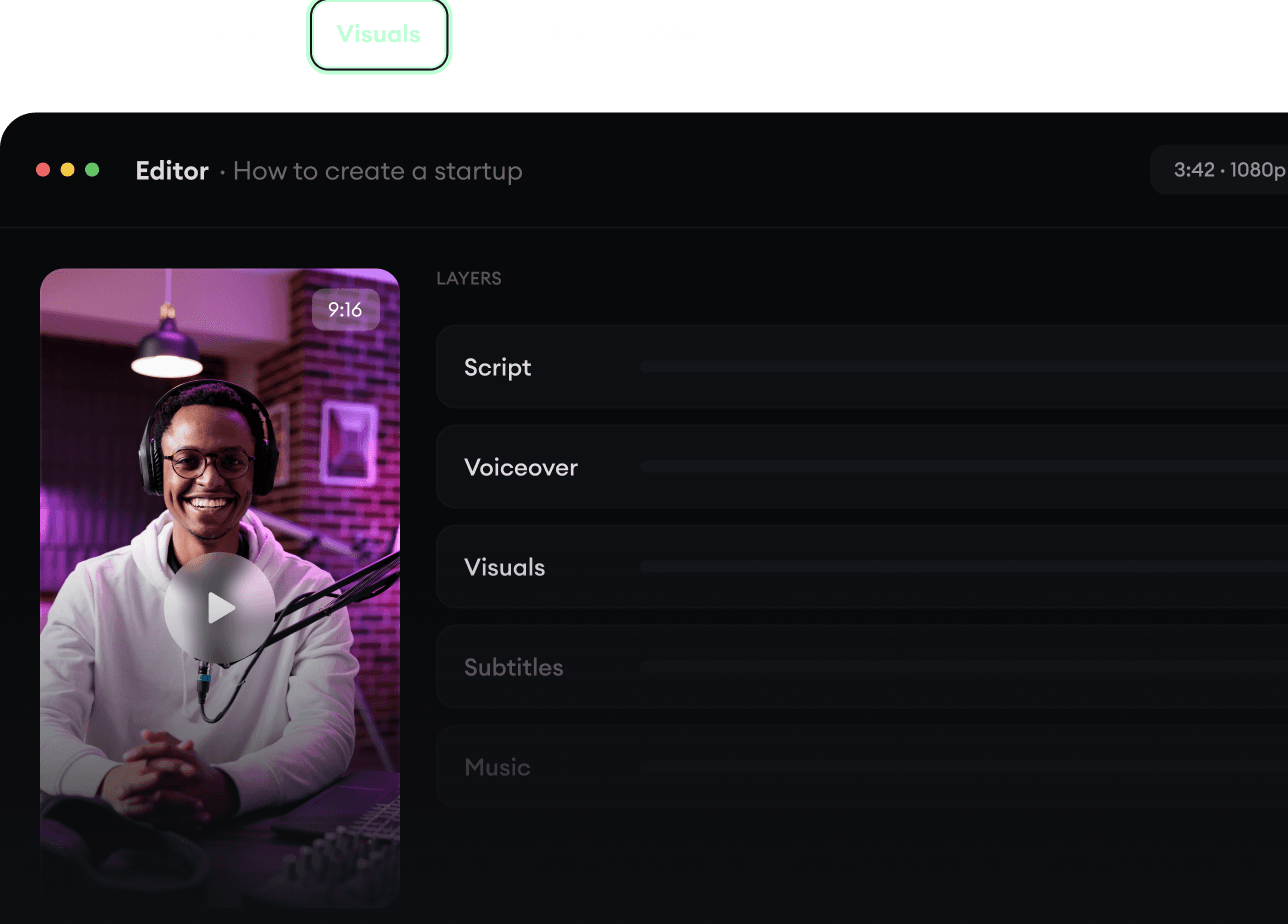
Script, voiceover, visuals, subtitles, and editing all come together in one workflow. No stitching together five different tools.
Turn text into complete, multi-minute videos
Generate everything in one place
Refine the result in the editor
4
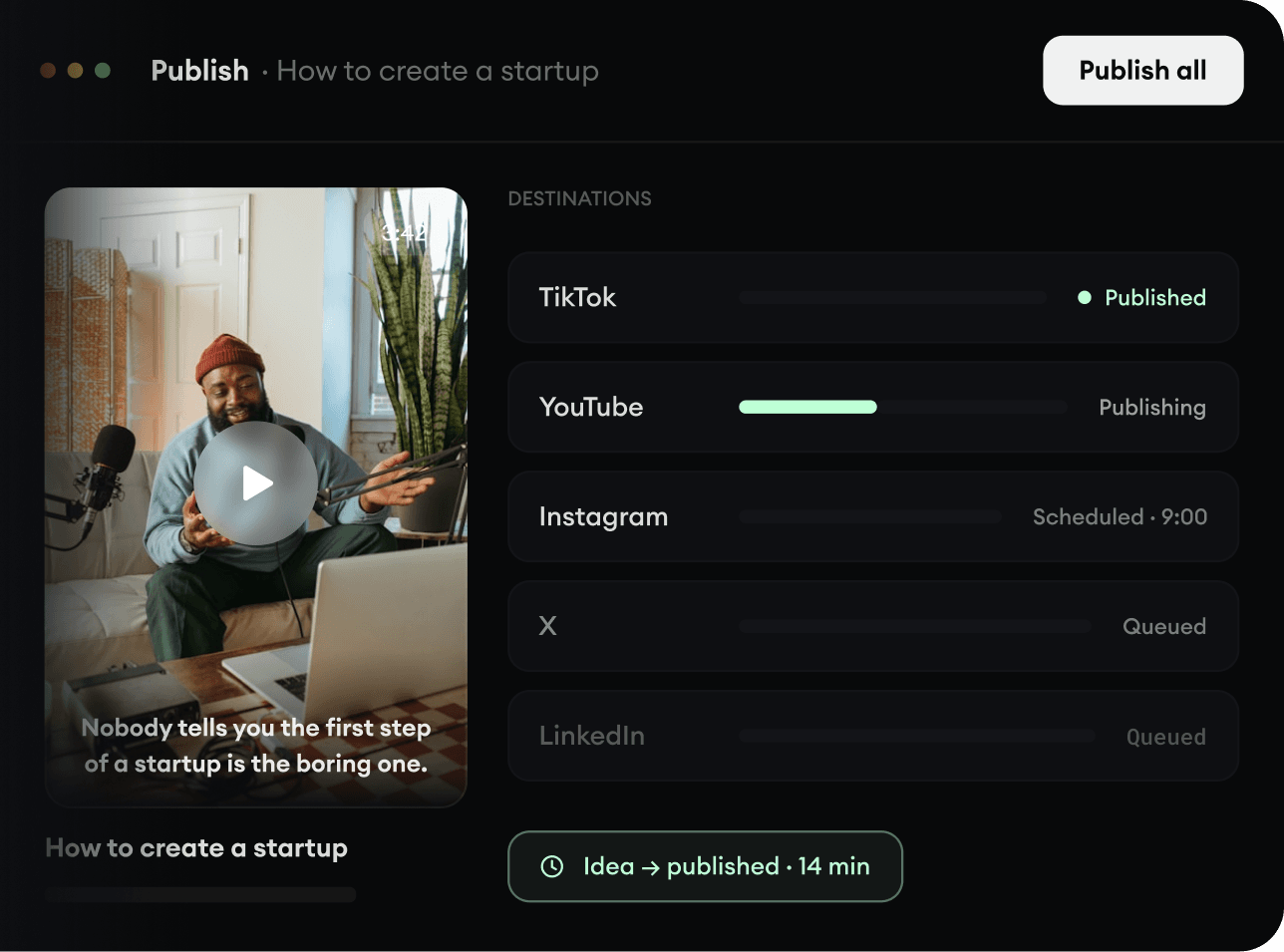
Publish Everywhere.
Share your videos to TikTok, YouTube, Instagram, and wherever your audience is.