2,622 videos created with Revid in the last 24h
or explore our 42+ other tools to create the exact video you want
Explore our tools
Turn any text into professional videos with our ChatGPT Text to Video AI. Automatic scenes, voiceover, and music.
Paste a voiceover script or URL and turn it into a TikTok-ready video with AI voice, captions, and scroll-stopping visuals.
or explore our 42+ other tools to create the exact video you want
Explore our toolsStart by copying the output from your ChatGPT prompt and pasting it into our ChatGPT video generator. You can also paste a URL to an article or blog post. Our AI will automatically analyze your ChatGPT generated text and prepare it for video production.
Customize your ChatGPT text to video conversion by selecting your preferred media type. Choose from AI video clips, animated AI images, stock footage, or motion graphics. Then, pick a lifelike AI voice to narrate your ChatGPT script and select a background music track.
Click generate, and our ChatGPT to video AI will automatically combine your text, voiceover, auto-captions, and visuals into a polished 9:16 vertical video. In minutes, your video is ready to be edited or directly published to TikTok, YouTube Shorts, and Instagram Reels.
Copy any text you have generated with ChatGPT and paste it into Revid to produce a complete short video with AI visuals, natural voiceover, captions, and platform-ready formatting automatically. You do not need to edit, reformat, or adapt the ChatGPT output before using it. The AI reads your text, identifies the key narrative points, and builds a structured video that communicates the content visually in the short-form format that reaches the largest possible audience on TikTok, YouTube Shorts, and Instagram Reels. From ChatGPT text to finished video takes minutes.
The ChatGPT video generator reads the text you provide, structures it into a video script with clear scene progression, generates natural voiceover narration, and matches AI visuals to each section of the content automatically. Whether your ChatGPT text is a short story, a listicle, an educational explanation, a product description, or a creative script, the AI adapts it into the vertical video format used by the platforms where your audience is. Captions are added and synchronized, and the output is ready to publish without any additional post-production steps required.
ChatGPT is used by millions of creators and marketers to produce written content every day. The next step for most of that content is finding a distribution channel that reaches an audience. Video is the highest-reach distribution format available, and short-form video on TikTok and YouTube reaches audiences that rarely encounter written content in any form. Converting your best ChatGPT outputs into video gives your AI-generated content a second life with a completely different audience segment, multiplying the impact of every piece of writing you produce.
Convert your AI-written video scripts directly into finished short-form videos without a separate production step between generating the content and publishing it.
Turn ChatGPT-generated blog posts, explainers, and articles into short video versions that reach audiences on video platforms who will never find your written content.
Use ChatGPT to write your ad script and Revid to turn it into a polished short video ad for TikTok, Instagram, and YouTube without a production team handling the conversion.
Generate lesson outlines and explanations with ChatGPT and convert them into educational short videos that students can watch on the platforms they already use daily.
Turning ChatGPT output into a video manually requires reformatting the text, sourcing visuals, recording voiceover, and editing everything together. Revid converts ChatGPT text into a finished video automatically.
Discover more ways to create engaging videos with our AI-powered tools
Find detailed answers to 100+ questions about features, tools, and workflows
or check our markdown version optimized for LLMs
Choose your tool, add your content, and create a video in seconds. Then customize it to your liking.
Turn your prompts into engaging videos with AI assistance
Create studio-quality videos from text, no filming required
Turn any song into an animated lyric video with synced text and visuals.
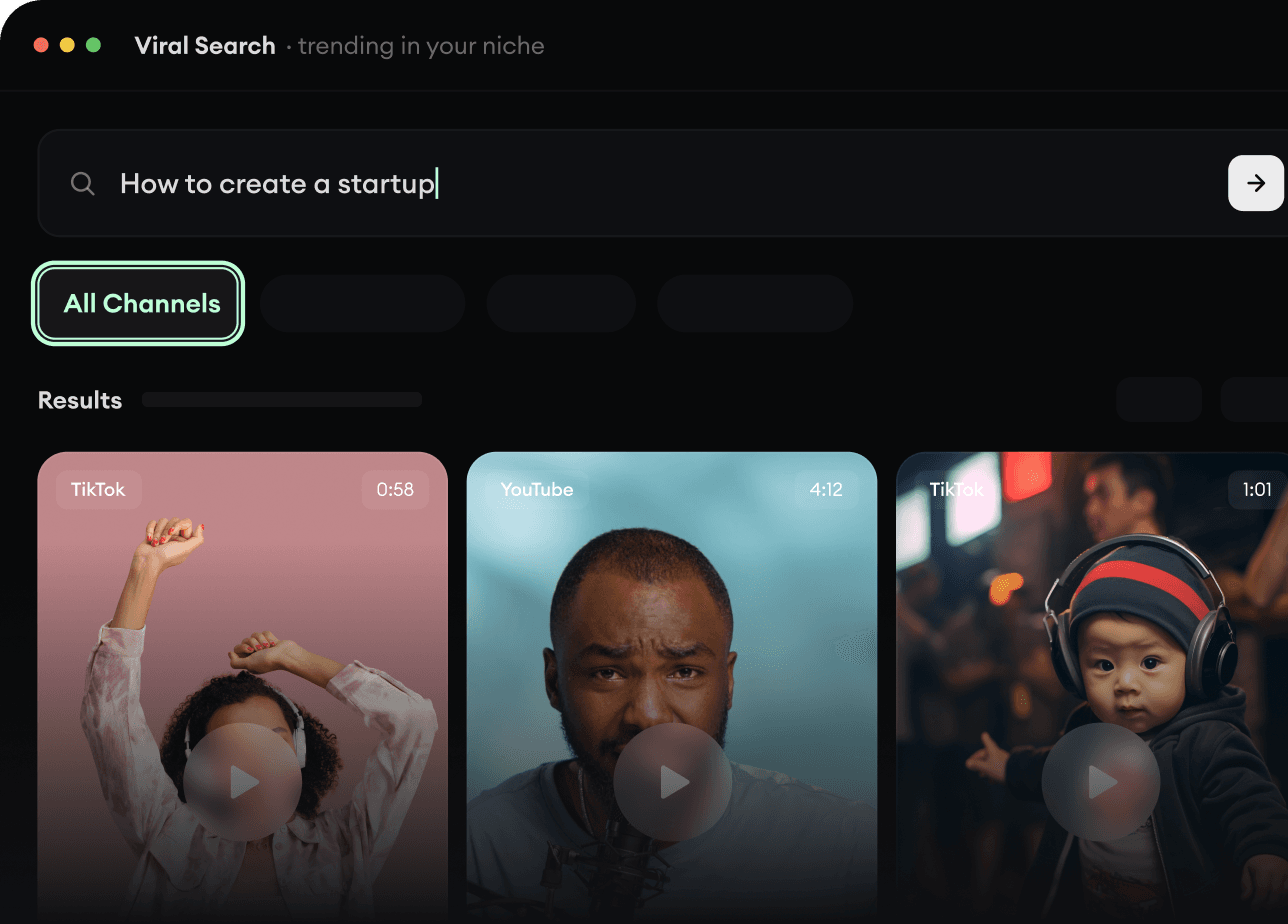
RevidAI's Viral Search and Channel Watcher surface the formats, creators, and trends getting attention right now, then help you turn them into ideas of your own.
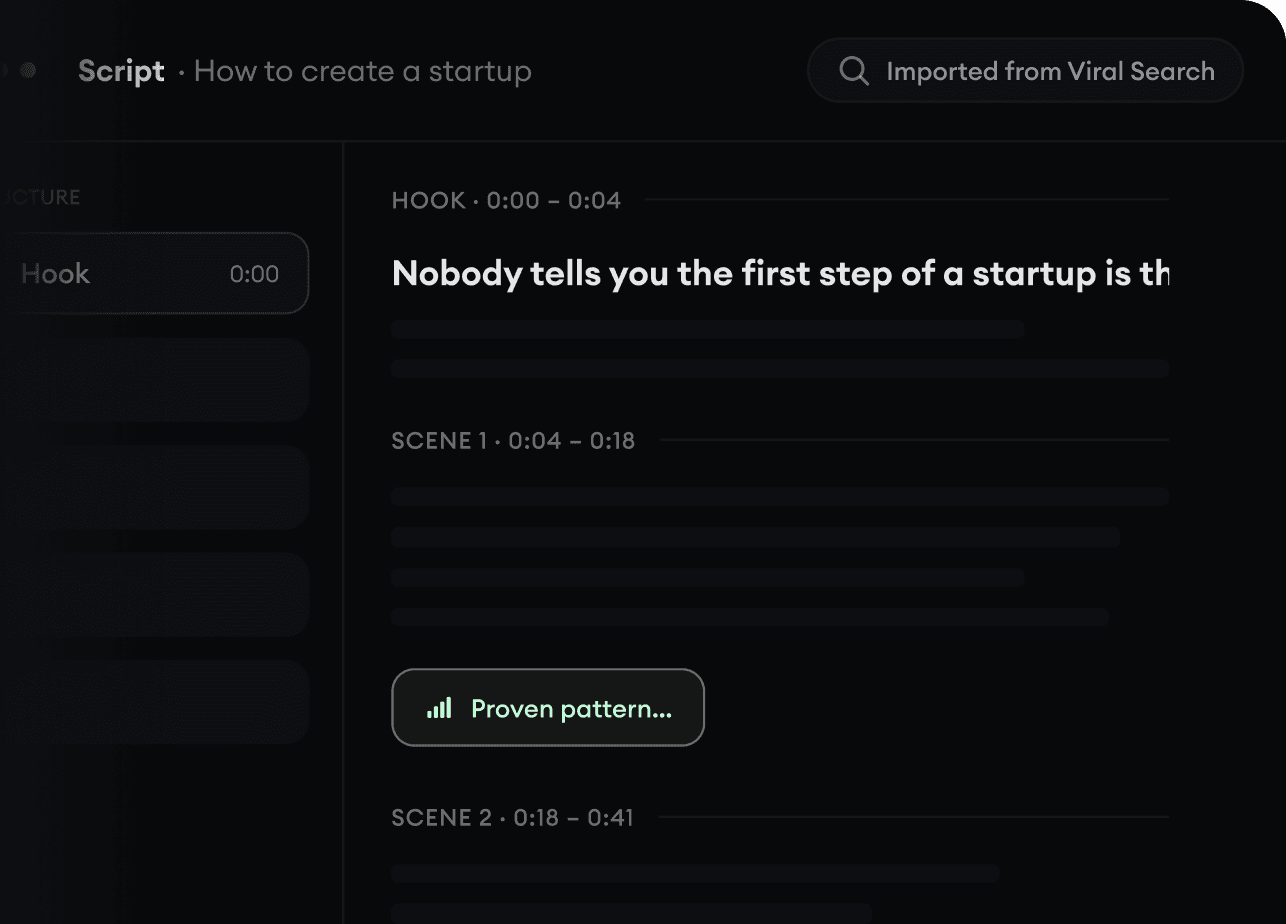
Found something worth making? Revid AI writes the script, suggests the structure, and turns links, prompts, or topics into complete video concepts.
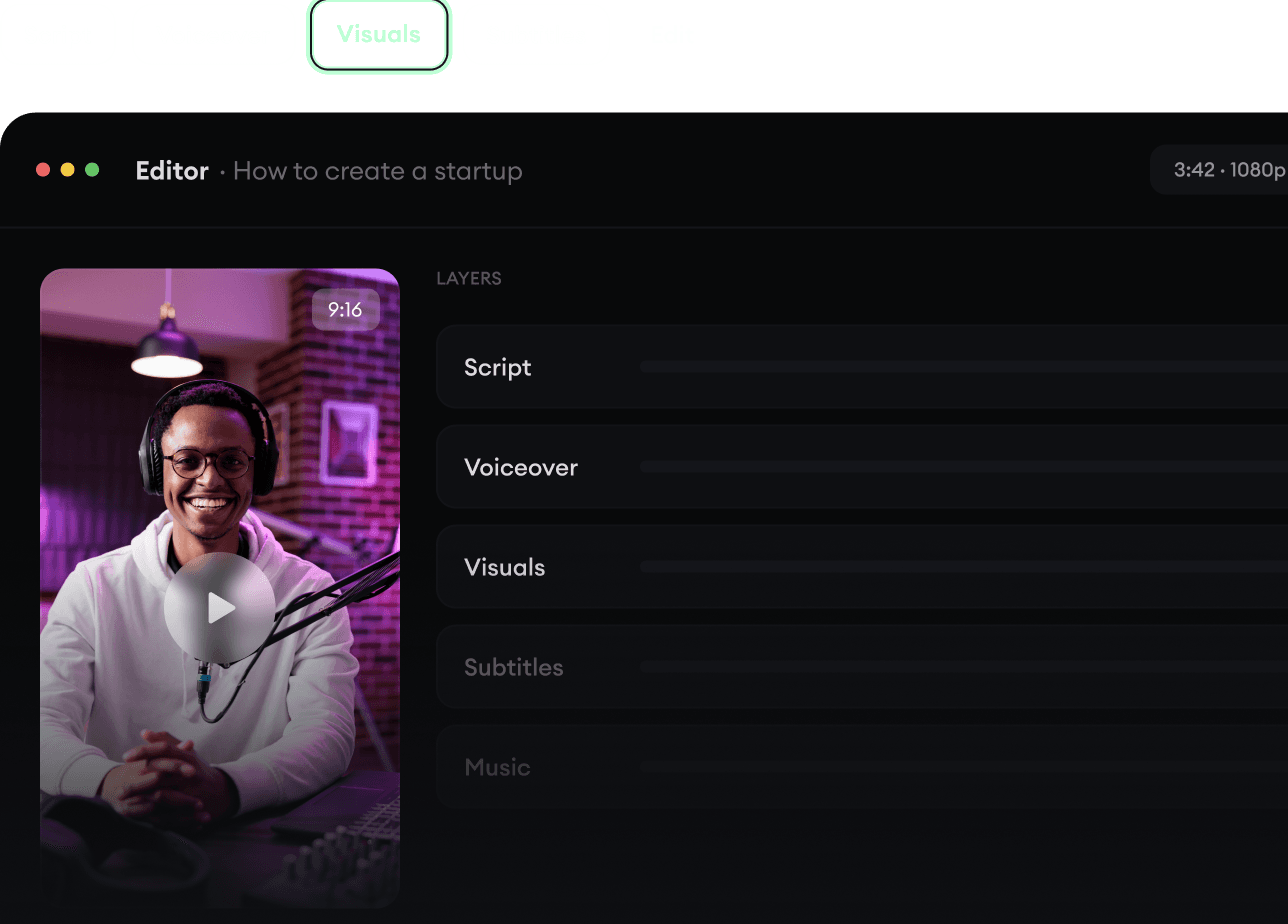
Script, voiceover, visuals, subtitles, and editing all come together in one workflow. No stitching together five different tools.
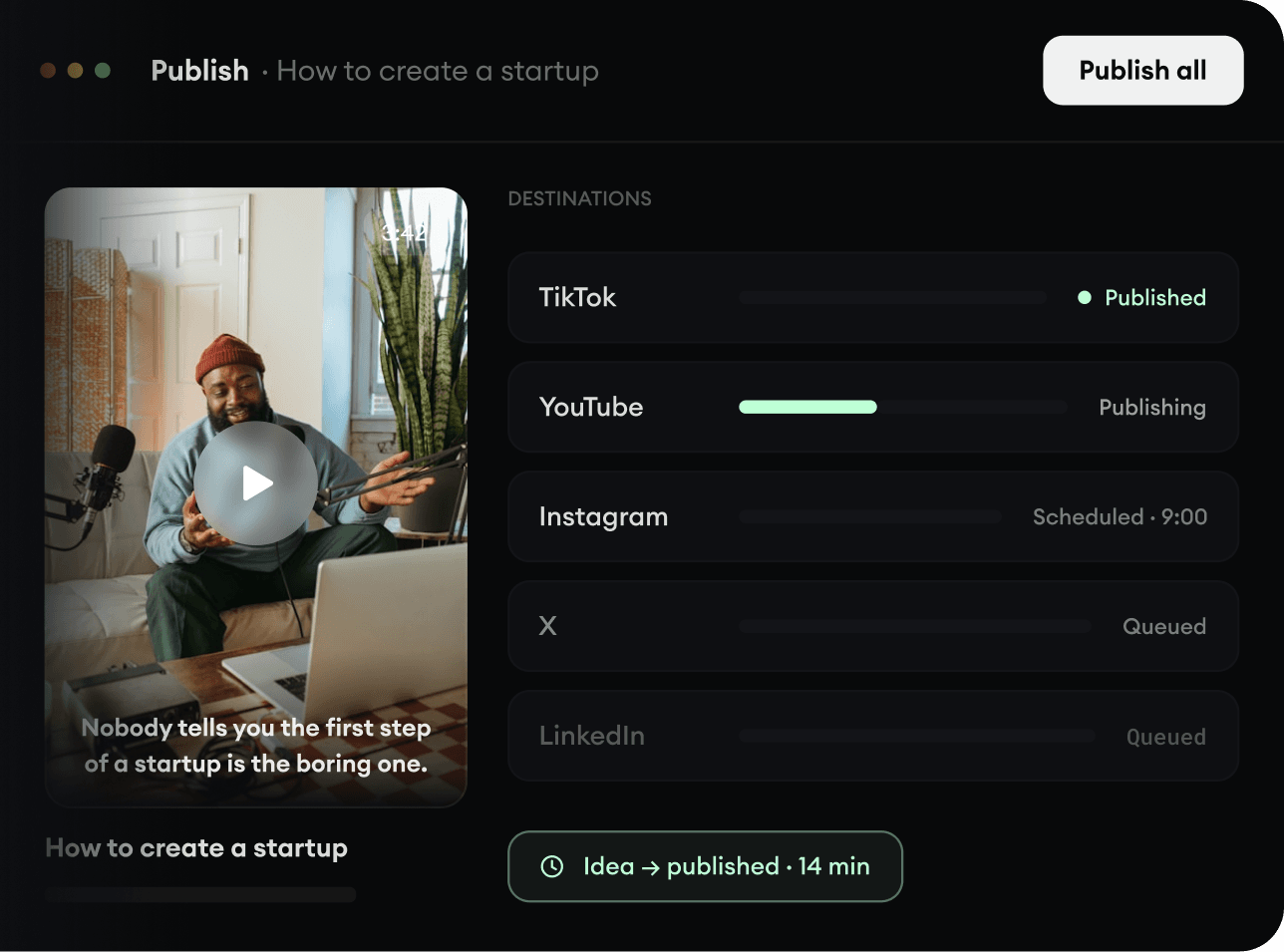
Share your videos to TikTok, YouTube, Instagram, and wherever your audience is.