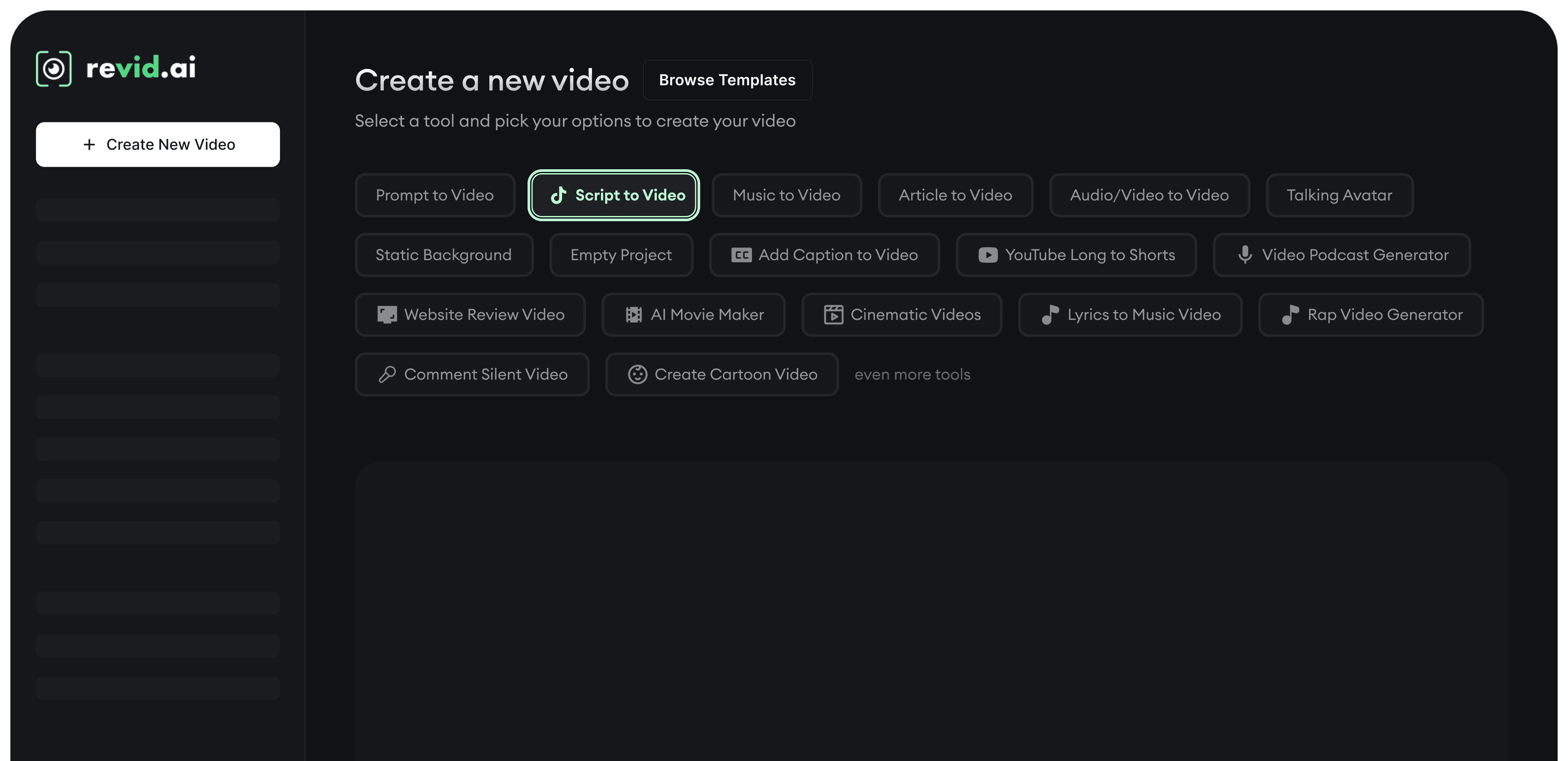
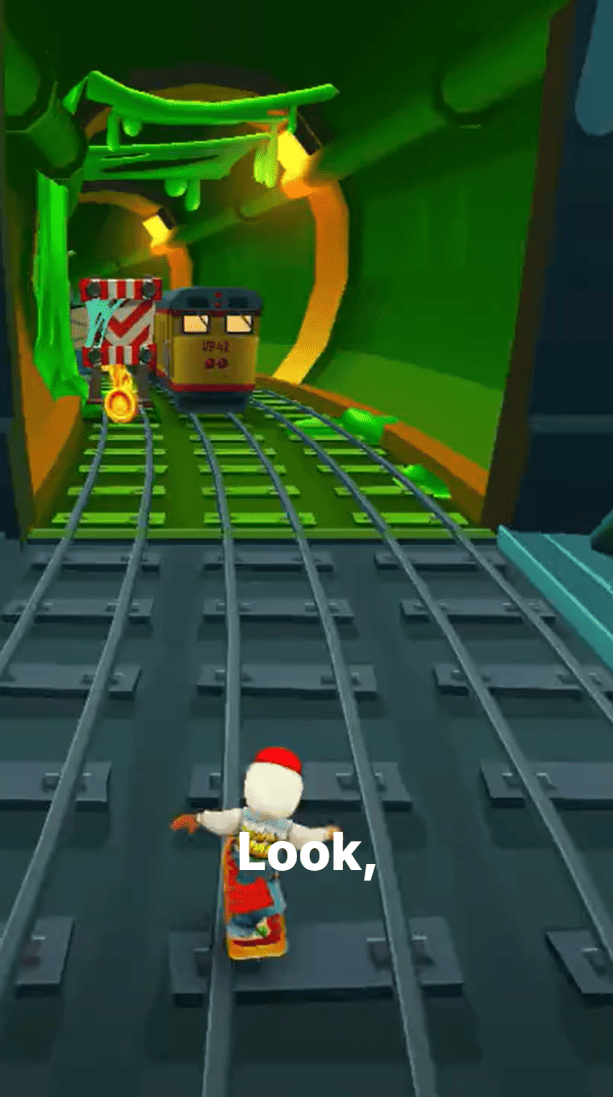
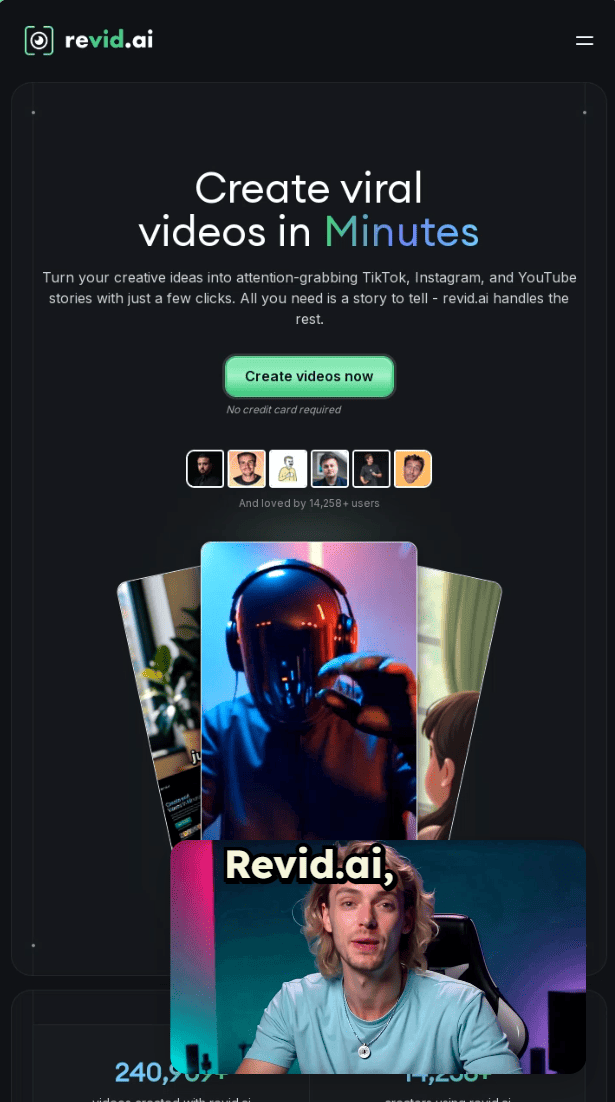
Vom Text-Prompt bis zum fertigen Skript, vom Musiktrack bis zum Social-Media-Post: Die KI von Revid verwandelt jeden Inhalt in Videos, bei denen niemand weiterscrollt. Wähle dein Format, füge deine Inhalte hinzu und leg los.
Alle Möglichkeiten, mit Revid AI Videos zu erstellen
Text-zu-Video-Tools
Prompt zu Video
Beschreibe deine Videoidee in einfachen Worten und sieh zu, wie die KI ein komplettes Video mit Bildern, Sprecher und Untertiteln generiert.
Voiceover zu Video
Füge dein Voiceover-Skript ein und Revid macht daraus ein hochwertiges Video mit KI-Bildern, professioneller KI-Stimme und automatisch synchronisierten Untertiteln.
Artikel zu Video
Verwandle jeden Blogbeitrag und jede Artikel-URL in eine ansprechende Videozusammenfassung: ideal, um Inhalte auf mehreren Plattformen wiederzuverwenden.
Audio/Video zu Video
Lade vorhandene Audio- oder Videodateien hoch und verwandle sie in neue Formate mit frischen Bildern, Untertiteln und optimierten Seitenverhältnissen.
Medienbasierte Video-Tools
Musik zu Video
Verwandle jeden Musiktrack in ein beatsynchrones Visualizer-Video mit Motion Graphics, Wellenformen und dynamischen Animationen.
Sprechender Avatar
Generiere realistische KI-Avatare, die dein Skript mit natürlicher Mimik, Lippensynchronität und menschlich wirkenden Gesten vortragen.
Statischer Hintergrund
Erstelle klare, minimalistische Videos mit statischem Hintergrund: ideal für Podcasts, Voiceovers und textbasierte Inhalte.
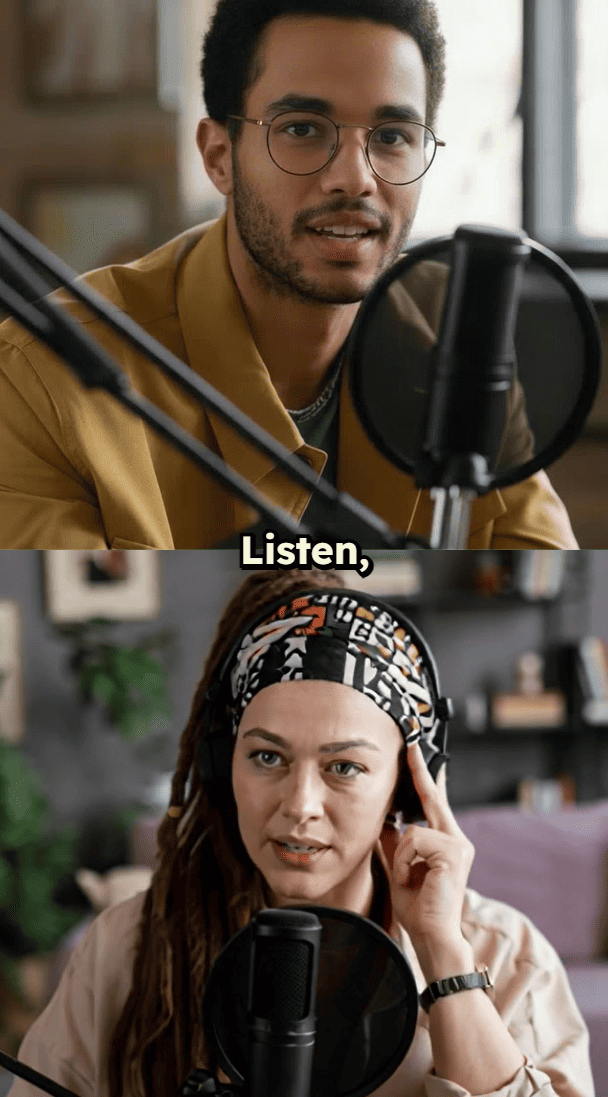
Video-Podcast-Generator
Verwandle ganze Podcastfolgen in Highlight-Zusammenschnitte, kurze Clips und Hochformatvideos, optimiert für Social Media.
Video-Tools für Social-Media- und Web-Inhalte
YouTube-Langvideo zu Shorts
Die KI erkennt automatisch die besten Momente in langen YouTube-Videos und macht daraus Shorts mit viralem Potenzial.
Website-Review-Video
Gib eine beliebige Website-URL ein und generiere ein vertontes Review-Video, das die Funktionen, das Design und die wichtigsten Seiten der Website zeigt.
Tweet / LinkedIn zu Video
Verwandle deine erfolgreichsten Tweets und LinkedIn-Posts in animierte Videos, die auf allen Plattformen für Engagement sorgen.
PDF zu Video
Verwandle PDFs in vertonte Videopräsentationen: Texte, Bilder und Kernaussagen werden automatisch extrahiert.
Kreative Video-Tools für Fortgeschrittene
KI-Filmemacher
Erstelle filmreife Kurzfilme mit KI-generierten Szenen, Kamerafahrten, Übergängen und packendem Storytelling.
Videos im Kino-Look
Produziere hochwertige Videos in Filmqualität mit Zeitlupeneffekten, dramatischen Übergängen und professionellem Color Grading.
Gib deine Story-Idee ein und sieh zu, wie die KI daraus ein ausgefeiltes Video macht, das Aufmerksamkeit erregt. Keine Schnittkenntnisse nötig, nur deine Kreativität.
Fessle dein Publikum
Jede Story, die du teilst, bleibt deinem Stil treu und trifft genau den Nerv deines Publikums. Baue eine treue Community auf, die immer wieder zurückkommt.
Mehr erstellen in weniger Zeit
Schluss mit stundenlangem Schneiden. Konzentrier dich auf das Wesentliche: großartige Geschichten. Die KI übernimmt die Technik, während du dein Business und deine Marke aufbaust.
Ein-Klick-Veröffentlichung
Teile deine Stories sofort auf TikTok, Instagram, YouTube und X. Schluss mit dem Jonglieren zwischen Plattformen und komplizierten Planungstools.
FAQs
Häufig gestellte Fragen
Welche Arten von Videos kann ich mit Revids KI erstellen?
Revid unterstützt über 15 Videotypen, darunter Text-zu-Video, Voiceover-zu-Video, Artikel-zu-Video, Musik-Visualizer, sprechende Avatare, Podcast-Clips, YouTube Shorts, Social-Media-Videos und filmische Inhalte.
Brauche ich Videobearbeitungskenntnisse, um den KI-Video-Generator zu nutzen?
Überhaupt nicht. Die KI von Revid übernimmt Skripterstellung, Bildauswahl, Voiceover, Untertitel und Formatierung automatisch. Gib einfach deinen Inhalt ein und wähle einen Stil.
Kann ich Videos aus Textprompts erstellen?
Ja, mit dem Prompt-zu-Video-Tool beschreibst du deine Videoidee einfach in eigenen Worten. Die KI generiert ein komplettes Video mit passenden Visuals, Voiceover, Musik und Untertiteln.
Wie verwandle ich Artikel oder Blogbeiträge in Videos?
Füge eine beliebige Artikel-URL in Revid ein: Die KI extrahiert die Kernpunkte, generiert ein Skript, fügt Visuals hinzu und erstellt in wenigen Minuten eine teilbare Videozusammenfassung.
Welche Videoformate und Seitenverhältnisse werden unterstützt?
Alle Videos lassen sich im Hochformat (9:16 für TikTok, Reels, Shorts), im Feed-Format (4:5), quadratisch (1:1) und im Querformat (16:9 für YouTube) exportieren.