AI Movie Set Video Generator - Selfies with Celebrities

Create viral videos of you taking selfies with celebrities on iconic movie sets! Upload your photo, choose famous actors, and generate cinematic behind-the-scenes videos with smooth transitions between film sets.

3,730 people used this tool in the last 24h
Start for free.(no credit card required)

or explore our 42+ other tools to create the exact video you want

Explore our tools

Generate Viral AI Movie Set Videos in 3 Steps

1 Upload Your Selfie

Start by uploading a clear photo of your face. This serves as the anchor for our AI movie set video generator to ensure you look identical throughout the video while interacting with celebrities. A simple smartphone selfie works best.

2 Choose Movies and Celebrities

Enter your dream scenario in the text prompt. For example, type "Titanic with Leonardo DiCaprio, then The Dark Knight with Christian Bale." You can select the video generation model (Base, Pro, Ultra, or Sora2) to define the realism level of your AI celebrity selfie video.

3 Generate and Share

Click "Generate Video" and watch as our AI creates a cinematic behind-the-scenes masterpiece. The video will show you taking a selfie with the first star, then dynamically running through a film set to find the next celebrity. Download your viral-ready content for TikTok or Instagram.

Example Videos

See What You Can Create with AI Movie Set Video Generator

Explore different styles and possibilities with our AI Movie Set Video Generator

Prompt to Video AI Generator for Creators

Transform text prompts into stunning videos with our prompt to video AI generator. Simply describe your vision and watch as advanced AI creates professional videos with dynamic visuals, perfect timing, and engaging content.

  • Advanced AI prompt to video generation technology
  • Text-to-video conversion with professional quality
  • Dynamic visuals and perfect timing from descriptions
  • Perfect for content creators and storytellers
Prompt to Video AI Generator for Creators

Creative Video Generation from Text Prompts

Unleash your creativity with our prompt to video generator. Turn any text description into captivating video content with AI-powered visual storytelling, perfect for social media, marketing, and entertainment.

  • Creative prompt-to-video AI technology
  • Visual storytelling from text descriptions
  • Social media optimized video generation
  • Perfect for marketing and entertainment content
Creative Video Generation from Text Prompts

Impressive Prompt to Video Creation

Create professional-quality videos from simple text prompts using cutting-edge AI technology. Our prompt to video generator handles complex visual concepts and produces broadcast-ready content for any purpose.

  • Professional prompt to video AI generation
  • Broadcast-quality video production from text
  • Complex visual concept handling
  • Suitable for corporate and professional use
Impressive Prompt to Video Creation
Community Favorites

Best Videos Created with AI Movie Set Video Generator

See what our community has created — these are the most upvoted videos made using this tool

FAQs

Frequently Asked Questions

What is the AI Movie Set Video Generator?
The AI Movie Set Video Generator is a cutting-edge tool by Revid AI that transforms a static selfie into a dynamic video. It places you directly onto iconic film sets, taking selfies with famous actors. The AI creates a realistic "backstage" vibe where you are seen posing with a celebrity, then running through the film crew and equipment to arrive at a different movie set for another selfie. It is the ultimate tool for creating viral AI celebrity selfie videos.
How do I create an AI video with celebrities?
Creating an AI video with celebrities is effortless. First, upload a photo of yourself. Next, describe the scene in the prompt box (e.g., "On the set of Barbie with Margot Robbie"). Our AI movie set video generator then animates you into the scene, ensuring your face remains consistent while simulating a handheld camera style typical of behind-the-scenes social media content.
What kind of prompts work best for the AI movie set generator?
To get the best results from the AI movie set generator, use specific formatting in your prompt. distinctively mention the movie title and the actor's name. For example: "Avengers with Robert Downey Jr, then Mission Impossible with Tom Cruise." This guides the AI to generate the correct atmospheric lighting, costumes, and set design for each specific movie franchise within your video.
Will the AI keep my face consistent throughout the video?
Yes, face consistency is a core feature of our AI movie set video generator. When you upload your selfie, our advanced algorithms lock onto your facial features. Whether you are posing with a star or running between film sets in the video transitions, the AI ensures you remain recognizable, making the fake celebrity selfie video look surprisingly authentic.
What are the different video generation models (Base, Pro, Ultra, Sora2)?
We offer different tiers to suit your needs. 'Base' is great for quick, fun experiments. 'Pro' and 'Ultra' offer higher definition and more stable lighting effects for your AI film set videos. 'Sora2' represents our most advanced model, offering hyper-realistic textures, complex camera movements, and the most lifelike interactions between you and the AI-generated celebrities.
Can I use this tool for TikTok and Instagram Reels?
Absolutely! The AI Movie Set Video Generator is specifically designed to create viral content for platforms like TikTok, Instagram Reels, and YouTube Shorts. The output mimics the popular "backstage run" trend, complete with handheld camera shake and cinematic lighting, making it perfect for stopping the scroll on social feeds.
How does the "running transition" work in the video?
One of the unique features of this tool is the dynamic transition. After the first AI celebrity selfie, the camera follows you as you "run" or walk briskly through a backstage area—passing film crew, lights, and props—before arriving at the next movie set. This continuous shot effect adds a high level of immersion and energy to your AI movie set video.
How much does it cost to generate a movie set video?
The cost depends on the video generation model you select (Base, Pro, Ultra, etc.) and your subscription plan. Higher-quality models like Sora2 may consume more credits per generation. You can view your credit balance and the cost per video before you hit generate. Free users get a starter amount of credits to try out the AI celebrity selfie generator.
Can I edit the video after generating it?
Yes, once your AI movie set video is generated, it automatically opens in the Revid AI editor. Here, you can add trending music, overlay text (like "POV: I snuck onto the set"), or trim the clips. While the AI handles the complex visual generation, our editor helps you polish the final piece for maximum engagement.
Is the background realistic to the specific movies I choose?
Yes, the AI movie set video generator analyzes the movie titles you provide to recreate the atmosphere. If you choose "The Dark Knight," expect moody, dark lighting and Gotham-style props. If you choose "Barbie," expect bright pinks and plastic textures. The AI adapts the background film set to match the aesthetic of the requested movie.
View Complete Help Center

Find detailed answers to 100+ questions about features, tools, and workflows

or check our markdown version optimized for LLMs

Tools

Free AI Video Tools

Pick the right tool, provide your input, and you'll create a video in no time - customize it however you want.

AI TikTok Video Generator

Turn text into trendy, viral TikTok videos in a snap

Try it out

Add Caption to Video

Generate subtitles in 100+ languages with AI captions

Try it out

PDF to Brainrot

Convert PDFs into attention-grabbing, scrollable videos

Try it out

Text to Brainrot

Turn your text into trendy, scrollable content with dynamic visuals

Try it out

AI Talking Avatar

Create lifelike talking avatars from text in seconds

Try it out

Video Podcast Generator

Transform your podcasts into visually engaging video content

Try it out

AI Movie Maker

Create studio-quality videos from text, no filming required

Try it out

Audio to Video

Make engaging videos from your podcasts, interviews, or any audio content

Try it out

AI Music Video Generator

Transform your music into cinematic music videos.

Try it out

AI Lyrics Video Generator

Transform your lyrics into a complete music video with AI

Try it out

Instrumental Music Visualizer

Transform your instrumental music into videos.

Try it out

Prompt to Video

Turn your prompts into engaging videos with AI assistance

Try it out
See all tools
How it works

Four Easy Steps To Create & Share Your Story

1

Get inspired by viral content

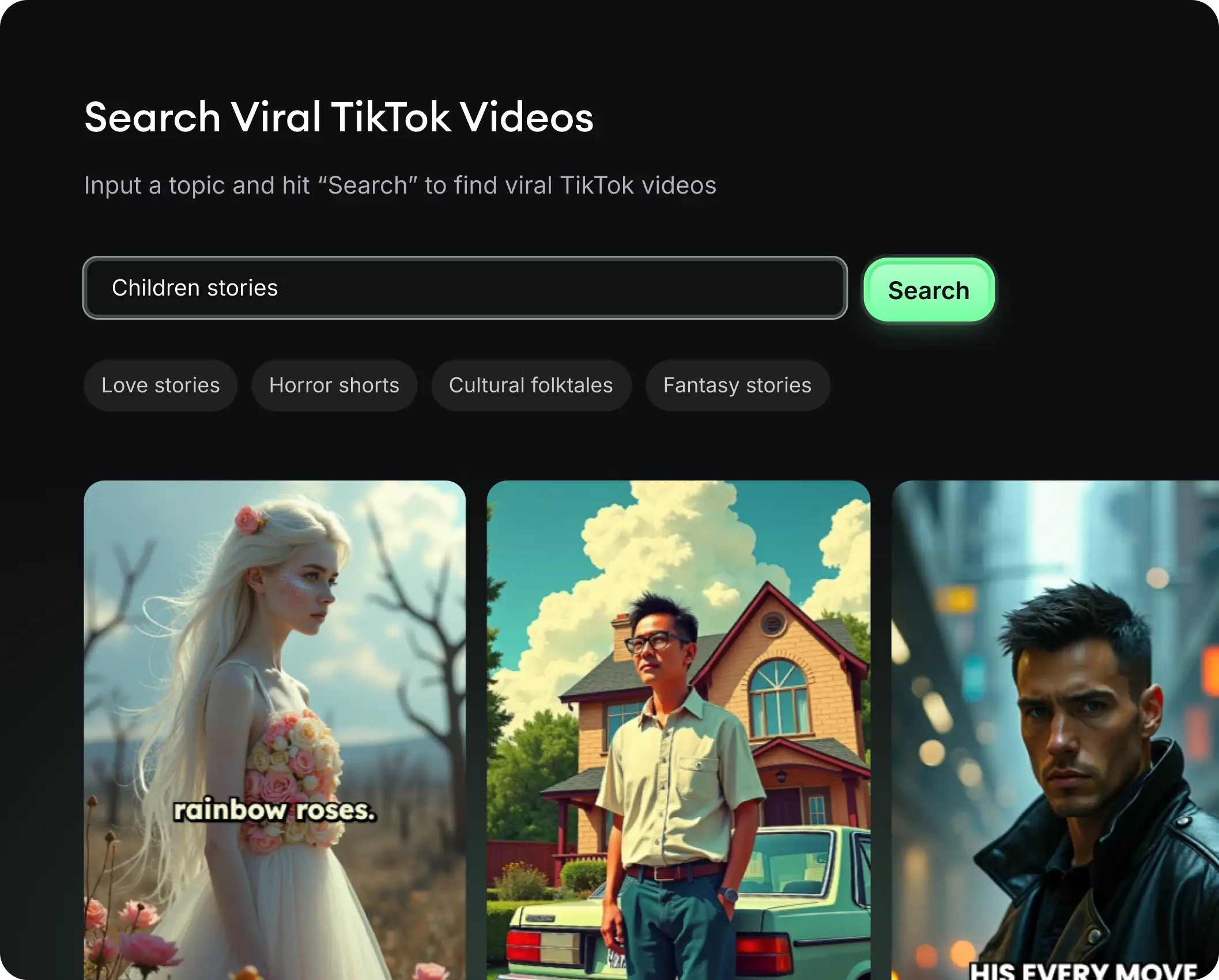
Looking for story ideas? Our AI finds trending content and helps you remake it into your very own videos - no more trial and error.

  • See what types of stories are working right now
  • Get inspiration from successful creators
  • Turn your ideas into stories people want to hear
Get inspired by viral content
2

Storytelling to Hook your Audience

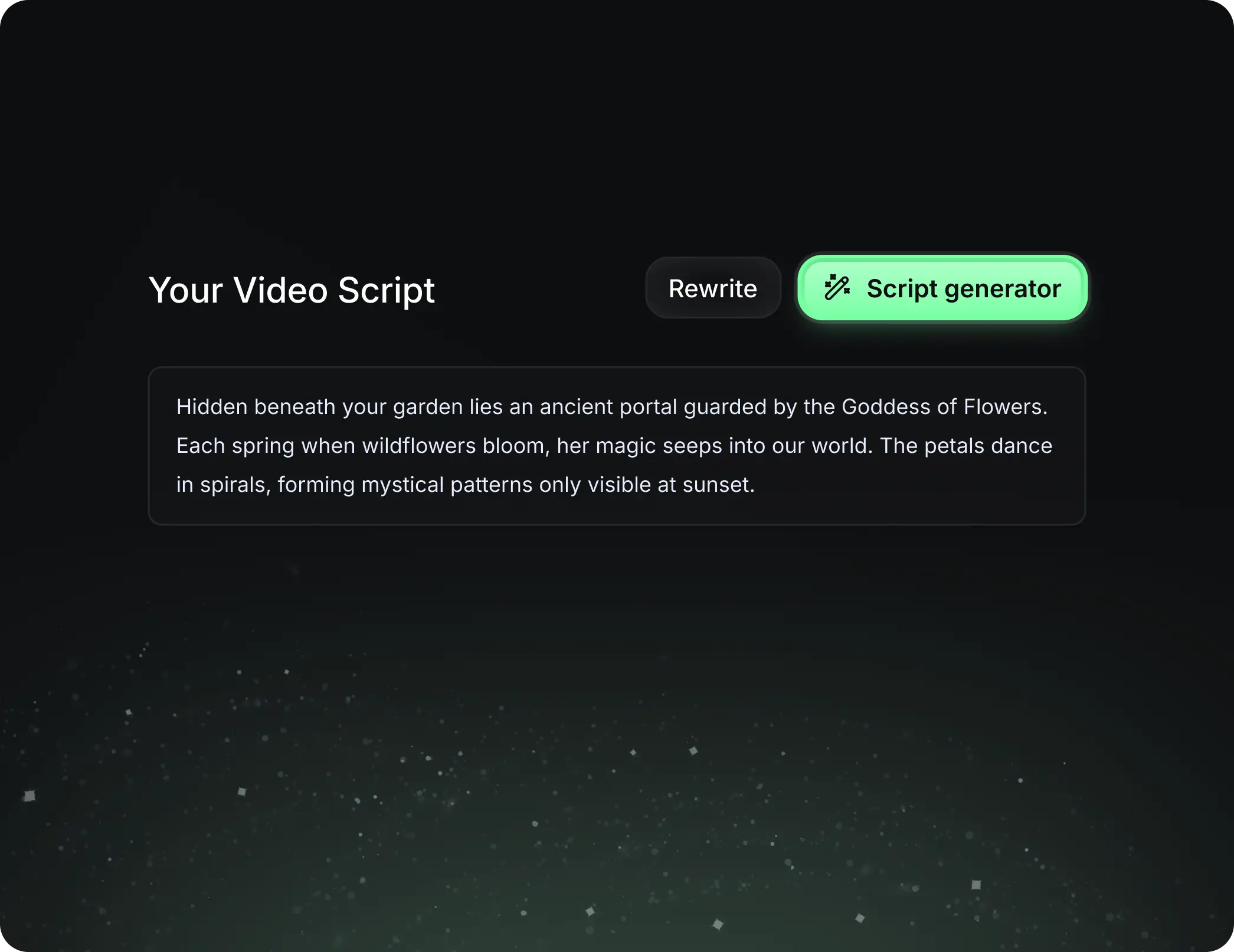
Revid.ai understands what makes videos go viral and uses the same proven methods to write scripts for you.

  • Write your script or tell our AI what you want to talk about
  • The AI will find relevant content to get inspired by
  • Drop any link and it will be automatically parsed and formatted for a video
Storytelling to Hook your Audience
3

Videos You'd LOVE to Watch

Create perfect videos, share instantly, and grow your business.

  • Watch your words become a professional video
  • Set up automatic video creation from your content
Videos You'd LOVE to Watch
4

Publish on TikTok, YouTube, Instagram and more...

Reach a wider audience by sharing your video across your favorite social media platforms

    Publish on TikTok, YouTube, Instagram and more...
    revid.ai logo

    Your shortcut to effortless video storytelling.