AI Fan Edit & Fancam Generator

Instantly generate viral fan edits, fancams, and velocity videos. Turn #fnaf2 characters, #yoonchae moments, or #50cent clips into trending TikTok edits with professional effects.

Related tools you might like:

3,019 people used this tool in the last 24h
Start for free.(no credit card required)

or explore our 42+ other tools to create the exact video you want

Explore our tools

Create Viral Fancams & Velocity Edits in 3 Simple Steps

1 Describe Your Aesthetic

Enter a prompt describing the vibe of your fan edit. Whether it's a 'glitchy Withered Bonnie #fnaf2 edit', a 'soft aesthetic #yoonchae fancam', or a 'high-energy #50cent tribute', simply describe the character and the mood. You can also specify visual effects like neon lighting, retro filters, or velocity styles.

2 Choose Media & Audio Source

Select your visual source: let our AI generate brand new 'Moving AI images' or 'AI Video' based on your prompt, or choose 'Your own media' to upload specific photos and clips of your idol or character. Then, select a high-energy track (like Phonk or Pop) from our library to ensure perfect beat synchronization.

3 Generate & Share

Click 'Generate Video' and watch as the AI Fan Edit Generator automatically cuts clips, applies speed ramps (velocity effects), and syncs transitions to the music beat. Within minutes, you'll have a trending-quality edit ready to post directly to TikTok, Instagram Reels, or YouTube Shorts.

Example Videos

See What You Can Create with AI Fan Edit & Fancam Generator

Explore different styles and possibilities with our AI Fan Edit & Fancam Generator

Viral FNAF Character Edits

Create trending velocity edits for Five Nights at Freddy's characters. Perfect for #fnaf2movie hype and showcasing animatronic designs with glitch aesthetics.

  • Glitch-style velocity transitions
  • Neon horror color grading
  • Beat-synced character reveals
  • Viral #fnaf aesthetic optimization

Celebrity & Idol Fancams

Generate stunning fancams for idols like #yoonchae or celebrities like #50cent. Auto-generates slow-motion highlights and beauty filters.

  • Soft-focus beauty filters
  • Slow-motion highlight clips
  • Professional zoom transitions
  • Perfect for fan accounts

Meme & Culture Edits

Turn trending drama or news into high-energy meme edits. Visualize #diddy news or #livewithlessfollowers trends with fast-paced commentary style editing.

  • High-contrast visual style
  • Rapid-fire image montages
  • Trending audio synchronization
  • Engagement-focused pacing
Tools

Free AI Video Tools

Pick the right tool, provide your input, and you'll create a video in no time - customize it however you want.

AI TikTok Video Generator

Turn text into trendy, viral TikTok videos in a snap

Try it out

Add Caption to Video

Generate subtitles in 100+ languages with AI captions

Try it out

PDF to Brainrot

Convert PDFs into attention-grabbing, scrollable videos

Try it out

Text to Brainrot

Turn your text into trendy, scrollable content with dynamic visuals

Try it out

AI Talking Avatar

Create lifelike talking avatars from text in seconds

Try it out

Video Podcast Generator

Transform your podcasts into visually engaging video content

Try it out

AI Movie Maker

Create studio-quality videos from text, no filming required

Try it out

Audio to Video

Make engaging videos from your podcasts, interviews, or any audio content

Try it out

AI Music Video Generator

Transform your music into cinematic music videos.

Try it out

AI Lyrics Video Generator

Transform your lyrics into a complete music video with AI

Try it out

Instrumental Music Visualizer

Transform your instrumental music into videos.

Try it out

Prompt to Video

Turn your prompts into engaging videos with AI assistance

Try it out
See all tools
How it works

Four Easy Steps To Create & Share Your Story

1

Get inspired by viral content

Looking for story ideas? Our AI finds trending content and helps you remake it into your very own videos - no more trial and error.
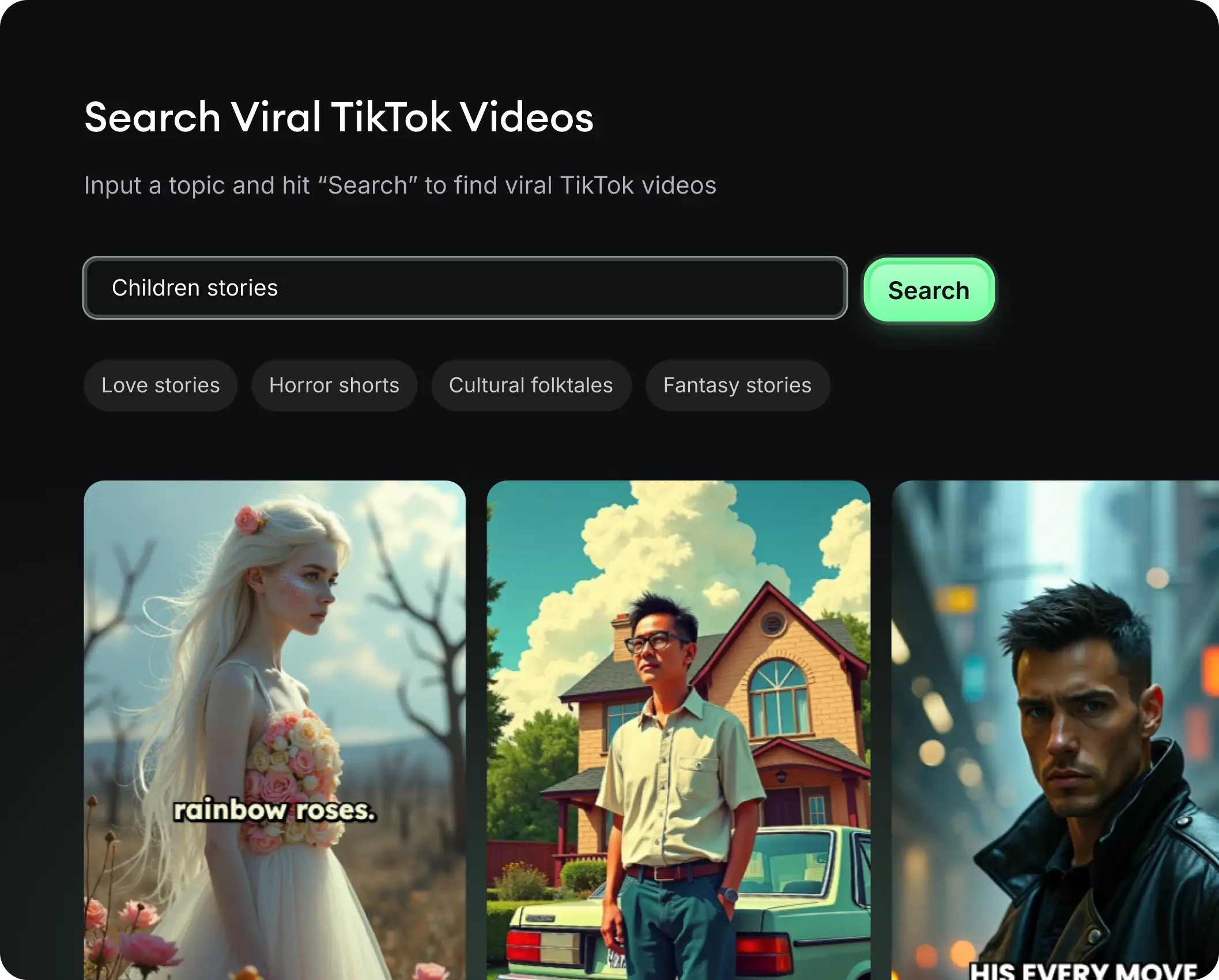
  • See what types of stories are working right now
  • Get inspiration from successful creators
  • Turn your ideas into stories people want to hear
Get inspired by viral content
2

Storytelling to Hook your Audience

Revid.ai understands what makes videos go viral and uses the same proven methods to write scripts for you.
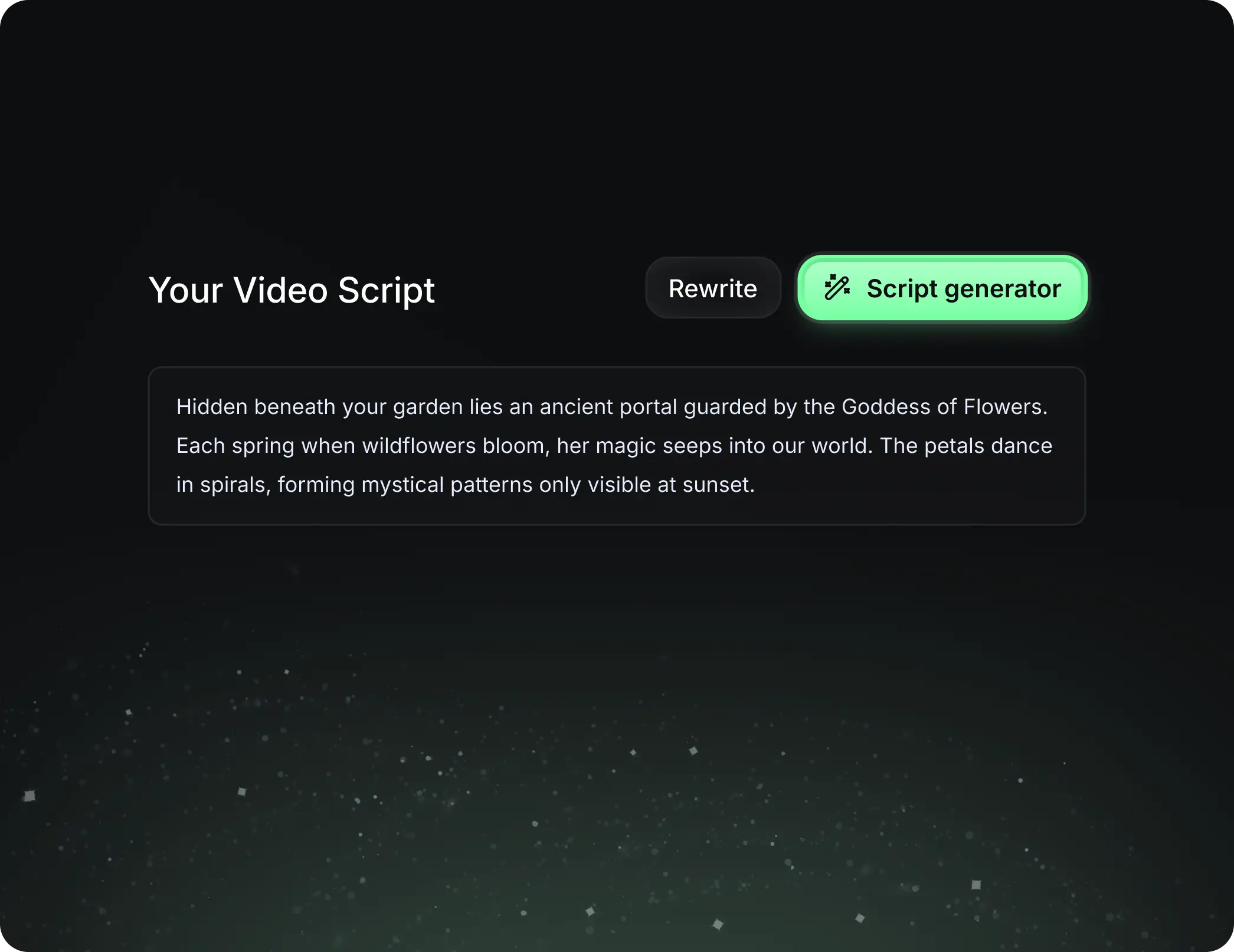
  • Write your script or tell our AI what you want to talk about
  • The AI will find relevant content to get inspired by
  • Drop any link and it will be automatically parsed and formatted for a video
Storytelling to Hook your Audience
3

Videos You'd LOVE to Watch

Create perfect videos, share instantly, and grow your business.
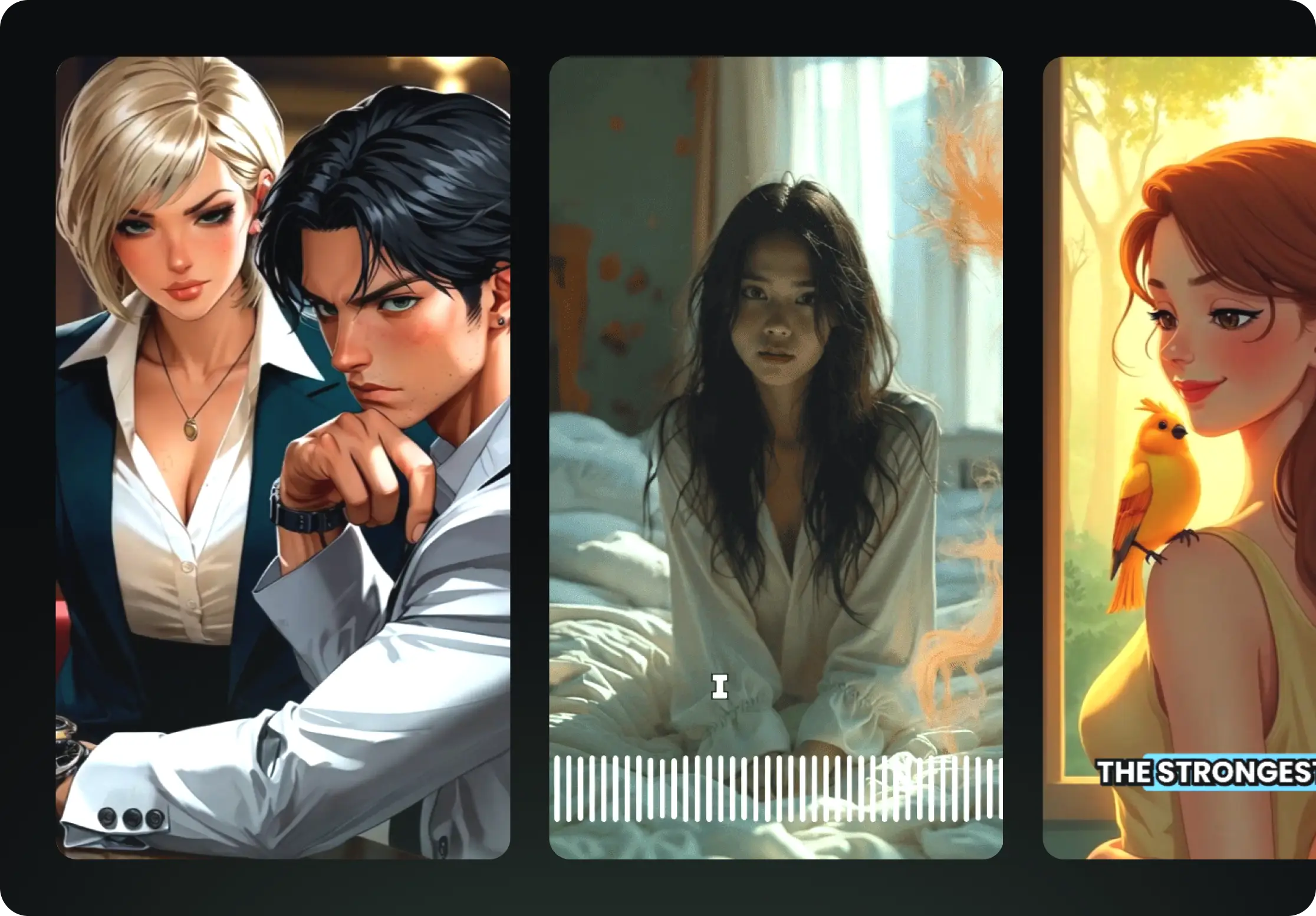
  • Watch your words become a professional video
  • Set up automatic video creation from your content
Videos You'd LOVE to Watch
4

Publish on TikTok, YouTube, Instagram and more...

Reach a wider audience by sharing your video across your favorite social media platforms
    Publish on TikTok, YouTube, Instagram and more...
    revid.ai logo

    Your shortcut to effortless video storytelling.

    FAQs

    Frequently Asked Questions

    What is the AI Fan Edit & Fancam Generator?
    The AI Fan Edit Generator is a specialized tool designed to automate the creation of viral 'fancams' and 'velocity edits'. Unlike traditional video editors, this tool uses AI to automatically synchronize visual transitions, zooms, and effects to the beat of background music. It is perfect for creating high-energy content featuring characters from Five Nights at Freddy's (#fnaf), K-pop idols like #yoonchae, or celebrities, without needing complex software like After Effects.
    How do I make a velocity edit with AI?
    Making a velocity edit is effortless with our tool. Simply input a prompt describing your subject (e.g., 'scary animatronic movement'), choose the 'AI Video' or 'Moving AI images' option, and select a fast-paced audio track. The AI Fan Edit Generator analyzes the music's BPM and automatically applies speed-ramping effects—speeding up and slowing down footage—to match the rhythm, creating that signature 'velocity' look instantly.
    Can I use my own photos and videos for the fancam?
    Absolutely! If you already have a collection of photos or clips of your favorite subject, select the 'Your own media' option in the settings. You can upload your specific files, and our AI Fancam Generator will arrange them, apply filters, and sync the transitions to the music, turning your static gallery into a dynamic, engaging video edit.
    What kind of aesthetics can this tool create?
    Our AI Fan Edit Generator specializes in trending social media aesthetics. You can create 'Glitch/Horror' edits perfect for #fnaf2 and lore videos, 'Soft/Blooming' edits ideal for K-pop fancams and beauty content, or 'Retro/VHS' styles for nostalgia edits. Just specify the mood in your prompt (e.g., 'neon purple lighting', 'dreamy soft focus') and the AI will handle the color grading and effects.
    Is this tool suitable for TikTok and Instagram Reels?
    Yes, the AI Fan Edit Generator is built specifically for vertical short-form content (9:16 aspect ratio). The generated videos are optimized for TikTok's algorithm, Instagram Reels, and YouTube Shorts, featuring the fast pacing and visual engagement that typically ranks well on these platforms.
    Do I need to manually edit the music synchronization?
    No manual editing is required! The core feature of our AI Fan Edit Generator is its ability to 'listen' to the selected audio track. It detects beats, drops, and high-energy moments to place cuts and visual effects exactly where they make the most impact. However, if you want to make tweaks, you can always use our built-in post-generation editor to adjust clips.
    Does the tool generate voiceovers for fan edits?
    By default, fan edits and fancams rely on music and visual impact rather than spoken word. Therefore, this specific tool focuses on music synchronization and visual effects. However, you can add text overlays or captions in the editor if you wish to include lyrics or context for your edit.
    How much does it cost to generate a fan edit?
    Generating a video with the AI Fan Edit Generator typically costs a standard video generation credit. If you use advanced features like 'AI Video' generation (creating new motion from text) rather than static images or uploads, credit usage may vary based on the duration and complexity. Check your plan's credit allowance in your dashboard.
    Can I create edits for specific fandoms like FNAF or K-Pop?
    Yes! The tool is trained to understand pop culture contexts. If you type 'Withered Bonnie from FNAF 2' or 'Yoonchae performance', the AI knows how to generate or process visuals that fit those specific niches. It's the fastest way to join trending conversations like the #fnafmovie hype or K-pop comebacks.
    How long does it take to render a viral fan edit?
    Creating a complex velocity edit manually can take hours. With Revid AI, it takes just a few minutes. Once you hit generate, our cloud servers process the visual effects, speed ramps, and audio syncing. You'll receive a notification when your high-quality, viral-ready fancam is ready to download.
    View Complete Help Center

    Find detailed answers to 100+ questions about features, tools, and workflows

    or check our markdown version optimized for LLMs