AI Video Editing

Revid's AI Video Editing Suite turns video editing into text editing. Delete sentences to cut scenes, move paragraphs to rearrange clips, and let AI handle the rest.

No credit card required
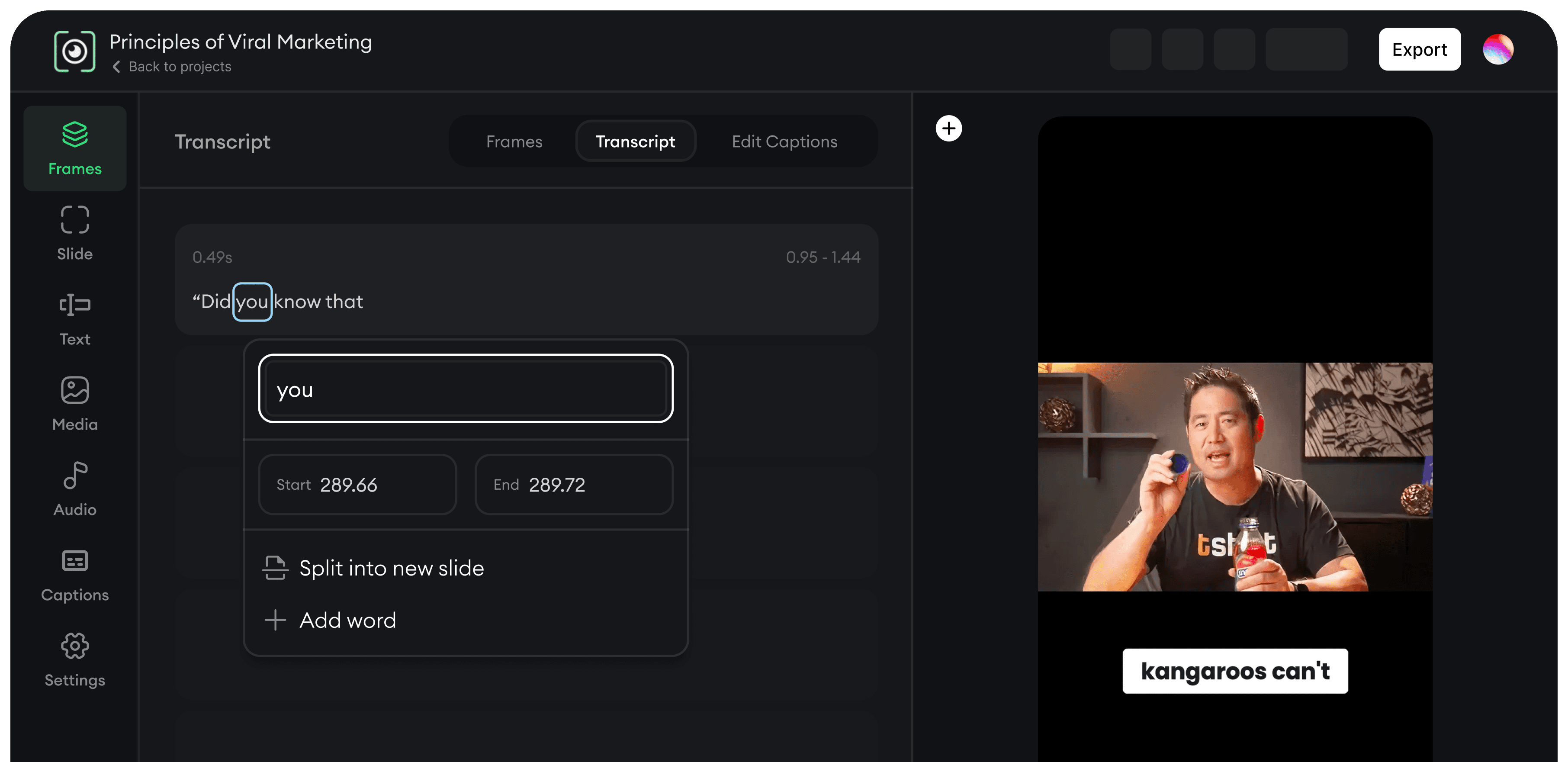
How It Works

The AI Editing Suite That Saves You Hours

Edit Scenes, Visuals, Audio, and Timing With Total Control

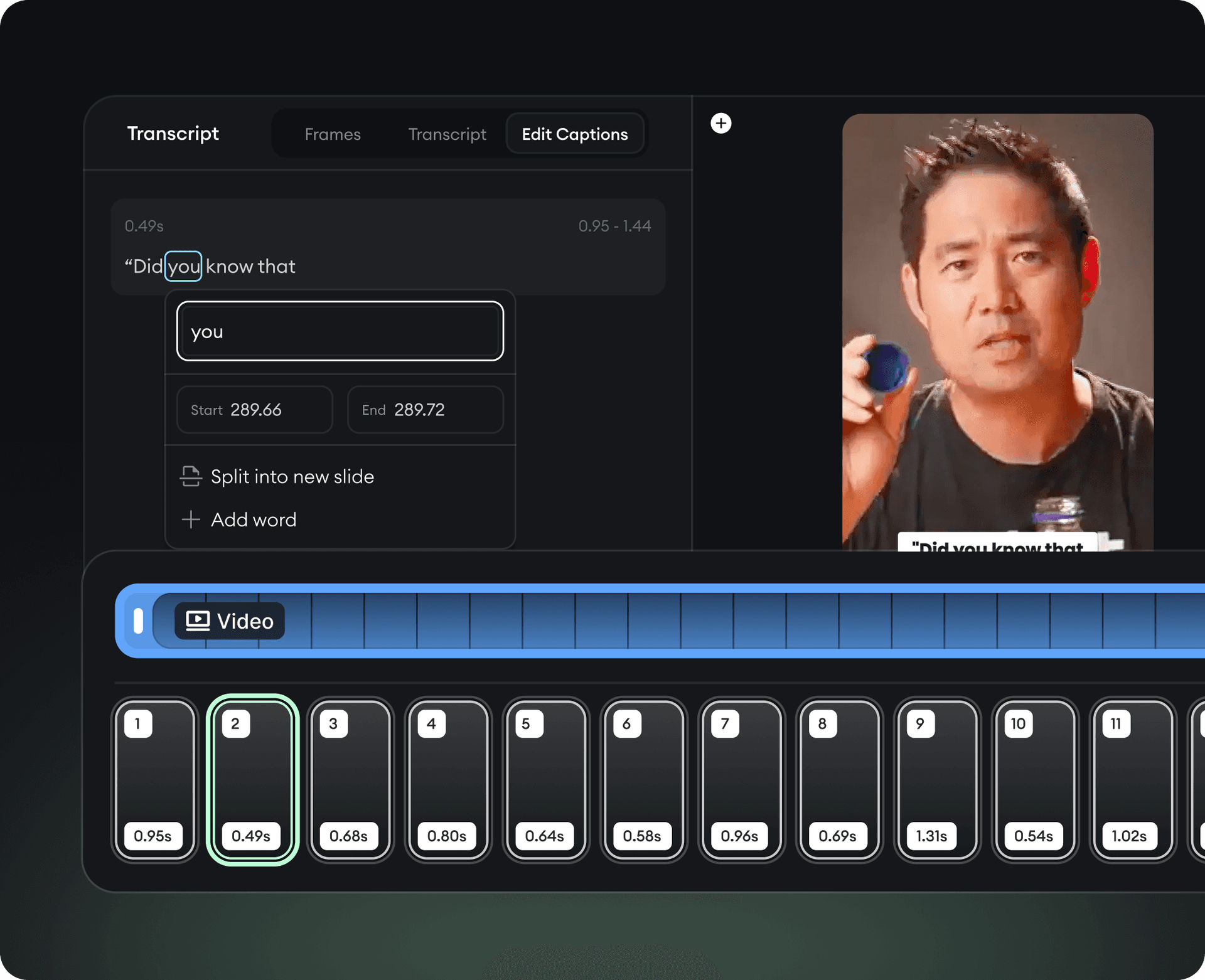
The Media Editor gives you a clean, intuitive interface where you can modify anything in your video - scenes, text overlays, timing, visuals, transitions, audio, backgrounds, and more.
  • Drag-and-drop scene controls
  • Replace visuals with one click
  • Auto-sync audio and video
  • Auto-adjustments recommended by AI
  • Brand colors & fonts applied automatically
Edit Scenes, Visuals, Audio, and Timing With Total Control

The Fastest Way to Fix, Trim, and Rearrange Your Video

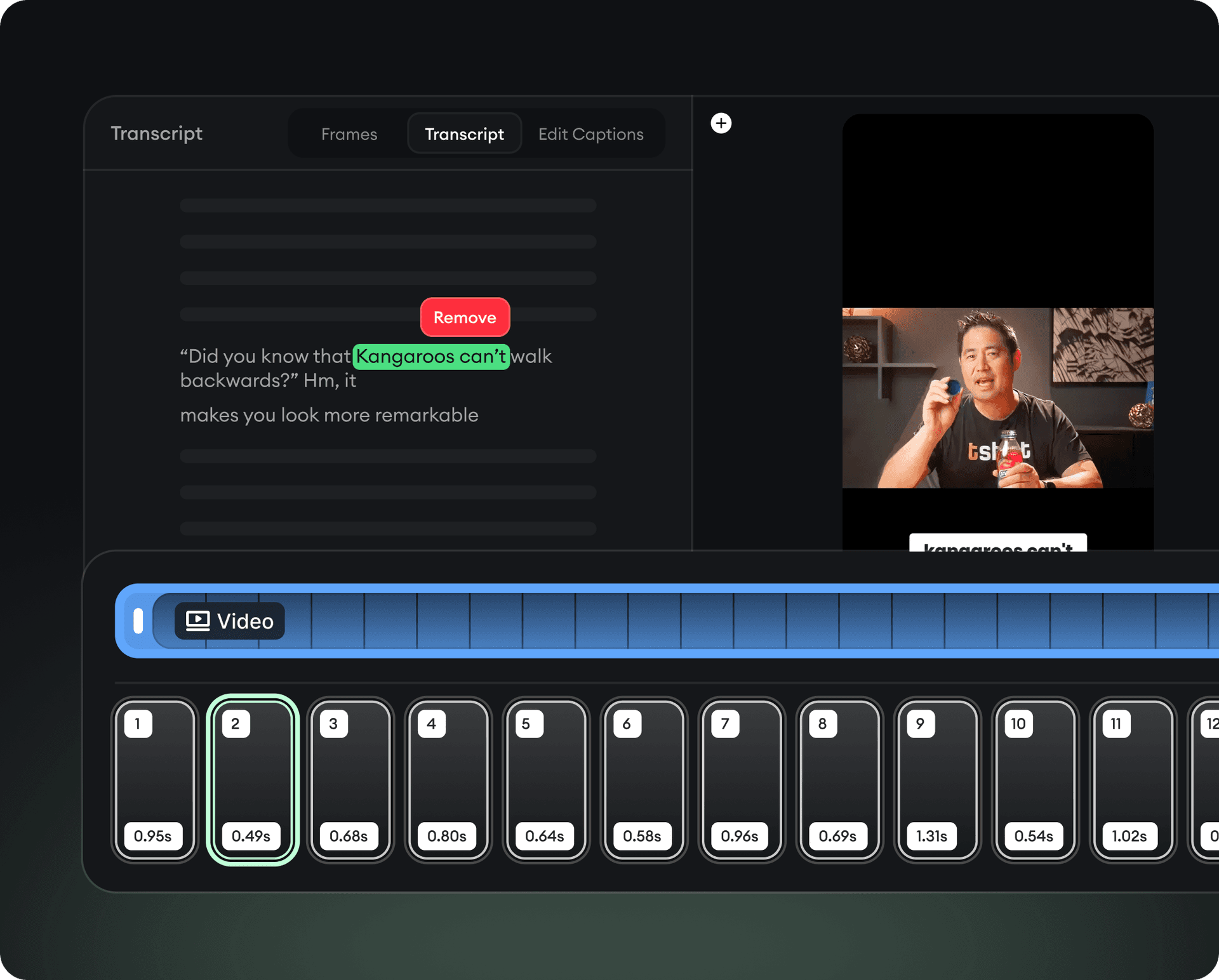
The Smart Transcript Editor turns your entire video into editable text. Instead of dealing with timelines, you simply edit the words and the video updates automatically.
  • Delete a sentence → delete that video segment
  • Move text blocks → reorder scenes
  • Correct mistakes instantly
  • Automatic caption generation
  • Speaker identification
  • Filler word removal (um, uh, like)
The Fastest Way to Fix, Trim, and Rearrange Your Video

Edit by typing, not clicking

Benefits

Why AI Editing Outperforms Traditional Editing

10x Faster Editing

Revid’s AI automates trimming, syncing, and scene adjustments so you can move from rough draft to final video at record speed.

Frame-Perfect Precision

Every cut, transition, and adjustment is aligned with your content’s structure.

Edit Like a Document

Simply delete, move, or rewrite text in your transcript, and your video updates instantly.

Smart Scene Detection

Revid breaks your content into logical, editable scenes so you can rearrange, replace, or refine your story effortlessly.

FAQs

Frequently Asked Questions

How does AI video editing work?
Revid's AI transcribes your video and lets you edit by modifying the text. Delete words to cut scenes, rearrange paragraphs to reorder clips - the video updates in real-time.
Can I edit audio and visuals separately?
Yes, Revid's Media Editor lets you independently adjust scenes, visuals, audio tracks, and timing with full precision control.
How do I remove filler words like 'um' and 'uh' automatically?
The Smart Transcript Editor automatically detects and removes filler words including 'um', 'uh', 'like', and awkward pauses with a single click.
Can I reorder video scenes by editing the transcript?
Absolutely. Simply drag text blocks to rearrange them, and the corresponding video segments move automatically to match.
Does Revid auto-generate captions and subtitles?
Yes, captions and subtitles are generated automatically with 99% accuracy. You can edit them directly in the transcript view and export in SRT or burn them into the video.
View Complete Help Center

Find detailed answers to 100+ questions about features, tools, and workflows

or check our markdown version optimized for LLMs

Stop Wrestling With Timelines

Edit your videos in minutes, not hours. AI handles the technical work.

Try free today

No credit card required