
Tokyo Night Neon AI Photo Effect Generator
Turn one selfie into a Tokyo night AI photo effect: you stay sharp under the neon signs while the whole crowd blurs past. Choose your ratio and generate free.
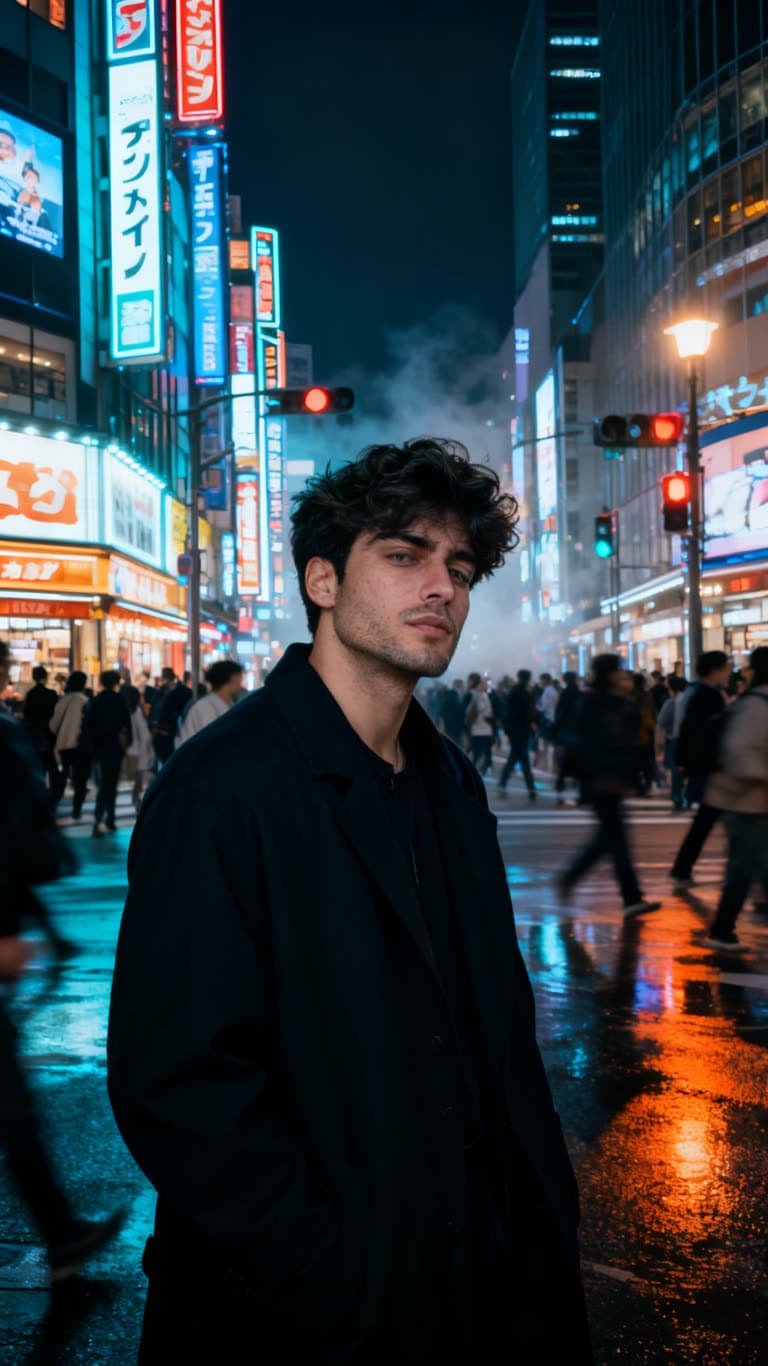
Real output from this effect
Tokyo Night Stillness
A cinematic Tokyo street portrait — perfectly still while the neon city rushes past.
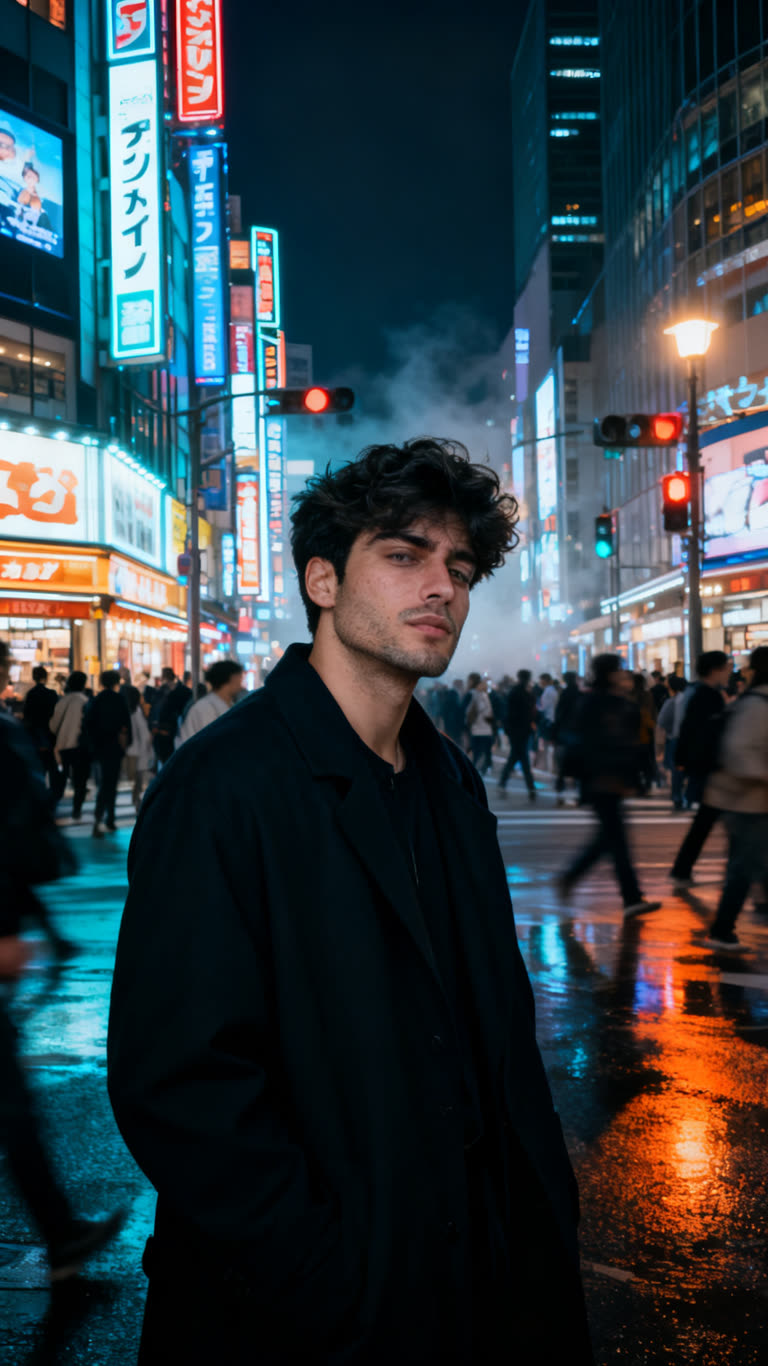
Click Generate to sign up and create your video - Free to start
About Tokyo Night Stillness
The Tokyo night AI photo effect drops you into a crowded entertainment district after dark and holds you perfectly still while the city keeps moving. You are the only element in sharp focus: hundreds of pedestrians stream past in every direction as long-exposure motion blur, and towering neon signage stacks up the buildings behind you. The render keeps real skin texture and small imperfections instead of smoothing your face into a filter, so the picture reads as street photography rather than an illustration. It works from a single reference photo and comes out as a 9:16 portrait, which suits anyone who wants a night-city profile picture, a phone wallpaper, or a cover image without booking a flight to Japan.
What this effect does
Everything the tokyo night stillness effect handles for you, from the scene to the camera work
Your face is rebuilt from one reference photo, keeping bone structure, hairstyle and skin texture intact.
Places you in a packed Tokyo entertainment district at night, lit by towering stacked neon signage.
Hundreds of pedestrians stream past as long-exposure motion blur while you stay the only sharp element.
Skin keeps its pores and small imperfections rather than the plastic finish of a beauty filter.
Arrives as a 9:16 portrait image, sized for phone wallpapers, Stories and profile pictures.
No tripod, no neutral density filter and no long-exposure settings to learn before you get the shot.
Get the best result
Photo tips
Upload a sharp, front-facing photo of one person with the face clearly lit, no sunglasses, no cap and no shadow across the eyes.
Add two or three shots of the same person from slightly different angles; the order does not matter and the likeness comes out stronger.
Use the highest resolution file you have, straight from the camera roll rather than a screenshot or a heavily compressed re-share.
Keep the 9:16 ratio for Stories, Reels covers and lock screens, or change the ratio before generating if you need a square feed post.
Frame your reference from the chest up, since the scene shows your full upper body standing against the moving crowd and the neon.
Perfect for
Frequently asked questions
Everything you need to know about the tokyo night stillness effect
No. One photo is enough. The effect reads your face from a still reference image and builds the Tokyo street scene around it, so a normal selfie or portrait from your camera roll works. No filming, no green screen and no camera gear are involved.
One clear photo works. Two or three of the same person from different angles usually improve the likeness, especially the jawline and hairstyle. The order you upload them in does not matter. Just keep every photo to the same person, since mixing faces confuses the result.
Yes. The default 9:16 portrait fits Stories and Reels covers directly, and you can change the aspect ratio before generating if you want a square or landscape version. Commercial use is included, so the image is fine for a brand page or a paid post.
About a minute or two from upload to finished image. You stay on the page while it renders, and nothing has to be edited afterward. If the result is not quite right, the fastest fix is usually a sharper, better lit reference photo rather than a second attempt.
Yes, you can start free with no credit card. Quality depends a lot on what you upload: a well lit, high resolution face gives a convincing neon street portrait, while a blurry or low light photo gives the effect less to work with and softens the likeness.
Related effects
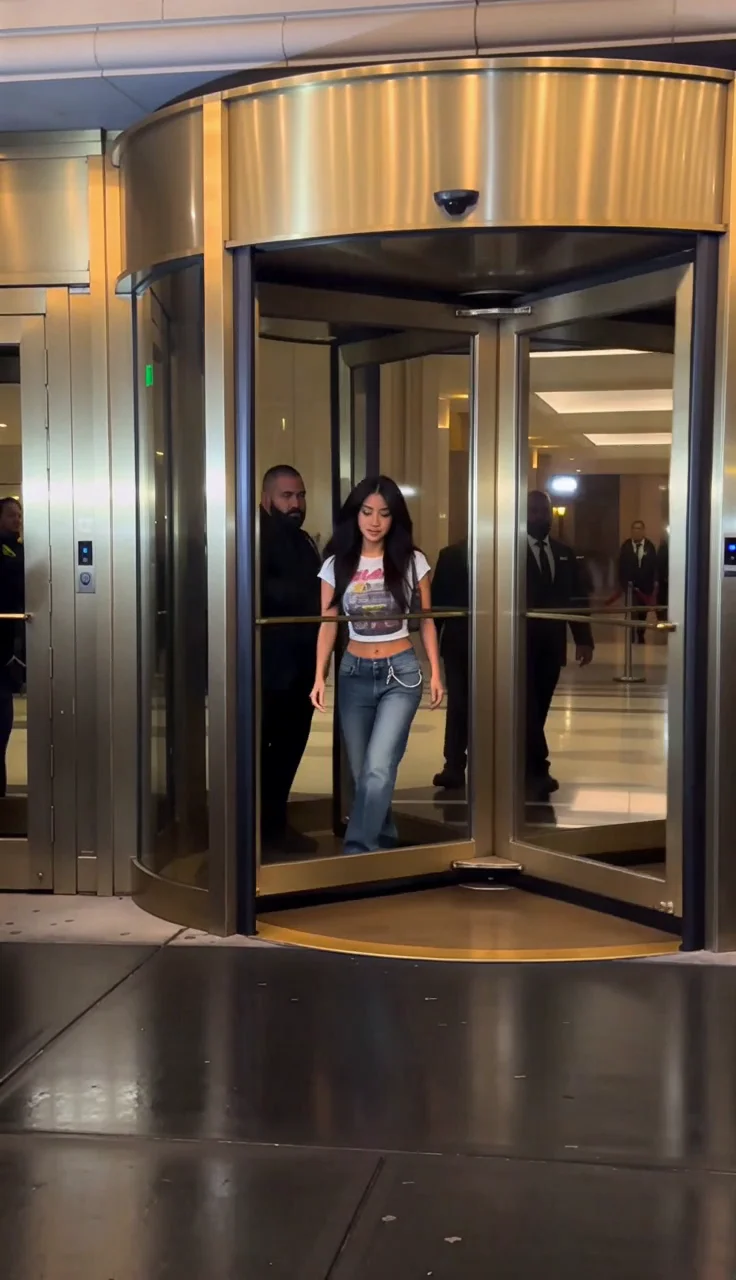
Y2K Paparazzi
Step out of a luxury hotel into a storm of early-2000s paparazzi flashes.
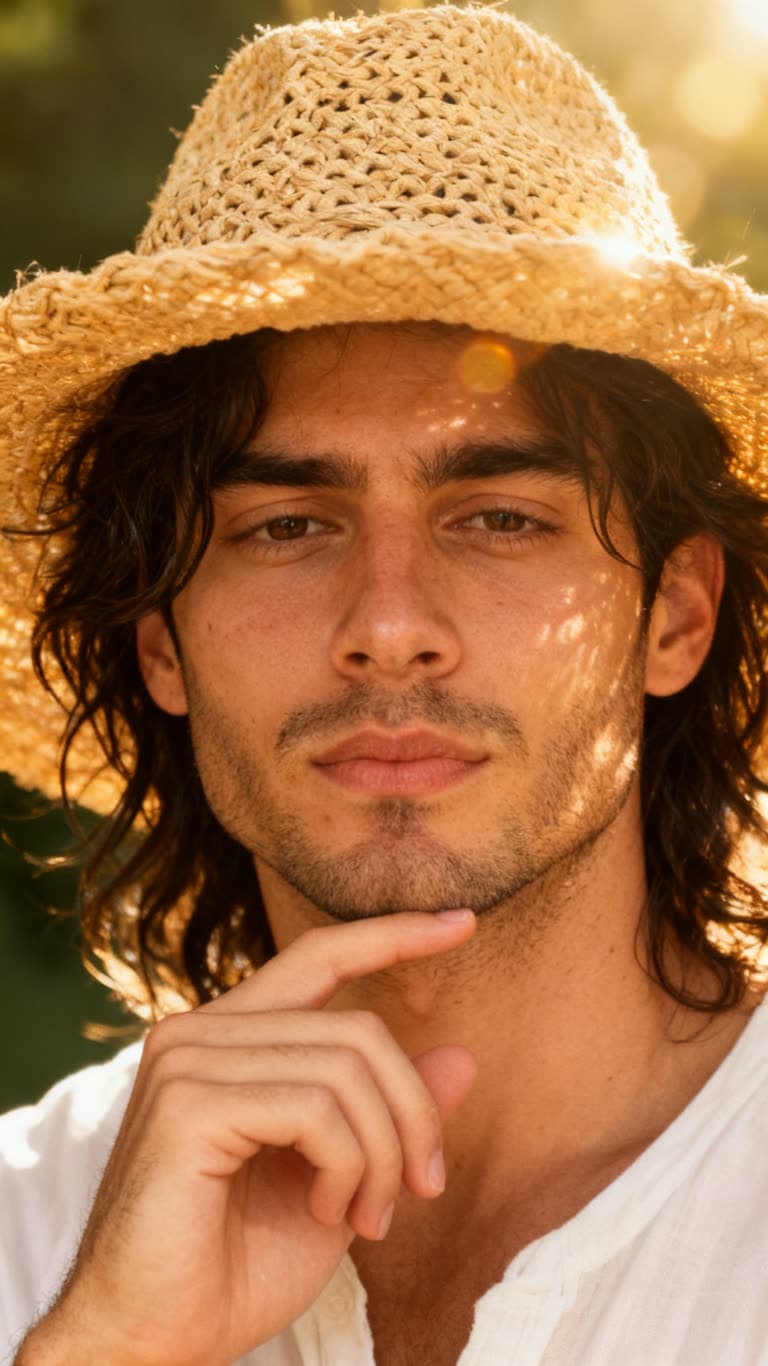
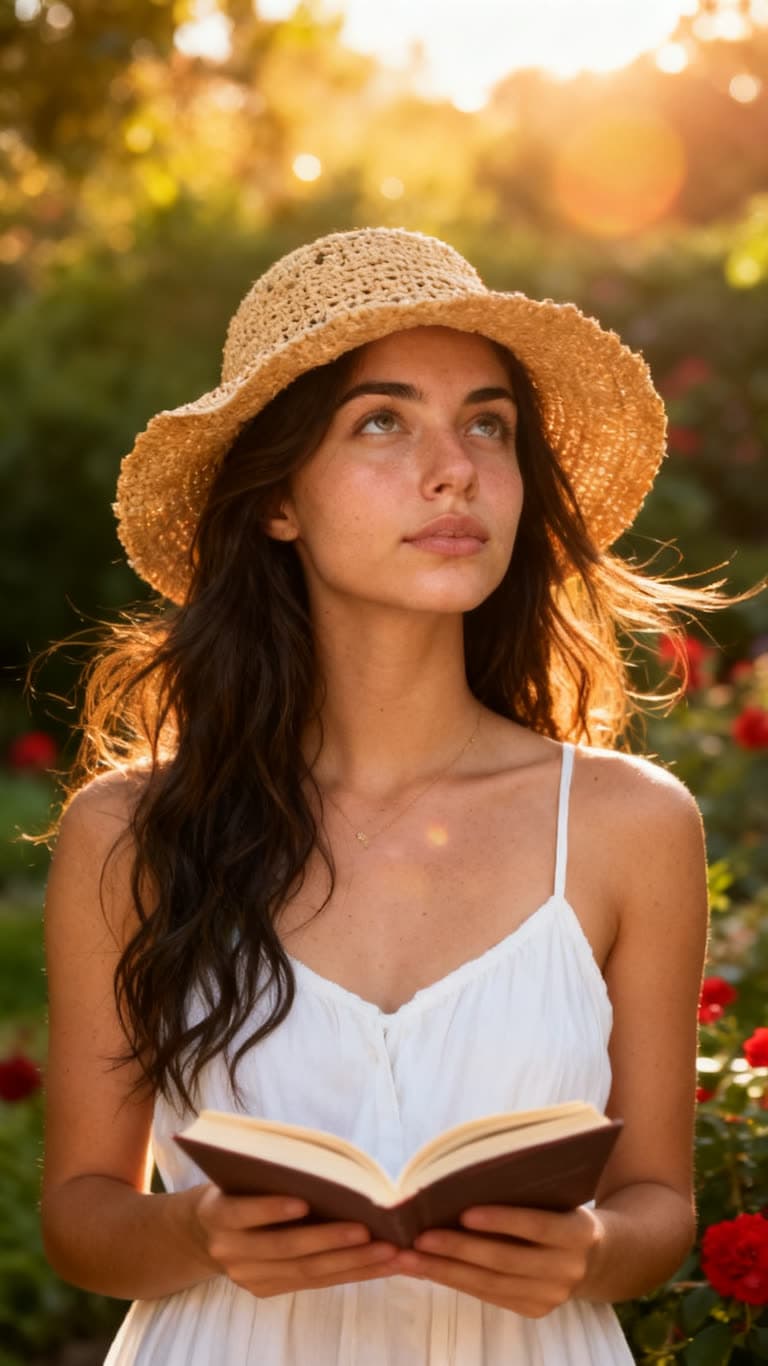
Golden Hour Close-Up
A dreamy, sun-flared close-up with a straw sun hat and soft film grain.
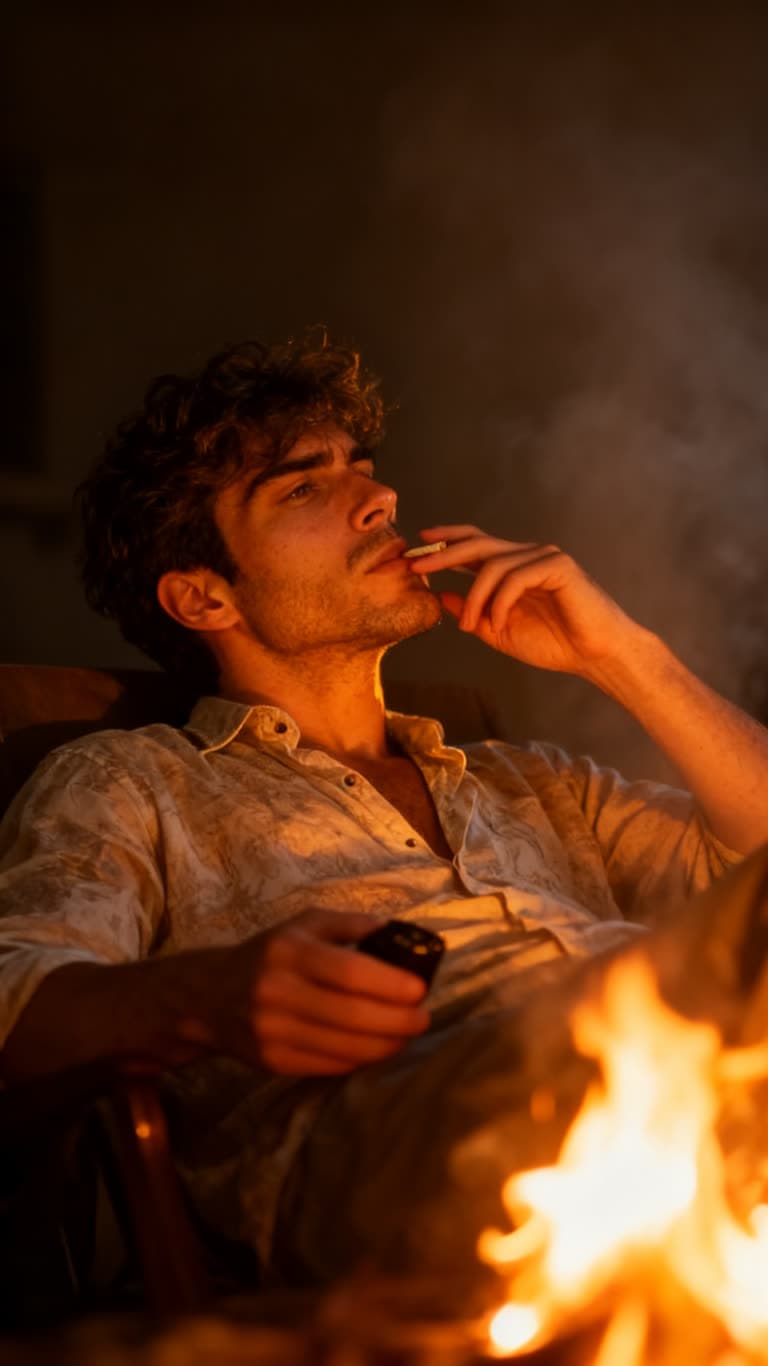
Firelight Portrait
A moody, cinematic portrait lit by warm firelight and drifting smoke.
Explore more Portrait effects
Related topics
Ready to try Tokyo Night Stillness?
Add a photo of yourself and generate. Free to start, commercial use included.