
Golden Hour Close-Up Portrait AI Generator
Make a golden hour portrait from one selfie: a sun-flared close-up with a straw sun hat, soft film grain, and a blurred green backdrop. Try it free.

Real output from this effect
Golden Hour Close-Up
A dreamy, sun-flared close-up with a straw sun hat and soft film grain.

Click Generate to sign up and create your video - Free to start
About Golden Hour Close-Up
Golden Hour Close-Up rebuilds your selfie as a tight, eye-level portrait taken in late afternoon sun. You wear a chunky knitted straw sun hat with a floppy brim that throws dappled shadow across your forehead and eyes, plus a plain white cotton top. One hand is raised with the index finger resting against your chin, the expression calm and unsmiling with lips slightly parted. Backlight floods the frame from above, loose strands of hair catch the haze, and the dark green background falls away into shallow depth of field. Fine film grain keeps it from looking digital. It is a golden hour portrait for anyone who wants a profile picture shot on a real lens.
What this effect does
Everything the golden hour close-up effect handles for you, from the scene to the camera work
Rebuilds your own face from one photo, keeping facial structure and skin tone recognizable.
Adds the knitted straw sun hat with a floppy brim casting dappled shade over your eyes.
Strong backlit haze from above, with visible sun flare washing across the top of frame.
Shallow depth of field turns the dark green background into a clean, soft blur.
Fine film grain and warm color response instead of an over-sharpened digital look.
Returns a vertical 9:16 image sized for profile pictures, Stories, and phone wallpapers.
Get the best result
Photo tips
Upload a sharp, front-facing photo taken in even daylight so the generator can read your eyes, brows, and jawline before relighting the face.
Use a photo where only your face is in frame, because group shots leave the model uncertain about which person it should keep.
Two or three angles of the same person, including a slight three-quarter turn, improve likeness on the raised-hand chin pose.
Skip heavy beauty filters and skin smoothing in the source photo, since the effect adds its own grain and soft backlight.
Keep 9:16 for Stories and wallpapers, or switch to a square ratio before generating if the portrait is for a profile grid.
Perfect for
Frequently asked questions
Everything you need to know about the golden hour close-up effect
Upload one photo of yourself and run the Golden Hour Close-Up effect. The generator relights your face with warm backlit sun, adds the straw sun hat and white cotton top, and blurs the green background. It returns a finished image in about a minute.
This effect returns a still image, not a video. It renders as a vertical 9:16 portrait by default, which suits Instagram Stories, profile pictures, and phone wallpapers. You can change the aspect ratio before generating if you need another shape.
One clear photo is enough. You can also upload several photos of the same person from different angles, which usually improves the likeness. No video is needed. Results vary with photo quality, so a sharp, well lit source gives the closest match.
Yes. Face identity is preserved from the reference photo, so your features stay recognizable under the new lighting and the hat brim shadow. The subject is always you. Soft focus and film grain are applied to the scene, not to your facial structure.
Commercial use is included, so the portrait can go on a website, a press kit, or a paid ad. Starting is free and no credit card is required. Each image usually takes a minute or two to generate once you upload your photo.
Related effects
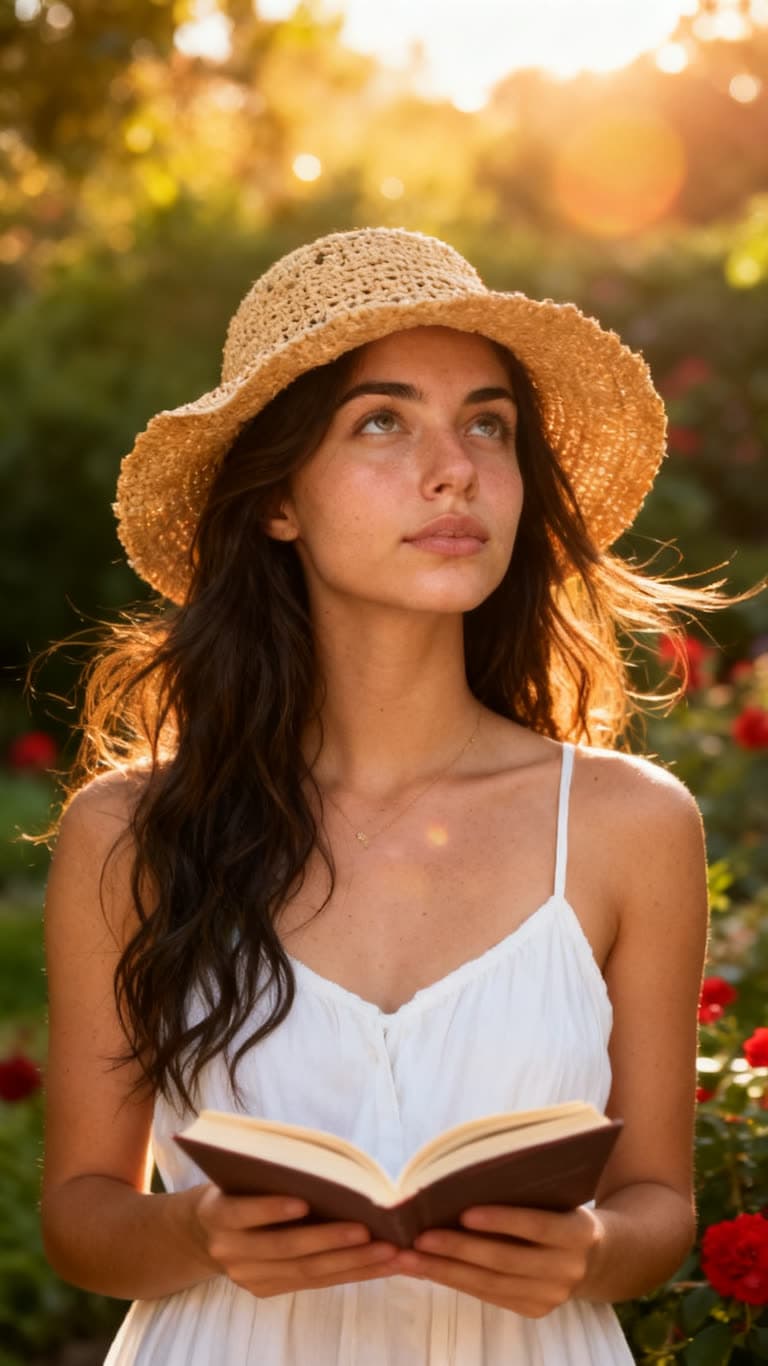
Summer Garden Portrait
A golden-hour garden portrait with warm film tones and soft summer haze.
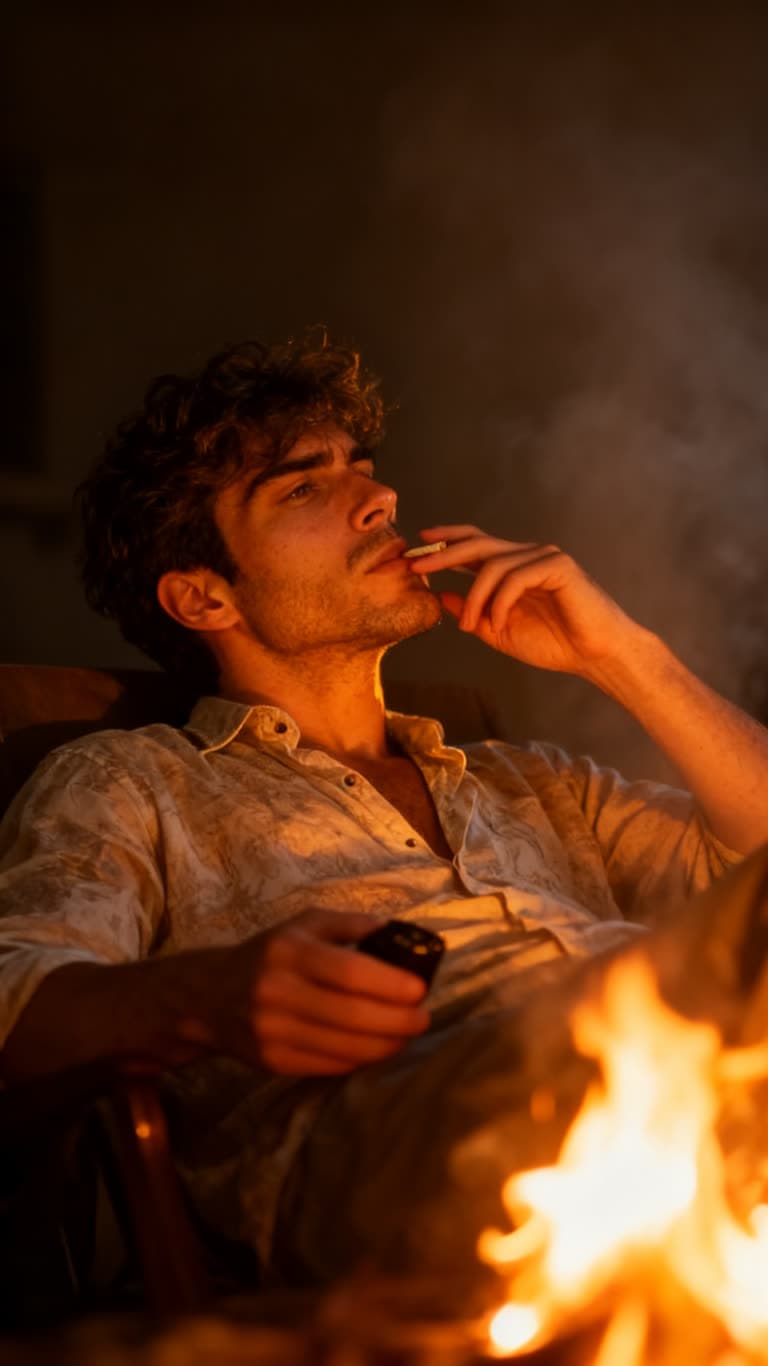
Firelight Portrait
A moody, cinematic portrait lit by warm firelight and drifting smoke.
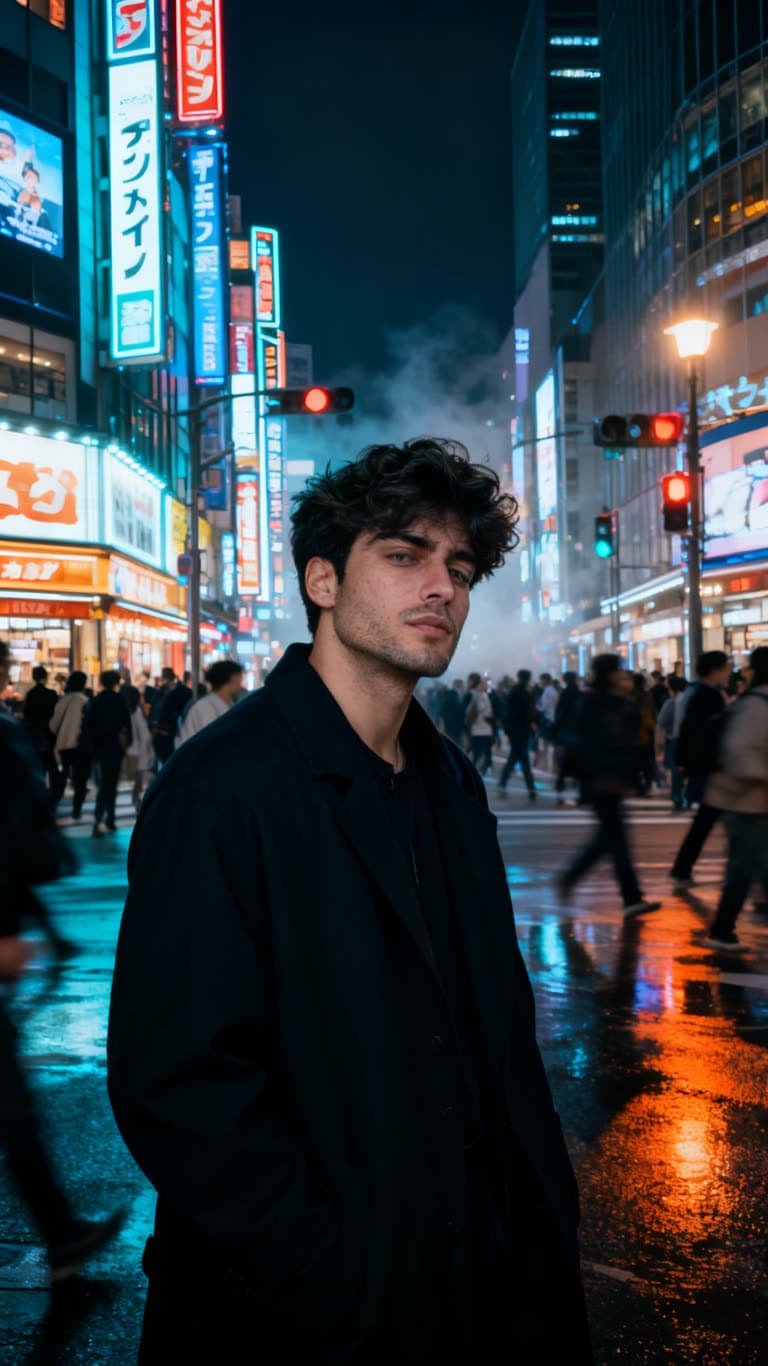
Tokyo Night Stillness
A cinematic Tokyo street portrait, perfectly still while the neon city rushes past.
Related topics
Ready to try Golden Hour Close-Up?
Add a photo of yourself and generate. Free to start, commercial use included.