Trasforma le tue foto in video accattivanti con l'IA. Carica le tue immagini e lascia che il nostro convertitore da foto a video crei transizioni fluide, aggiunga musica e generi video professionali a partire dalla tua galleria fotografica.
Il tuo prompt video
💡 Descrivi con parole tue cosa vuoi vedere nel video. L'IA genererà uno script in base al tuo prompt.
2,211 video creati con Revid nelle ultime 24h
Pronto in pochi minuti · Modifica tutto prima di pubblicare
Esempi di risultati
Media: AI videoPreset: PhotographyRatio: 9:16Quality: UltraSeedance 1080p
Altri strumenti da provare:
o esplora gli oltre 42 altri strumenti per creare esattamente il video che vuoi
**Recommended preset: Ultra Realism**
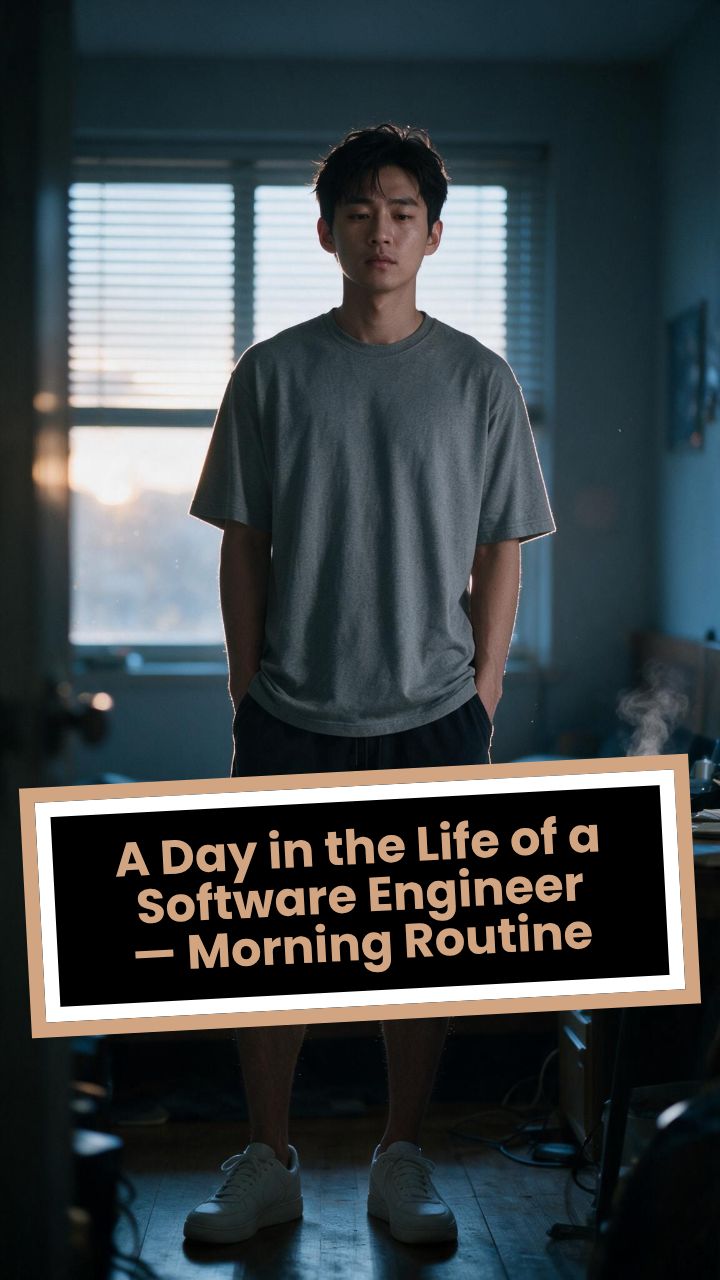
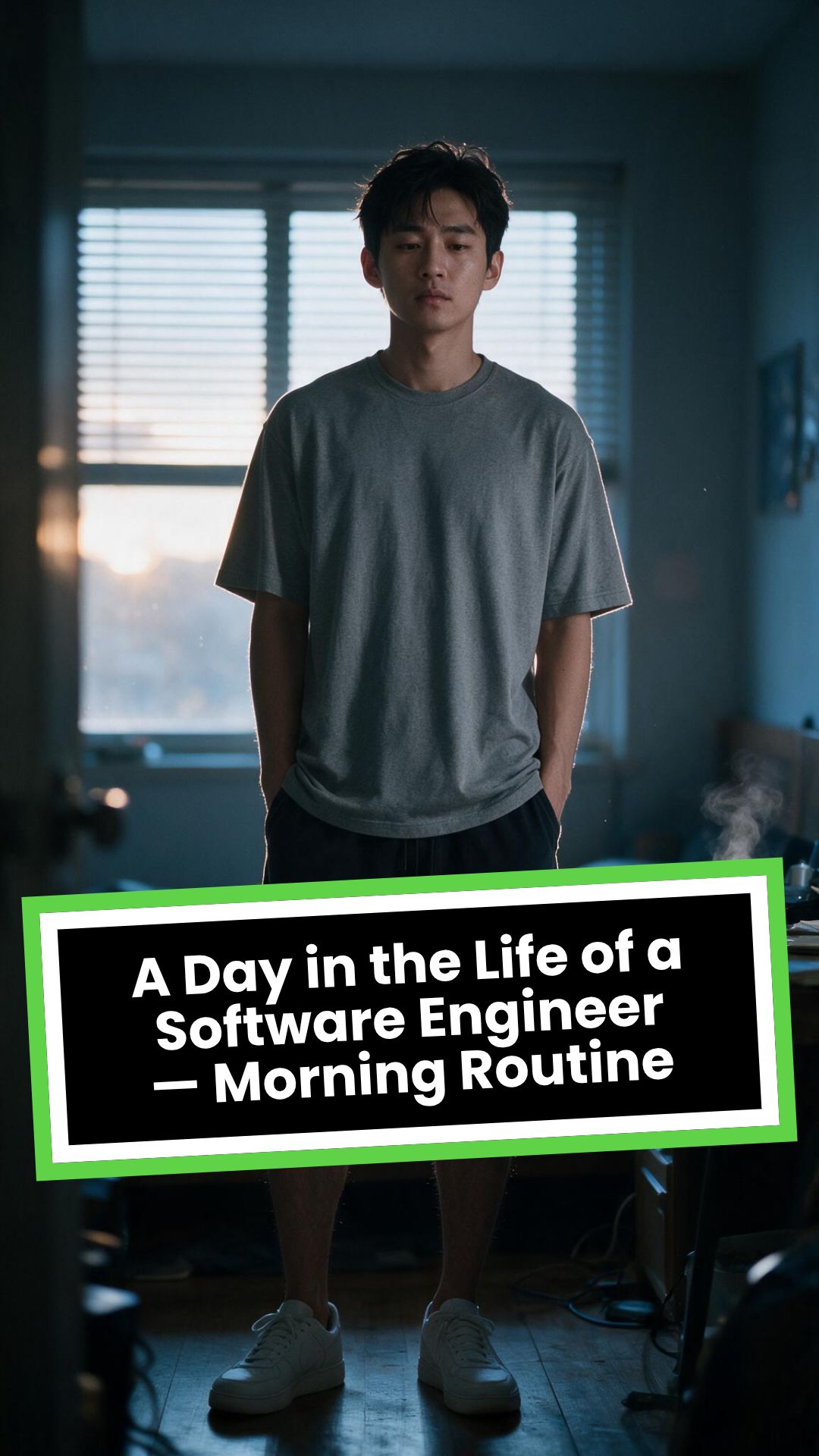
# A Day in the Life of a Software Engineer — Morning Routine
## STARTING FRAME
Extreme macro close-up of a smartphone resting face-up on a dark wooden bedside table in a quiet apartment bedroom before sunrise. The alarm reads **6:30 AM** in crisp white digits. The edge of the phone, tiny dust particles on the table, and the faint reflection of the screen are sharply detailed.
Several feet behind it, a young Asian man in his late twenties lies asleep beneath slightly rumpled bedding. He is only a soft, indistinct silhouette because of the extremely shallow depth of field. Cool blue-grey morning light leaks through partially closed curtains, creating faint horizontal shadows across the room.
A closed laptop, sleeping monitor, mechanical keyboard, notebook, headphones, water bottle, and hoodie resting over a desk chair are visible only as subdued background shapes.
The room is completely still.
Animate forward from this exact frame.
---
## [0s–3s] — THE ALARM
The camera remains extremely low, almost level with the bedside table.
For the first moment, nothing moves.
Then the alarm begins ringing.
The smartphone vibrates against the wooden surface in short mechanical pulses. One corner taps faintly against the table with each vibration. The glow from the screen reflects subtly across the wood grain.
Keep the sleeping man fully blurred in the background.
Do not reveal his face yet.
The curtains move almost imperceptibly from a weak draft. Distant traffic hums outside. A soft electrical ambience comes from the sleeping computer monitor.
Allow the alarm to interrupt the quiet rather than immediately triggering a reaction.
---
## [3s–6s] — THE FIRST REACTION
Begin a very slow rack focus away from the phone.
The alarm digits gradually soften.
The sleeping man’s shoulder, face, pillow, and blanket slowly resolve into focus.
He does not immediately wake.
His eyebrows contract slightly.
His head presses deeper into the pillow as though instinctively trying to escape the sound.
One hand shifts beneath the blanket.
His fingers curl faintly against the fabric.
The bedding moves only a few centimetres as his body reacts before his mind is fully awake.
The voice-over begins quietly:
> “Most days aren’t my best days.”
The delivery is close, restrained, personal, and slightly tired. It should sound like a private thought rather than narration for an audience.
---
## [6s–10s] — WAKING
His eyes open slowly.
They remain unfocused.
He blinks once.
A longer pause.
Then he blinks again.
His gaze drifts toward the sound without turning his head completely.
One hand emerges from beneath the blanket and reaches toward the bedside table. His arm moves heavily, dragging slightly across the mattress.
His fingers miss the phone on the first attempt.
They brush against the charging cable, slide across the table, then finally reach the screen.
He presses the alarm off.
The sound stops abruptly.
The room becomes quiet again.
Let the silence remain for a full beat.
His hand stays resting beside the phone rather than instantly returning to bed.
He exhales slowly through his nose.
The camera makes an almost imperceptible push toward him.
No dramatic expression. No exaggerated yawn.
Only the slow recognition that the day has started.
---
## [10s–14s] — SITTING UP
He turns onto one side.
The blanket pulls across his torso and gathers naturally around his waist.
His elbow presses into the mattress.
The mattress compresses visibly beneath his weight as he pushes himself upward.
His head rises last.
His hair is slightly flattened on one side and falls unevenly across his forehead.
He moves both legs toward the edge of the bed.
One foot searches for the floor.
Then the other.
His bare toes make contact first, followed by the rest of each foot.
He remains seated at the edge of the mattress.
His back curves slightly.
His shoulders hang low.
His hands rest loosely beside his thighs.
He stares at the floor without really looking at anything.
Hold this moment.
The creased bedding behind him should remain compressed where his body had been.
The voice-over continues after a natural pause:
> “But I remember why I do this…”
---
## [14s–17s] — STANDING
He shifts his feet slightly farther apart.
His weight moves forward.
His elbows press lightly against his thighs before he pushes himself upright.
His hips rise first, followed by his shoulders.
Show realistic balance adjustment as his body settles onto both feet.
He stands still for a brief moment.
His loose neutral-coloured T-shirt falls naturally back into place. His shoulders remain slightly lowered. His breathing is calm but heavy with sleep.
The camera stays behind him at approximately waist-to-shoulder height, observing rather than presenting him.
He takes two slow steps toward the bedroom wall.
His bare feet make soft contact with the floor.
He runs his fingers along the wall for a moment before finding the light switch.
He presses it.
A warm bedside or ceiling practical light turns on.
Do not flood the entire room with brightness.
The warm light should gradually reveal wood, bedding, fabric, and skin while the cool morning light remains visible through the curtains.
His eyes narrow slightly in response.
---
## [17s–20s] — TOWARD THE BATHROOM
He turns toward the bathroom doorway and begins walking.
The camera follows several steps behind with restrained handheld drift.
His pace is slow and partially automatic.
He does not acknowledge the camera.
His arms hang naturally beside him.
His shirt moves subtly across his back with each step.
Use the bathroom doorway as a natural frame around his body.
As he crosses the threshold, briefly hold the bedroom in the background:
* the unmade bed;
* the silent phone;
* the closed laptop;
* the dark monitor;
* the hoodie over the chair;
* cool daylight still entering through the curtains.
The voice-over completes:
> “…and I get up anyway.”
The line should not swell emotionally. It should land quietly, almost as though he is reminding himself.
---
## [20s–25s] — THE BATHROOM
Follow him into a small, modern, lived-in bathroom.
Use one hidden natural transition as the camera passes behind the doorframe if necessary, but preserve the feeling of one continuous shot.
He reaches toward the bathroom light switch.
A soft neutral overhead light turns on.
The camera settles into a side angle where both his real profile and part of his reflection are visible. He never looks directly into the lens.
His face in the mirror appears tired but composed.
He reaches toward a simple toothbrush holder.
His fingers close around the toothbrush.
He turns the tap handle.
Water begins flowing into the basin with a steady, natural sound.
Small droplets strike the ceramic surface and collect around the drain.
He briefly passes the toothbrush beneath the water.
He picks up the toothpaste with his other hand.
His thumb flips open the cap.
He positions the tube above the brush and squeezes slowly.
The tube compresses naturally between his fingers.
A small line of toothpaste settles across the bristles.
He releases pressure, places the toothpaste beside the sink, and brings the toothbrush to his mouth.
He begins brushing with slow, absent-minded movements.
His free hand rests against the edge of the basin.
The water continues running softly for a moment before he reaches over and turns it off.
End with him brushing his teeth in silence while early-morning ambience fills the room.
No smile.
No inspirational pose.
No sudden burst of energy.
The morning has simply begun.
---
# CAMERA DIRECTION
* One continuous observational sequence whenever possible.
* Extreme macro lens for the opening alarm.
* Very shallow depth of field during the first six seconds.
* Slow rack focus from the alarm to the sleeping man.
* Subtle push-in while he wakes.
* Low bedside camera placement.
* Gentle handheld drift only after he stands.
* Restrained tracking movement toward the bathroom.
* Use the bedroom and bathroom doorframes as natural foreground obstruction.
* Slight parallax as the camera follows him.
* Side-angle bathroom composition with a partial mirror reflection.
* Camera movement must feel physically operated by a patient documentary filmmaker.
* No orbiting around the character.
* No floating camera.
* No passing through walls.
* No dramatic sweeps or crane movements.
* No rapid cuts.
* One concealed doorway transition is permitted for stability.
---
# CHARACTER PERFORMANCE
Use one consistent young Asian man in his mid-to-late twenties.
He should appear like a normal working software engineer rather than a fashion model.
Maintain:
* slightly messy morning hair;
* naturally tired eyes;
* realistic skin texture;
* ordinary body proportions;
* loose neutral T-shirt;
* comfortable shorts or pyjama trousers;
* bare feet;
* understated, believable posture.
His sleepiness should be communicated through timing and body weight.
He should:
* blink heavily;
* pause before each major movement;
* keep his shoulders slightly lowered;
* move his hands without perfect coordination immediately after waking;
* shift his weight realistically;
* walk quietly;
* remain unaware of the camera;
* never perform the voice-over on screen.
Do not make him appear severely exhausted, unwell, intoxicated, miserable, or emotionally distressed.
---
# ENVIRONMENTAL DETAIL
The apartment should feel modest, modern, believable, and personally inhabited.
Bedroom details may include:
* closed laptop;
* monitor in sleep mode;
* mechanical keyboard;
* notebook with a pen;
* headphones;
* charging cable;
* water bottle;
* desk chair;
* hoodie over the chair;
* soft curtains;
* plain bedding;
* digital alarm or smartphone.
These objects must remain secondary.
Avoid excessive RGB lighting, futuristic interfaces, glowing code, multiple giant monitors, hacker imagery, or stereotypical technology props.
The bathroom should include:
* small ceramic sink;
* ordinary mirror;
* toothbrush holder;
* toothpaste;
* hand towel;
* simple shelf;
* subtle tile reflections;
* minor signs of everyday use.
Avoid a spotless luxury hotel bathroom.
---
# LIGHTING AND COLOUR
* Begin with soft, cool, low-contrast dawn light.
* Use blue-grey illumination passing naturally through curtains or blinds.
* Let the alarm screen create a small local glow.
* Introduce warm practical light when he presses the bedroom switch.
* Preserve the contrast between cool exterior daylight and warm interior light.
* Use soft neutral or slightly warm bathroom lighting.
* Maintain natural skin tones.
* Use gentle cinematic contrast and realistic shadow falloff.
* Keep the overall palette muted, intimate, and grounded.
Avoid:
* neon colours;
* heavy teal-and-orange grading;
* artificial lens flares;
* dramatic rim lighting;
* fantasy glow;
* excessive darkness;
* overexposed bathroom lighting;
* motivational-commercial brightness.
---
# SOUND DESIGN
Keep the soundscape quiet, layered, and tactile.
### Bedroom ambience
* distant city traffic;
* faint room tone;
* soft electrical hum;
* subtle curtain movement;
* alarm vibration against wood;
* charging cable shifting;
* bedding sliding;
* mattress compression;
* breathing;
* bare feet touching the floor;
* quiet fabric movement;
* light-switch click;
* soft footsteps.
### Bathroom ambience
* bathroom switch;
* toothbrush lifted from the holder;
* tap handle turning;
* water striking the basin;
* toothbrush touching water;
* toothpaste cap opening;
* tube compressing;
* toothpaste settling on the bristles;
* slow brushing;
* subtle room echo.
The voice-over should sit gently above these sounds rather than overpowering them.
---
# VOICE-OVER
Use a young adult male voice.
Delivery must be:
* quiet;
* sincere;
* close-microphone;
* slightly tired;
* reflective;
* conversational;
* emotionally restrained.
Do not use trailer narration, motivational-speaker cadence, inspirational music swelling, or exaggerated pauses.
Voice-over text:
> “Most days aren’t my best days.
> But I remember why I do this…
> and I get up anyway.”
Begin the first sentence during the focus shift.
Deliver the second sentence while he sits at the edge of the bed.
Complete the final phrase as he walks into the bathroom.
---
# PHYSICAL REALISM
Every movement must show weight, resistance, and consequence.
Include:
* smartphone vibrating against wood;
* blanket tension as he moves;
* pillow compression;
* mattress deformation beneath his elbow and hips;
* feet searching for the floor;
* realistic centre-of-gravity changes while standing;
* natural cloth movement;
* proper hand contact with the switch;
* believable walking rhythm;
* accurate grip on the toothbrush and toothpaste;
* realistic water flow;
* toothpaste tube deformation;
* correct mirror behaviour;
* natural brushing motion.
Objects must not move unless physically touched or affected by the environment.
---
# CONTINUITY REQUIREMENTS
Maintain exactly the same:
* face;
* hairstyle;
* clothing;
* body proportions;
* skin tone;
* bedroom arrangement;
* bathroom arrangement;
* phone;
* bedding;
* toothbrush;
* toothpaste;
* lighting direction;
* time of morning.
The bathroom must feel directly connected to the bedroom.
The character must not change appearance between spaces.
The mirror reflection must match his real movement precisely.
---
# NEGATIVE CONSTRAINTS
* No direct eye contact with the camera.
* No on-screen dialogue.
* No lip-syncing to the voice-over.
* No influencer presentation.
* No vlog gestures.
* No smiling at the audience.
* No fast montage.
* No opening the laptop.
* No typing or coding.
* No breakfast sequence.
* No shower.
* No getting dressed.
* No leaving the apartment.
* No dramatic stretching.
* No exaggerated yawning.
* No energetic wake-up.
* No instant movement from bed to bathroom.
* No teleportation.
* No unrelated extra scenes.
* No rapid edits.
* No impossible camera paths.
* No random camera shake.
* No warped mirror reflection.
* No changing facial features.
* No changing clothes.
* No malformed hands.
* No extra fingers.
* No floating objects.
* No disappearing props.
* No changing room layout.
* No excessive slow motion.
* No text overlays.
* No captions.
* No logos.
* No watermark.
* No artificial motivational-commercial tone.
Formato visivoVideo IA
Stile visivoPhotography
VIDEO FINALE
Trasforma le Tue Foto in Video Memorabili con l'AI in 3 Semplici Passi
1 Carica le Tue Foto Migliori
Inizia selezionando e caricando le foto che desideri trasformare in un video. Puoi caricare più immagini contemporaneamente. Se vuoi, fornisci una breve descrizione delle tue foto nel campo 'Descrivi le tue foto (opzionale)' per aiutare l'AI a comprendere meglio il contesto.
2 Personalizza il Tuo Video
Scegli la durata desiderata per il tuo video (da 10 a 600 secondi), il formato dello schermo (orizzontale 16:9, verticale 9:16 o quadrato 1:1) e la musica di sottofondo dalla nostra libreria o caricando la tua. Decidi se applicare uno stile artistico alle tue immagini ('Applica trasferimento di stile', costo aggiuntivo) o trasformarle in brevi clip video animate dall'AI ('Trasforma immagini in video AI') per un maggiore dinamismo. Puoi anche selezionare il modello di generazione video (Base, Pro, Ultra) se attivi l'animazione AI.
3 Genera e Perfeziona il Capolavoro
Premi il pulsante 'Genera Video' e lascia che la nostra intelligenza artificiale crei un video professionale con transizioni fluide, musica sincronizzata e gli effetti scelti. In pochi minuti, il tuo video sarà pronto. Potrai poi utilizzare il nostro editor integrato per apportare modifiche finali, regolare le didascalie o cambiare le immagini prima di scaricarlo e condividerlo sui tuoi social preferiti come TikTok, YouTube Shorts o Instagram Reels.
Altri strumenti
Esplora strumenti video IA simili per Montaggio video
Scopri altri modi per creare video coinvolgenti con i nostri strumenti basati sull'IA
FAQ
Domande frequenti
Cos'è il Convertitore Foto in Video AI di Revid?
Il nostro Convertitore Foto in Video AI è uno strumento innovativo che ti permette di trasformare facilmente una collezione di foto statiche in un video dinamico e coinvolgente. Utilizza l'intelligenza artificiale per creare video da foto, aggiungere transizioni fluide, sincronizzare la musica e, se lo desideri, animare le tue foto o applicare stili artistici unici. È la soluzione ideale per creare video per social media, presentazioni o per conservare i tuoi ricordi personali.
Come posso creare un video dalle mie foto utilizzando questo strumento?
È semplicissimo! Per prima cosa, clicca su 'Carica le Tue Foto' e seleziona le immagini dal tuo dispositivo. Poi, personalizza il video: imposta la 'Durata target', scegli il 'Formato dello schermo' (adatto per TikTok, YouTube Shorts, Instagram Reels o formati standard), e seleziona la musica. Valuta le opzioni avanzate come 'Applica trasferimento di stile' o 'Trasforma immagini in video AI'. Infine, clicca su 'Genera Video'. Il nostro sistema AI assemblerà il tutto in un video pronto da condividere.
Che tipo di foto posso utilizzare per il mio video slideshow?
Puoi utilizzare praticamente qualsiasi tipo di foto digitale (JPG, PNG, WEBP, ecc.). Che si tratti di ricordi di vacanze, foto di famiglia, immagini di prodotti o grafiche, il nostro strumento le trasformerà in un video slideshow. Per risultati ottimali, consigliamo immagini di buona qualità. La descrizione testuale delle foto è opzionale ma può aiutare a contestualizzare il progetto.
Posso aggiungere la mia musica al video creato con le foto?
Assolutamente! Offriamo una libreria di tracce musicali royalty-free, ma puoi anche caricare il tuo file audio personale per dare al video un tocco ancora più unico. Scegli la colonna sonora perfetta per accompagnare le tue immagini e creare l'atmosfera desiderata per il tuo montaggio video con foto.
Cosa sono le opzioni 'Applica trasferimento di stile' e 'Trasforma immagini in video AI'?
L'opzione 'Applica trasferimento di stile' ti permette di trasformare artisticamente le tue foto applicando stili predefiniti come Ghibli, Anime, Schizzo, ecc. (costa 16 crediti per immagine). L'opzione 'Trasforma immagini in video AI' anima leggermente ogni foto, trasformandola in una breve clip video, aggiungendo movimento e dinamismo. Se attivi 'Trasforma immagini in video AI' (e non 'Applica trasferimento di stile'), puoi scegliere tra i modelli di generazione video 'Base', 'Pro' o 'Ultra'.
Come posso controllare la durata del mio video con foto?
Puoi impostare una 'Durata target' per il tuo video nelle opzioni personalizzate, variando da 10 secondi fino a 600 secondi (10 minuti). L'AI cercherà di adattare il ritmo delle transizioni e la durata di visualizzazione di ogni foto per raggiungere approssimativamente la lunghezza desiderata. Questo è utile per creare sia brevi clip per i social che video ricordo più lunghi.
Quali formati video (rapporti d'aspetto) sono disponibili?
Supportiamo i formati più popolari per adattarsi a tutte le piattaforme: 9:16 (verticale, ideale per TikTok, Instagram Reels, YouTube Shorts), 16:9 (orizzontale, perfetto per YouTube, presentazioni) e 1:1 (quadrato, ottimo per i post di Instagram e Facebook). Scegli il formato più adatto per il tuo convertitore di immagini in video.
Quanto costa utilizzare il Convertitore Foto in Video?
Il costo dell'utilizzo dello strumento dipende dai crediti disponibili nel tuo account Revid AI e dalle opzioni selezionate. La generazione base di un video da foto ha un suo costo in crediti. Funzionalità aggiuntive come 'Applica trasferimento di stile' (16 crediti per immagine) o l'uso di modelli di generazione video AI più avanzati possono aumentare il numero di crediti necessari. Controlla la nostra pagina dei prezzi per i dettagli sui piani e i crediti.
Quanto tempo ci vuole per generare un video dalle mie foto?
Il tempo di generazione dipende dal numero di foto, dalla durata del video e dalle opzioni AI selezionate (come l'animazione delle immagini o il trasferimento di stile). In genere, i video vengono elaborati in pochi minuti. Riceverai una notifica via email non appena il tuo video sarà pronto per essere visualizzato e scaricato.
Posso modificare il video dopo che è stato generato?
Sì! Una volta che il tuo video è stato creato con le tue foto e musica, avrai accesso completo all'editor video integrato di Revid AI. Potrai rifinire le transizioni, regolare la durata delle singole scene, aggiungere testo, cambiare la musica, modificare le didascalie e molto altro per assicurarti che il risultato finale sia esattamente come lo desideri.
Come vengono gestite le transizioni tra le foto nel video?
La nostra intelligenza artificiale seleziona e applica automaticamente transizioni fluide e appropriate tra le tue foto per creare un flusso visivo gradevole e professionale. L'obiettivo è garantire che il passaggio da un'immagine all'altra sia armonioso e contribuisca alla narrazione complessiva del tuo video fotografico.
È necessario fornire una descrizione per le mie foto?
La descrizione testuale nel campo 'Descrivi le tue foto' è completamente opzionale. Se non la fornisci, l'AI si concentrerà sugli aspetti visivi delle immagini per creare il video. Tuttavia, fornire una breve descrizione può a volte aiutare l'AI a comprendere meglio il tema generale, specialmente se in futuro verranno integrate funzionalità di selezione musicale o stilistica basate sul contesto.
Cosa sono i modelli di generazione video 'Base', 'Pro' e 'Ultra'?
Questi modelli si riferiscono alla qualità e alla complessità dell'animazione AI applicata quando scegli l'opzione 'Trasforma immagini in video AI'. 'Base' offre un'animazione standard, mentre 'Pro' e 'Ultra' forniscono effetti di movimento più sofisticati e di qualità superiore, con un costo in crediti crescente. Scegli in base al livello di dinamismo che desideri per il tuo video.
Ho altre domande. Come posso ottenere assistenza?
Siamo qui per aiutarti! Se hai altre domande sul Convertitore Foto in Video, su come creare video con foto e musica, o su qualsiasi altra funzionalità di Revid AI, contatta il nostro team di supporto via email a [email protected]. Ti risponderemo il prima possibile.
Dal segnale al video pubblicato in quattro passaggi.
1
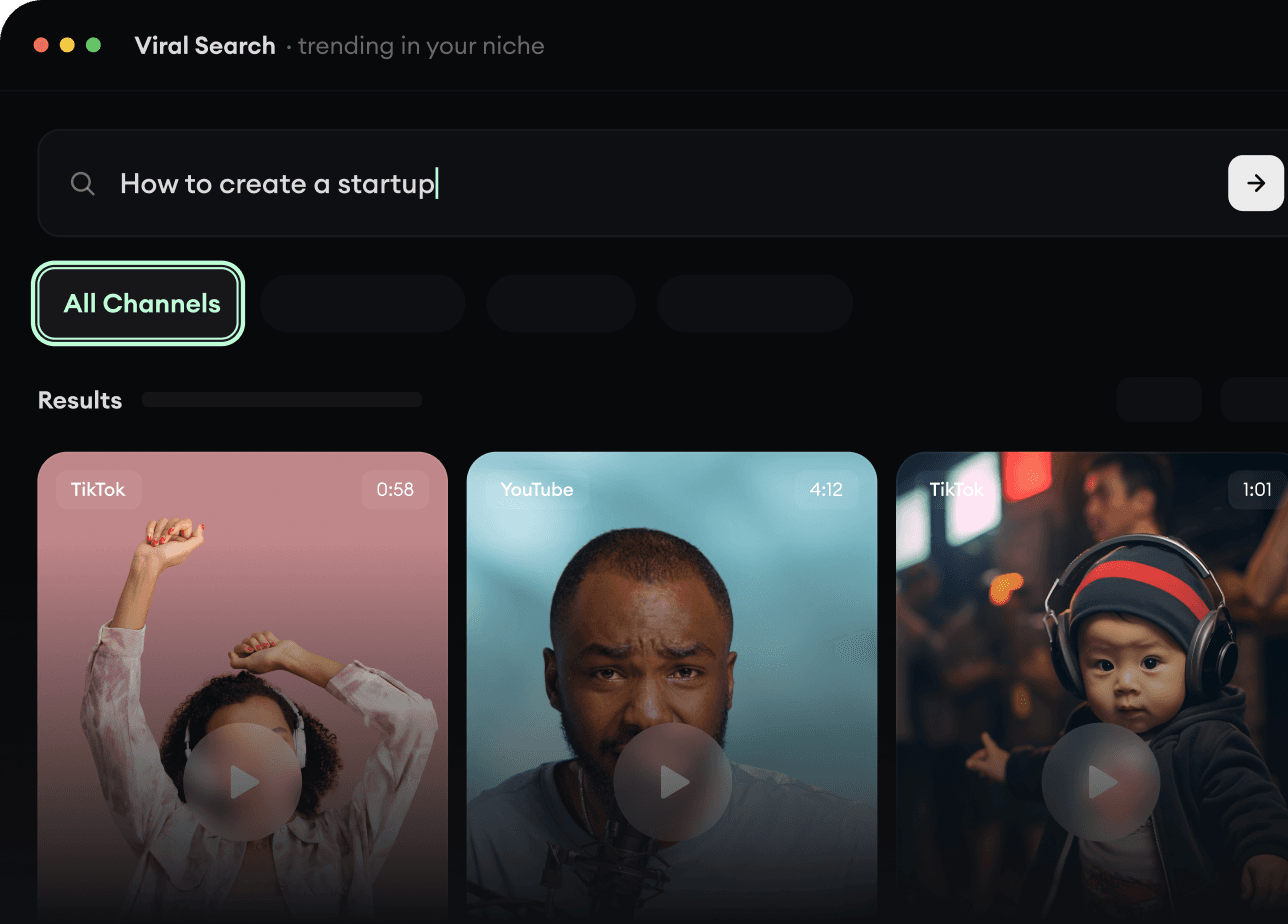
Trova video virali e tendenze.
Viral Search e Channel Watcher di Revid AI fanno emergere i format, i creator e le tendenze che stanno attirando l'attenzione in questo momento, e ti aiutano a trasformarli in idee tue.
Scopri i format vincenti nella tua nicchia
Segui i creator e i canali che contano
Parti da idee collaudate invece di tirare a indovinare
2
Trasforma un’idea in una storia.
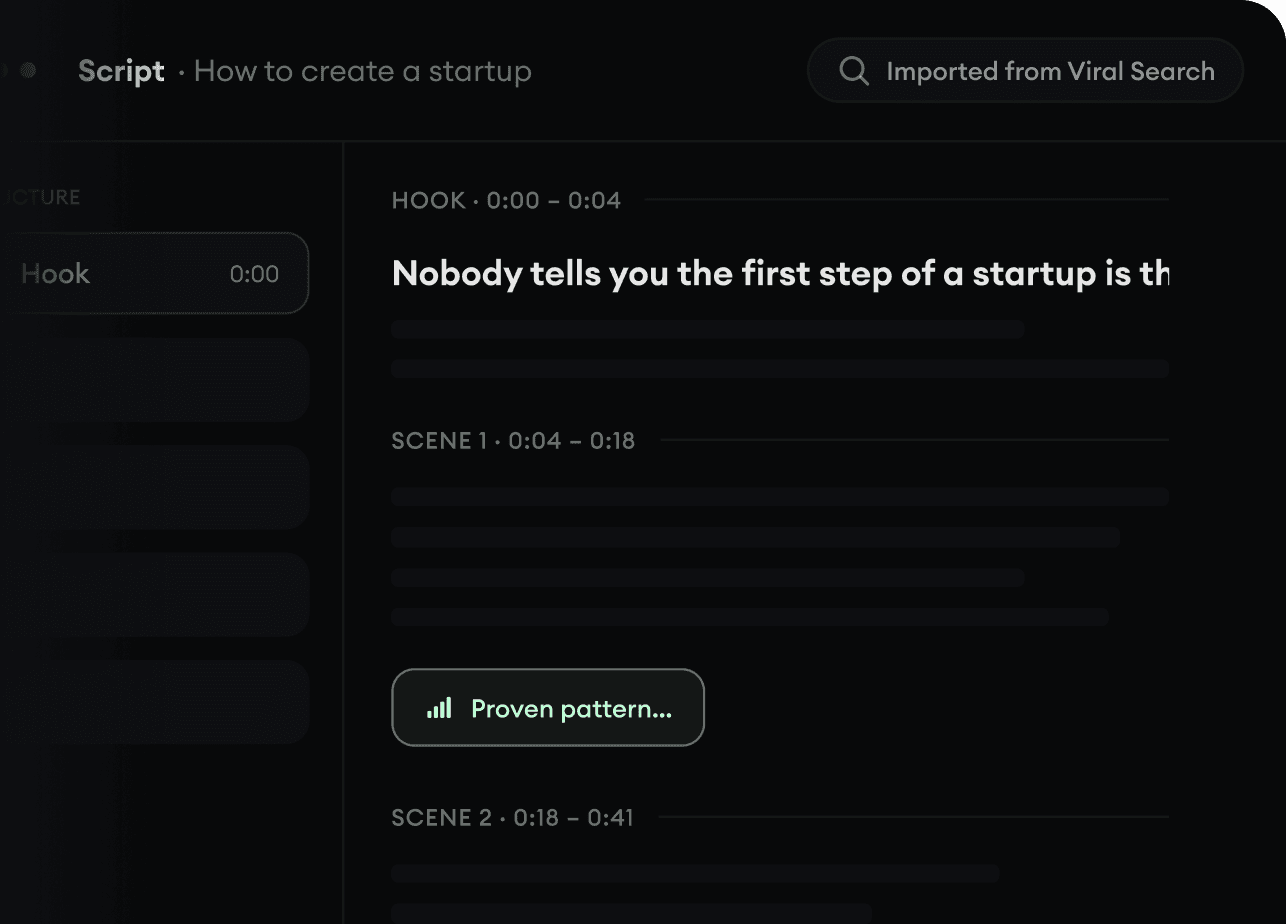
Hai trovato qualcosa che vale la pena realizzare? Revid AI scrive lo script, suggerisce la struttura e trasforma link, prompt o argomenti in concept video completi.
Parti da un prompt, un argomento o un URL
Genera script ispirati a schemi collaudati
Costruisci storie pensate per tenere incollato chi guarda
3
Genera il video finito.
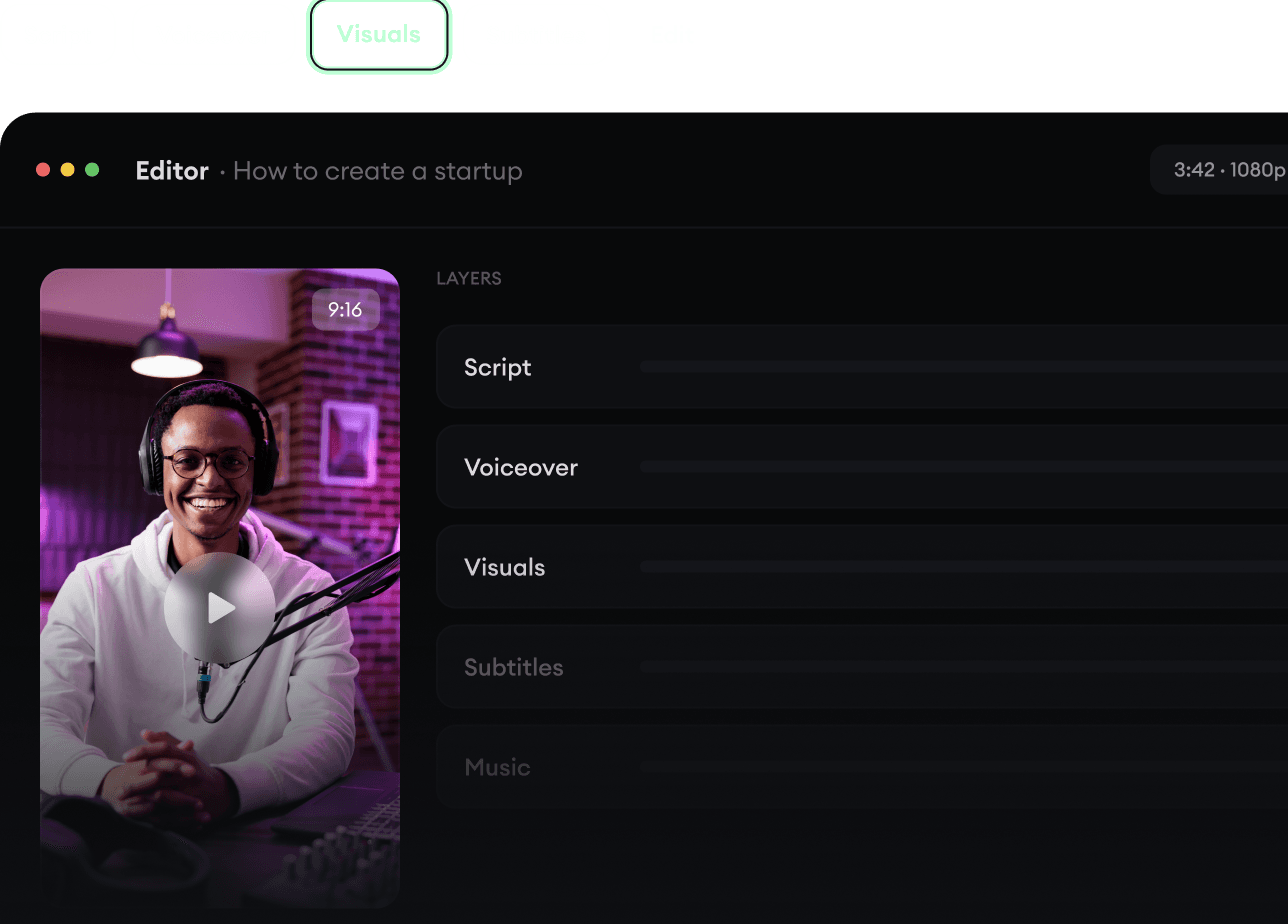
Script, voce fuori campo, immagini, sottotitoli e montaggio in un unico flusso di lavoro. Senza dover mettere insieme cinque strumenti diversi.
Trasforma il testo in video completi di più minuti
Genera tutto in un unico posto
Rifinisci il risultato nell’editor
4
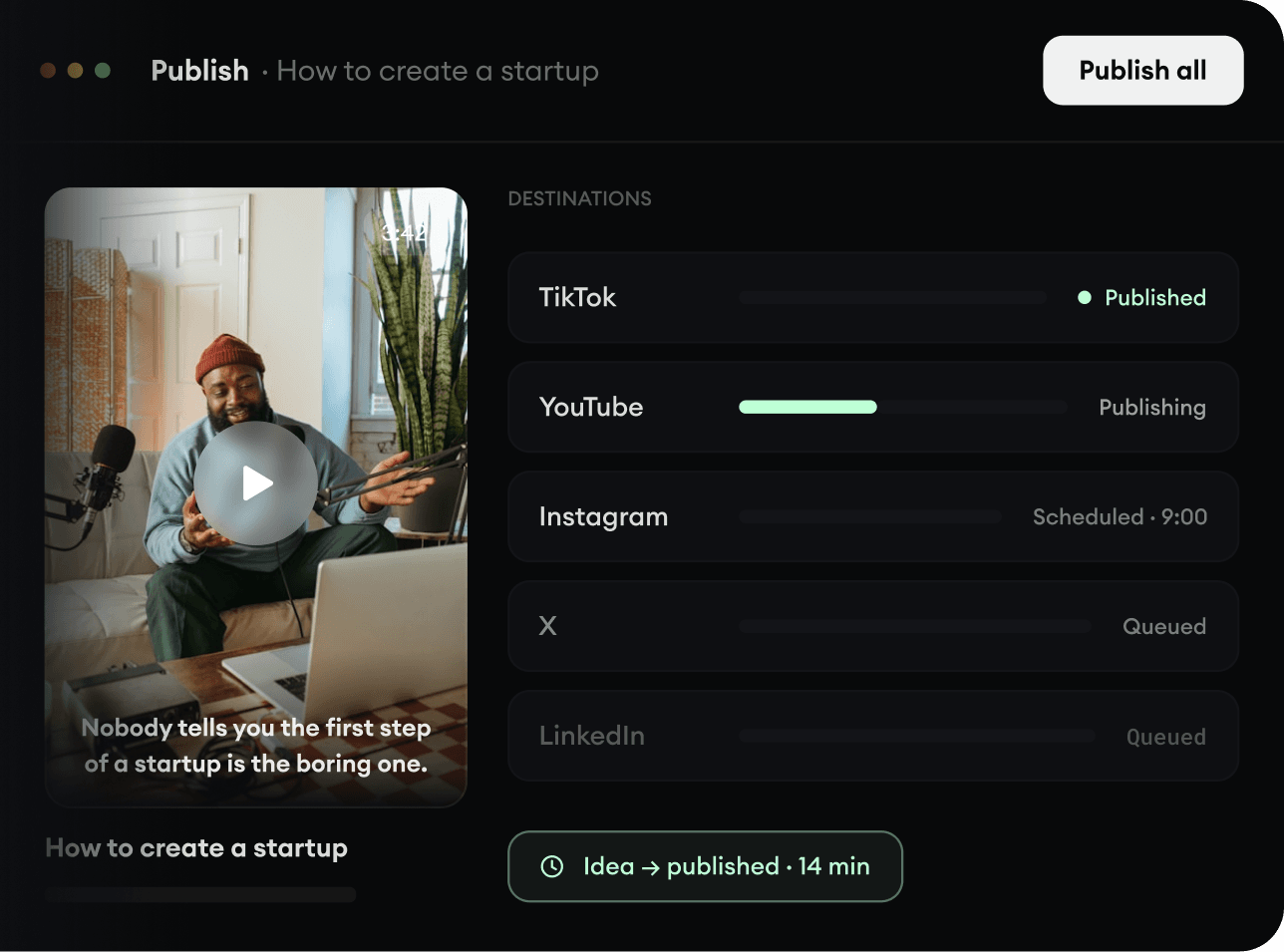
Pubblica ovunque.
Condividi i tuoi video su TikTok, YouTube, Instagram e ovunque sia il tuo pubblico.