Creators publish 30,000+ videos a month with Revid
AI Aurora Borealis Video Generator
Instantly create breathtaking videos of the #northernlights. Describe a scene, like 'aurora over a snowy forest,' and our AI will generate a cinematic #aurora video perfect for the #auroraborealis trend.
Start from text in seconds
AI voiceover
Auto-selects visuals
Captions and sound-ready
Your video prompt
💡 Use natural language to describe what you want to see in the video. AI will generate a script based on your prompt.
2,525 videos created with Revid in the last 24h
Ready in minutes · Edit everything before you post
Output Example
Related tools you might like:
or explore our 42+ other tools to create the exact video you want
A technical space crew lands on a lush, mysterious planet. As they explore, massive, intelligent apes emerge. The crew's leader raises a hand in peace. Suddenly, a deep horn sounds. The apes urge the crew to follow them to a hidden treetop. Here, they learn of an ancient human-ape alliance, now threatened by a rogue faction. The scene ends with the crew standing amidst the apes.
Visual FormatAI Video
Visual StyleEnvironment
FINAL VIDEO
Create Magical Aurora Borealis Videos with AI in 3 Simple Steps
1 Describe Your Northern Lights Scene
Start by typing a description of the aurora you envision into the prompt box. Be specific for the best results! Mention colors like 'dancing green and purple,' landscapes like 'over a frozen lake and snow-covered mountains,' and a mood like 'magical and serene.' Our AI will interpret your words to create the perfect scene.
2 Select Your Visual Style and Audio
Choose how you want your aurora to come to life. Select from unique AI-generated video, mesmerizing moving AI images, or high-quality stock footage. Then, pick the perfect ethereal background music from our library or upload your own to complete the atmosphere.
3 Generate and Perfect Your Video
Click the "Generate Video" button and let our AI work its magic. In just a few minutes, you'll have a breathtaking northern lights video, complete with dynamic motion and captions. You can then use our built-in editor to make any final adjustments before downloading and sharing your creation.
Example Videos
See What You Can Create with AI Aurora Borealis Video Generator
Explore different styles and possibilities with our AI Aurora Borealis Video Generator
Cinematic Northern Lights Videos
Generate hyper-realistic, 4K videos of the aurora borealis dancing across stunning landscapes. Perfect for creating viral, awe-inspiring content for TikTok and Instagram Reels.
Hyper-realistic dancing aurora visuals
Cinematic camera movements and angles
Perfect for the #northernlights and #aurora trends
Generate in any aspect ratio
Magical Aurora Fantasy Scenes
Create dreamlike videos by combining the northern lights with fantasy elements. Imagine auroras over ancient castles, mystical forests, or alien planets. Let your creativity run wild.
Combine auroras with any fantasy concept
Stylized and artistic visual options
Create unique, otherworldly sky visuals
Perfect for storytellers and digital artists
Relaxing Sky & Ambiance Videos
Generate long, calming videos of the northern lights for relaxation, meditation, or as a dynamic background. Create serene content that captivates and soothes your audience.
Ideal for ambient and ASMR content
Generate longer videos for YouTube
Paired with calming, atmospheric audio
High audience retention and engagement
FAQs
Frequently Asked Questions
What is the AI Aurora Borealis Video Generator?
This tool uses advanced AI to transform simple text descriptions into stunning, cinematic videos of the northern lights. It's designed for anyone looking to create mesmerizing aurora content for social media trends, relaxation videos, or artistic projects, without needing any animation or editing skills.
How do I create a northern lights video?
It’s easy! Just type a descriptive prompt of the scene you want (e.g., "vibrant green aurora over a dark pine forest"). Next, choose your visual style—like AI video or moving images—and select a background track. Finally, click "Generate Video." Your professional-quality aurora video will be ready in minutes.
What kind of text prompts give the best results?
For the most breathtaking results, be descriptive. Use keywords that paint a picture. Mention specific colors (green, purple, pink), the landscape (mountains, ocean, frozen lake), and the mood (peaceful, dramatic, magical). The more detail you provide, the better our AI can bring your vision to life.
Can I use these videos for the #auroraborealis TikTok trend?
Absolutely! This tool is perfect for creating content for the #auroraborealis and #northernlights trends. You can generate videos in a vertical (9:16) aspect ratio, ideal for TikTok, Instagram Reels, and YouTube Shorts, helping your content go viral.
What visual styles can I choose from?
You have three great options. "AI Video" generates completely new, unique video clips of the aurora. "Moving AI Images" creates animated still images with subtle motion. "Stock Videos" uses high-quality, professionally shot footage that matches your prompt.
How realistic are the AI-generated aurora videos?
Our AI is trained to create hyper-realistic and cinematic videos. It focuses on dynamic, flowing ribbons of light, vibrant colors, and natural interactions between the aurora and the landscape, resulting in awe-inspiring content that looks professionally captured.
How much does it cost to generate a video?
Video generation uses credits from your Revid AI account. The exact number of credits depends on the video's length and the settings you choose. Free accounts receive starting credits, and you can upgrade to a paid plan for more credits to create even more content.
How long does it take to create a video?
The generation process is incredibly fast. Most aurora videos are ready in just 2-5 minutes. We'll send you an email notification as soon as your video is complete and ready for you to edit or download.
Can I create relaxing or meditation videos with this tool?
Yes, this is a perfect use case. You can generate long, calming videos of the northern lights dancing across the sky. Pair them with ambient music from our library to create serene content ideal for relaxation, meditation, or as a dynamic background for your streams or YouTube channel.
Can I edit the video after the AI creates it?
Of course! Once your video is generated, you can use Revid AI's powerful built-in editor. Trim clips, adjust captions, change the music, and fine-tune your video to ensure it's absolutely perfect before sharing it with the world.
Can I add my own music or voiceover?
Yes. While we offer a curated library of atmospheric music, you can easily upload your own audio file to serve as the background track. You can also record a voiceover directly in the tool if you wish to narrate your celestial scene.
I have a question that isn't answered here. How can I get help?
We're happy to assist! If you have any other questions about the AI Aurora Borealis Video Generator, please contact our support team at hello@revid.ai. We'll get back to you as quickly as possible.
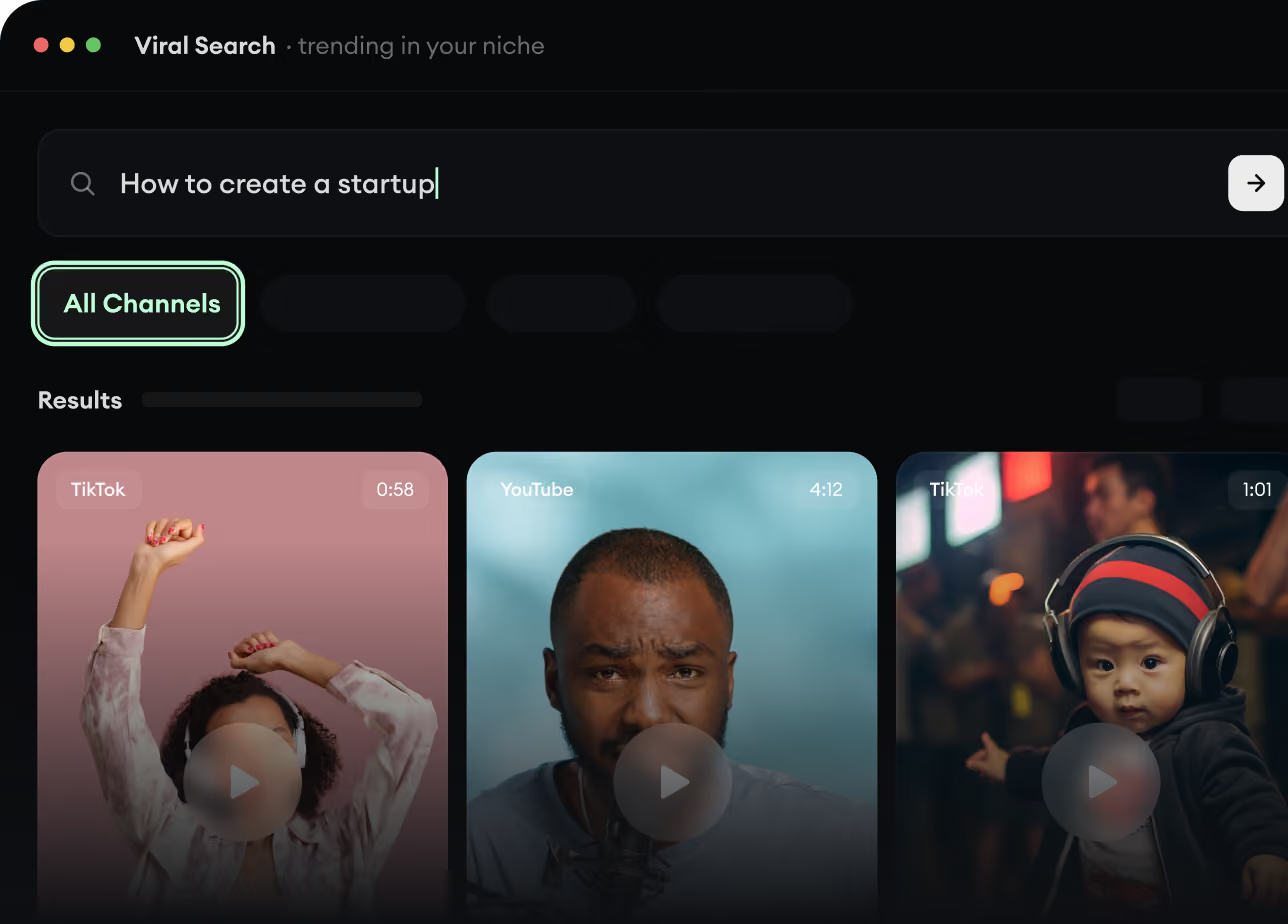
RevidAI's Viral Search and Channel Watcher surface the formats, creators, and trends getting attention right now, then help you turn them into ideas of your own.
Discover winning video formats in your niche
Follow creators and channels that matter
Start with proven ideas instead of guessing
2
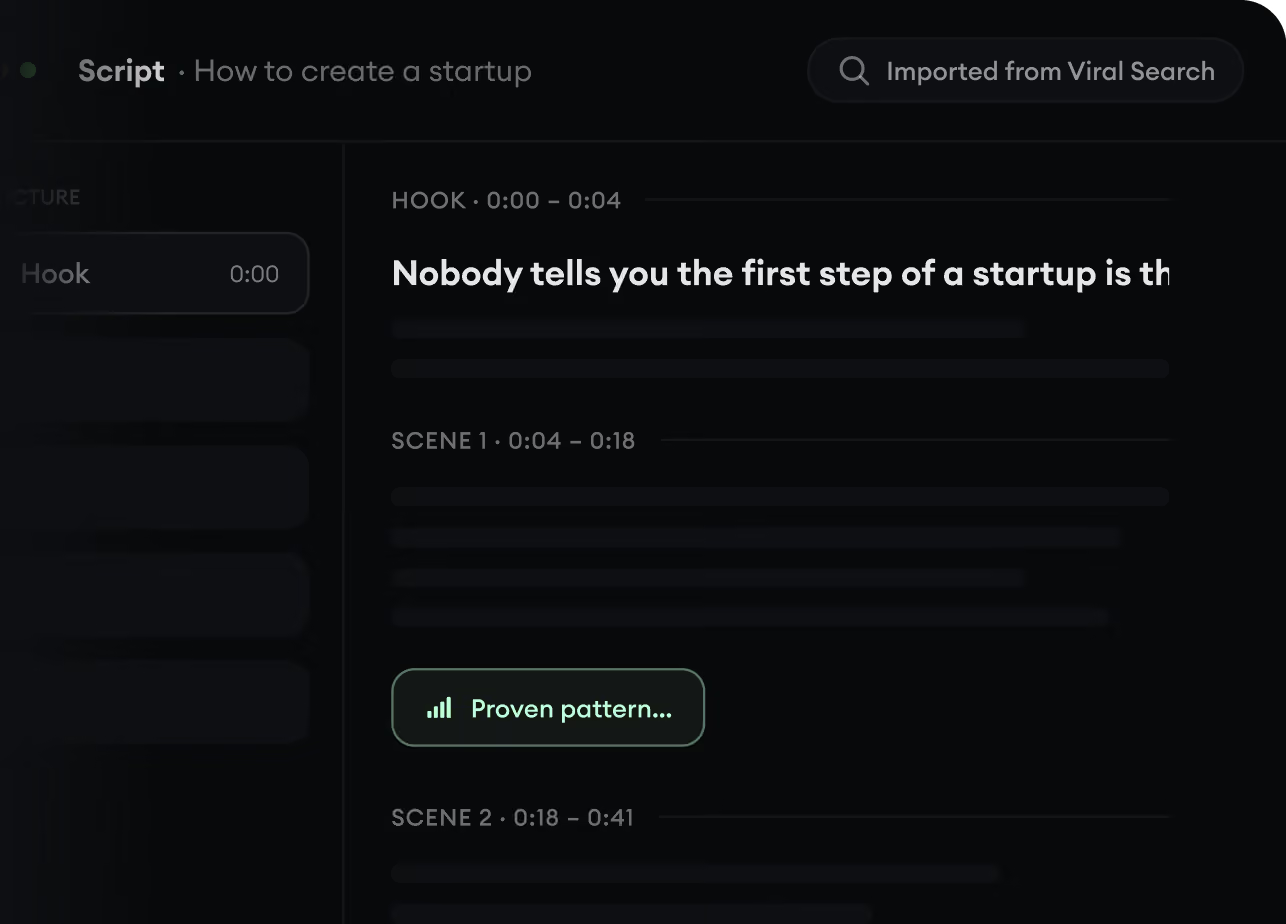
Turn An Idea Into A Story.
Found something worth making? Revid AI writes the script, suggests the structure, and turns links, prompts, or topics into complete video concepts.
Start with a prompt, topic, or URL
Generate scripts inspired by proven patterns
Build stories designed to keep people watching
3
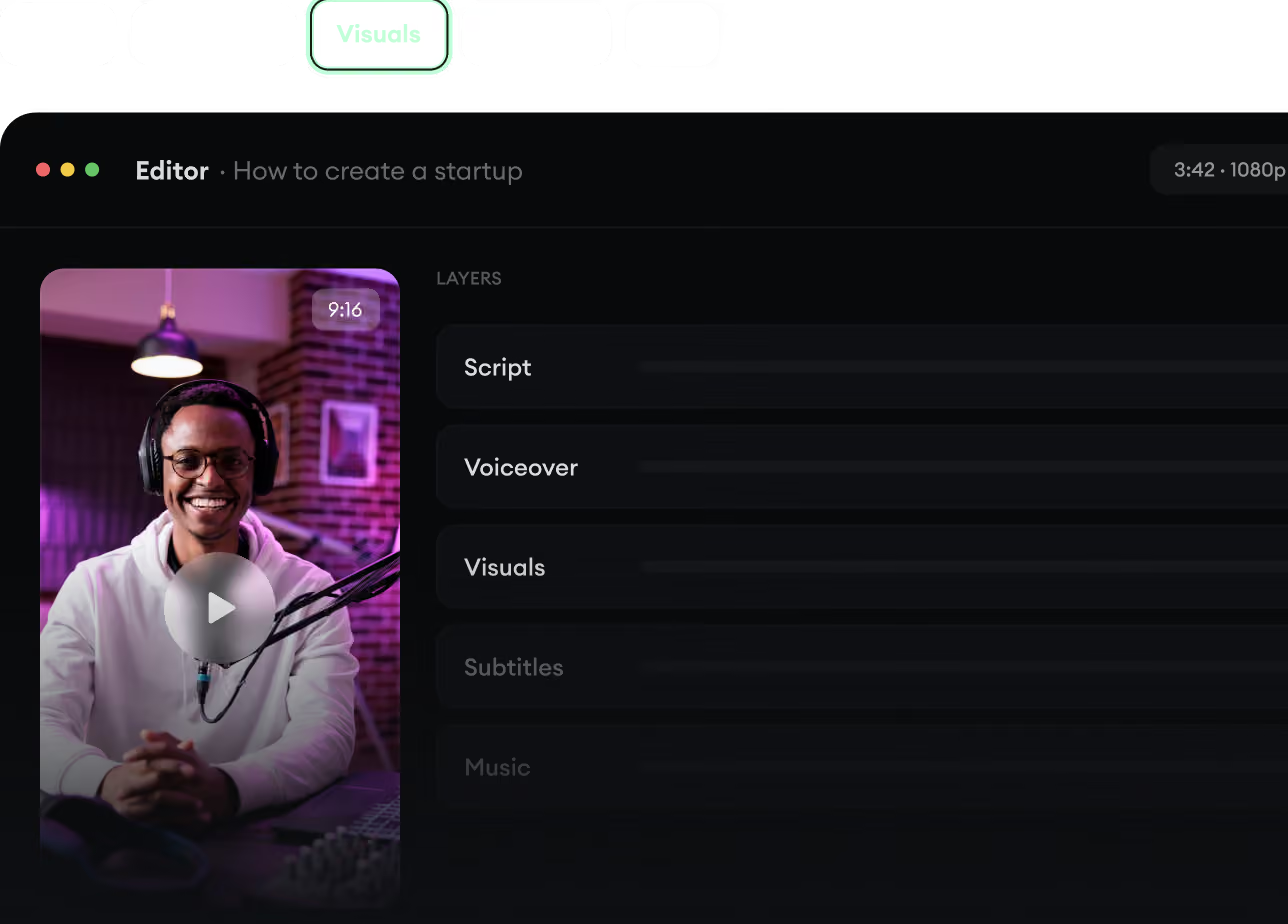
Generate The Finished Video.
Script, voiceover, visuals, subtitles, and editing all come together in one workflow. No stitching together five different tools.
Turn text into complete, multi-minute videos
Generate everything in one place
Refine the result in the editor
4
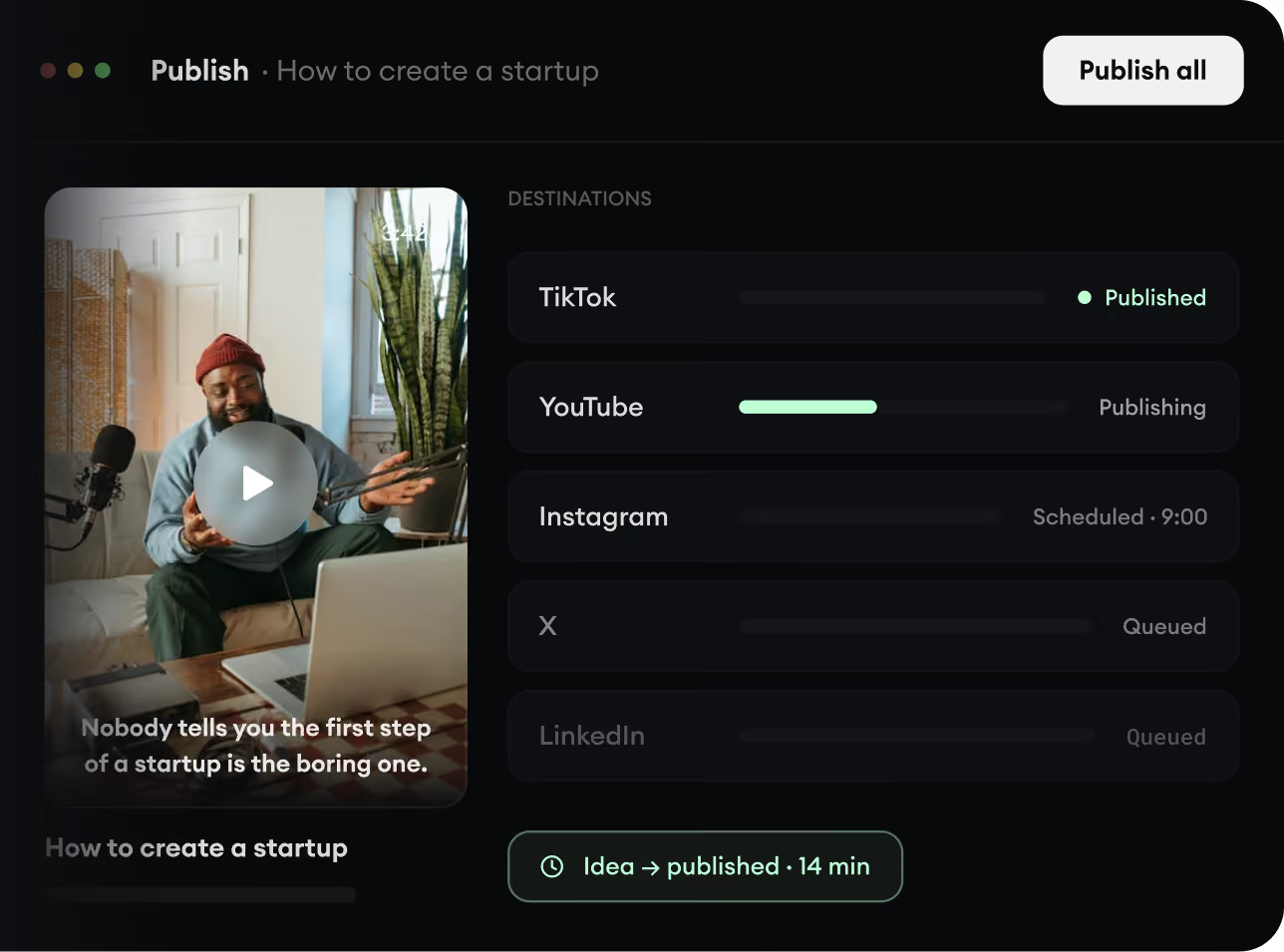
Publish Everywhere.
Share your videos to TikTok, YouTube, Instagram, and wherever your audience is.