2,515 videos created with Revid in the last 24h
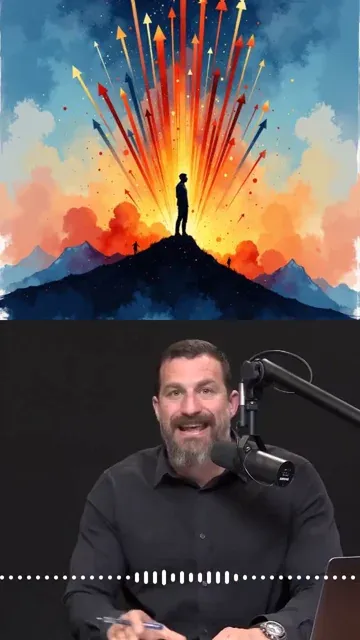
or explore our 42+ other tools to create the exact video you want
Explore our tools
Podcast to Video Converter - Create a video from your podcast recording in seconds. Just drop your audio file and Revid will handle the rest. No filming needed. Try for free!
Upload audio or paste a URL to transform spoken content into a captioned video with relevant visuals and short-form pacing.
or explore our 42+ other tools to create the exact video you want
Explore our toolsStart by providing your podcast content. You can upload an audio or video file directly into the podcast clip generator, or simply paste a link from YouTube, TikTok, or Instagram. No video footage? No problem—our tool acts as a powerful audio to video converter.
Decide how you want to extract clips. Choose 'AI highlights' to let our AI automatically find the most engaging 10 to 120-second moments. Alternatively, you can use the 'Time range' option to manually select a specific segment, or choose 'Full length' to convert the entire podcast episode.
Transform standard audio into an engaging visual experience. Tell the podcast clip generator to add relevant B-roll (like AI video, stock footage, or motion graphics) in a split-screen or full-screen format. If you uploaded a video, enable 'Auto-reframe' to perfectly crop the speaker for vertical mobile viewing, or apply 'Cinematic editing' for agency-grade graphics and camera angles.
Click 'Generate' and let our AI podcast clip generator do the heavy lifting. In minutes, you will receive highly polished, captioned short videos perfectly formatted for TikTok, Instagram Reels, and YouTube Shorts. Repurpose your podcast effortlessly and start growing your audience!
Upload your podcast audio and Revid generates a short video clip with AI-generated visuals, accurate captions, and formatted output ready for TikTok, Instagram Reels, and YouTube Shorts. There is no video editing, manual captioning, or visual design involved. The AI converts the audio content into a fully produced short video that promotes your episode to audiences who engage through social media rather than podcast directories. Upload the episode and have a shareable clip published the same day your episode goes live.
The podcast clip generator analyzes your audio for the strongest, most quotable, or most engaging segment, extracts it, and builds a short social video around it. Accurate captions are generated and synced to the speech automatically. Relevant visuals are added to accompany the audio rather than leaving the screen static. The output is formatted correctly for the platform you are targeting, whether vertical for TikTok and Reels or widescreen for YouTube. The entire production process happens automatically from your audio file upload.
Podcast discovery through directories like Apple Podcasts and Spotify is increasingly competitive. Short video clips shared on TikTok, Instagram, and YouTube Shorts reach a wider audience and drive new listeners back to full episodes more effectively than directory listings alone. Shows that consistently share short video clips from each episode grow their listener base faster than shows that rely only on directory exposure and word of mouth. Revid makes it possible to share clips from every episode without spending production hours between recording and posting.
Share short video clips from every episode on TikTok and Instagram without spending editing hours converting audio content into social-ready video format after each recording.
Bring your best podcast moments to video platforms where large audiences discover shows through short clips before deciding to subscribe and listen to full episodes.
Convert interview highlights, expert insights, and key quotes from podcast episodes into short videos that reach professional audiences across LinkedIn, TikTok, and Instagram.
Automate the short clip production workflow for every episode in your catalog, turning each weekly recording into platform-ready social content without adding production headcount.
Creating video clips from podcast episodes normally requires audio editing, visual design, caption work, and export for each platform. Revid generates the complete clip automatically from your audio file.
Find detailed answers to 100+ questions about features, tools, and workflows
or check our markdown version optimized for LLMs
Choose your tool, add your content, and create a video in seconds. Then customize it to your liking.
Turn your prompts into engaging videos with AI assistance
Create studio-quality videos from text, no filming required
Turn any song into an animated lyric video with synced text and visuals.
RevidAI's Viral Search and Channel Watcher surface the formats, creators, and trends getting attention right now, then help you turn them into ideas of your own.
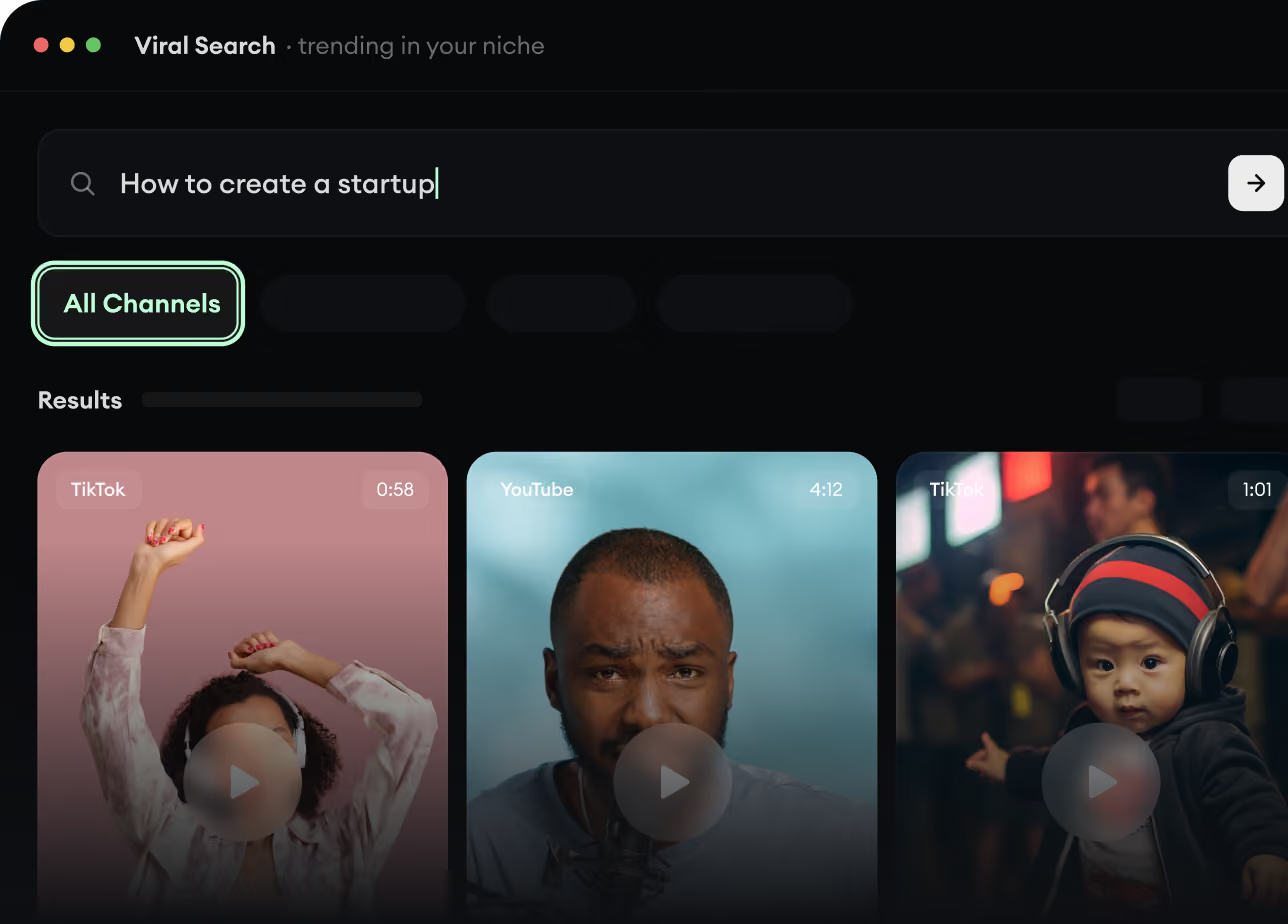
Found something worth making? Revid AI writes the script, suggests the structure, and turns links, prompts, or topics into complete video concepts.
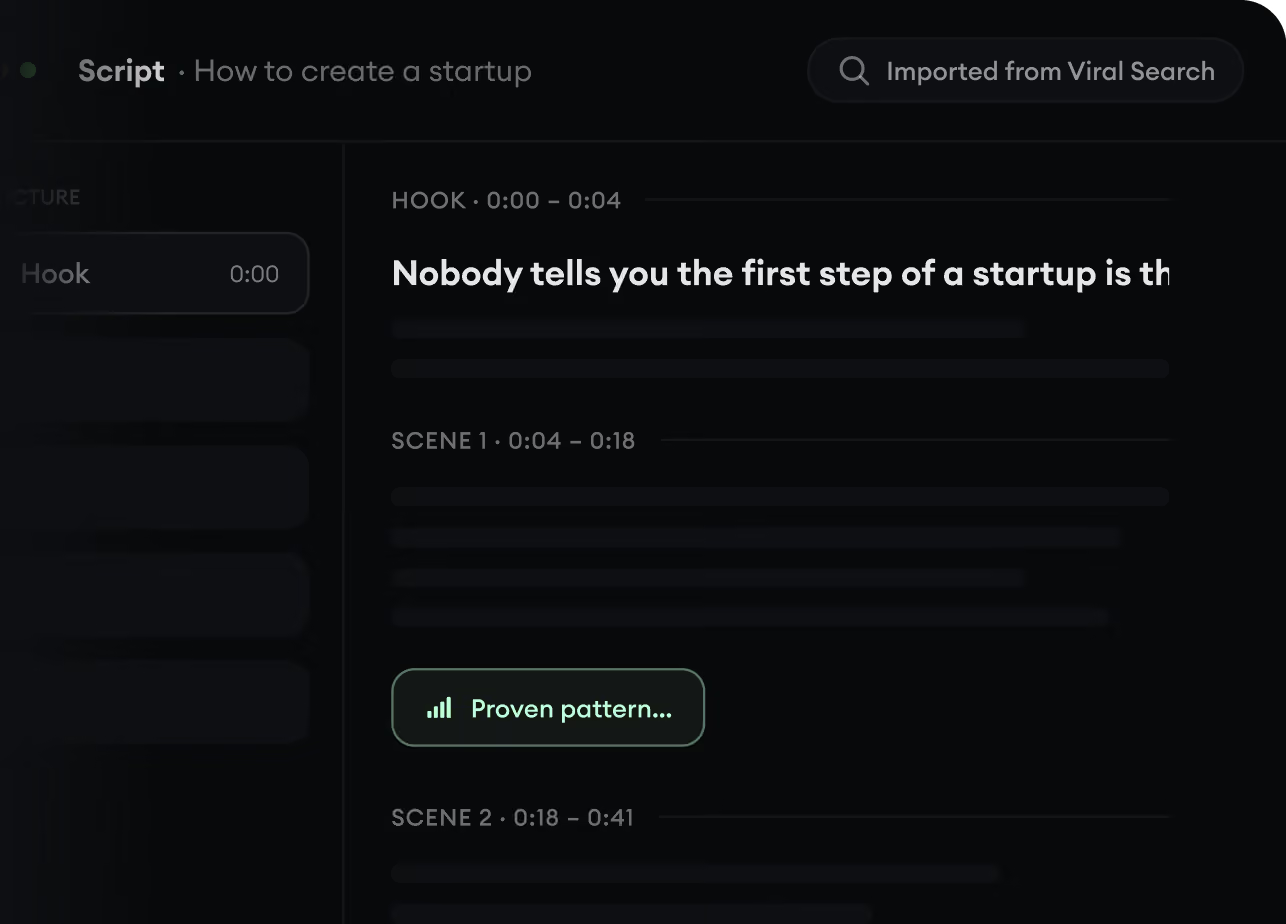
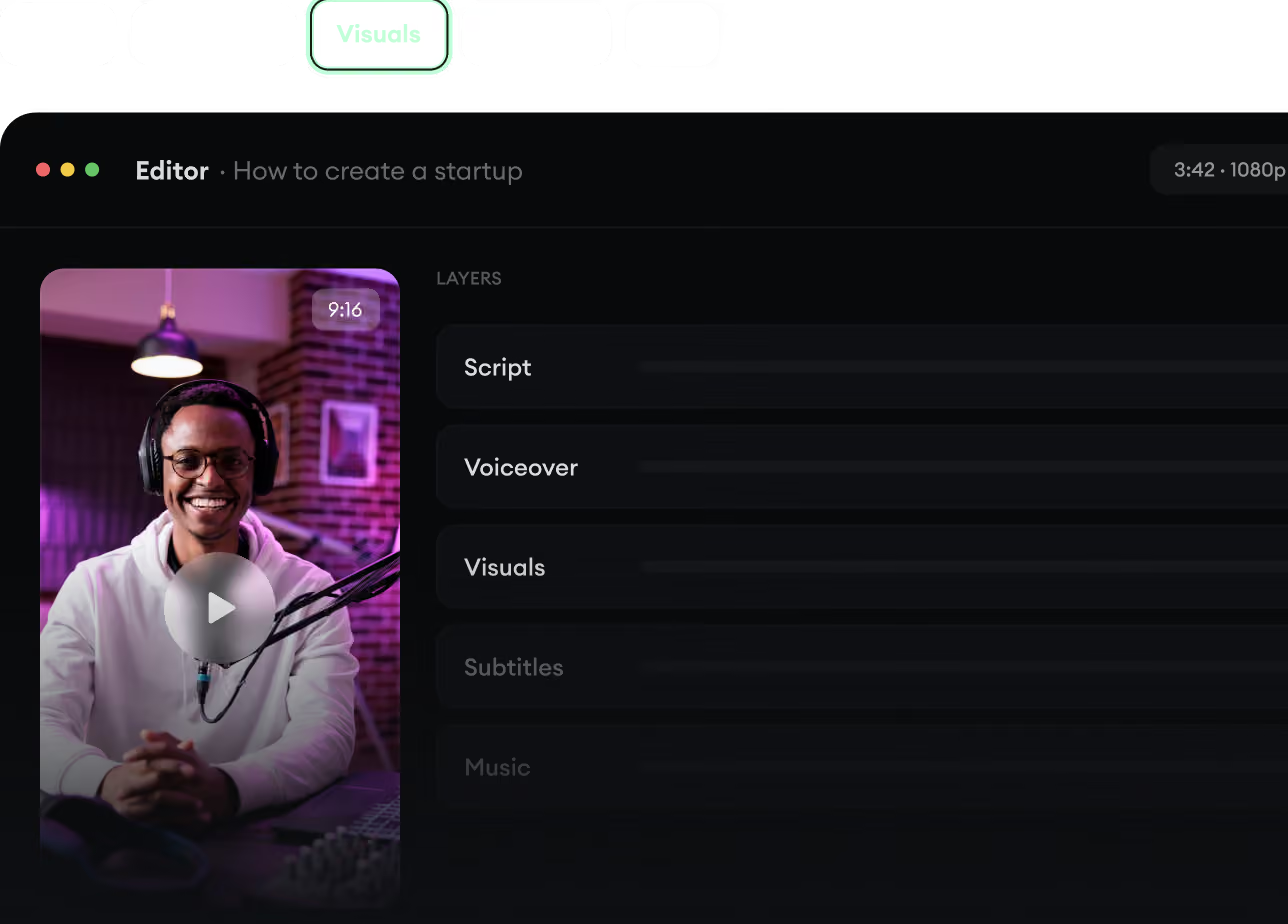
Script, voiceover, visuals, subtitles, and editing all come together in one workflow. No stitching together five different tools.
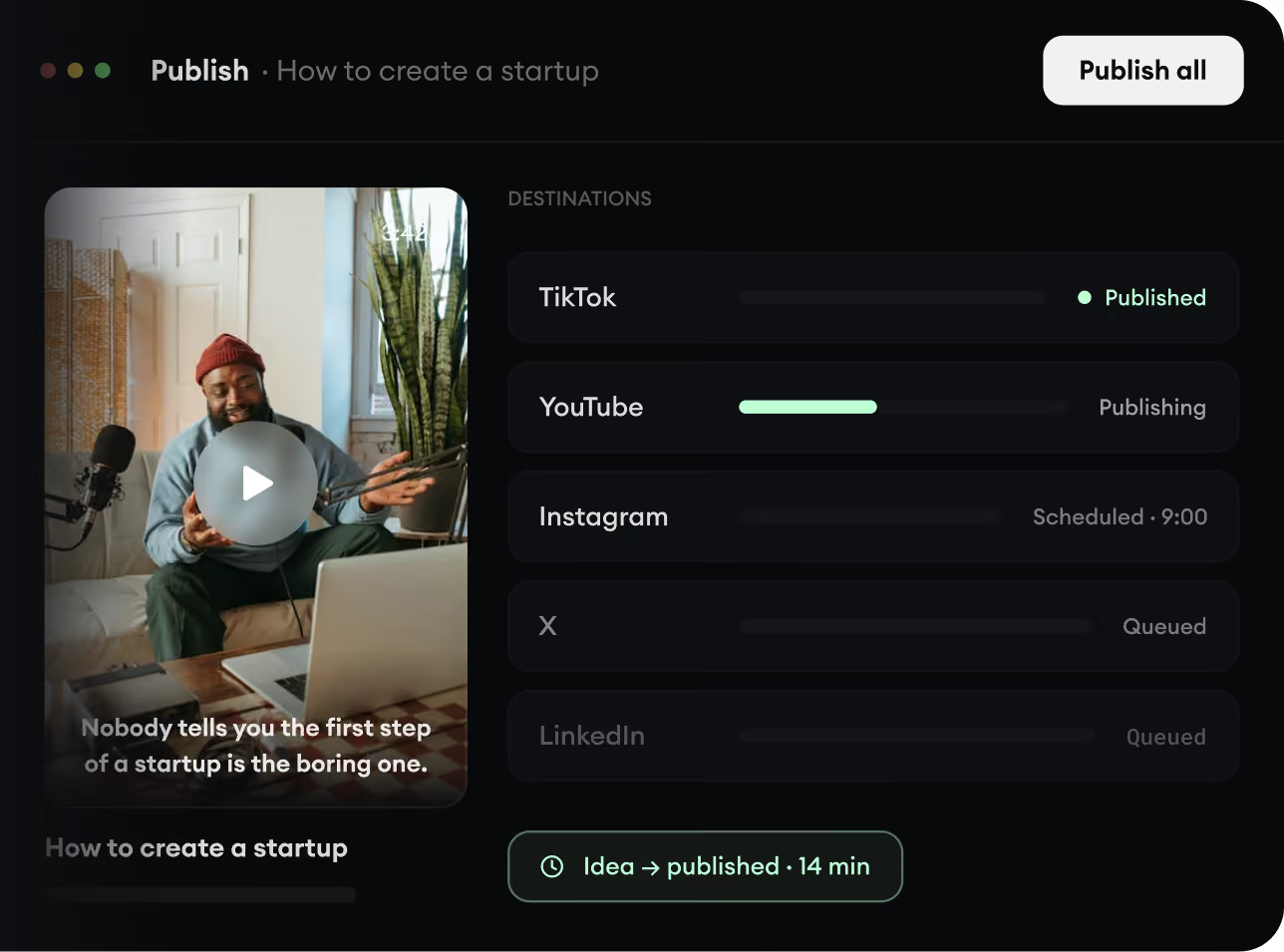
Share your videos to TikTok, YouTube, Instagram, and wherever your audience is.