Creators publish 30,000+ videos a month with Revid

Music Videos for Kids

Create music videos for kids with AI in minutes. Upload a nursery rhyme, lullaby, or learning song, and Revid generates colorful visuals, motion, and lyric captions designed for family-friendly viewing.

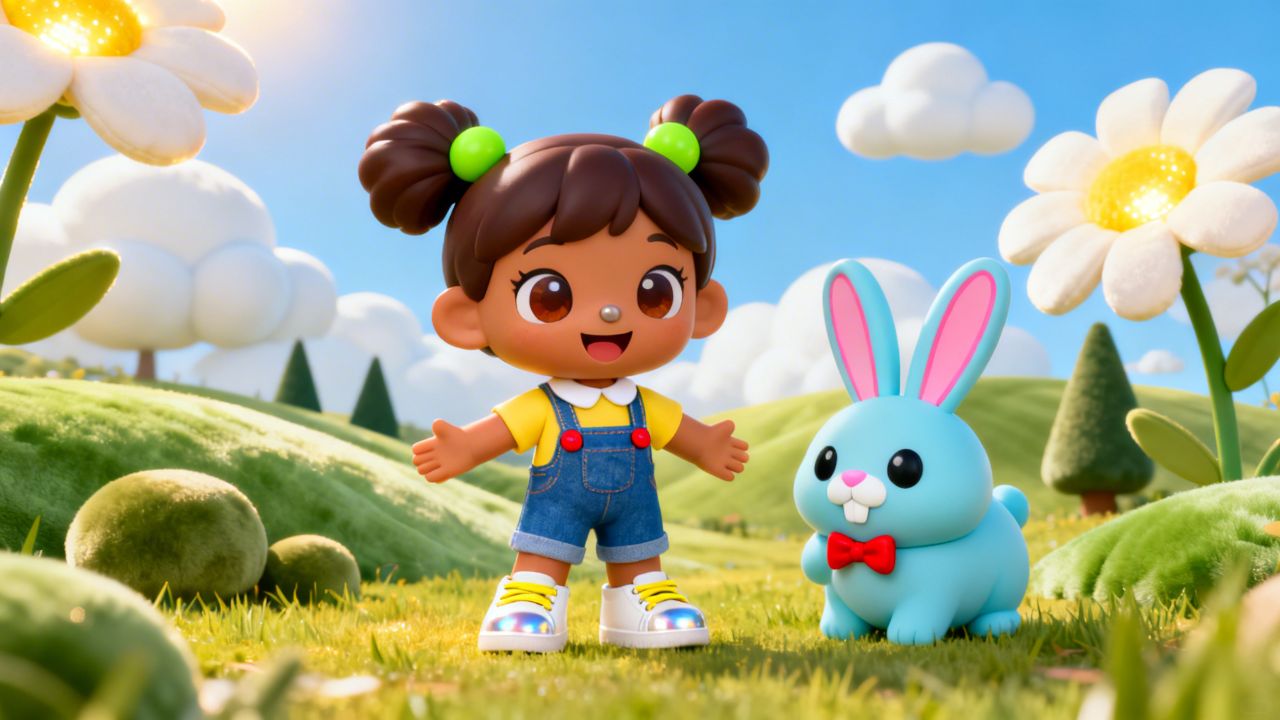
Create colorful music videos for kids with sing-along lyrics, playful visuals, and family-safe scenes in minutes.

  • Kids songs
  • Sing-along lyrics
  • Family safe
  • YouTube Kids ready
Proof of range

Start From What Already Works

YOUR IDEA
Source Audio
Source Audio
Original audio file
Visual FormatAI Video
Visual StyleNintendo
FINAL VIDEO

Create Colorful Music Videos for Kids in 3 Simple Steps

1 Upload Your Kids Song or Music Link

Start by providing the audio for your kids' song. You can upload an MP3/WAV file of a nursery rhyme, lullaby, or educational track, or simply paste a link from supported platforms like Spotify or Suno. Our AI will analyze the track to prepare it for your video.

2 Choose Your Visuals and Sync Options

Customize how your video will look. Select your preferred media type, such as vibrant 'AI video' or 'Animated AI images'. Decide if you want the visuals to sync with the song's beats or its lyrics. For an extra engaging touch, enable 'Singer Lip Sync' to have characters sing along to the lyrics on screen!

3 Generate and Share on YouTube Kids

Click 'Generate' and let Revid AI work its magic. In just a few minutes, you'll have a fully animated music video complete with family-safe scenes and sing-along captions. Use our built-in editor to make any final tweaks, then download your video in horizontal or vertical formats, ready for YouTube Kids, Shorts, or classrooms.

Step-by-step guideHow to make a great AI music video from your songFour music videos made with Revid, with the exact settings and the visual direction behind each, then the steps to make yours and what it costs.
01

Create Music Videos for Kids Without Animation or Editing Skills

Music videos for kids work best when the pacing is simple, the visuals are bright, and the lyrics are easy to follow. Revid handles that automatically by syncing scenes, captions, and motion to your song, so you can turn nursery rhymes, lullabies, and educational music into polished videos without manual editing or animation software.

02

Best Music Videos for Kids for YouTube Kids, Preschools, and Learning Channels

Whether you publish on YouTube Kids, run a preschool channel, or create songs for classroom use, visual presentation has a huge impact on attention and repeat watches. Revid helps you create family-friendly videos with colorful scenes, readable lyrics, and export formats that work for full YouTube uploads, vertical Shorts, and social clips.

Example Videos

See What You Can Create with Music Videos for Kids

See how music videos for kids can look with AI-generated animation, bright family-safe scenes, and sing-along captions. These examples are designed to help songs feel easier to watch, remember, and share across YouTube Kids, classrooms, and social platforms.

Music Video for Kids with Sing-Along Animation

Turn nursery rhymes, learning songs, and preschool music into bright music videos for kids with easy-to-follow lyrics, playful animation, and family-safe visuals.
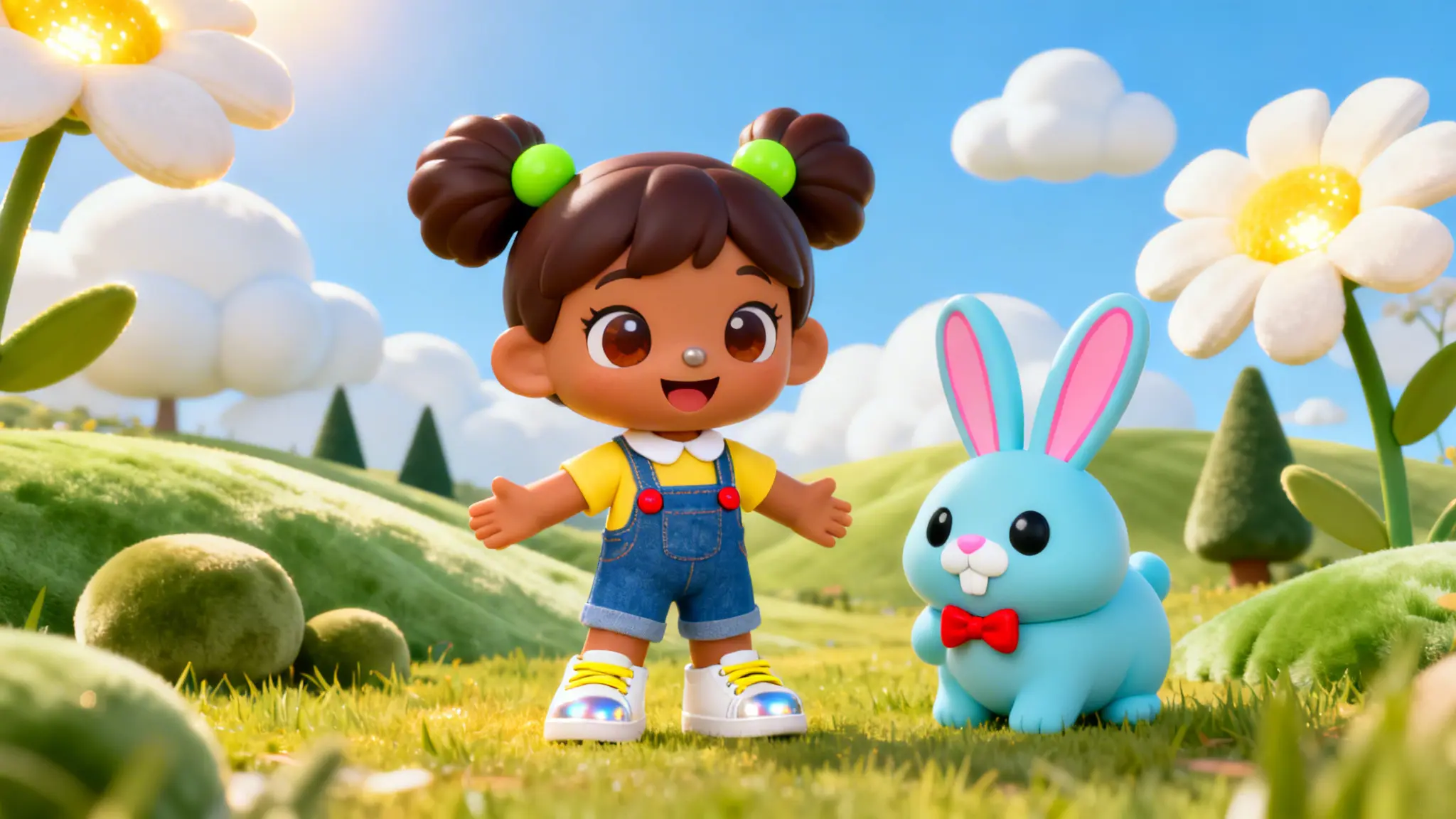
  • Optimized for nursery rhymes, lullabies, and educational songs
  • Family-safe scenes designed for preschool and classroom audiences
  • Sing-along lyric captions for higher repeat watch time
  • Ready for YouTube Kids, Shorts, Reels, and classroom playback
Music Video for Kids with Sing-Along Animation
More Tools

Music Videos for Kids for Every Type of Song

Create music videos for kids for nursery rhymes, alphabet songs, counting songs, bedtime lullabies, dance songs, and educational tracks. Revid matches the visuals, pacing, and captions to music made for preschoolers, families, classrooms, and YouTube Kids audiences.

FAQs

Frequently Asked Questions

What kind of music videos for kids can I create?
You can create music videos for kids for nursery rhymes, alphabet songs, counting songs, movement songs, bedtime lullabies, educational songs, and playful family content. The workflow is designed for colorful, easy-to-follow videos that feel safe and engaging for younger audiences.
Can I upload my own kids song or use a music link?
Yes. You can upload your own audio file or paste a supported music link, then let Revid turn it into a finished music video for kids with visuals, motion, and lyric captions synced to the track.
Are these music videos for kids family-friendly?
They are built for family-friendly content and you stay in control of the final output. Revid helps you create bright, safe-looking visuals and captions that fit preschool channels, classrooms, family creators, and YouTube Kids style content.
Can I make music videos for kids for YouTube Kids and Shorts?
Yes. You can create music videos for kids in wide, square, or vertical formats, making it easy to publish on YouTube Kids, YouTube Shorts, Instagram Reels, TikTok, classroom displays, and other family-focused channels.

Still have questions?

Contact us

Find detailed answers to 100+ questions about features, tools, and workflows

or check our markdown version optimized for LLMs

Tools

Free AI Video Tools

Choose your tool, add your content, and create a video in seconds. Then customize it to your liking.

See all tools

AI TikTok Video Generator

Turn text into trendy, viral TikTok videos in a snap

Try it out

Prompt to Video

Turn your prompts into engaging videos with AI assistance

Try it out

Add Caption to Video

Generate subtitles in 100+ languages with AI captions

Try it out

PDF to Brainrot

Convert PDFs into attention-grabbing, scrollable videos

Try it out

Text to Brainrot

Turn your text into trendy, scrollable content with dynamic visuals

Try it out

AI Talking Avatar

Create lifelike talking avatars from text in seconds

Try it out

Video Podcast Generator

Transform your podcasts into visually engaging video content

Try it out

AI Movie Maker

Create studio-quality videos from text, no filming required

Try it out

Audio to Video

Make engaging videos from your podcasts, interviews, or any audio content

Try it out

Animated Lyrics Video Generator

Turn any song into an animated lyric video with synced text and visuals.

Try it out

AI Music Video Generator

Transform your music into cinematic music videos.

Try it out

AI Lyrics Video Generator

Transform your lyrics into a complete music video with AI

Try it out
How it works

From Signal To Published In Four Steps.

1

Find Viral & Trending Videos.

RevidAI's Viral Search and Channel Watcher surface the formats, creators, and trends getting attention right now, then help you turn them into ideas of your own.
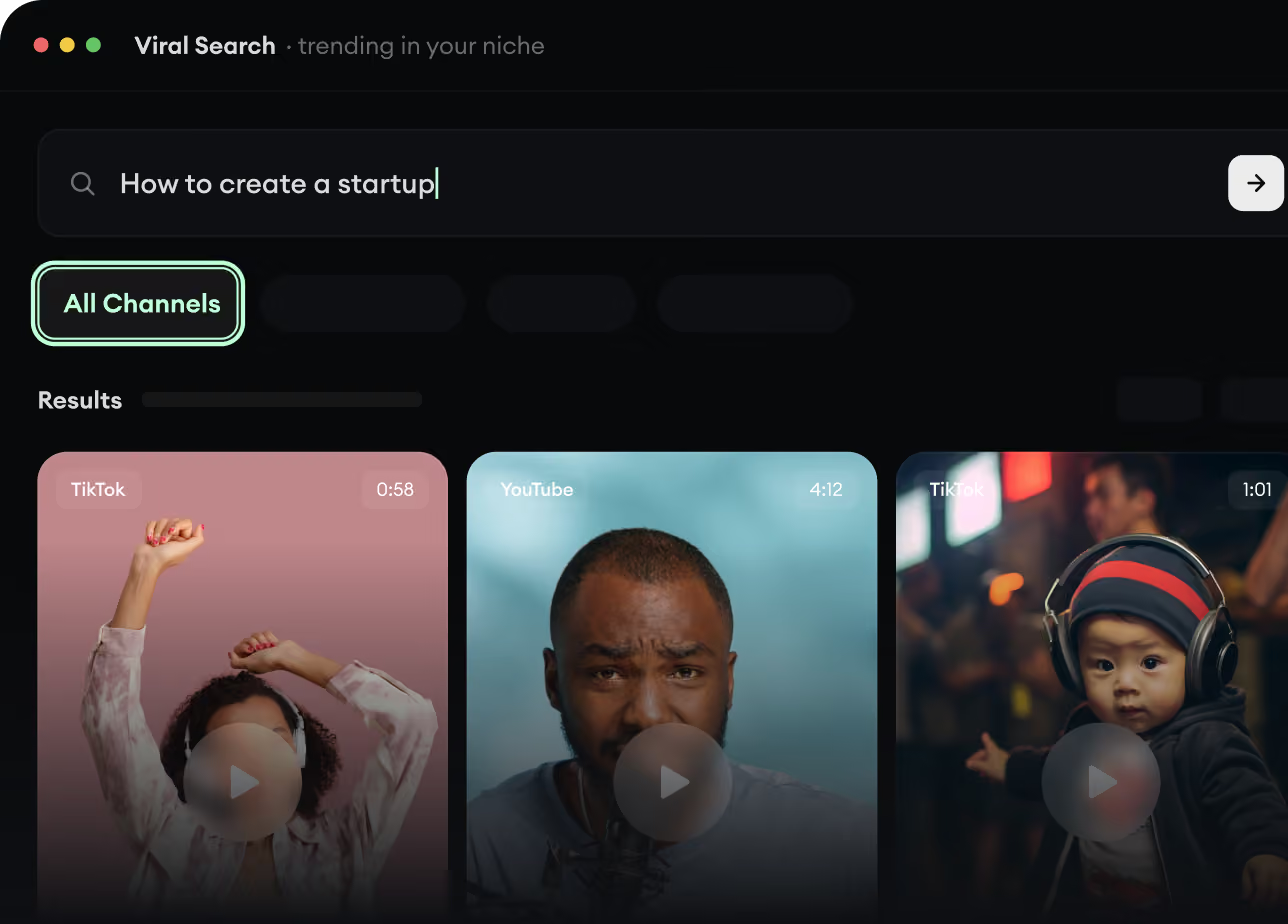
  • Discover winning video formats in your niche
  • Follow creators and channels that matter
  • Start with proven ideas instead of guessing
Find Viral & Trending Videos.
2

Turn An Idea Into A Story.

Found something worth making? Revid AI writes the script, suggests the structure, and turns links, prompts, or topics into complete video concepts.
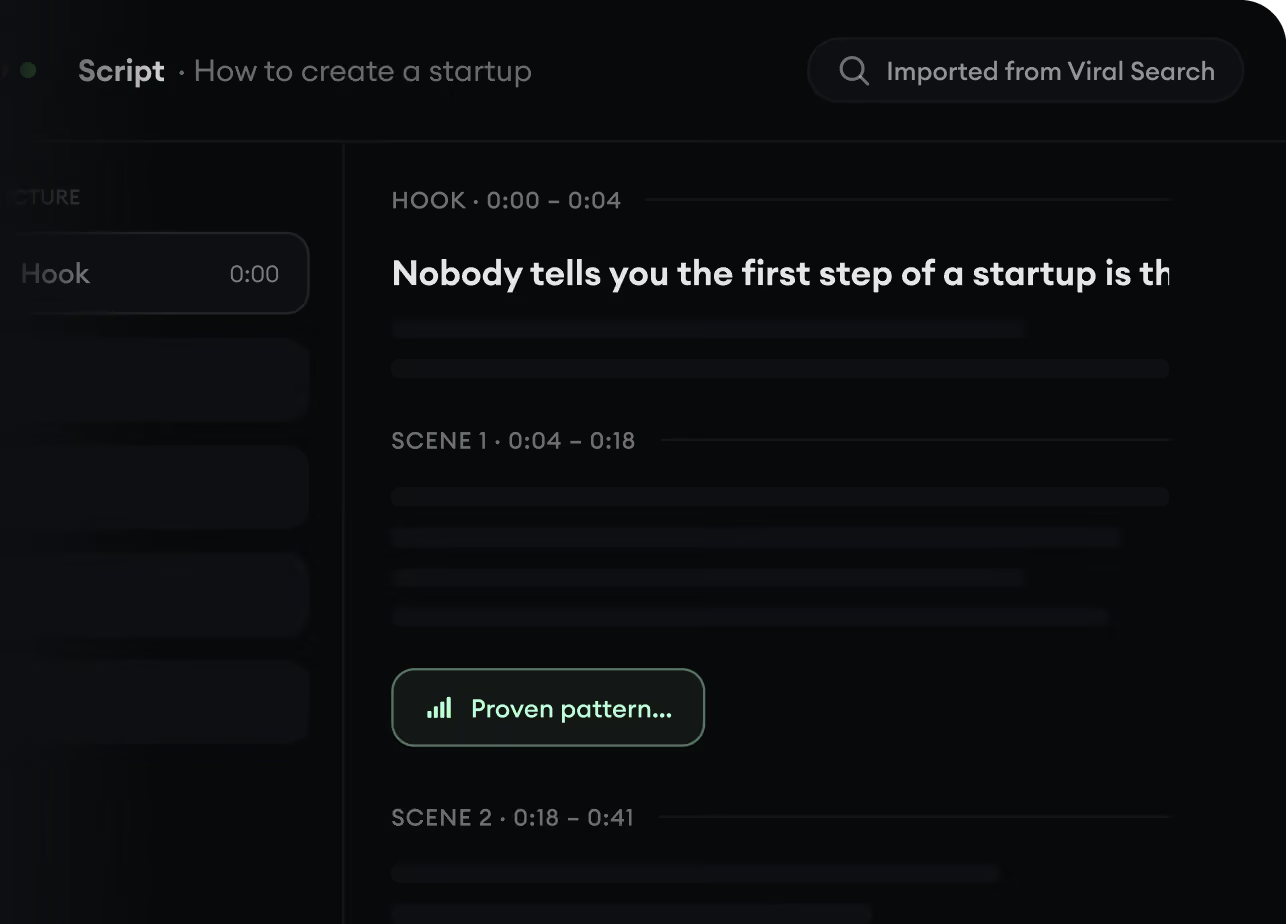
  • Start with a prompt, topic, or URL
  • Generate scripts inspired by proven patterns
  • Build stories designed to keep people watching
Turn An Idea Into A Story.
3

Generate The Finished Video.

Script, voiceover, visuals, subtitles, and editing all come together in one workflow. No stitching together five different tools.
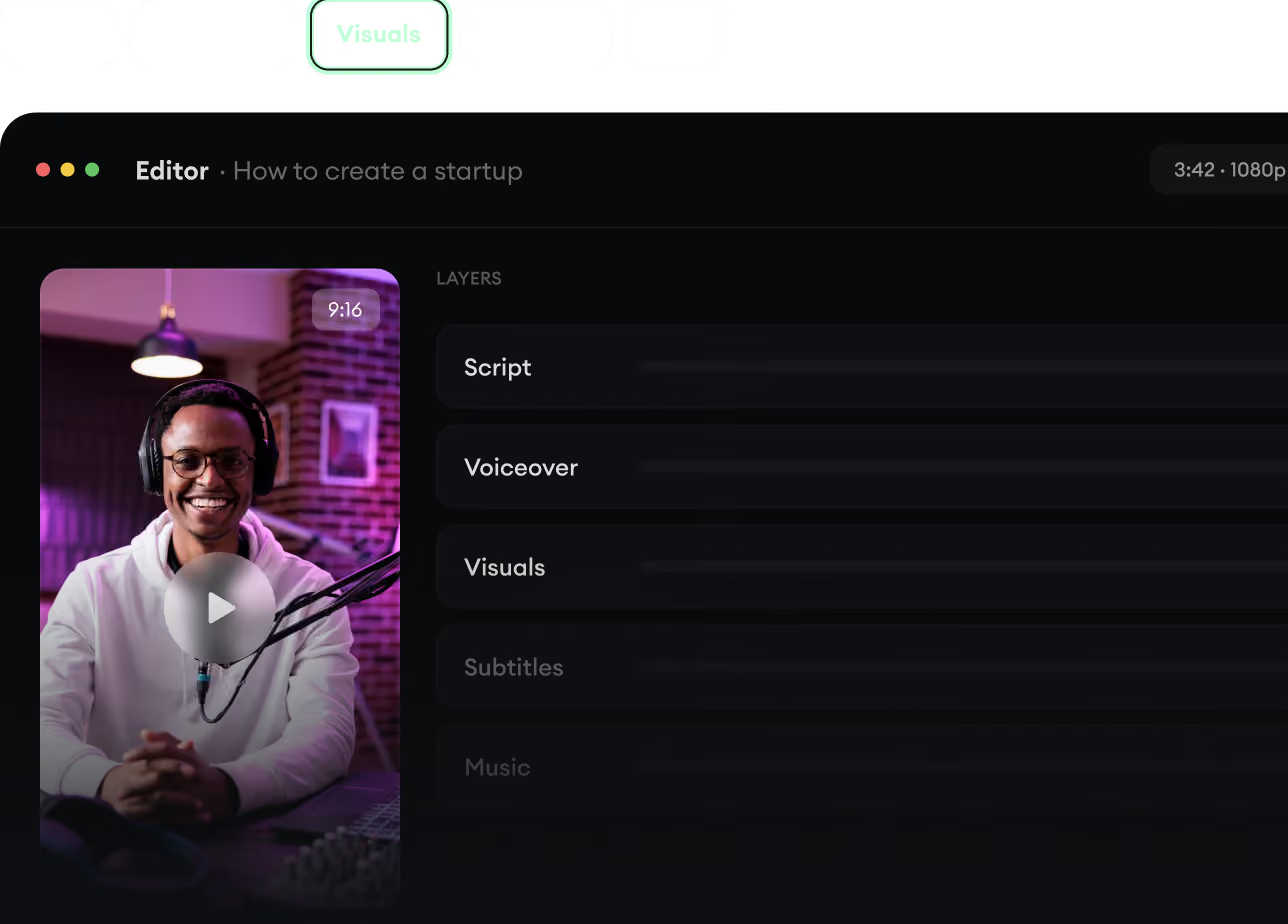
  • Turn text into complete, multi-minute videos
  • Generate everything in one place
  • Refine the result in the editor
Generate The Finished Video.
4

Publish Everywhere.

Share your videos to TikTok, YouTube, Instagram, and wherever your audience is.
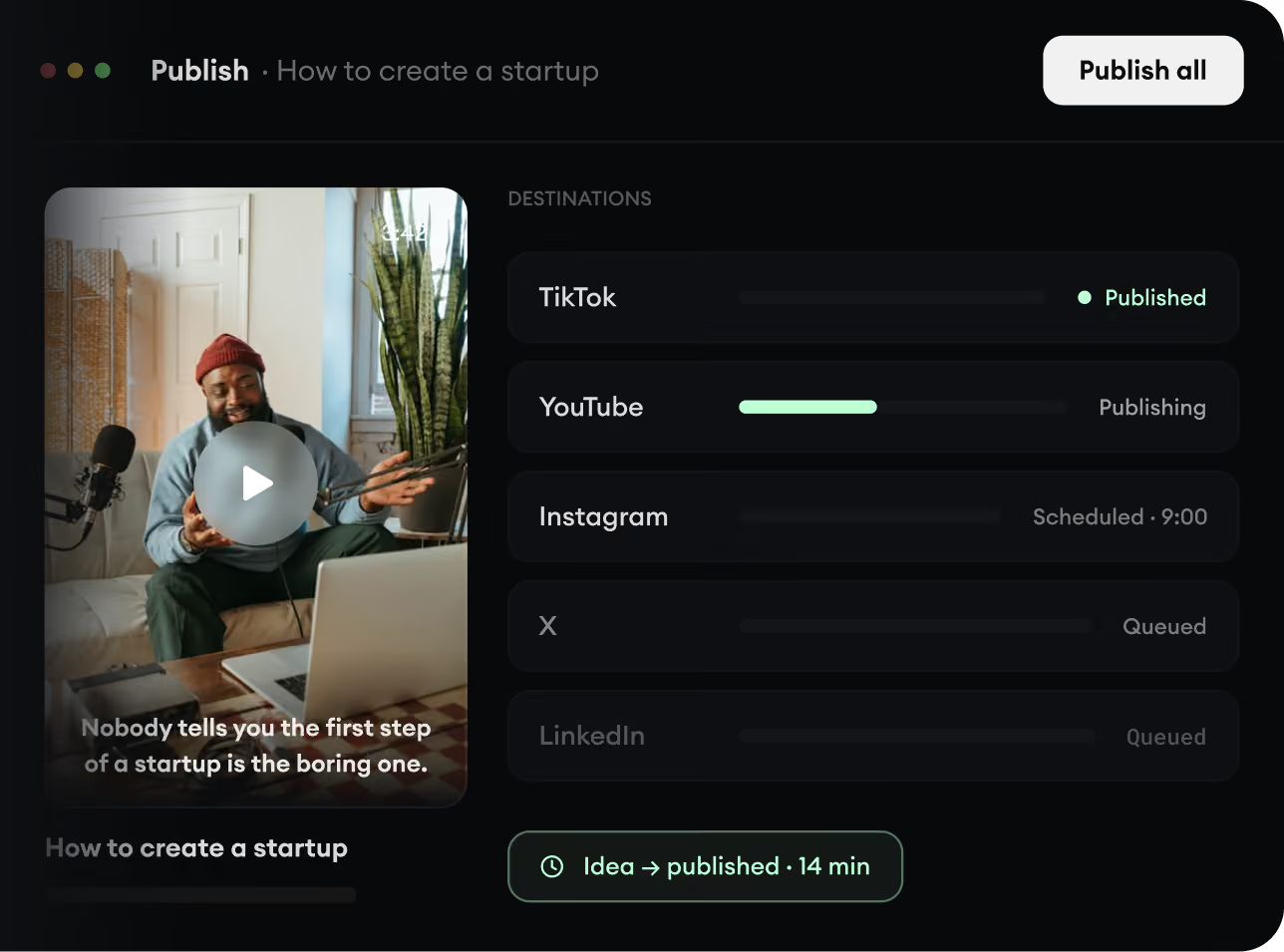
  • Publish across every major platform
  • Reach more people with less work
  • Go from idea to published video in minutes
Publish Everywhere.