Creators publish 30,000+ videos a month with Revid
Create a Wedding Highlight Video with AI
Turn wedding photos and videos into a romantic highlight reel. AI picks the best moments, adds transitions, and creates a wedding story you'll cherish forever.
Create Your Perfect Wedding Highlight Video in 3 Simple Steps
1 Upload Your Wedding Media
Start by uploading your favorite wedding photos and video clips directly into our AI Wedding Video Maker. You can also add an optional text description of the couple, the venue, or the mood to help guide the AI in telling your unique love story.
2 Let AI Craft Your Highlight Reel
Once uploaded, our advanced AI analyzes your media to select the most beautiful and emotional moments. It automatically arranges them into a flowing narrative, applies smooth transitions, and syncs the pacing to a romantic background music track—no manual video editing required.
3 Generate, Review, and Share
Click generate and your stunning wedding highlight video will be ready in minutes. You can easily download the finished reel to share on social media, send to family and friends, or keep as a cherished digital memory of your special day.
Create a Wedding Highlight Video from Your Photos and Clips Without Editing
Upload your wedding photos and video clips and Revid's AI selects the most beautiful moments, arranges them into a romantic narrative sequence, adds music, and produces a finished highlight video ready to share. There is no timeline editing, manual clip selection, or video production experience required. The AI understands the emotional arc of a wedding day and builds a video that captures the ceremony, the celebration, and the moments between in a way that moves the people who were there and tells the story beautifully to those who were not. From upload to finished wedding video takes minutes.
02
What the AI Wedding Video Maker Builds from Your Wedding Media
The wedding video maker analyzes the photos and clips you upload, identifies the most visually and emotionally resonant moments, and arranges them into a flowing highlight reel with gentle pacing and smooth transitions. You can describe the couple or the event to help the AI understand whose day it was and what story to tell. Music is selected and synchronized to the visual pacing automatically, with a default romantic audio track suited for the occasion. The output is a complete wedding highlight video formatted for sharing without any additional editing required.
03
Wedding Highlight Videos That Capture the Emotion and Share It With Everyone
Wedding highlight videos are among the most watched, shared, and saved videos that exist on any social platform. They combine real emotion, real people, and a universal story that resonates with every viewer regardless of whether they attended the event. Sharing a polished wedding highlight video the week after your ceremony generates genuine engagement and becomes a lasting keepsake for the couple, their families, and their guests. Revid makes it practical to produce that highlight video from your existing wedding media without the weeks of waiting that professional videography editing often requires.
Target Audience
Who is this tool for?
Couples sharing their wedding day on social media
Turn your wedding photos and clips into a polished highlight reel to share with friends, family, and followers who were not there in person and everyone who wants to relive the day.
Produce a photo-to-video highlight reel for clients alongside the photo gallery without a full video editing workflow, adding a high-perceived-value deliverable to every package.
Build a wedding highlight video to share with guests as a thank-you message that includes the moments you shared together and honors everyone who was part of the celebration.
Wedding planners building portfolio showcase content
Create highlight video content from each event you organize to showcase your planning work on social media and your portfolio without a separate video production budget per event.
Comparison
Revid vs. Traditional Wedding Video Production
Professional wedding videography requires hiring a cinematographer, weeks of editing, and significant cost. Revid generates a complete wedding highlight video from your existing photos and clips automatically.
Input
Revid Wedding Video MakerUpload wedding photos and clips and generate immediately
Other ToolsHire a videographer to film the day, wait weeks for editing and delivery
Story selection
Revid Wedding Video MakerAI selects the best moments and builds a narrative automatically
Other ToolsManual clip selection and timeline arrangement by the editor
Music
Revid Wedding Video MakerRomantic music selected and synced automatically
Other ToolsMusic sourcing, licensing, and manual sync required
Delivery time
Revid Wedding Video MakerFinished wedding video in minutes after uploading
Other ToolsWeeks of editing before the highlight video is delivered
Cost
Revid Wedding Video MakerIncluded in Revid's video generation credits
Other ToolsProfessional videography and editing fees per event
Revisions
Revid Wedding Video MakerRegenerate with different media or description instantly
Other ToolsRevision requests require additional editing time and negotiation
Feature / Benefit
Revid Wedding Video Maker
Other Tools
Input
Upload wedding photos and clips and generate immediately
Hire a videographer to film the day, wait weeks for editing and delivery
Story selection
AI selects the best moments and builds a narrative automatically
Manual clip selection and timeline arrangement by the editor
Music
Romantic music selected and synced automatically
Music sourcing, licensing, and manual sync required
Delivery time
Finished wedding video in minutes after uploading
Weeks of editing before the highlight video is delivered
Cost
Included in Revid's video generation credits
Professional videography and editing fees per event
Revisions
Regenerate with different media or description instantly
Revision requests require additional editing time and negotiation
More Tools
Explore Similar Lifestyle AI Video Tools
Discover more ways to create engaging videos with our AI-powered tools
FAQs
Frequently Asked Questions
What is the AI Wedding Video Maker?
Our AI Wedding Video Maker is an innovative tool designed to turn your wedding photos and raw video clips into a polished, romantic wedding highlight video. Using advanced AI, it automatically selects the best moments, adds transitions, and syncs everything to music, allowing you to create a beautiful wedding video in minutes without any video editing experience.
How do I create a wedding highlight video from photos?
Creating a wedding highlight video is effortless with our Wedding Video Maker. Simply upload your wedding photos and short video clips into the tool. The AI will analyze your media, select the most emotionally resonant shots, and seamlessly sequence them into a cinematic wedding highlight reel complete with background music.
Do I need video editing skills to use the Wedding Video Maker?
Not at all! The Revid AI Wedding Video Maker completely eliminates the need for complex timeline editing. The AI handles the entire production process—from clip selection and pacing to transitions and audio syncing. It's the perfect wedding video generator for couples, guests, or photographers looking for professional results instantly.
How long does it take to make a wedding video?
While traditional wedding videography editing can take weeks or months, our AI Wedding Video Maker delivers your finished highlight reel in just a few minutes. Once you upload your wedding photos and clips and click generate, the AI works rapidly to produce a shareable wedding video.
Can I use both photos and videos in my wedding highlight reel?
Yes! Our Wedding Video Maker is designed to seamlessly blend both still wedding photos and video clips. The AI intelligently mixes these formats, using dynamic motion and transitions to create a cohesive, engaging wedding highlight video that captures the full emotion of your special day.
What kind of music is added to the wedding video?
By default, the AI Wedding Video Maker selects and synchronizes a beautiful, romantic audio track perfectly suited for a wedding highlight reel. The AI ensures that the visual pacing of your photos and clips matches the rhythm and emotional arc of the music.
Who is the Wedding Video Maker for?
The AI Wedding Video Maker is perfect for newlyweds wanting a quick highlight reel for social media, wedding guests wanting to compile their captured memories as a gift, and wedding photographers or planners looking to provide an instant, high-value photo-to-video highlight reel for their clients.
Can I guide the AI on what story to tell in my wedding video?
Absolutely. When using the Wedding Video Maker, you have the option to provide a text prompt describing the couple, the venue, or the specific vibe of the event. This context helps the AI prioritize certain uploaded media and craft a wedding highlight video that truly reflects your unique celebration.
Is the generated wedding highlight video ready for social media?
Yes, the videos created by our Wedding Video Maker are fully optimized for sharing. Whether you want to post your wedding highlight reel on Instagram Reels, TikTok, Facebook, or send it privately to friends and family, the final output is formatted, polished, and ready to upload.
How much does it cost to use the AI Wedding Video Maker?
Generating a video with the Wedding Video Maker uses your Revid AI account credits. The exact credit cost depends on your subscription plan and the length of the video. We offer both free starting credits and various paid tiers so you can create the perfect wedding highlight video regardless of your budget.
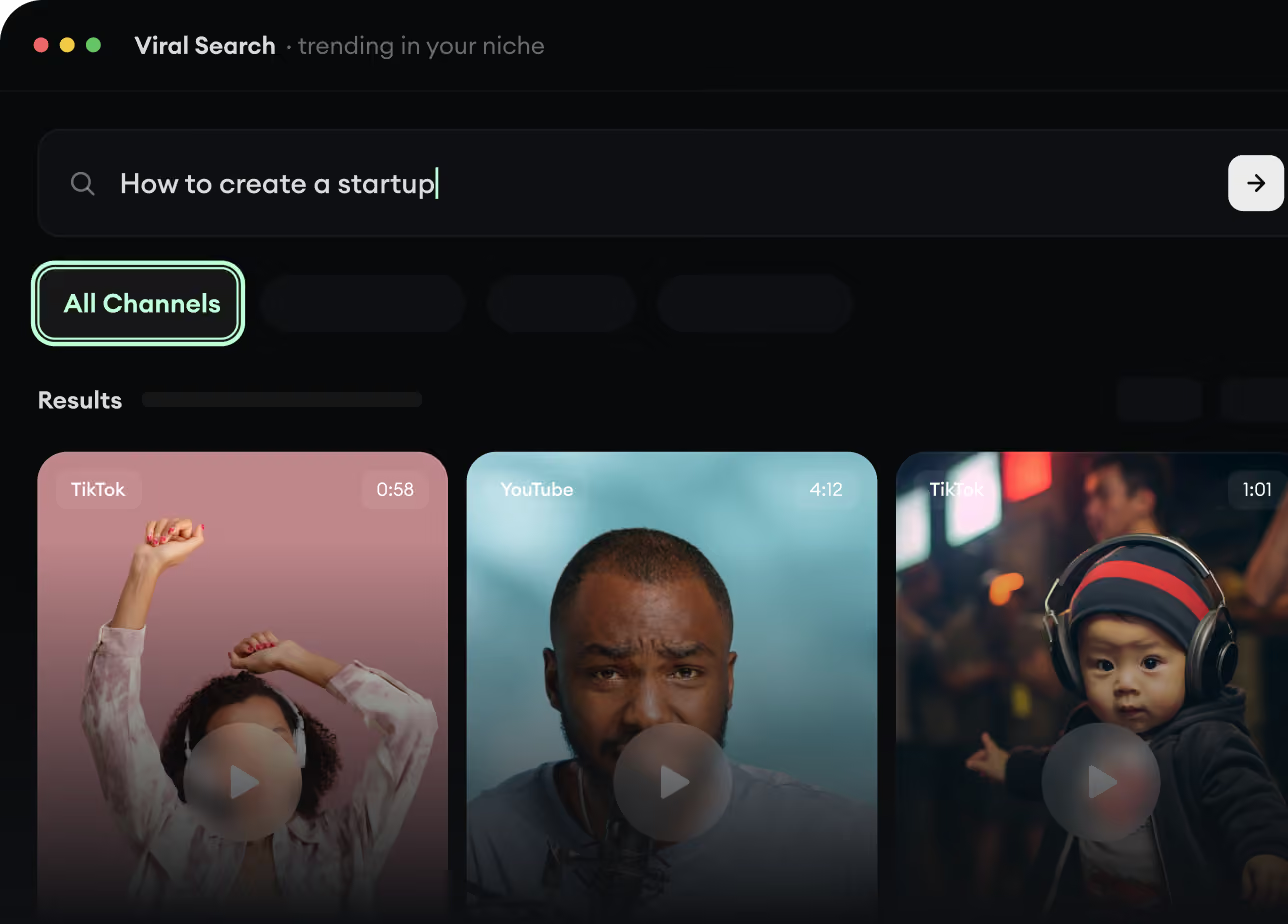
RevidAI's Viral Search and Channel Watcher surface the formats, creators, and trends getting attention right now, then help you turn them into ideas of your own.
Discover winning video formats in your niche
Follow creators and channels that matter
Start with proven ideas instead of guessing
2
Turn An Idea Into A Story.
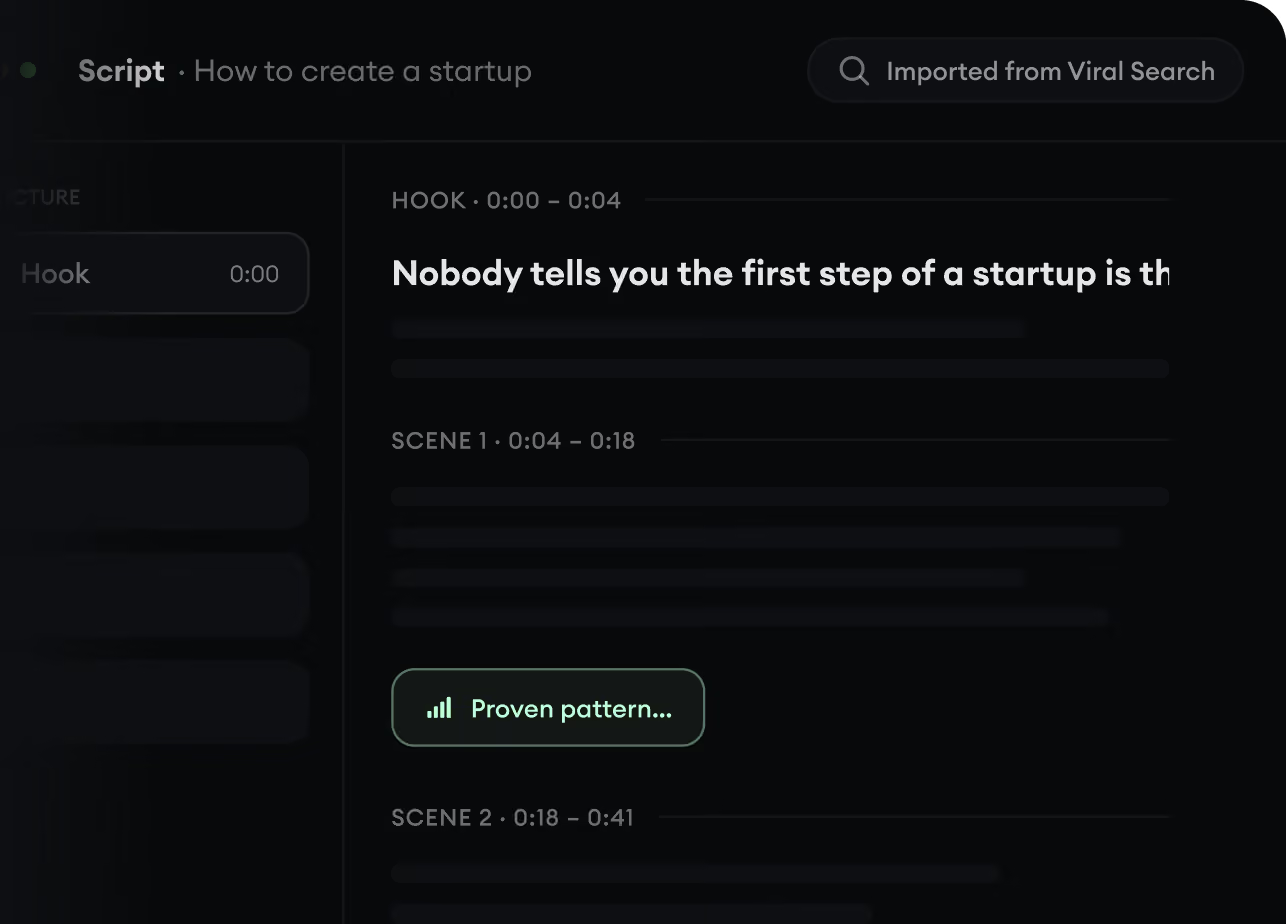
Found something worth making? Revid AI writes the script, suggests the structure, and turns links, prompts, or topics into complete video concepts.
Start with a prompt, topic, or URL
Generate scripts inspired by proven patterns
Build stories designed to keep people watching
3
Generate The Finished Video.
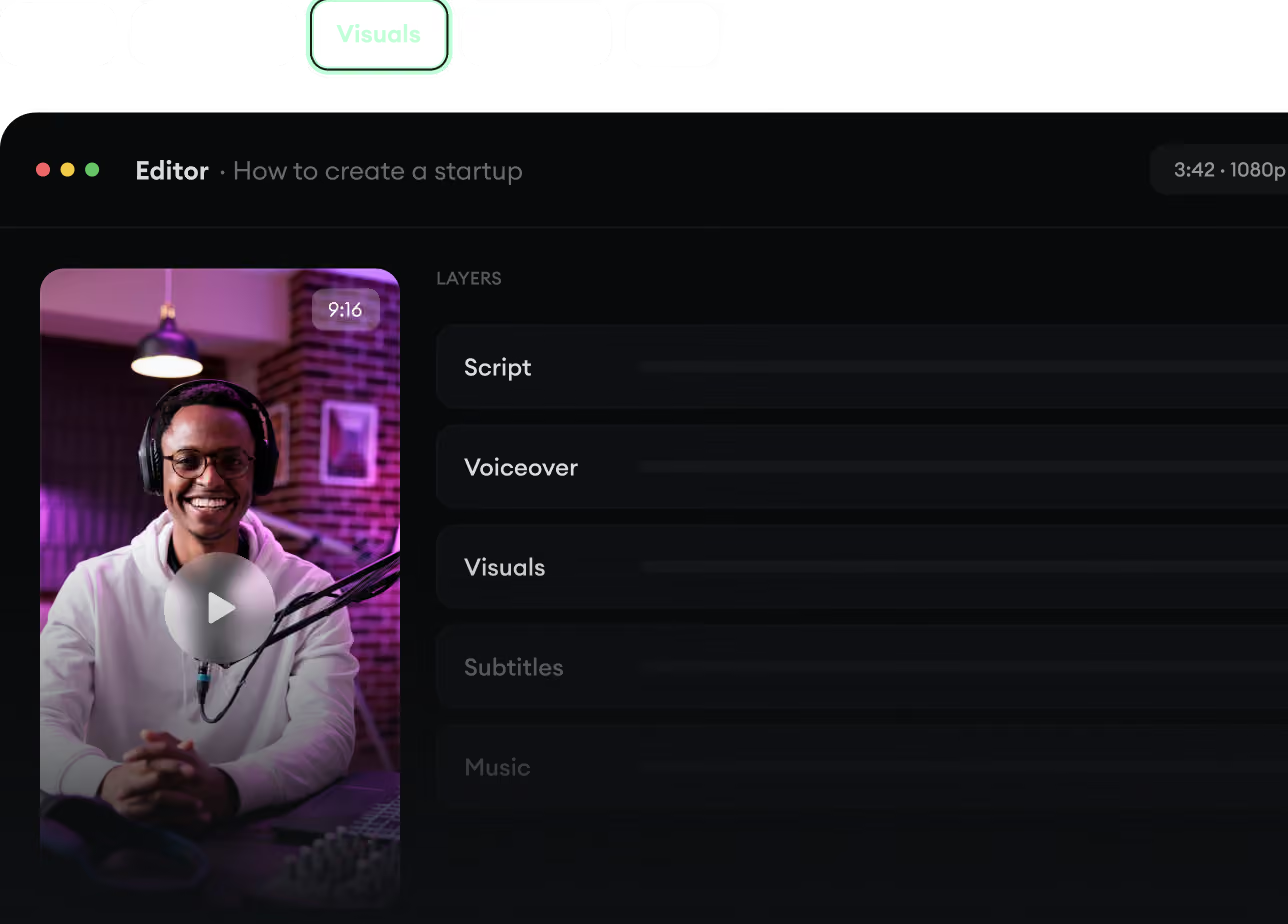
Script, voiceover, visuals, subtitles, and editing all come together in one workflow. No stitching together five different tools.
Turn text into complete, multi-minute videos
Generate everything in one place
Refine the result in the editor
4
Publish Everywhere.
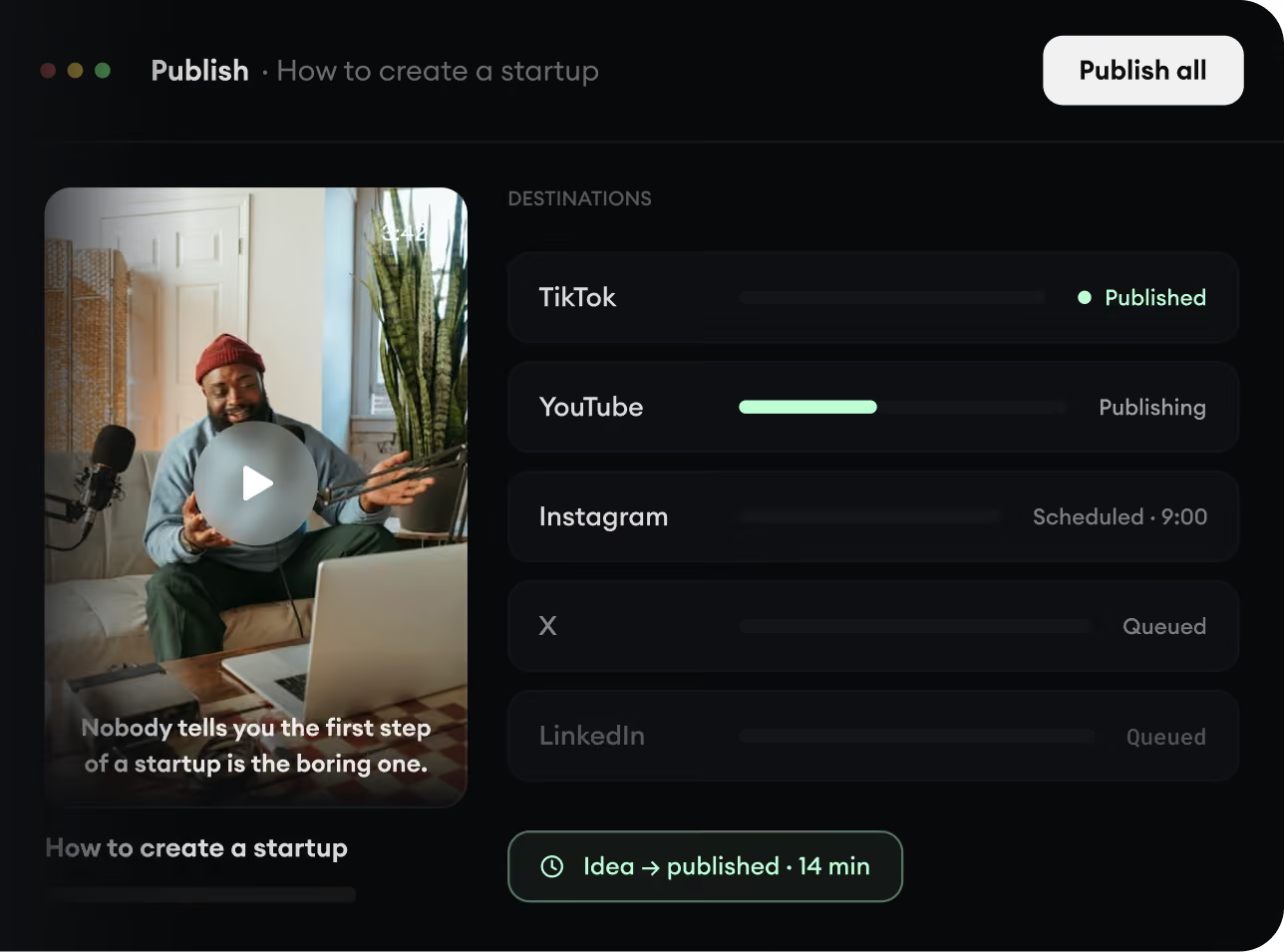
Share your videos to TikTok, YouTube, Instagram, and wherever your audience is.