Proof of range
Start FromWhat Already Works
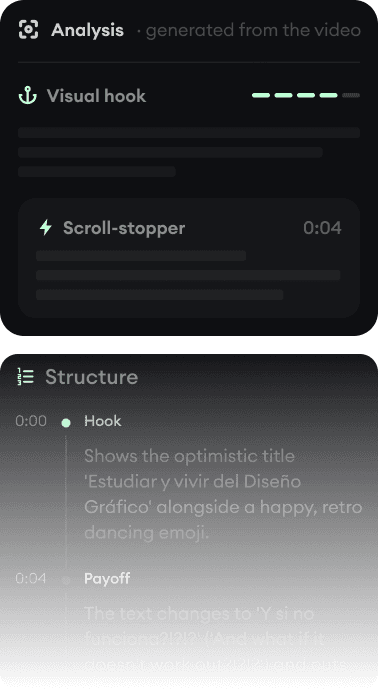
Every example starts with an input. Revid analyzes it, extracts what matters, and creates something new for you.
Viral Video

Your Version

Crayo is built for a handful of proven viral templates, fast. Revid generates original videos in any format and then posts them for you.
We link to Crayo's own pages and public review scores so you can verify everything yourself.
Crayo took off with clippers for a reason: pick a template (Reddit story over Minecraft gameplay, fake iMessage thread, split-screen), paste a thread or an idea, and a finished vertical clip comes out minutes later with viral caption styles. For those specific formats it is genuinely fast.
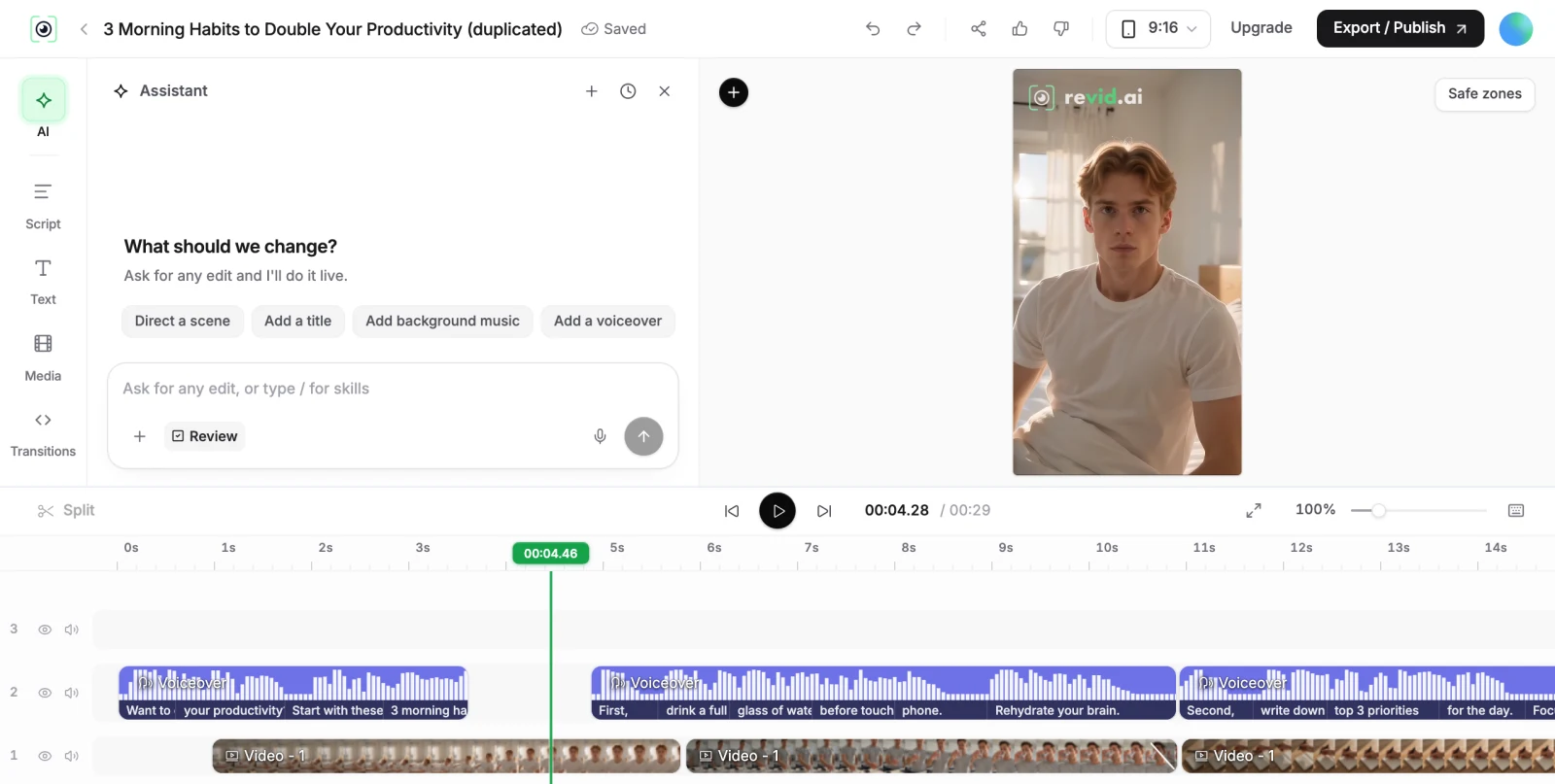
Revid covers those formats too (brainrot, gameplay backgrounds, story videos are among its 150+ generators), but from a different foundation: visuals generated by AI video models rather than assembled templates, a full timeline editor, direct publishing with scheduling, and Auto-Mode workers that keep channels posting. The honest framing: Crayo is a template machine, Revid is a production pipeline.
| Revid | Crayo | |
|---|---|---|
| Main focus | Original short-form videos across 150+ formats, generated and published | Template-driven viral formats: Reddit stories, fake texts, gameplay clips |
| Visuals | AI-generated scenes (Veo 3, Sora 2, Kling, Seedance) plus gameplay/stock when wanted | Templates, AI images, and gameplay backgrounds; models not disclosed |
| Publishing | Direct posting and scheduling to TikTok, YouTube, and Instagram | Export and post manually; plans track accounts for analytics but do not auto-post |
| Automation | Auto-Mode workers create and publish videos on a schedule | No series automation or scheduler |
| Editor | Full timeline editor in the browser | Template-based web editor |
| API and AI agents | Public REST API, MCP server with 14 tools, npm CLI, on every paid plan | No public API or MCP server |
| Free tier | Free credits on signup, no credit card required | No free plan or trial; refund policy is "all sales are final" |
| Trustpilot | 4.0/5 (301 reviews) | 3.3/5 |
Feature and pricing details checked August 2026 on both products' public pages. Spotted something outdated? Email us and we'll fix it.
Don't take the table's word for it. These are real Revid projects: the exact input on the left, the exported video on the right.
Every example starts with an input. Revid analyzes it, extracts what matters, and creates something new for you.
Viral Video
Your Version
$39/monthto start
Free credits on signup, no credit card required.
$29/month billed yearly. Every plan includes the editor, direct publishing, and full API/MCP/CLI access. Exact credit costs are public.
~$13/month (billed yearly)to start
No free plan or trial; all sales are final per its refund policy.
Hobby at $160/year with 50 workflow credits/month; Clipper about $27/month yearly, Pro about $55/month yearly. Month-to-month rates are higher and not shown publicly. Checked August 2026 on crayo.ai/pricing.
Template tools have a built-in ceiling: when thousands of channels run the same Reddit-story-over-Minecraft format with the same caption styles, feeds saturate and reach drops. Crayo reviewers themselves note the sameness problem. Revid's bet is generation: the visuals are created for your script, in a style you pick or define, so a channel can build an identity instead of renting one.
Where Crayo is honestly ahead: if all you want is the proven template, its focused flow is faster than configuring anything. Revid's equivalent formats (brainrot, gameplay backgrounds, story videos) trade a little of that speed for output you can differentiate.
Crayo ends at the export button: no scheduler, no auto-posting, and account "tracking" on its plans is analytics, not publishing. Revid connects to TikTok, YouTube, and Instagram directly, schedules posts, and Auto-Mode workers can produce and queue recurring content without you. For a volume clipper, posting time is real work; for an automated channel, it is the whole point.
On trust basics: Crayo has no free plan and an all-sales-final refund policy, and billing complaints dominate its Trustpilot page (3.3/5 as of August 2026). Revid gives free credits on signup with no credit card, publishes every feature's credit cost, and holds 4.0/5 across 301 reviews. Check both pages yourself.
Revid is not a 5-second video toy. Its viral video intelligence writes the script, directs the scenes, generates the voices and edits the final cut. Every film below was created in one go.


Creators publish 30,000+ videos to TikTok, Instagram, and YouTube through Revid every month. Your channel could be next.


Find detailed answers to 100+ questions about features, tools, and workflows
or check our markdown version optimized for LLMs