Proof of range
Start FromWhat Already Works
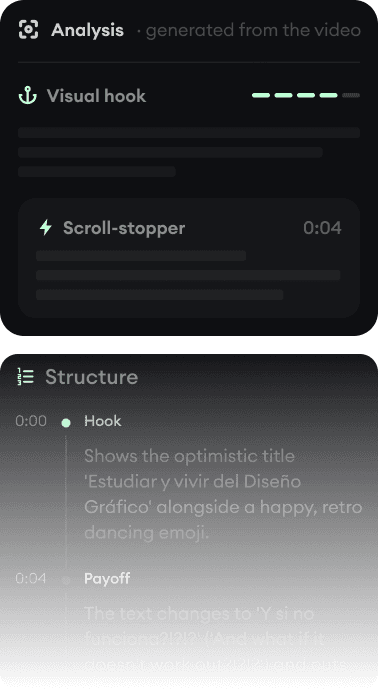
Every example starts with an input. Revid analyzes it, extracts what matters, and creates something new for you.
Viral Video

Your Version

Klap multiplies content you already recorded. Revid creates content that never existed. The right pick depends entirely on what you start with.
We link to Klap's own pages and public review scores so you can verify everything yourself.
Klap does one thing with impressive economy: paste a YouTube link or upload a long video, and it finds the strong moments, scores their viral potential, reframes them onto faces, captions them in 52 languages, and can post the results. For podcasters and YouTubers with deep back catalogs, that is a real machine.
Revid is the other half of the market: no source footage required. Ideas, scripts, articles, and songs become complete videos with generated scenes, voice-over, captions, and music. Revid includes a YouTube clip maker for light repurposing, and Klap includes nothing for generation, so the honest comparison is about your starting material.
| Revid | Klap | |
|---|---|---|
| Main focus | Creating original short-form videos, generated and published | Clipping long videos into scored vertical shorts |
| Input needed | An idea, script, article URL, song, or audio file | A long video (YouTube link or upload) |
| Polish stack | Captions, music, sound effects, and transitions applied by the workflows | Captions and reframing; no b-roll, sound effects, or hook titles |
| Editor | Full timeline editor in the browser | Lightweight editor: fonts, colors, logos, framing |
| Publishing | Direct posting and scheduling to TikTok, YouTube, and Instagram | Scheduling and posting; platform coverage varies (YouTube auto-post uncertain per recent reviews) |
| API and AI agents | Public REST API, MCP server with 14 tools, npm CLI, on every paid plan | Public API with sub-users and an embeddable editor; no MCP server |
| Free tier | Free credits on signup, no credit card required | No permanent free plan; limited watermarked trial, full trial requires a card |
| Trustpilot | 4.0/5 (301 reviews) | 3.3/5 |
Feature and pricing details checked August 2026 on both products' public pages. Spotted something outdated? Email us and we'll fix it.
Don't take the table's word for it. These are real Revid projects: the exact input on the left, the exported video on the right.
Every example starts with an input. Revid analyzes it, extracts what matters, and creates something new for you.
Viral Video
Your Version
$39/monthto start
Free credits on signup, no credit card required.
$29/month billed yearly. Every plan includes the editor, direct publishing, and full API/MCP/CLI access. Exact credit costs are public.
$29/month ($14 billed yearly)to start
No permanent free plan; the trial is limited and watermarked, with a card required for the full 3-day trial.
Basic covers 100 clips/month. Pro is $79/month ($39 yearly) for 300 clips; Pro+ $189/month ($94 yearly) for 1,000. Yearly billing is a flat 50% off. Checked August 2026 on klap.app/pricing.
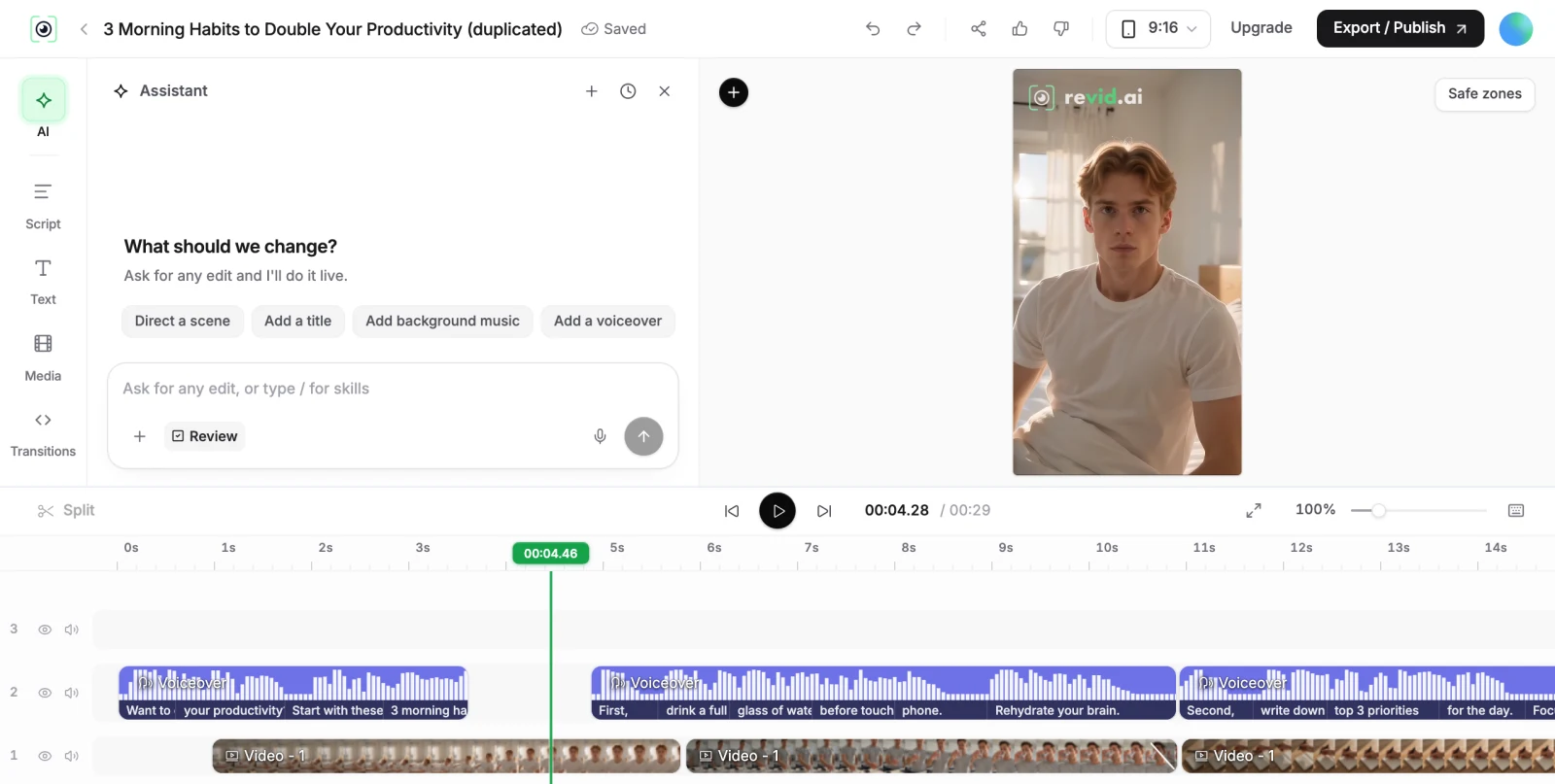
If you have a 200-episode podcast, Klap's math is compelling: hundreds of scored clips a month from content you already paid to make. Its known limits are the finish (no b-roll, sound effects, or hook titles) and occasionally awkward clip boundaries on non-conversational content, which reviewers note.
If you do not have that back catalog, a clipper has nothing to work with, and that is most creators most of the time. Revid generates the content itself and then handles the same downstream steps (captions, publishing, scheduling), which is why the two tools are more often sequential than competitive: record long, clip with one, fill the gaps with generated originals.
Klap's Trustpilot sits at 3.3/5 from 36 reviews, split almost evenly between five stars and one star; the praise is about the clipping, the complaints are about the trial (watermarked, card required) and cancellation friction. A 36-review sample cuts both ways, so read the page yourself.
Revid's approach to the same trust questions: free credits with no card, an all-sales-visible credit-cost page, and a 4.0/5 across 301 reviews. Both products are small enough that billing experience is part of the product; check the receipts on both.
Revid is not a 5-second video toy. Its viral video intelligence writes the script, directs the scenes, generates the voices and edits the final cut. Every film below was created in one go.


Creators publish 30,000+ videos to TikTok, Instagram, and YouTube through Revid every month. Your channel could be next.


Find detailed answers to 100+ questions about features, tools, and workflows
or check our markdown version optimized for LLMs