Proof of range
Start FromWhat Already Works
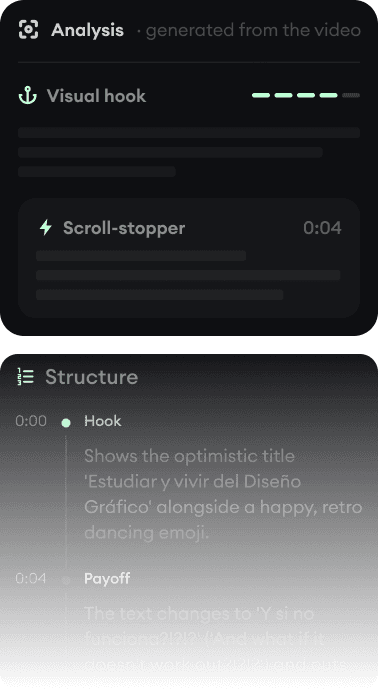
Every example starts with an input. Revid analyzes it, extracts what matters, and creates something new for you.
Viral Video

Your Version

Submagic is the best-known way to caption and polish footage you filmed. Revid creates the footage. Plenty of creators use one for each job.
We link to Submagic's own pages and public review scores so you can verify everything yourself.
Submagic earned its 4.5/5 across 800+ Trustpilot reviews by doing one job extremely well: take your clip, add accurate animated captions in 48 languages, then layer on b-roll, zooms, sound effects, and hook titles until it feels like a produced short. For creators with existing footage, it is one of the strongest tools in this comparison series.
Revid solves the step before that: there is no footage yet. It generates the video from a prompt, script, article, or song, with captions, voice-over, and music applied in the same pass, then publishes it. Revid also captions uploaded videos (its caption workflow covers the basics), but if captioning polish on real footage is your entire job, Submagic goes deeper. This page is mostly about knowing which job you have.
| Revid | Submagic | |
|---|---|---|
| Main focus | Generating complete short-form videos from text, audio, and links | Captioning and polishing footage you already have |
| Input needed | An idea, script, article URL, song, or your own footage | Your existing video files (clipping long videos costs an add-on) |
| Captions | 16 caption presets, auto-captions in 100+ languages, applied at generation | Its specialty: animated styles, 48 languages, claimed 99% accuracy |
| Polish tools | Captions, music, SFX, and transitions applied by the generation workflows | Auto b-roll, zooms, SFX, hook titles, filler-word removal, eye contact |
| Clipping long videos | YouTube clip maker included | Magic Clips is a paid add-on (+$19/month) on every tier |
| Publishing | Direct posting and scheduling to TikTok, YouTube, and Instagram, plus Auto-Mode | Direct posting; scheduling to a future date needs Pro or Business |
| API and AI agents | Public REST API, MCP server with 14 tools, npm CLI, on every paid plan | API on Business tier or pay-as-you-go per minute; no MCP server |
| Free tier | Free credits on signup, no credit card required | 3 videos/month, 90-second cap, watermarked |
| Trustpilot | 4.0/5 (301 reviews) | 4.5/5 |
Feature and pricing details checked August 2026 on both products' public pages. Spotted something outdated? Email us and we'll fix it.
Don't take the table's word for it. These are real Revid projects: the exact input on the left, the exported video on the right.
Every example starts with an input. Revid analyzes it, extracts what matters, and creates something new for you.
Viral Video
Your Version
$39/monthto start
Free credits on signup, no credit card required.
$29/month billed yearly. Every plan includes the editor, direct publishing, and full API/MCP/CLI access. Exact credit costs are public.
$19/month ($12 billed yearly)to start
Free plan: 3 watermarked videos/month, 90 seconds each.
Starter caps videos at 2 minutes; Pro at $39/month ($23 yearly) unlocks 5-minute videos, 2K, and advanced polish. Clipping (Magic Clips) is +$19/month on any tier. Checked August 2026 on submagic.co/pricing.
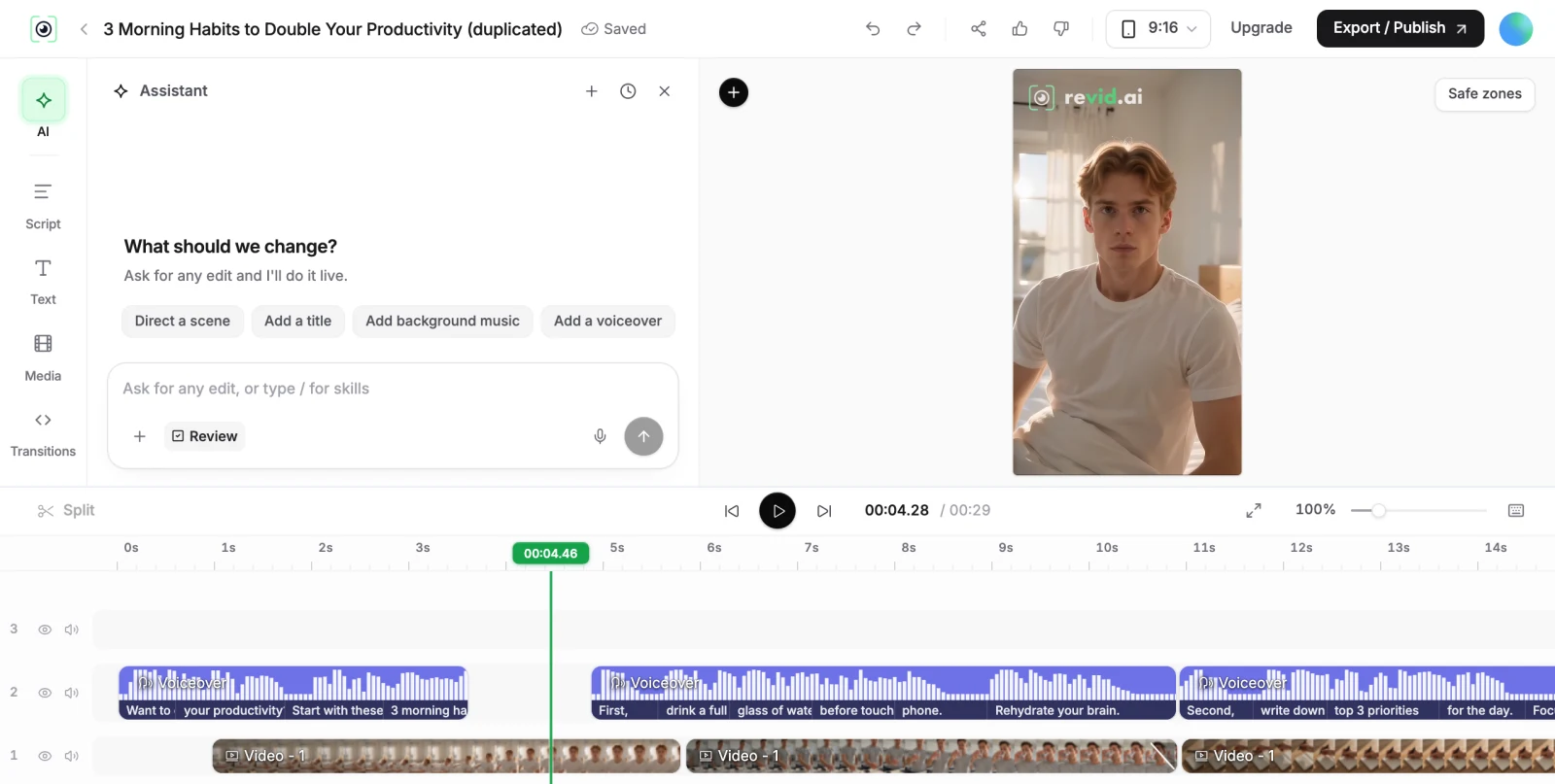
Submagic starts from footage; Revid starts from nothing. A podcaster with hours of recordings, a coach filming talking-head clips, or an agency polishing client footage gets more from Submagic's caption-and-polish stack than from any generator. A faceless channel, a music promoter, or a brand that needs daily content without filming gets more from generation.
The overlap is thinner than it looks: Revid's caption workflow covers uploaded videos, and Submagic's Magic Clips add-on covers basic repurposing, but neither replaces the other's core. The honest budget question is whether you need one of them or both; at $12-23/month on yearly billing, Submagic stacks cheaply next to a generator.
Both tools publish directly to TikTok, Instagram, and YouTube, which is rarer than it should be in this market. Submagic's scheduling requires its Pro tier, and its API lives on the Business tier or metered per minute. Revid includes scheduling, Auto-Mode workers that generate and queue content unattended, and API/MCP/CLI access on every paid plan. For a solo creator posting manually, that difference is small; for anyone automating, it decides the comparison.
Revid is not a 5-second video toy. Its viral video intelligence writes the script, directs the scenes, generates the voices and edits the final cut. Every film below was created in one go.


Creators publish 30,000+ videos to TikTok, Instagram, and YouTube through Revid every month. Your channel could be next.


Find detailed answers to 100+ questions about features, tools, and workflows
or check our markdown version optimized for LLMs