2,515 videos created with Revid in the last 24h
or explore our 42+ other tools to create the exact video you want
Explore our tools
Turn any song into a beat-synced AI music video in minutes. Upload an audio file or paste a music link, Revid automatically generates visuals, motion, and lyric captions synced to your track.
Your song, your visual direction. Start with an MP3, WAV or music link, then choose beat or lyric timing.
or explore our 42+ other tools to create the exact video you want
Explore our toolsMeasured in September 2026. Views are counted on 632 public videos whose creators connected a channel.
Made with Revid
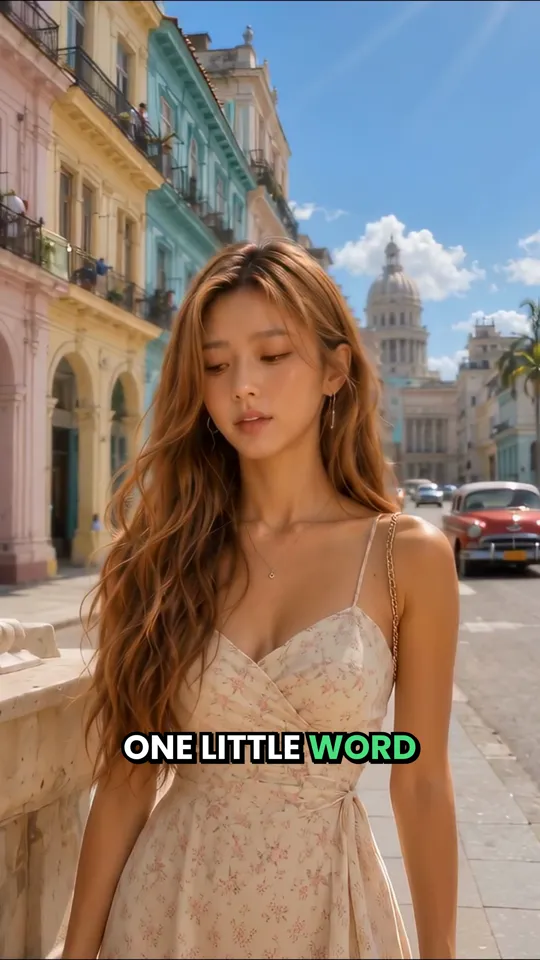
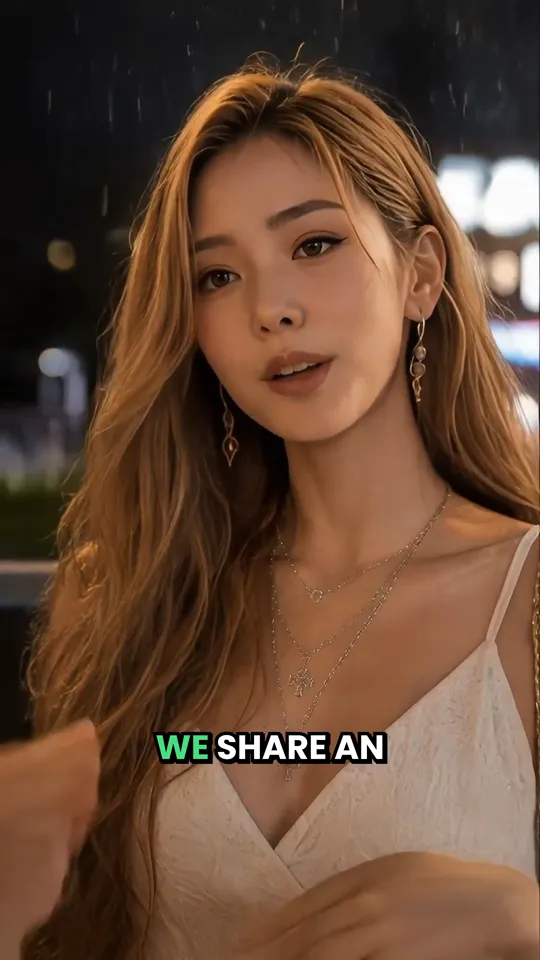
Each one was generated from a song by a Revid user. Tap a video to watch it with sound, then make yours in the same style.
I Still Love You
Pop ballad · Ultra realism3:01
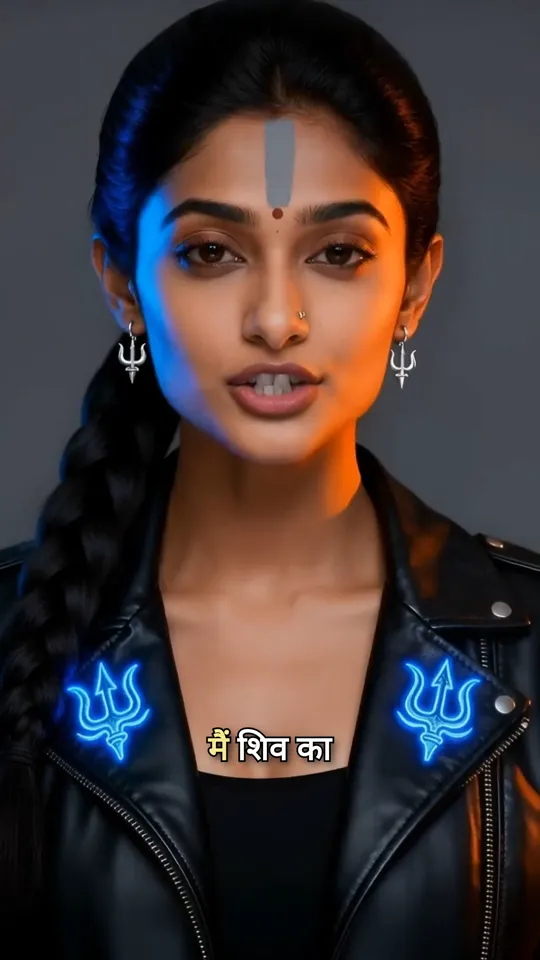
शिव का चेला, काल का भी काल
Dark pop · Auto style0:37
Er passero ferito
Italian folk · Claymation3:21
Little by Little
Indie acoustic · Ultra realism3:17
Top Floor Itch
Boom bap · 3D render1:10
Yürü Koçum Yürü
Anatolian rock · Cinematic2:20
Snake in My Boots
Country rock · Auto style3:22
See Me, Ivy
Pop · 3D animation3:14
Reviews
Word for word, from public reviews by people who use Revid for their songs, four-star ones included.
“I needed an AI program to create a music video. I didn't know what I wanted to make. Revid took my song and created the perfect video for me.”“I curate music on YouTube and Revid has made it exceptionally easy to add to the song. I can generate the scenery that I think a song creates in my head. After some work, it's there on my screen!”“I'm subbed on the $39 a month tier and for that I get 2,000 credits - which is generally speaking enough to generate 2 or sometimes 3 full-length (3-5 mins) music videos for my songs.”“I've had a great time with making music videos and personally recommend it to anyone interested in making music videos.”“I have been using Revid to generate music videos for the songs I write and have had some great results.”“If you are looking to generate ~150 images and make them dance to the music, it's fantastic and affordable.”Pricing
AI video is billed by the second, so the price follows the length of your song. There is no per-video fee.
The Growth plan is $39 a month and includes 2,000 credits. The generator shows the exact cost before you press generate. See all plans
Base
540
credits for this song
Fast AI video. What most of these examples use.
3 songs a month on Growth
Pro
1,800
credits for this song
Sharper motion and detail.
1 song a month on Growth
Ultra
3,600
credits for this song
The best model available, for hero videos.
More than one month of Growth credits
Script automatically generated by Revid

Choose your music file - audio or video. The AI handles both formats perfectly. Quality matters here. Better input, better output. Even if your file isn't studio-grade, the AI can still produce impressive results.
Choose your visual preference: stock videos, AI-generated clips, or moving AI images. Each offers unique advantages. Stock is efficient, AI-generated is customized, moving images balance both. Your choice shapes the final product. Select what suits your vision best.
Hit 'Generate' and let the AI work its magic. In minutes, you'll have a video. Then, use the editor to enhance. Adjust timings, swap visuals, fine-tune captions. This is where you add your personal touch. Make it uniquely yours.
From jazz to metal, lo-fi to kids music, generate beat-synced videos that match the vibe, energy, and audience of your music in minutes.
Upload your finished song or paste a supported music link. Revid uses that recording as the soundtrack while it builds the visuals. Use the audio trim control to start with a chorus or a short release teaser, or keep the full track selected. For a Suno song, provide the share link or upload the audio file you downloaded. Choose the output ratio for your destination before generating: vertical for a short social clip or landscape for a YouTube music video.
The generator has separate Lyrics and Beats timing options. Choose Beats when you want visuals paced to an instrumental, dance track or beat. Choose Lyrics when the words should guide the scenes, then review the detected lyrics and caption timing in the editor. A dense mix or an unusual pronunciation can need corrections. Singer lip sync is a separate option for shots where an on-screen performer should sing; it is different from putting lyric captions over a scene.
Pick a subject, a setting and a visual style that can carry several scenes. For a night-drive track, a direction like 'a lone driver, wet city streets, blue reflections, slow tracking shots' gives the visuals a consistent starting point. Try a short excerpt first so you can judge the pacing and look before spending credits on the full song. AI video, moving images and stock footage produce different results and have different credit costs; check the estimate shown before generation.
Open the generated video in the browser editor and watch it with the original track. Replace a scene that does not fit the lyric, adjust a cut that interrupts a phrase, and correct names or words in the captions. Keep text away from the edges for mobile viewing. Check the last shot as carefully as the first: a held final frame can suit a sustained note better than an abrupt cut. Export the finished video, or use Revid's publishing tools when you are ready to post.
Discover how real users are using our AI music video generator to create their content in a smart and effective way.
Artists releasing original tracks who need professional music videos without a production budget or video editing experience. Revid turns any song into a beat-synced visual ready to post on TikTok, Instagram Reels, and YouTube Shorts in minutes.
Creators who use music as the backbone of their short-form content and need visuals that match the energy and rhythm of their tracks automatically. Revid generates platform-ready music videos from any audio source without manual editing.
Teams promoting artists or releases across multiple platforms who need to produce and test different video creatives quickly. Revid makes it possible to generate multiple visual directions from the same track in a single session.
Producers and visual storytellers who want to pair audio with cinematic AI-generated visuals, stock footage, or their own media. Revid gives full control over the visual treatment while handling the beat synchronization and caption timing automatically.
See how Revid compares to other AI music video generators
Discover examples created with our AI music video generator, from audio visualizers and cinematic edits to lyric videos and music videos for kids. Each showcase shows how AI transforms raw audio into engaging visuals synced to the beat, structure, and energy of the track.
Transform viral meme songs into engaging AI music video content with perfectly synchronized animations and relevant imagery that captures the humor and energy of internet culture.

Generate cinematic AI music video visuals that match your music's mood and energy. Perfect for instrumental tracks, ambient music, and electronic beats.

Create colorful music videos for kids with animated characters, sing-along lyrics, and family-friendly visuals. Perfect for nursery rhymes, preschool songs, educational channels, and YouTube Kids content.

Create stunning AI music video with animated lyrics, visual effects, and perfect timing. Ideal for musicians, content creators, and music marketers.

Whether you're producing music videos for hip-hop, EDM, lo-fi, rock, jazz, or kids songs, Revid's AI music video generator adapts visuals to the rhythm, mood, and audience of your audio.
Find detailed answers to 100+ questions about features, tools, and workflows
or check our markdown version optimized for LLMs
Choose your tool, add your content, and create a video in seconds. Then customize it to your liking.
Turn your prompts into engaging videos with AI assistance
Create studio-quality videos from text, no filming required
Turn any song into an animated lyric video with synced text and visuals.
RevidAI's Viral Search and Channel Watcher surface the formats, creators, and trends getting attention right now, then help you turn them into ideas of your own.
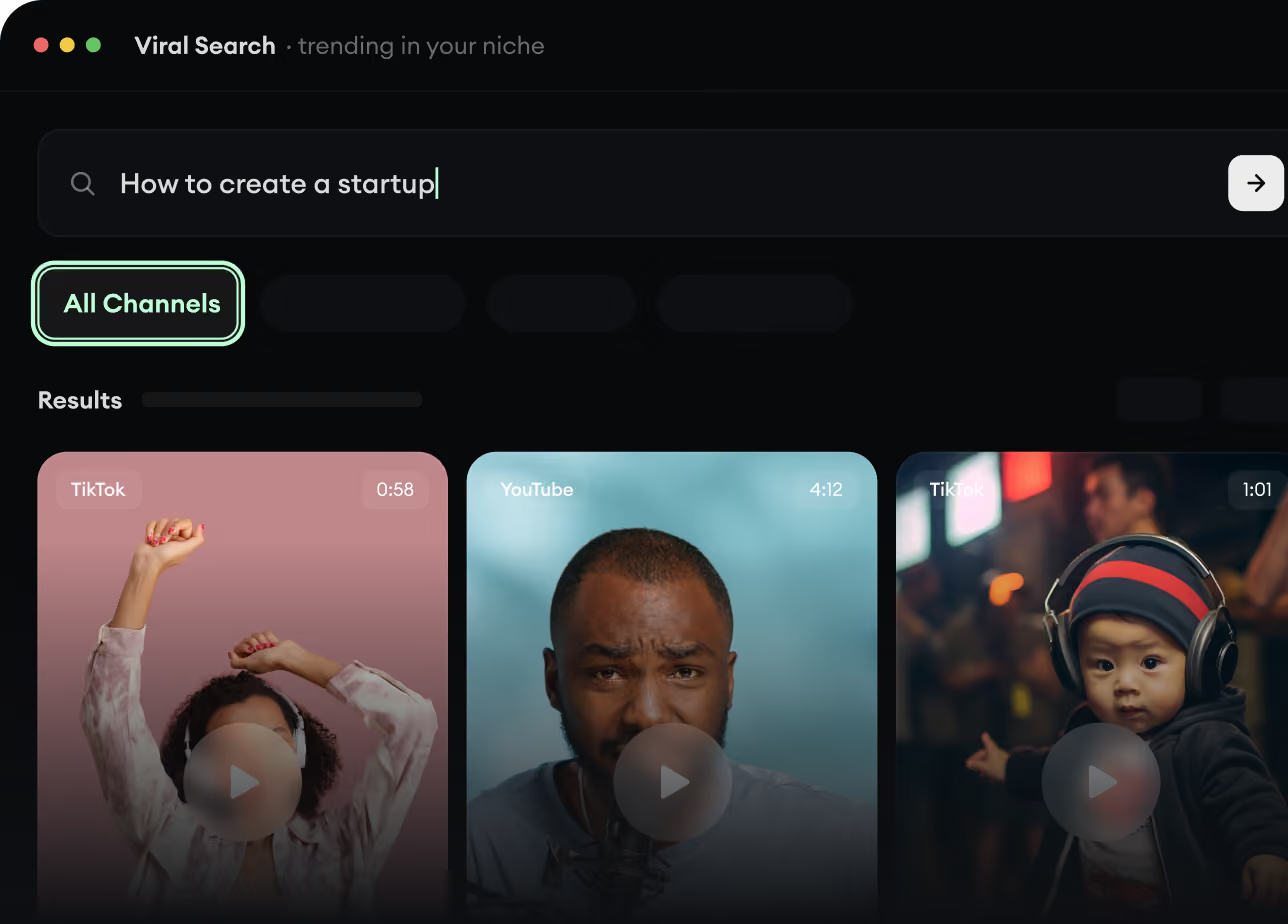
Found something worth making? Revid AI writes the script, suggests the structure, and turns links, prompts, or topics into complete video concepts.
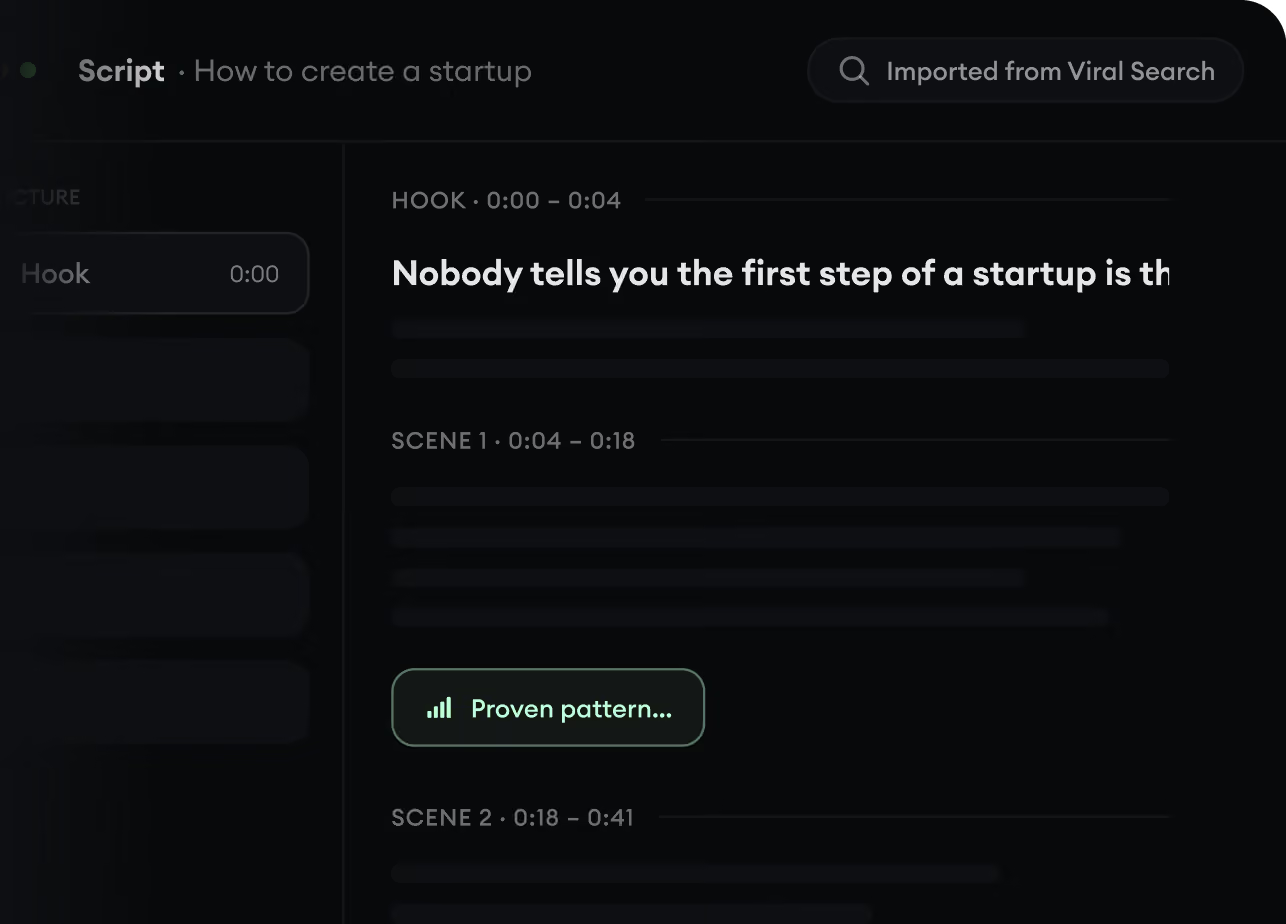
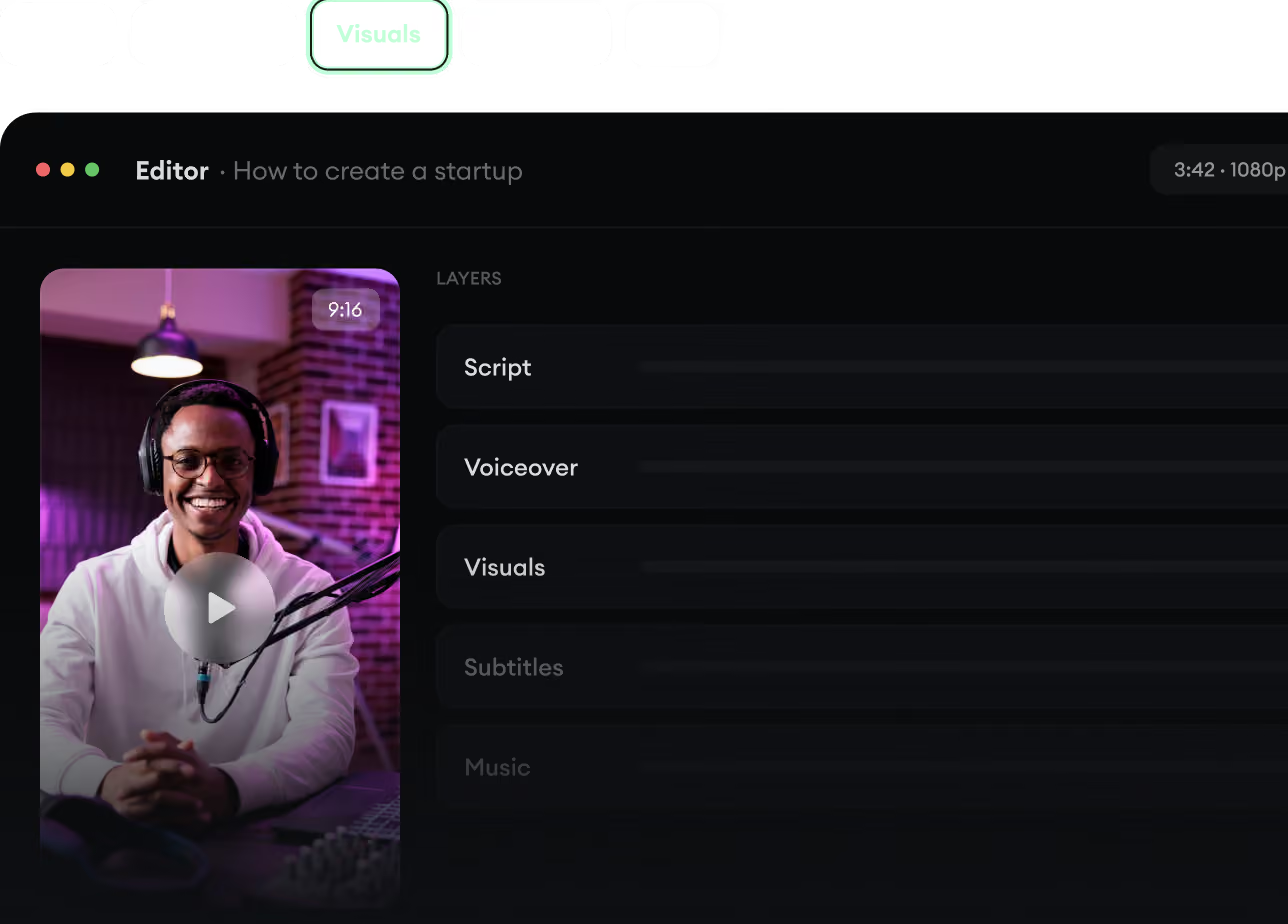
Script, voiceover, visuals, subtitles, and editing all come together in one workflow. No stitching together five different tools.
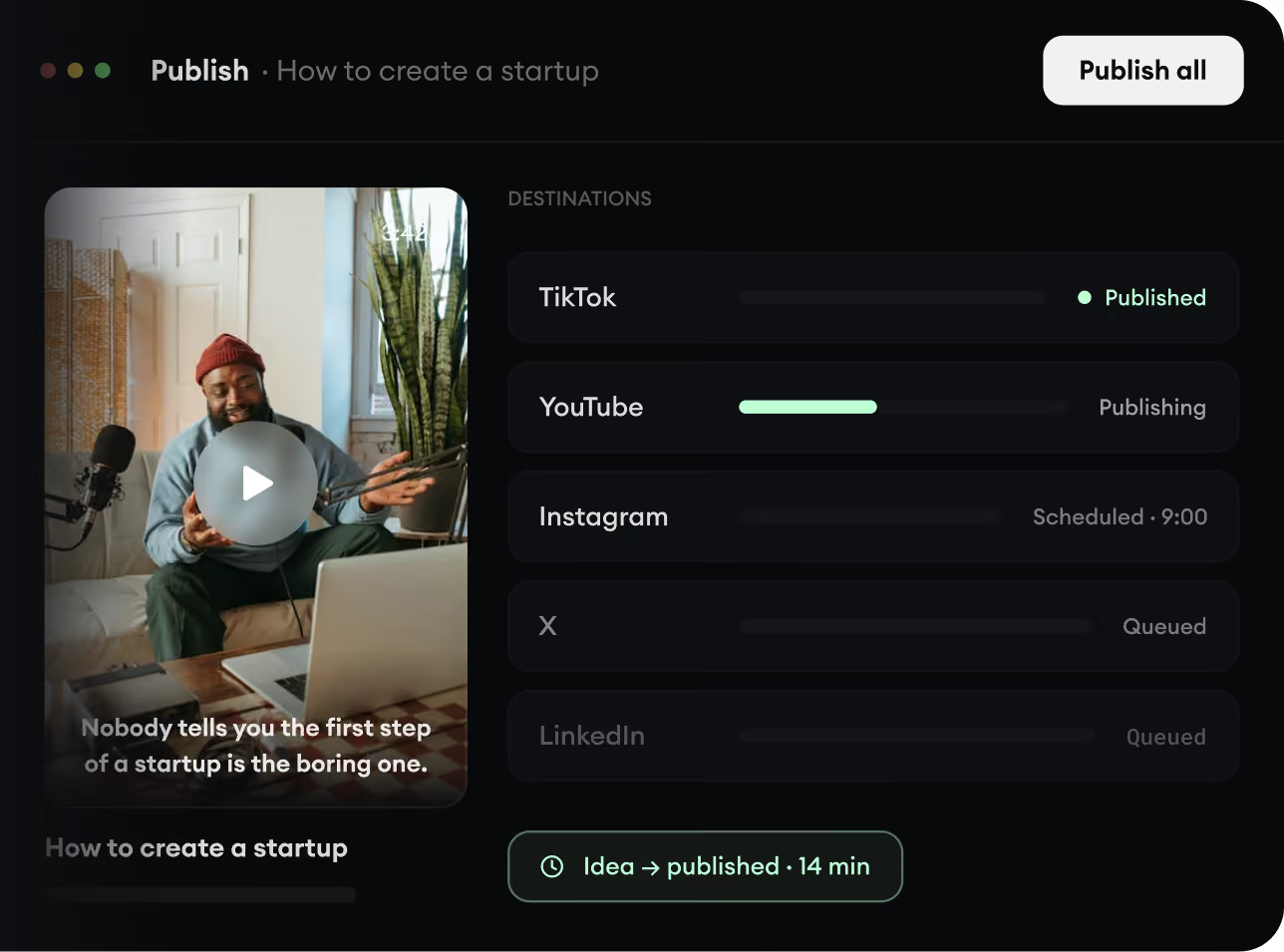
Share your videos to TikTok, YouTube, Instagram, and wherever your audience is.