Creators publish 30,000+ videos a month with Revid
Zack D-Style 3D Video Generator
Turn any surprising fact, mechanism, or real incident into a fast vertical 3D explainer with visual causality, energetic narration, and a strong payoff.
Describe a fact, mechanism, or unbelievable story and generate a vertical 3D explainer with clear visual demonstrations and a consequence-driven ending.
💡 Use natural language to describe what you want to see in the video. AI will generate a script based on your prompt.
3,730 people used this tool in the last 24h
Ready in minutes · Edit everything before you post
Output Example
Prompt used
“Why can you pull a seatbelt slowly, but it locks during a sudden stop? Show the retractor mechanism and the consequence in a fast stylized 3D explainer.”
Media: AI videoPreset: Zack D 3DRatio: 9:16Quality: Ultra
Related tools you might like:
or explore our 42+ other tools to create the exact video you want
Why can you pull a seatbelt slowly, but it locks during a sudden stop? Build a fast 30-second vertical stylized 3D explainer. Open with a crash-test dummy leaning forward, then cut inside the retractor: the spool spins freely, a weighted pendulum and ratchet stay disengaged, sudden deceleration swings the pendulum into the gear teeth and locks the belt. End with the dummy held back while unsecured objects fly forward. Energetic factual narration, clear visible causality, no gore.
Visual FormatAI Video
Visual StyleZack D 3D
FINAL VIDEO
Create Viral Zack D-Style 3D Explainer Videos in 4 Simple Steps
1 Enter Your Fact, Mechanism, or Story
Type in a curiosity-driven prompt, surprising fact, or real-life incident into the Zack D-Style Video Generator. Whether explaining how an internal mechanism works or reconstructing a bizarre true event, Revid AI structures your idea into a fast-paced script with a high-retention hook and visual causality.
2 Select Your Visual Style and Media Options
Choose how you want your 3D explainer illustrated. Select our default Zack D 3D preset, AI video clips, moving AI images, or motion graphics. The Zack D-Style Video Generator automatically directs camera angles, cutaways, and 3D cross-sections to visually explain the physics and mechanics.
3 Configure Voiceover and Sound Effects
Select an energetic, punchy AI voiceover designed for short-form retention. The Zack D-Style Video Generator automatically pairs narration with synchronized sound effects (SFX) and background audio to emphasize key visual impacts, snaps, and mechanical movements.
4 Generate, Polish, and Export
Click "Generate Video" to render your 9:16 vertical Zack D-style 3D explainer in minutes. Review the storyboard, fine-tune scene timing, customize animated captions, or swap visual clips using Revid AI's built-in video editor before downloading for YouTube Shorts, TikTok, or Instagram Reels.
More Tools
Explore Similar Video Creation AI Video Tools
Discover more ways to create engaging videos with our AI-powered tools
FAQs
Frequently Asked Questions
What is the Zack D-Style Video Generator?
The Zack D-Style Video Generator by Revid AI is an AI-powered tool designed to turn any prompt, fact, scientific mechanism, or unbelievable story into a vertical, stylized 3D explainer video. Inspired by the viral format popularized by Zack D Films, it combines energetic pacing, visual demonstrations, 3D cross-sections, synchronized sound effects, and dynamic captions to maximize viewer retention on TikTok, YouTube Shorts, and Instagram Reels.
How do I make a video with the Zack D-Style Video Generator?
Creating a video with our Zack D-Style Video Generator is simple. Just type in your question, incident, or mechanism (for example, 'Why does a seatbelt lock during a crash?'). The AI scriptwriter builds a structured hook, mechanism demonstration, and consequence-driven payoff. Pick your media type, generate the voiceover and sound effects, and produce a finished 3D animated explainer in minutes.
What topics work best with the Zack D-Style Video Generator?
The Zack D-Style Video Generator excels with 'did-you-know' facts, human anatomy questions, medical procedures, everyday mechanical curiosities (like locks, airbags, or train lights), survival scenarios, and dramatic true-story reconstructions. Any topic with clear visual cause-and-effect works exceptionally well.
Does the Zack D-Style Video Generator generate sound effects automatically?
Yes! Sound design is crucial for Zack D-style content. The Zack D-Style Video Generator automatically generates and synchronizes contextual sound effects—such as clicks, whooshes, mechanical locks, and impacts—alongside energetic background music to match every visual beat in your video.
What visual styles and media types are supported?
The Zack D-Style Video Generator offers multiple visual modes. You can generate full 3D AI video clips, moving 3D AI images, motion graphics, or incorporate your own custom media assets. Our dedicated 3D preset ensures consistent character and object aesthetics across scenes.
Can I review the storyboard and edit the generated Zack D-style video?
Yes, Revid AI supports storyboard review and full post-generation editing. After generating your video with the Zack D-Style Video Generator, you can trim scenes, swap visuals, re-record or adjust voiceover clips, modify auto-captions, and rearrange media using our built-in video editor.
What aspect ratio is used by the Zack D-Style Video Generator?
The Zack D-Style Video Generator defaults to a 9:16 vertical aspect ratio. This format is optimized specifically for mobile short-form video platforms including YouTube Shorts, TikTok, and Instagram Reels.
How many credits does it cost to generate a Zack D-style 3D video?
The credit cost depends on the selected media type (such as standard moving images vs. advanced AI video models) and the duration of your script. You will always see the exact credit estimate before hitting generate. Paid subscription plans include monthly credit allocations, while free accounts receive trial credits to test the tool.
How long does it take for the Zack D-Style Video Generator to produce a video?
Most 30-to-60 second 3D explainer videos are rendered within 2 to 4 minutes. Once generation is complete, Revid AI provides instant browser playback and an email notification so you can jump straight into editing or downloading.
Can I monetize videos created with the Zack D-Style Video Generator?
Yes! All videos produced using the Zack D-Style Video Generator on Revid AI come with commercial usage rights. You can freely post and monetize your 3D explainer shorts on YouTube, TikTok, Instagram, Facebook, and other social media channels.
How can I get more credits for the Zack D-Style Video Generator?
If you need additional credits for the Zack D-Style Video Generator, you can upgrade your Revid AI plan at any time on our pricing page. Upgrades take effect immediately and grant instant access to higher monthly credit tiers and premium AI video generation models.
Where can I get support if I need help with the Zack D-Style Video Generator?
If you have questions about the Zack D-Style Video Generator or need assistance with your renders, reach out to our team anytime at [email protected] and we will be glad to assist you.
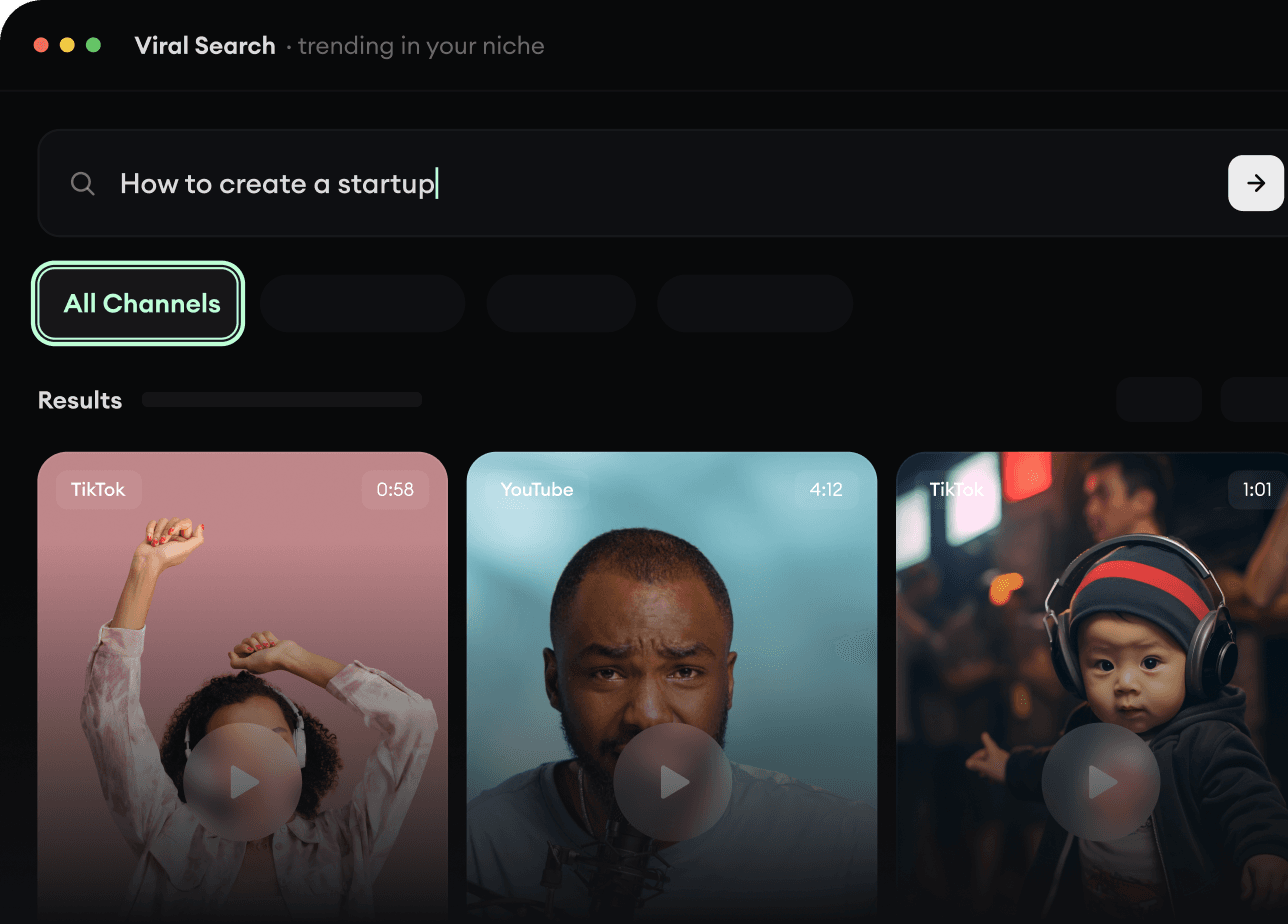
RevidAI's Viral Search and Channel Watcher surface the formats, creators, and trends getting attention right now, then help you turn them into ideas of your own.
Discover winning video formats in your niche
Follow creators and channels that matter
Start with proven ideas instead of guessing
2
Turn An Idea Into A Story.
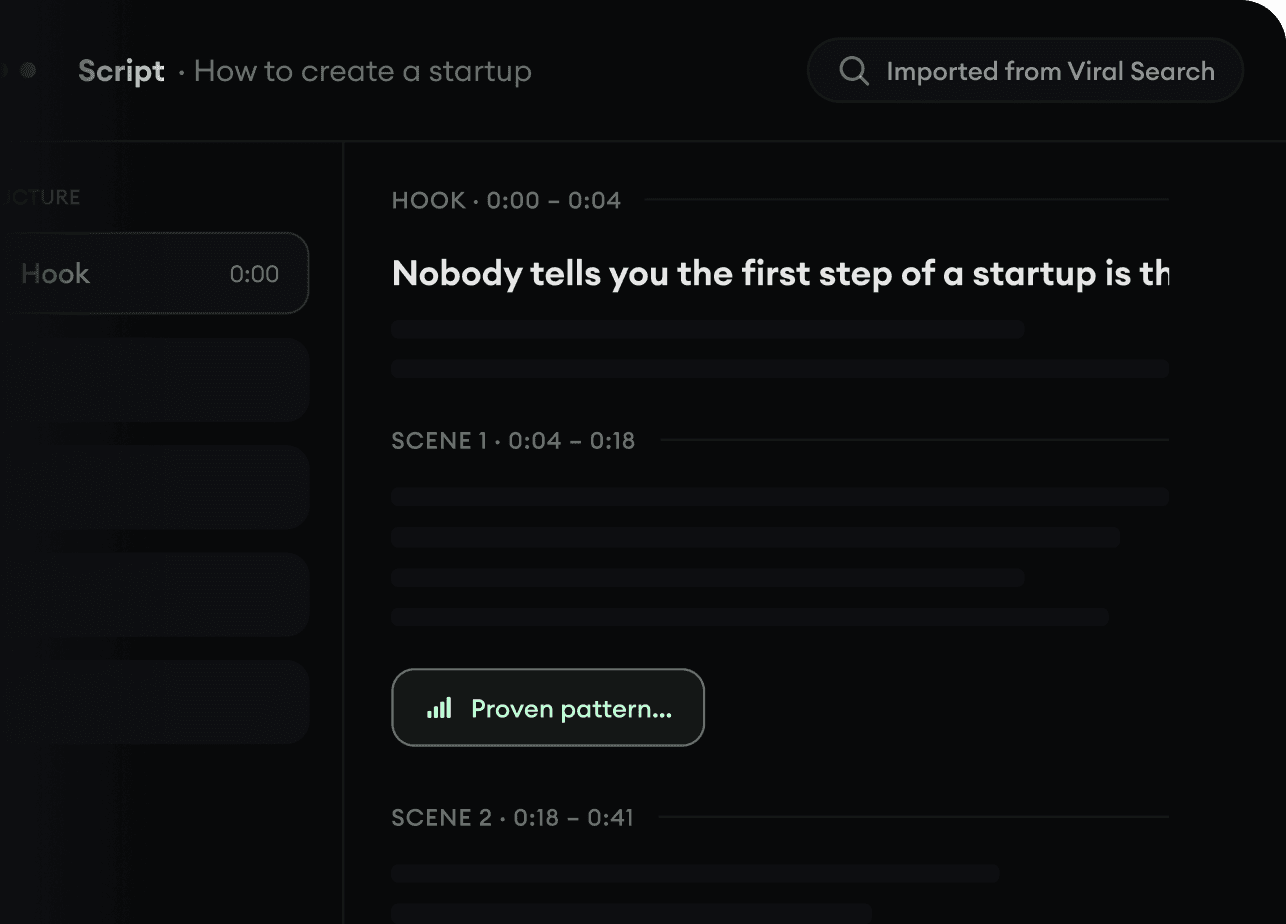
Found something worth making? Revid AI writes the script, suggests the structure, and turns links, prompts, or topics into complete video concepts.
Start with a prompt, topic, or URL
Generate scripts inspired by proven patterns
Build stories designed to keep people watching
3
Generate The Finished Video.
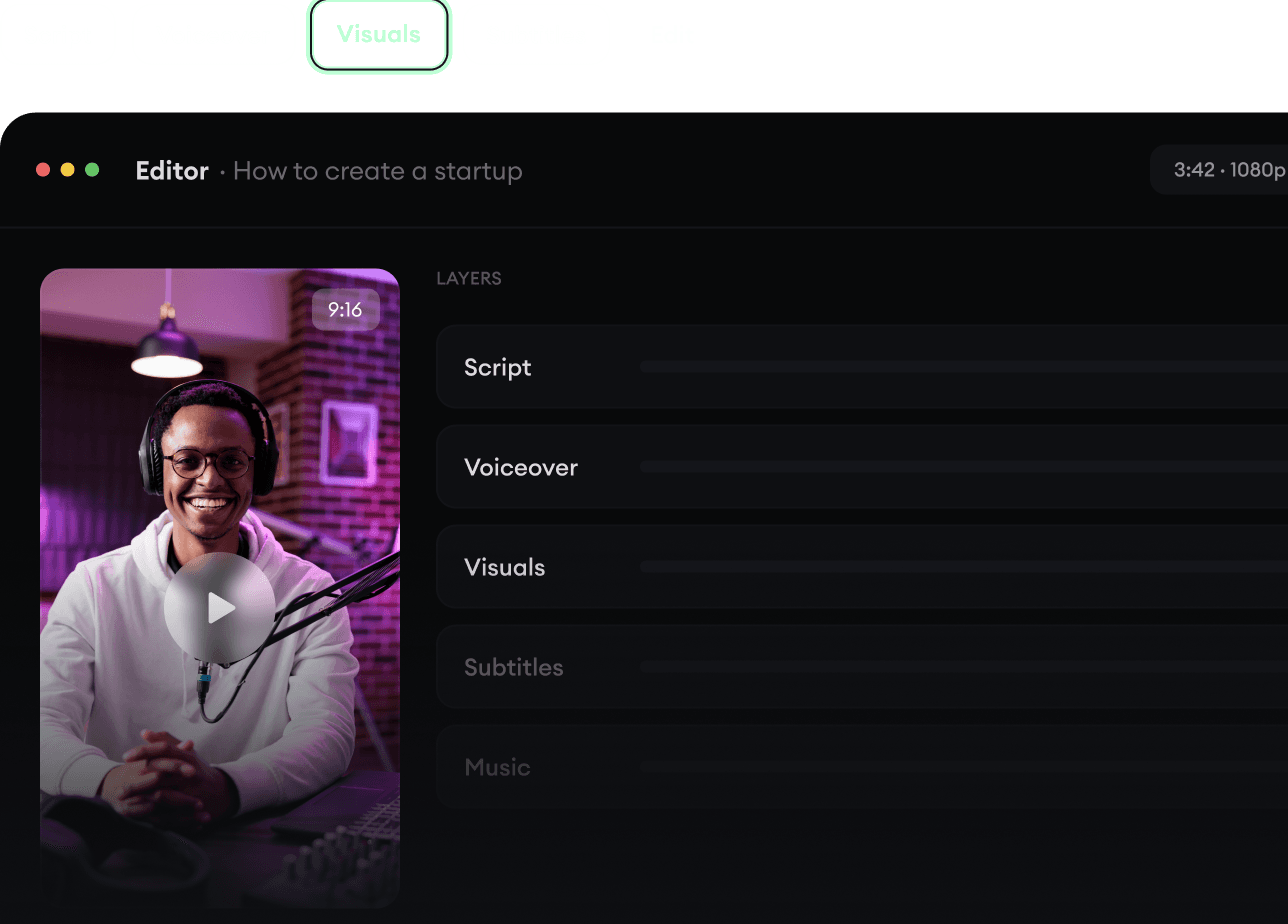
Script, voiceover, visuals, subtitles, and editing all come together in one workflow. No stitching together five different tools.
Turn text into complete, multi-minute videos
Generate everything in one place
Refine the result in the editor
4
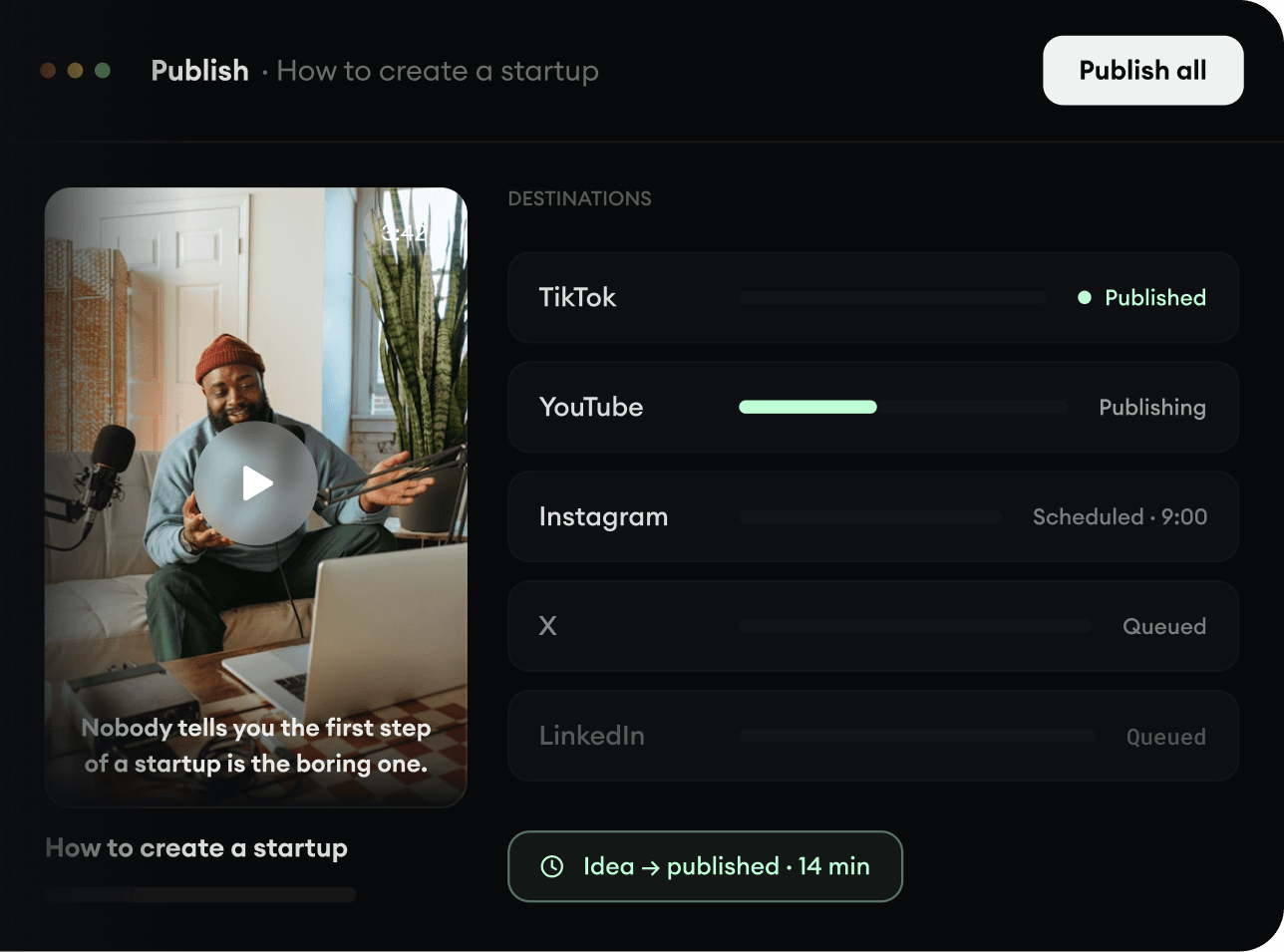
Publish Everywhere.
Share your videos to TikTok, YouTube, Instagram, and wherever your audience is.