Creators publish 30,000+ videos a month with Revid

AI Social Media Roast Generator

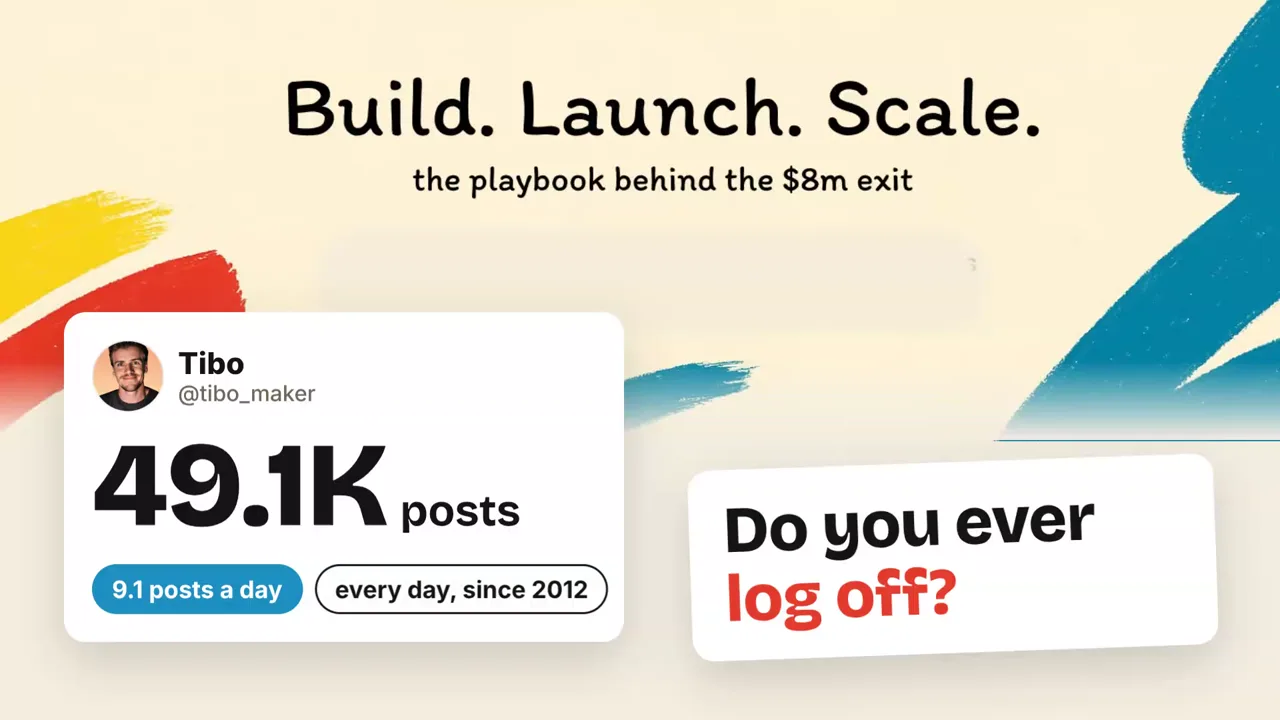
Paste a profile, a post or a page: Revid reads its numbers and words, pulls its real videos and images, and makes a narrated roast video you can post.

  • Start from text in seconds
  • AI voiceover
  • Auto-selects visuals
  • Captions and sound-ready

Need the prompt first? Try the free AI video prompt generator.

3,730 people used this tool in the last 24h
Start for free.(no credit card required)

Related tools you might like:

or explore our 42+ other tools to create the exact video you want

Explore our tools

Create a Hilarious Social Media Roast Video in 4 Simple Steps

1 Input Your Target Link

Paste the URL of the X (Twitter), TikTok, Instagram, or YouTube profile you want to target. You can also paste a link to a specific post, blog, or landing page. Our social media roast generator will use this public link as the foundation for your video.

2 Choose Your Roast Level

Select how hard you want the AI to go. Choose 'Friendly' for a warm tease, 'Spicy' for a dry and specific comedy roast, or 'Savage' for no mercy. You can also add specific instructions if you want the AI roast video to target a certain habit, buzzword, or humble brag.

3 Let AI Analyze and Build

Click generate, and Revid AI will automatically read the public numbers (like followers and posting pace), pull real videos, and capture screenshots. It instantly crafts a narrated social media roast using actual facts—nothing is invented!

4 Review and Share Your Roast

In just a few minutes, your AI roast video will be ready with motion graphics, captions, and real media. Use our built-in editor to make any final tweaks, then post it directly to TikTok, Instagram Reels, or YouTube Shorts to entertain your audience.

01

Roast Any Profile, Post or Page

Paste an X, TikTok or Instagram profile, a single post, a YouTube channel, or any web page such as a blog post or a landing page. Revid reads what it shows in public: followers, posting pace, the most liked and least liked posts, repeated formulas, the bio, or for a page its headline, buzzwords and longest sentence. The script only uses those facts, so every joke lands on something true.

02

Built From the Real Posts

When the account posts videos, Revid pulls the most watched ones and builds the roast around the moments that prove the joke. Photos, profile pictures, banners and page screenshots are used too, with post cards, counters and labels reacting to them. Nothing is generated or invented: the numbers on screen are the account's own.

03

Friendly, Spicy or Savage

Roast your own account to show you can take a joke, send one to a friend, or turn it into a format for your channel. Every level stays on the content and the strategy (posts, habits, numbers, writing) and never on the person.

Target Audience

Who is this tool for?

Creators and founders

Roast your own account and post it: an honest, funny look at your habits and numbers that your audience will share.

Marketers

Roast a landing page or a launch post before your competitors do, and see what reads as filler.

Friends and communities

Send a roast to a friend or make one for the account everyone in your community follows.

FAQs

Frequently Asked Questions

What is the AI Social Media Roast Generator?
Our AI Social Media Roast Generator is a powerful, fun tool by Revid AI that turns any social media profile, post, or web page into a hilarious, fully narrated roast video. By simply pasting a link, the tool analyzes the content and creates a highly engaging video complete with motion graphics, professional voiceovers, and real screenshots from the target account.
What platforms are supported by the social media roast generator?
You can roast almost anything! Paste a link to an X (Twitter) account, a TikTok profile, an Instagram page, a YouTube channel, or even a specific blog post or landing page. The AI roast video maker will automatically extract the relevant text, images, and videos to build a funny, metric-driven critique.
Does the AI roast video generator make up fake facts?
No, the humor comes from reality! Our social media roast generator strictly pulls real data, including actual follower counts, real bio text, legitimate videos, and genuine posts. The script reacts to what is actually there, ensuring every joke lands perfectly on true facts and real numbers.
Can I control how mean the AI roast video is?
Absolutely. We offer three roast levels: Friendly, Spicy, and Savage. Whether you want a warm, playful tease for a friend or a sharp, savage teardown of a corporate landing page, you have full control over the tone. Importantly, every level of our social media roast focuses on the content, strategy, and numbers, never attacking the actual person.
Can I guide the AI to roast something specific on my Instagram or TikTok?
Yes! Before generating your social media roast, you can add an optional angle or specific instructions. Tell the AI to focus on a repetitive posting schedule, specific marketing buzzwords, or a funny habit, and the AI roast video maker will tailor the script to hit those exact points.
Why should I use a social media roast generator?
It's an incredible way to drive viral engagement! Creators use the social media roast generator to poke fun at their own habits and share self-deprecating humor with their audience. Marketers use it to playfully critique competitor landing pages, and friends use it to send funny personalized videos. It is a unique, scroll-stopping format perfectly optimized for TikTok, Reels, and Shorts.
How long does it take to create a social media roast video?
Creating an AI roast video takes only a few minutes. Revid AI automatically scrapes the provided link, writes a funny script, syncs the AI voiceover, and animates the real screenshots and videos into a polished motion graphics video ready for social media publishing.
How much does it cost to use the AI roast video maker?
Generating an AI social media roast uses credits from your Revid AI account. The exact cost depends on the length of the output and the media generated. Before you click generate, the tool will display the estimated credit cost. You can upgrade your plan at any time to get more credits for unlimited roasting!
Can I edit the social media roast after it is generated?
Yes! Once the social media roast generator creates your video, you have full access to Revid AI’s built-in video editor. You can tweak the captions, adjust the timing, change the AI voice, or swap the background music to make sure your AI roast video is absolutely perfect before you download or share it.

Still have questions?

Contact us

Find detailed answers to 100+ questions about features, tools, and workflows

or check our markdown version optimized for LLMs

Tools

Free AI Video Tools

Choose your tool, add your content, and create a video in seconds. Then customize it to your liking.

See all tools

AI TikTok Video Generator

Turn text into trendy, viral TikTok videos in a snap

Try it out

Prompt to Video

Turn your prompts into engaging videos with AI assistance

Try it out

Add Caption to Video

Generate subtitles in 100+ languages with AI captions

Try it out

PDF to Brainrot

Convert PDFs into attention-grabbing, scrollable videos

Try it out

Text to Brainrot

Turn your text into trendy, scrollable content with dynamic visuals

Try it out

AI Talking Avatar

Create lifelike talking avatars from text in seconds

Try it out

Video Podcast Generator

Transform your podcasts into visually engaging video content

Try it out

AI Movie Maker

Create studio-quality videos from text, no filming required

Try it out

Audio to Video

Make engaging videos from your podcasts, interviews, or any audio content

Try it out

Animated Lyrics Video Generator

Turn any song into an animated lyric video with synced text and visuals.

Try it out

AI Music Video Generator

Transform your music into cinematic music videos.

Try it out

AI Lyrics Video Generator

Transform your lyrics into a complete music video with AI

Try it out
How it works

From Signal To Published In Four Steps.

1

Find Viral & Trending Videos.

RevidAI's Viral Search and Channel Watcher surface the formats, creators, and trends getting attention right now, then help you turn them into ideas of your own.
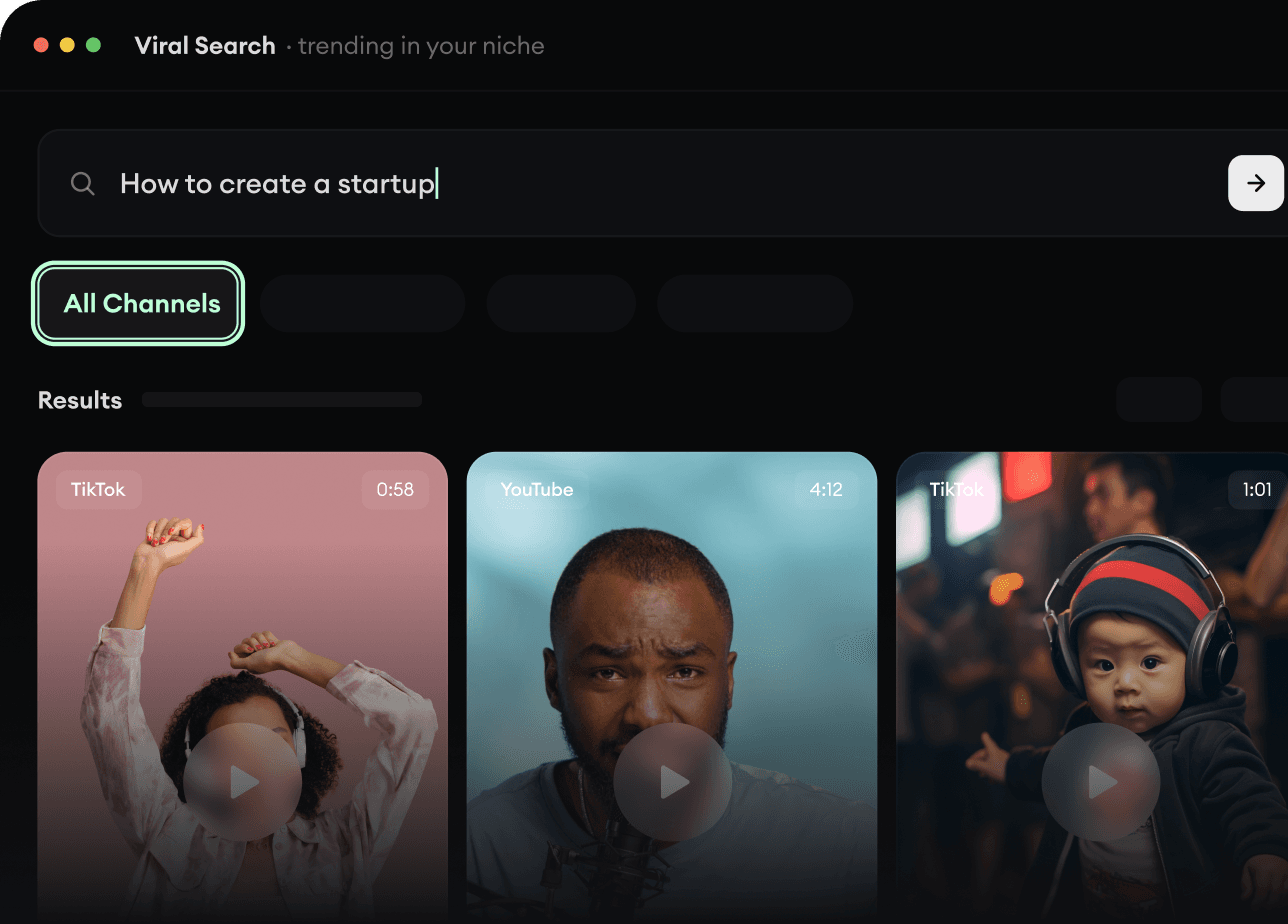
  • Discover winning video formats in your niche
  • Follow creators and channels that matter
  • Start with proven ideas instead of guessing
Find Viral & Trending Videos.
2

Turn An Idea Into A Story.

Found something worth making? Revid AI writes the script, suggests the structure, and turns links, prompts, or topics into complete video concepts.
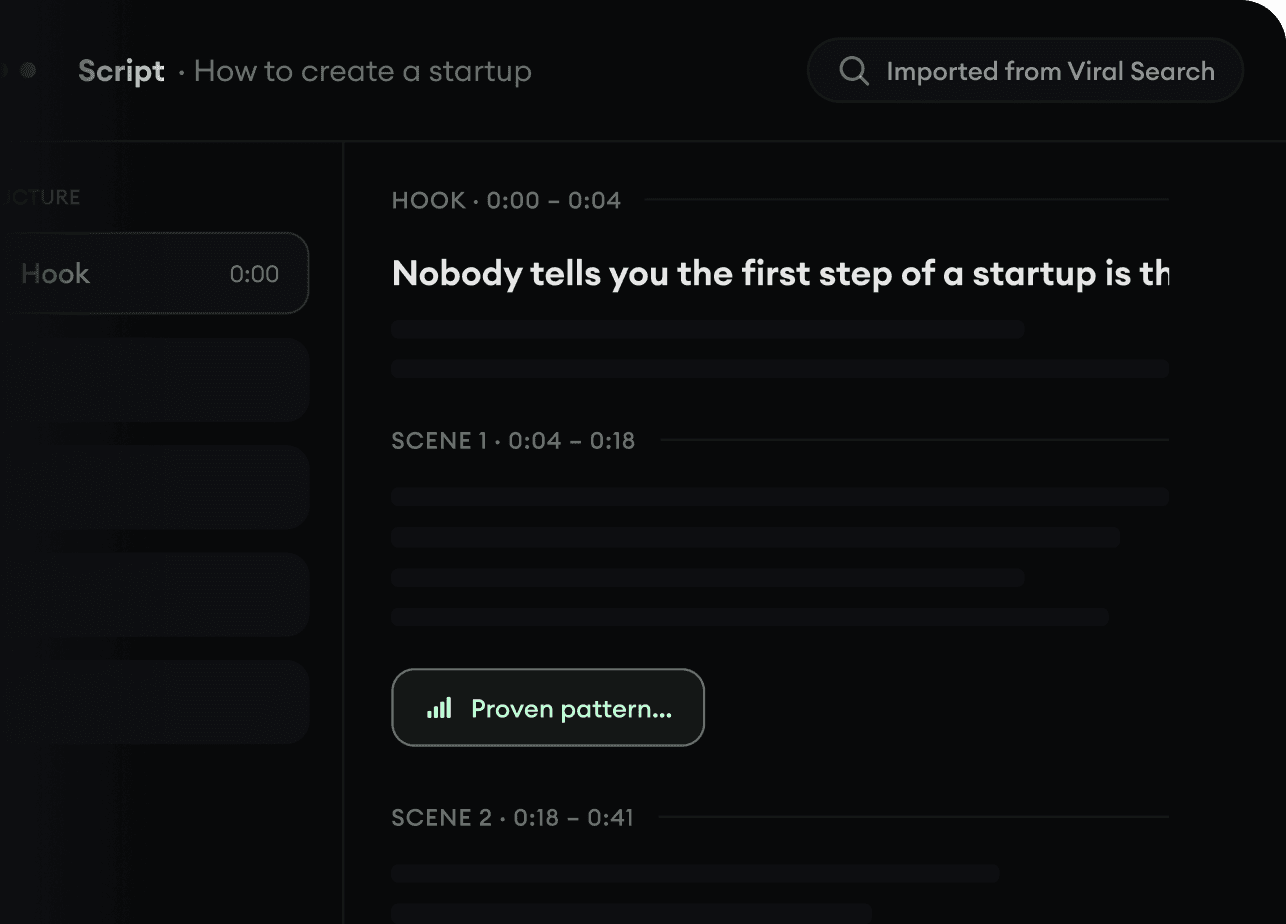
  • Start with a prompt, topic, or URL
  • Generate scripts inspired by proven patterns
  • Build stories designed to keep people watching
Turn An Idea Into A Story.
3

Generate The Finished Video.

Script, voiceover, visuals, subtitles, and editing all come together in one workflow. No stitching together five different tools.
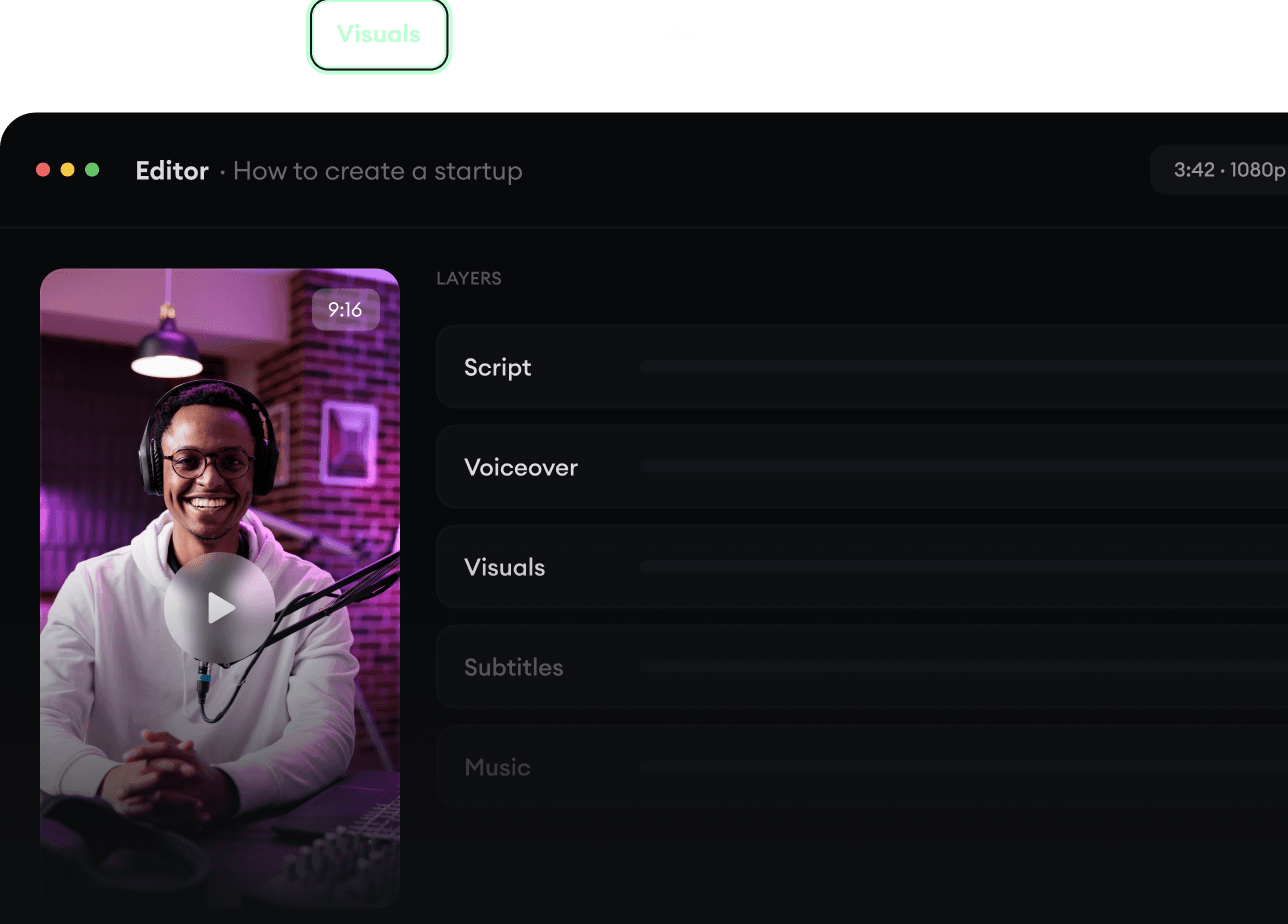
  • Turn text into complete, multi-minute videos
  • Generate everything in one place
  • Refine the result in the editor
Generate The Finished Video.
4

Publish Everywhere.

Share your videos to TikTok, YouTube, Instagram, and wherever your audience is.
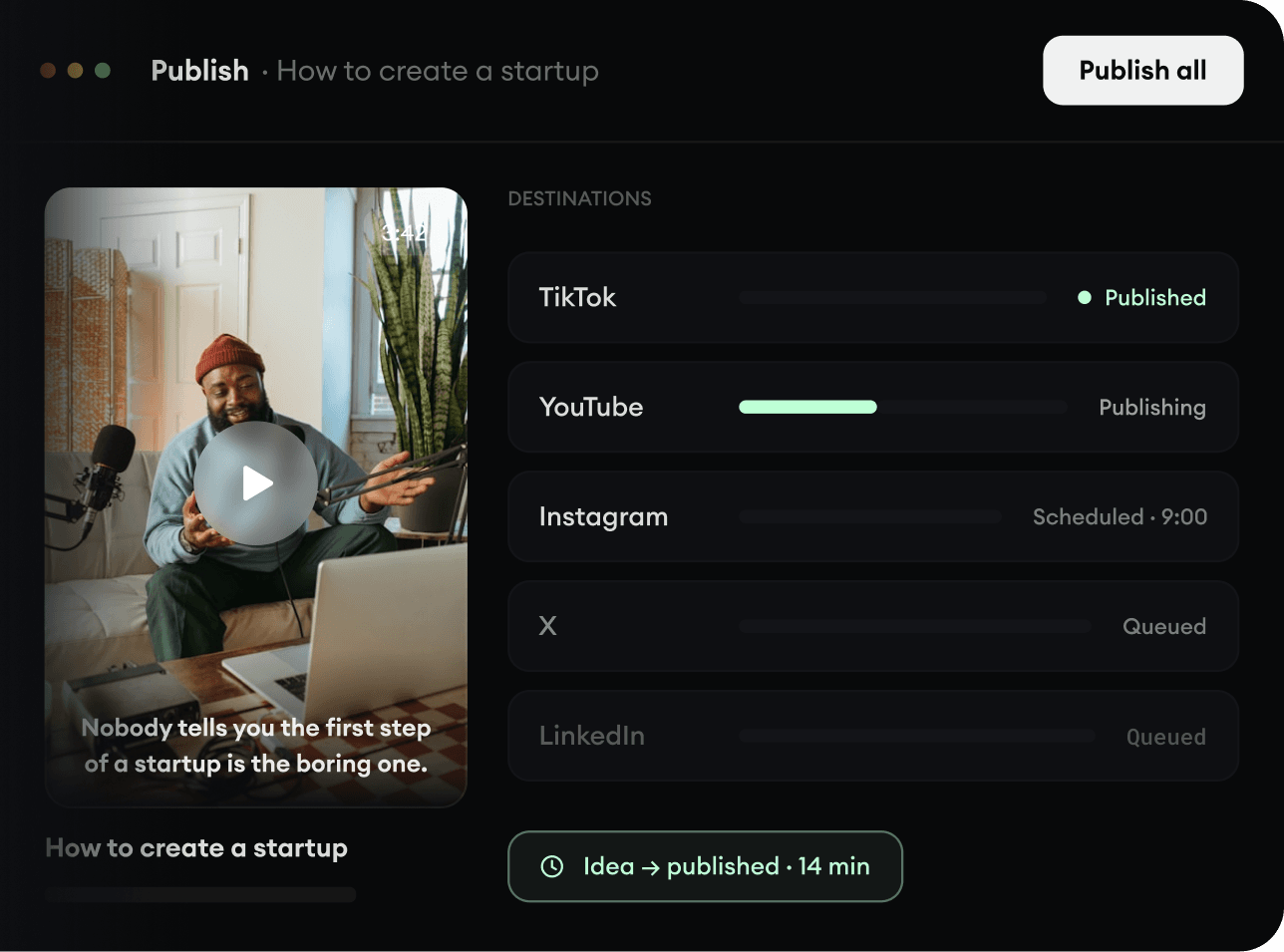
  • Publish across every major platform
  • Reach more people with less work
  • Go from idea to published video in minutes
Publish Everywhere.