1,700 people used this tool in the last 24h
or explore our 42+ other tools to create the exact video you want
Explore our tools
Upload a video and describe the effect you want. The AI watches your footage, finds the right moments, and applies the VFX only where they belong - the rest of your video stays untouched. People, voices and framing are preserved. Costs 15 (Pro) or 20 (Ultra) credits per second of edited video.
Upload a video and describe the effect - the AI watches your footage and adds the VFX exactly where they belong.
or explore our 42+ other tools to create the exact video you want
Explore our toolsScript automatically generated by Revid
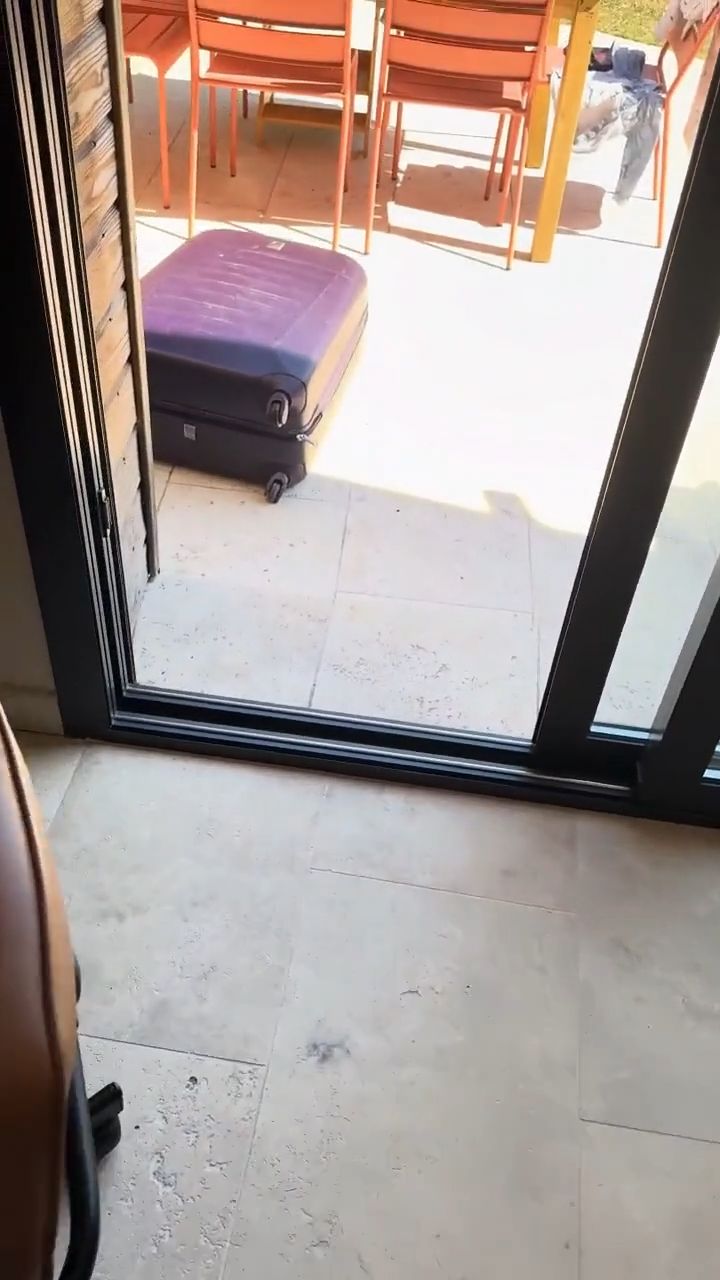
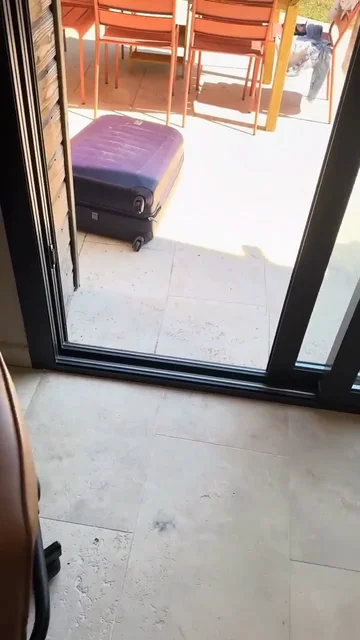
Start by uploading the video footage you want to enhance. Our AI VFX Editor supports standard video formats like MP4, MOV, and WEBM. This untouched footage will act as the base for your AI-generated visual effects.
Use a simple text prompt to describe the visual effect you want to add. Whether it's a 'meteorite crashing into the garden', 'falling snow', or a 'neon glow', just tell the AI video effects generator exactly what you envision happening in the scene.
Click generate and let our AI VFX Editor work its magic. The AI intelligently watches your footage, finds the exact right moment, and seamlessly applies the visual effects while preserving the original people, voices, and framing.
Discover more ways to create engaging videos with our AI-powered tools
Find detailed answers to 100+ questions about features, tools, and workflows
or check our markdown version optimized for LLMs
Choose your tool, add your content, and create a video in seconds. Then customize it to your liking.
Turn your prompts into engaging videos with AI assistance
Create studio-quality videos from text, no filming required
Turn any song into an animated lyric video with synced text and visuals.
RevidAI's Viral Search and Channel Watcher surface the formats, creators, and trends getting attention right now, then help you turn them into ideas of your own.

Found something worth making? Revid AI writes the script, suggests the structure, and turns links, prompts, or topics into complete video concepts.

Script, voiceover, visuals, subtitles, and editing all come together in one workflow. No stitching together five different tools.

Share your videos to TikTok, YouTube, Instagram, and wherever your audience is.
