Creators publish 30,000+ videos a month with Revid

AI Character Swap: Put Your People in Any Video

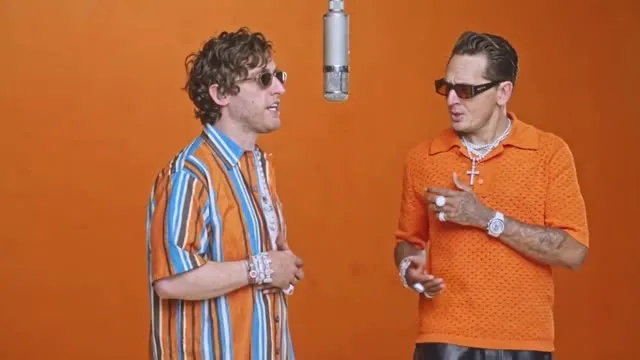
Upload a video and one photo per person (up to 4, from left to right). Every person in the clip is replaced by the people in your photos, outfit included - the moves, lips, set and the original audio stay exactly as they were. Costs 15 credits per second of video.

Upload a video and a photo of each person - everyone in the clip becomes your people, same moves, same audio.

  • Up to 4 people
  • Moves and lip sync kept
  • Outfits and set kept
  • Original audio kept
2,909 people used this tool in the last 24h
Start for free.(no credit card required)

Related tools you might like:

or explore our 42+ other tools to create the exact video you want

Explore our tools

Swap the People of Any Video in 4 Steps

1 Upload your video, paste a link or pick a preset

Upload the video whose people you want to replace (MP4 or MOV), paste a YouTube, TikTok or Instagram link, or pick a ready-made preset like Hotel Lobby. Trim it to the part you want, up to 2 minutes. Videos where the people face the camera at some point give the best result.

2 Add one photo or character per person

Add one clear photo per person, or pick characters saved in your Revid account, up to 4. Add them in the order the people stand in the video, from left to right: the first replaces the person on the left. A preset shows how many people it needs.

3 Add instructions (optional)

Everyone keeps the pose and moves of the person they replace, and wears the outfit of their own photo. To change something on top of the swap, write it in Extra instructions, for example: The person on the right wears a red tuxedo.

4 Generate your video

The cost shows before you start: 15 credits per second of video. The video is processed scene by scene and re-assembled with its original soundtrack, and each swapped scene is checked so none of the original people remain.

01

Replace Everyone in a Video, Not Just One Face

Face swap apps change one face on one person. Character swap replaces up to 4 people at once: upload one photo per person, in order from left to right, and each person in the clip becomes the person in the matching photo - face, hair, skin tone and build, not only a pasted-on face.

02

The Original Performance, Moves and Audio Stay

Every gesture, dance move, lip movement and camera move of the source video is kept, along with the set, the lighting and the original soundtrack; each person wears the outfit of their photo. The result is the same clip, starring your people.

03

Made for Trends, Duets and Group Videos

Put you and your friends in a viral dance, a duet, a sketch or a group video. Long clips are handled automatically: the video is processed shot by shot and re-assembled, so the swap holds from the first second to the last.

Target Audience

Who is this tool for?

Friends and group chats

Put your whole crew in a viral clip, a music video or a movie scene: one photo per friend, everyone swapped at once.

Short-form creators

Remake trending duets, dances and sketches with your own cast for TikTok, Reels and Shorts, with the original moves and audio kept.

Parody and storytelling

Recast a scene with new people for a parody or a story, without filming it again: the staging, camera and timing stay the same.

Brands and marketing teams

Try a spokesperson or a team lineup on an existing video before a shoot, or localize a clip with local faces.

Comparison

Why Choose Revid's AI Character Swap?

Face swap apps change one face on one person. Character swap recasts the whole clip: every person, their hair, build and outfit, in the original moves and audio.

People per video
Revid AI Character SwapUp to 4 people swapped at once, one photo each, left to right
Face Swap AppsOne face on one person
What is replaced
Revid AI Character SwapThe whole person: face, hair, skin tone and build
Face Swap AppsOnly the face, pasted over the original head
What is kept
Revid AI Character SwapMoves, lip movements, set, camera and the original audio
Face Swap AppsOften loses the expression or drifts when the person moves
Long clips
Revid AI Character SwapUp to 2 minutes, cut on the scene changes and re-assembled
Face Swap AppsShort clips only
Saved characters
Revid AI Character SwapUse photos or the characters saved in your Revid account
Face Swap AppsA new upload every time
Pricing
Revid AI Character Swap15 credits per second of video, shown before you generate
Face Swap AppsCredits per clip whatever its length
FAQs

Frequently Asked Questions

What is the AI Character Swap tool?
Character Swap replaces the people of a video with the people of your photos. Up to 4 people are swapped at once, each becoming the person of the matching photo - face, hair, skin tone, build and outfit - while their moves, lip movements, the set and the original audio stay as they were.
How is it different from a video face swap?
A face swap changes one face on one person. Character Swap recasts the whole clip: several people at once, the whole person rather than a pasted-on face, with the original moves kept.
How do I tell which photo replaces which person?
By order: the first photo or character replaces the person on the left of the video, the second the next one to the right, and so on. Keep the same order as the people in the first scene.
Can I use my saved characters instead of photos?
Yes. Pick them in "Or select a Character", or mix photos and characters: each pick is one person, added in order from left to right.
What kind of photos work best?
One person per photo, the face clearly visible, front-facing and well lit. The swap takes the face, hair and outfit from the photo; its pose and background are never copied.
How long can my video be?
Up to 2 minutes, and at least 5 seconds: trim a longer video (a YouTube link, a film) to the part you want. The video is cut on its scene changes, each part swapped, then put back together with the original soundtrack.
How much does it cost?
15 credits per second of video. The exact total shows before you generate, as soon as your video is loaded - trim it to the part you need to pay less.
Can I change the outfits?
Yes. Everyone wears the outfit of their photo by default; write what you want in Extra instructions to change it, for example: The person on the left wears a black suit.

Still have questions?

Contact us

Find detailed answers to 100+ questions about features, tools, and workflows

or check our markdown version optimized for LLMs

Tools

Free AI Video Tools

Choose your tool, add your content, and create a video in seconds. Then customize it to your liking.

See all tools

AI TikTok Video Generator

Turn text into trendy, viral TikTok videos in a snap

Try it out

Prompt to Video

Turn your prompts into engaging videos with AI assistance

Try it out

Add Caption to Video

Generate subtitles in 100+ languages with AI captions

Try it out

PDF to Brainrot

Convert PDFs into attention-grabbing, scrollable videos

Try it out

Text to Brainrot

Turn your text into trendy, scrollable content with dynamic visuals

Try it out

AI Talking Avatar

Create lifelike talking avatars from text in seconds

Try it out

Video Podcast Generator

Transform your podcasts into visually engaging video content

Try it out

AI Movie Maker

Create studio-quality videos from text, no filming required

Try it out

Audio to Video

Make engaging videos from your podcasts, interviews, or any audio content

Try it out

Animated Lyrics Video Generator

Turn any song into an animated lyric video with synced text and visuals.

Try it out

AI Music Video Generator

Transform your music into cinematic music videos.

Try it out

AI Lyrics Video Generator

Transform your lyrics into a complete music video with AI

Try it out
How it works

From Signal To Published In Four Steps.

1

Find Viral & Trending Videos.

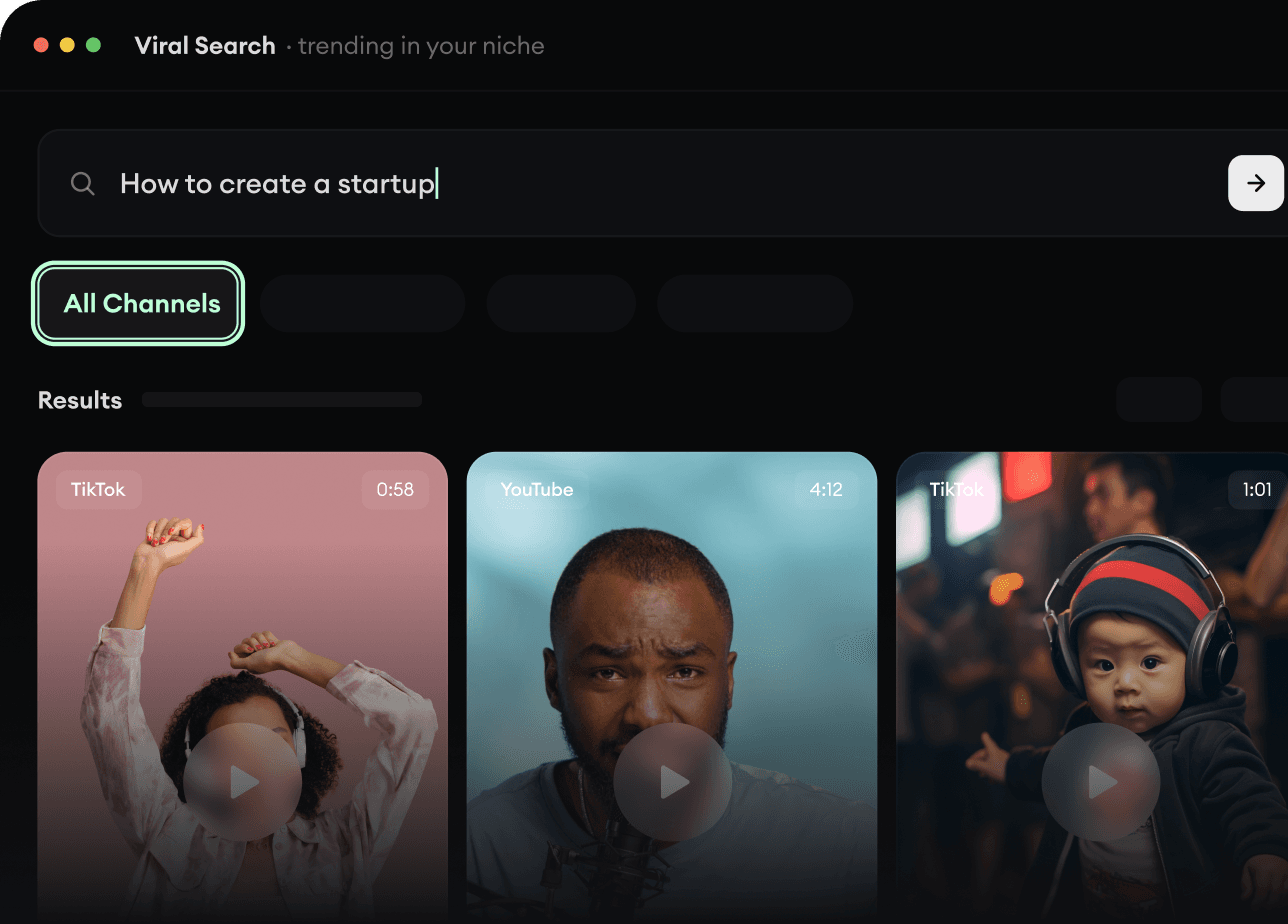
RevidAI's Viral Search and Channel Watcher surface the formats, creators, and trends getting attention right now, then help you turn them into ideas of your own.
  • Discover winning video formats in your niche
  • Follow creators and channels that matter
  • Start with proven ideas instead of guessing
Find Viral & Trending Videos.
2

Turn An Idea Into A Story.

Found something worth making? Revid AI writes the script, suggests the structure, and turns links, prompts, or topics into complete video concepts.
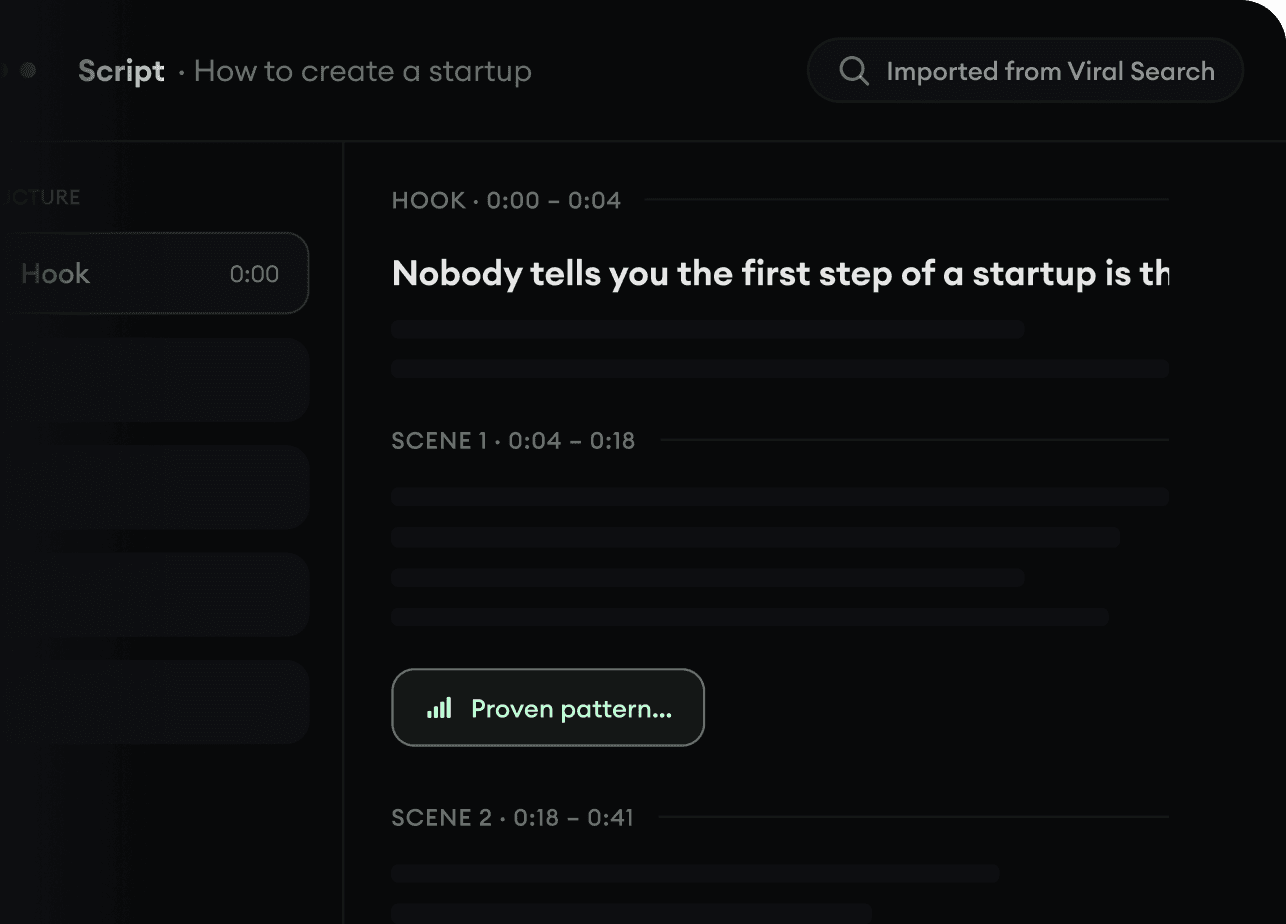
  • Start with a prompt, topic, or URL
  • Generate scripts inspired by proven patterns
  • Build stories designed to keep people watching
Turn An Idea Into A Story.
3

Generate The Finished Video.

Script, voiceover, visuals, subtitles, and editing all come together in one workflow. No stitching together five different tools.
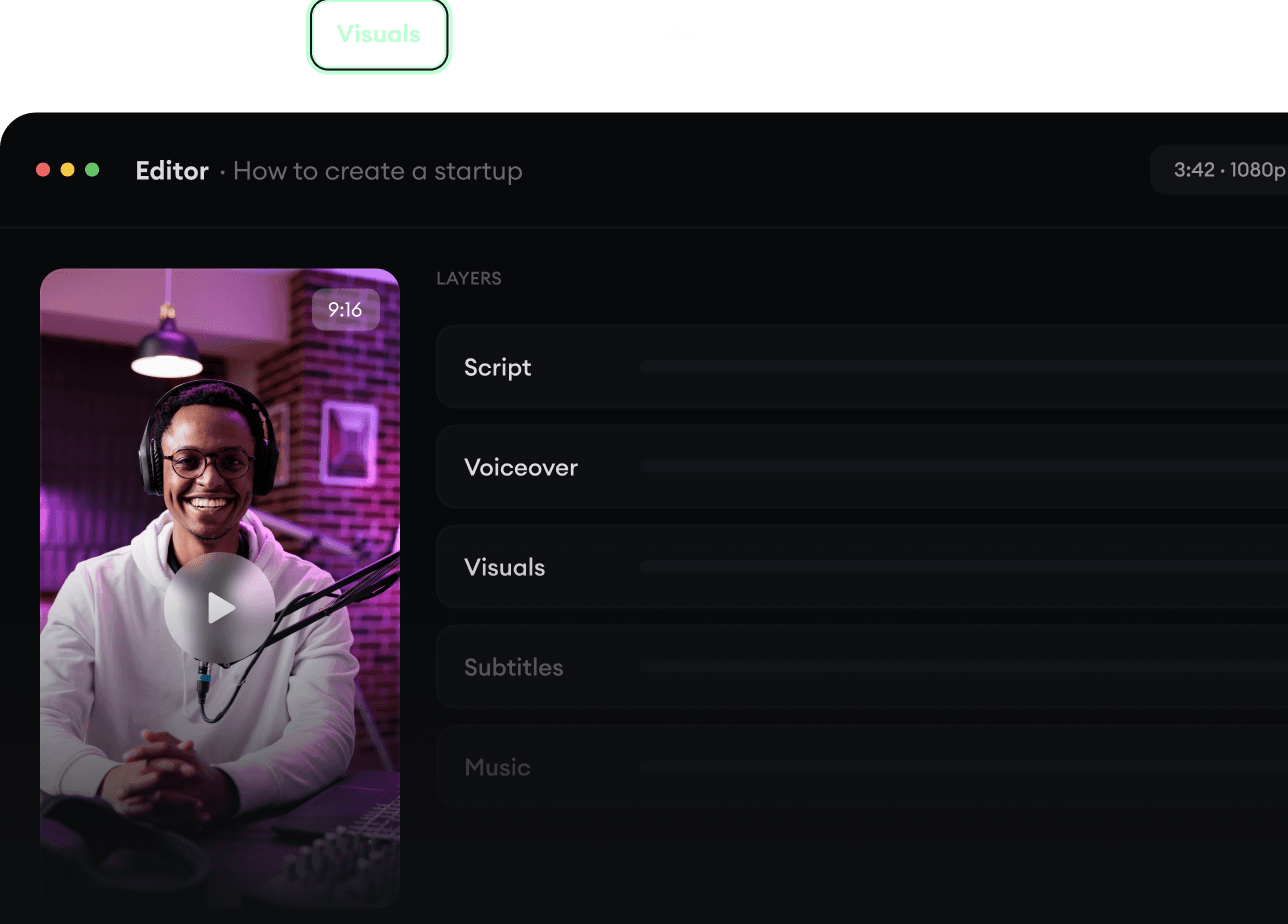
  • Turn text into complete, multi-minute videos
  • Generate everything in one place
  • Refine the result in the editor
Generate The Finished Video.
4

Publish Everywhere.

Share your videos to TikTok, YouTube, Instagram, and wherever your audience is.
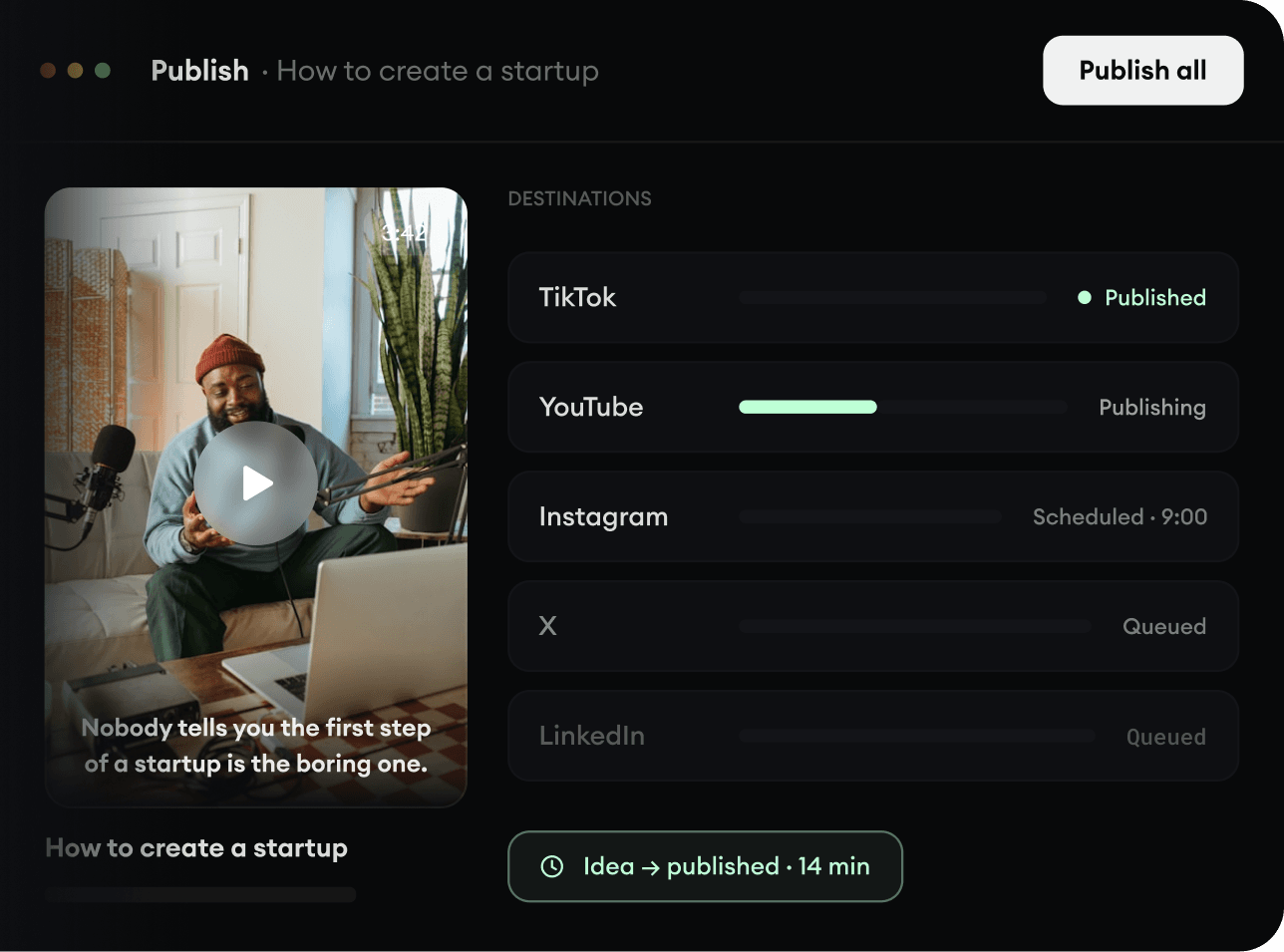
  • Publish across every major platform
  • Reach more people with less work
  • Go from idea to published video in minutes
Publish Everywhere.