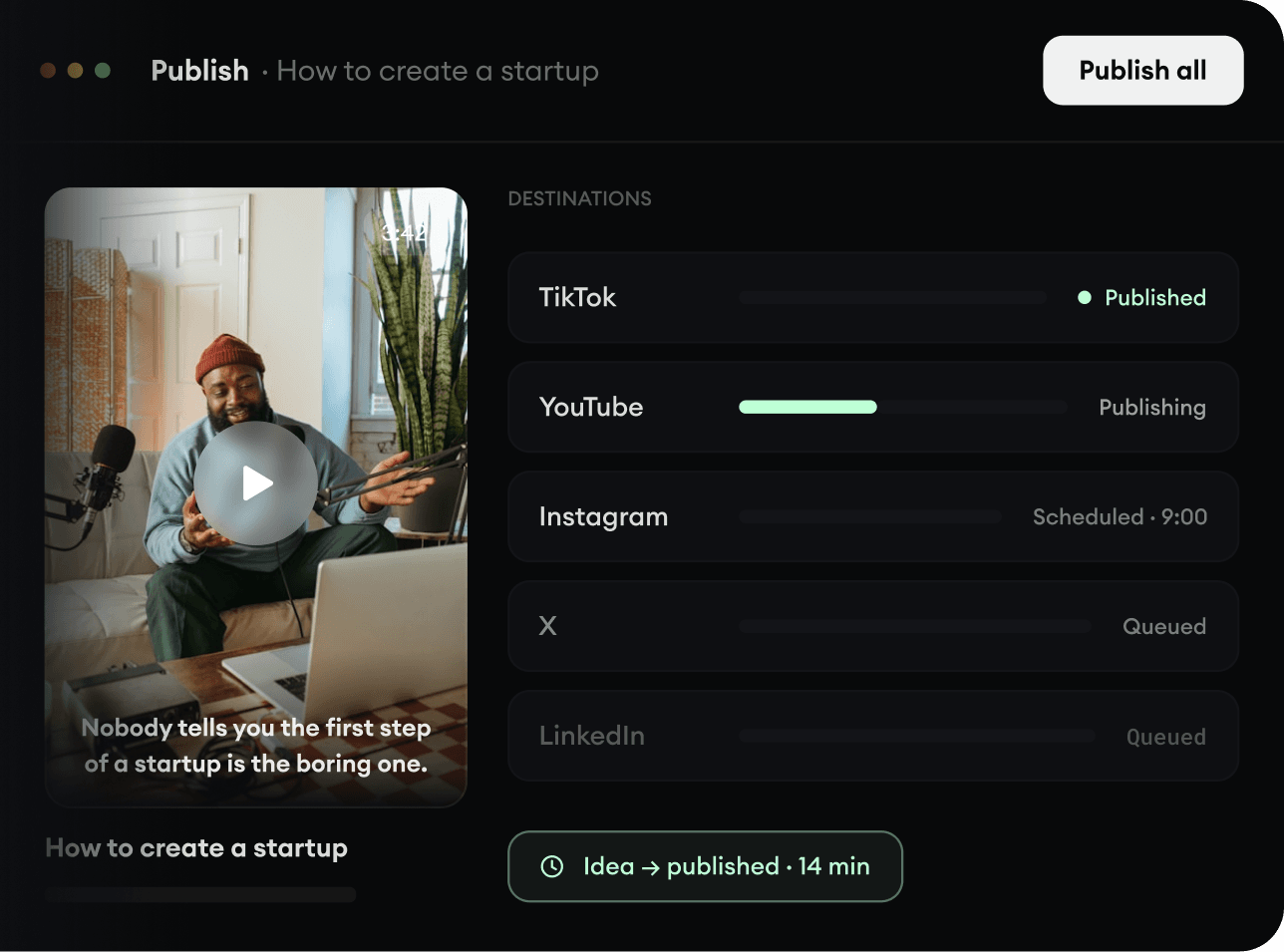
2,213 videos created with Revid in the last 24h
or explore our 42+ other tools to create the exact video you want
Explore our tools
Upload a video and choose an AI voice to replace the original speaker voice while preserving the source video.
Upload a video, choose an AI voice, and replace the original speaker voice.
or explore our 42+ other tools to create the exact video you want
Explore our toolsStart by uploading your source video file (MP4, MOV, or WebM) directly into our AI video voice changer. Ensure your video has clear spoken audio, as the AI will use this to accurately detect and replace the original speaker voice.
Browse Revid's extensive library of highly realistic AI voices. Select the new voice you want to use for your video. You don't need to provide a script—the AI will automatically use the spoken words from your uploaded video.
Click generate, and our AI video voice changer will seamlessly separate the speech, apply your chosen AI voice, and sync it perfectly with the original timing. In minutes, your new video is ready to be downloaded or shared directly to TikTok, YouTube Shorts, or Instagram Reels.
Revid's AI video voice changer takes an existing video, separates the spoken voice from the rest of the audio, converts the speech into your selected AI voice, and puts the new voice back into the original video. The timing stays aligned with the source footage so you do not need to rewrite a script or rebuild the edit.
This workflow is built for creators who already have a finished clip and only want the voice to sound different. Upload the video, choose a voice from Revid's AI voice library, and generate a new version while keeping the original visuals and pacing intact.
Discover more ways to create engaging videos with our AI-powered tools
Find detailed answers to 100+ questions about features, tools, and workflows
or check our markdown version optimized for LLMs
Choose your tool, add your content, and create a video in seconds. Then customize it to your liking.
Turn your prompts into engaging videos with AI assistance
Create studio-quality videos from text, no filming required
Turn any song into an animated lyric video with synced text and visuals.
RevidAI's Viral Search and Channel Watcher surface the formats, creators, and trends getting attention right now, then help you turn them into ideas of your own.
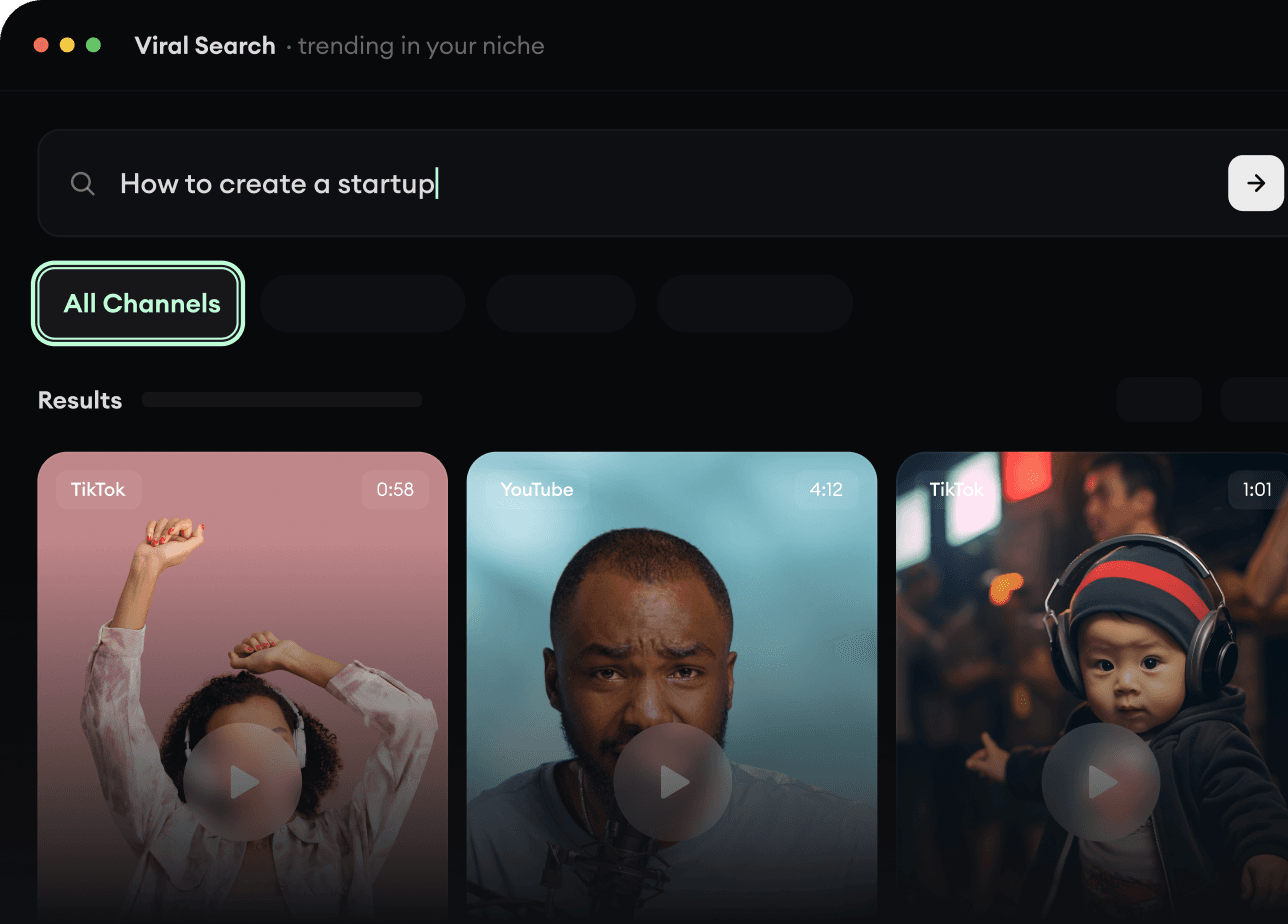
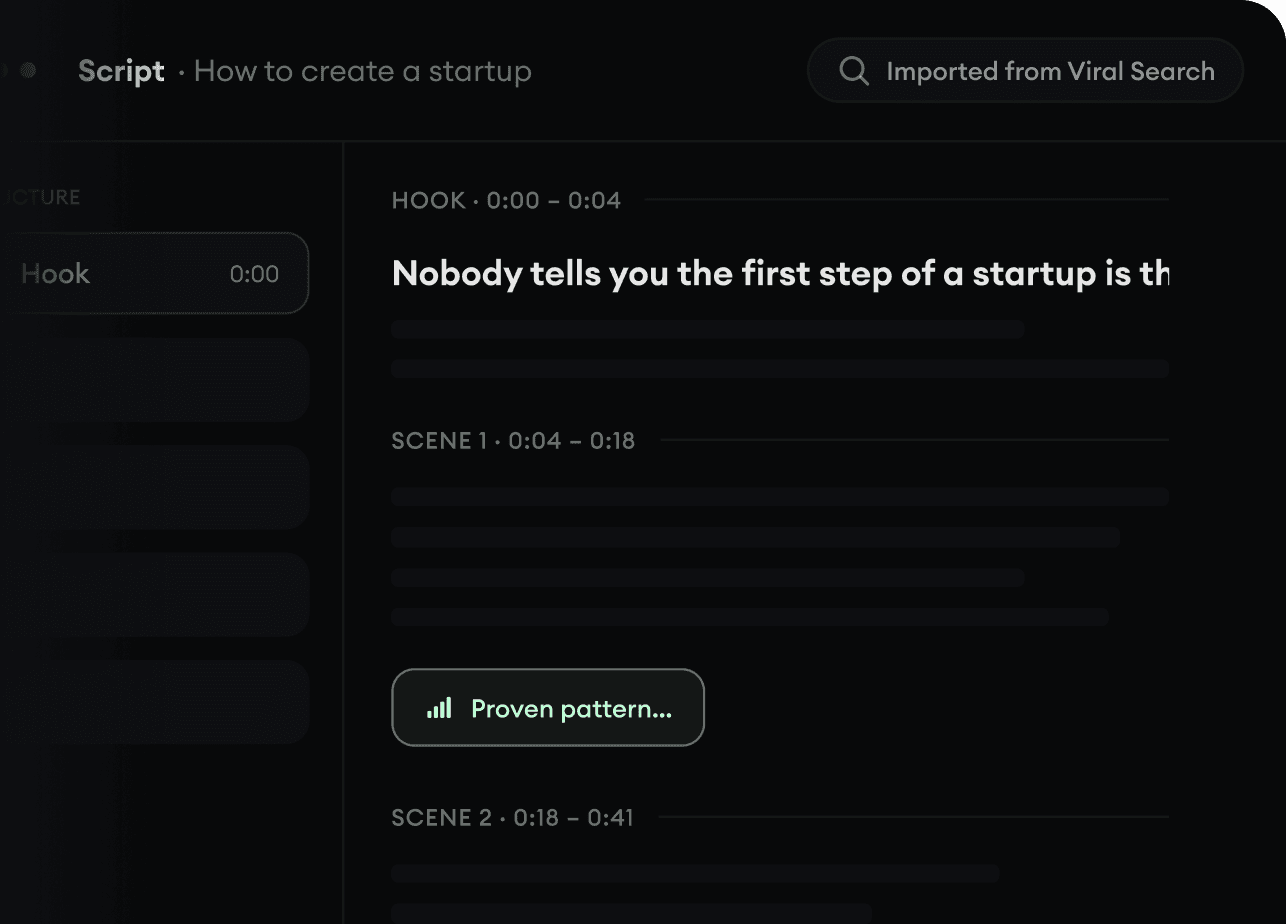
Found something worth making? Revid AI writes the script, suggests the structure, and turns links, prompts, or topics into complete video concepts.
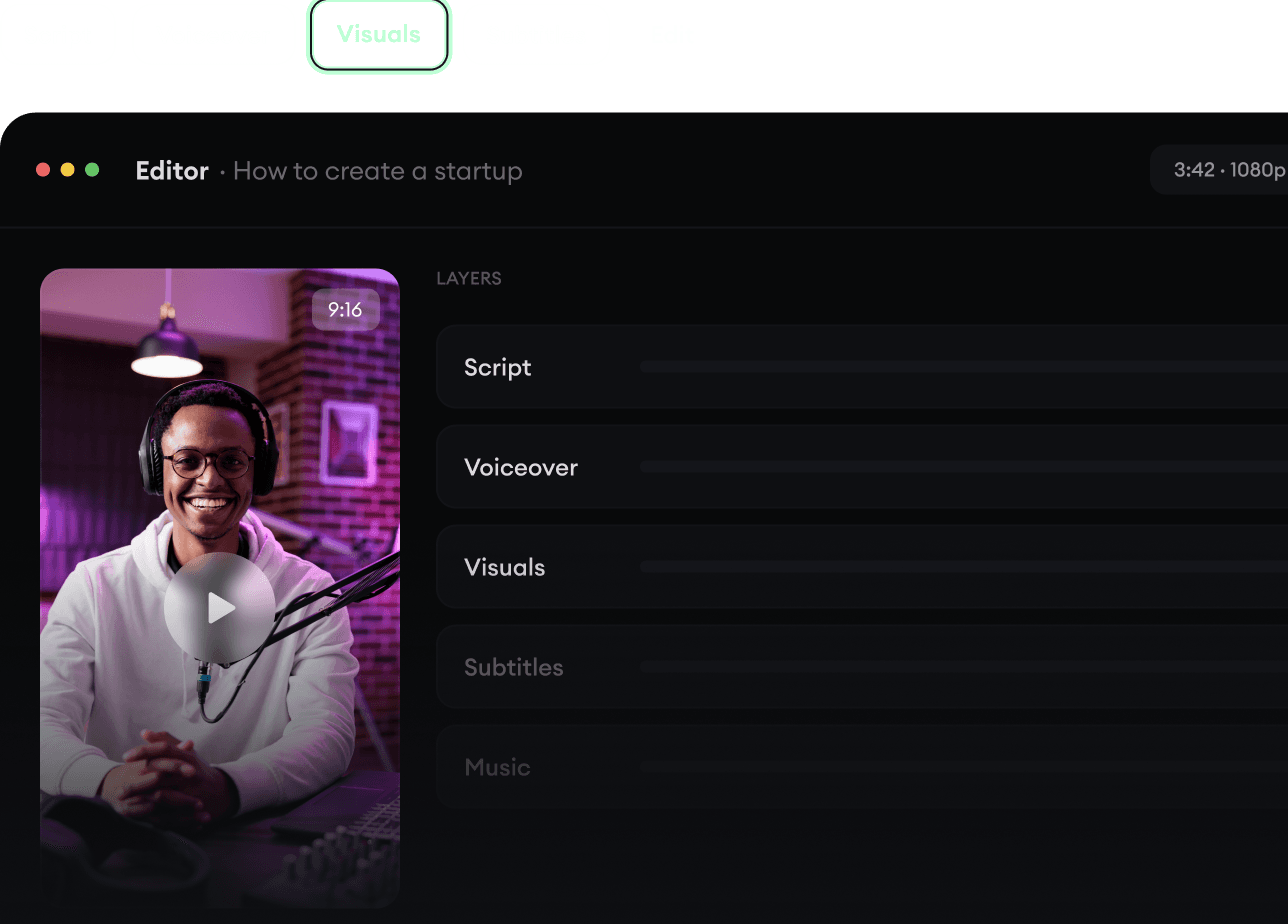
Script, voiceover, visuals, subtitles, and editing all come together in one workflow. No stitching together five different tools.
Share your videos to TikTok, YouTube, Instagram, and wherever your audience is.