Creators publish 30,000+ videos a month with Revid
AI 3D Animation Maker
Turn a prompt into a narrated 3D animated video. Revid builds real 3D scenes for your story, with objects, mechanisms, lighting and camera moves, then adds the voiceover, captions and sound effects.
Write your idea as a prompt, saying what should be shown and what happens step by step: the object, its parts and what moves. A clear description gives the AI director more to build from than a topic alone.
2 Pick a 3D look and a voice
Choose one of the five looks (stylized 3D, realistic 3D, 3D simulation, luminous 3D or layered illustration) by watching the film each card plays. Then pick the voice, and decide whether to keep the captions, sound effects and music.
3 Generate your 3D video
Revid shows the credits needed before you generate. It then plans the film, builds each 3D scene, places the camera and lighting, and times every movement to the narration.
4 Edit and export
Open the result in the Revid editor to change anything you want, or generate again from a new prompt. Export in 9:16, 16:9 or 1:1, ready for TikTok, YouTube Shorts, Instagram Reels, a product page or a lesson.
01
A 3D Animation Maker That Starts From a Sentence
Making 3D animation normally means modeling, rigging, lighting and rendering in software such as Blender, Maya or Cinema 4D, then editing the result with a voice track. Revid's 3D animation maker starts from your prompt instead. Write what you want to explain, and an AI director plans the film, builds each 3D scene in code, places the camera, lights the set and times every movement on the narration. You get a finished video you can still edit, not a single clip to assemble yourself.
02
Real 3D Scenes, Not a Video Model's Guess
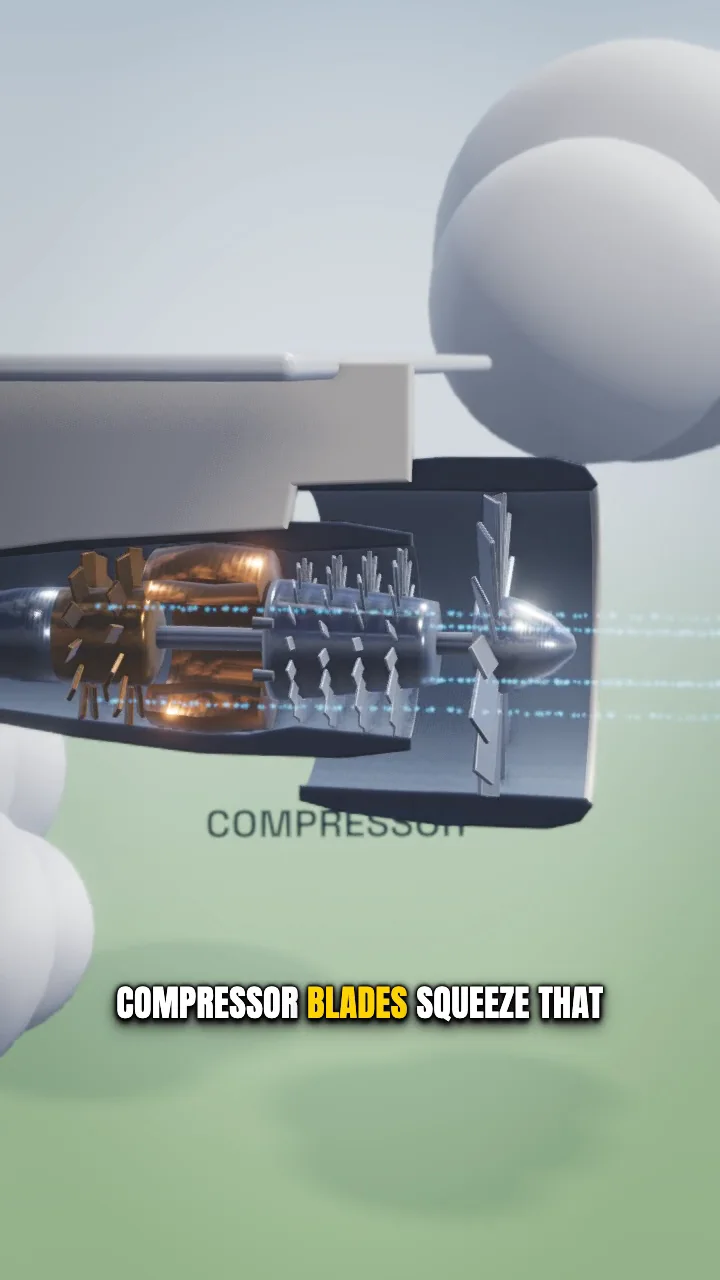
The scenes are true 3D: objects with volume, materials that react to light, shadows, depth of field and a camera that moves through the set. Because every scene is built rather than generated frame by frame, a part stays the same part from one shot to the next, labels are real text that stays readable, and a cutaway shows the inside of a machine the way a technical animation would. That makes the tool a good fit for explanations: how an engine works, what happens inside a volcano, how a lock opens.
03
Five 3D Looks, From Stylized to Realistic
Choose the look before you generate. Stylized 3D uses rounded shapes and soft light for friendly explainers. Realistic 3D uses textured surfaces, metal and glass under studio lighting for products and machines. 3D simulation shows gravity, collisions and mechanisms in motion. Luminous 3D draws glowing networks and energy for science and technology subjects. Layered illustration places illustrated cut-outs in real depth and films them with a moving camera, for a storybook 2.5D look. Each card in the picker plays a film made with that style.
04
Voiceover, Captions and Sound Effects Included
A 3D animation video from Revid arrives narrated. The script is written from your prompt, read by the voice you pick, and each visual change lands on the word that names it. Captions are added in a compact style that leaves the picture to the 3D subject, sound effects are placed on the events of each scene, and background music can be generated to match. Every one of them can be switched off or replaced before you generate, and edited afterwards in the Revid editor.
05
Online 3D Animation Software With Nothing to Install
Everything runs in the browser. There is no 3D animation software to download, no scene file to manage and no render farm to wait on: the film renders on Revid's servers and exports as a standard video in vertical, horizontal or square format, ready for TikTok, YouTube Shorts, Instagram Reels, a product page or a lesson.
Target Audience
Who is this tool for?
Teachers and course creators
Show how a mechanism, a natural phenomenon or a scientific process works with a 3D explainer that students can replay, without learning 3D software.
Product and marketing teams
Explain what is inside a product or how it works with a 3D cutaway and labelled parts, for a launch video, a product page or a support article.
Science and tech channels
Publish short 3D explainers on YouTube Shorts, TikTok and Reels, narrated and captioned, from a single prompt per video.
Storytellers
Turn a short scene into a layered 2.5D or stylized 3D animation with a moving camera, narration and sound.
Comparison
Why Choose Revid for 3D Animation?
Traditional 3D animation is powerful and slow to learn. Revid trades fine manual control for a finished, narrated 3D video from a text description.
Skill requirement
Revid 3D Animation MakerA written description of what to show
Traditional 3D animation softwareModeling, rigging, lighting and rendering skills
Starting point
Revid 3D Animation MakerA prompt; the scenes, camera and timing are planned for you
Traditional 3D animation softwareAn empty scene and a storyboard you write yourself
Narration and sound
Revid 3D Animation MakerVoiceover, captions, sound effects and music included
Traditional 3D animation softwareRecorded and edited separately in another tool
Installation
Revid 3D Animation MakerRuns in the browser, renders on Revid's servers
Traditional 3D animation softwareDesktop software and a capable graphics card
Changes
Revid 3D Animation MakerEdit the result in the Revid editor or generate again from a new prompt
Traditional 3D animation softwareRe-animate and re-render the affected shots
Best for
Revid 3D Animation MakerShort explainers and social videos
Traditional 3D animation softwareCharacter animation, film and game production
Feature / Benefit
Revid 3D Animation Maker
Traditional 3D animation software
Skill requirement
A written description of what to show
Modeling, rigging, lighting and rendering skills
Starting point
A prompt; the scenes, camera and timing are planned for you
An empty scene and a storyboard you write yourself
Narration and sound
Voiceover, captions, sound effects and music included
Recorded and edited separately in another tool
Installation
Runs in the browser, renders on Revid's servers
Desktop software and a capable graphics card
Changes
Edit the result in the Revid editor or generate again from a new prompt
Re-animate and re-render the affected shots
Best for
Short explainers and social videos
Character animation, film and game production
More Tools
Explore Similar Video Creation AI Video Tools
Discover more ways to create engaging videos with our AI-powered tools
FAQs
Frequently Asked Questions
What is a 3D animation maker?
A 3D animation maker is a tool that produces animated videos from three-dimensional scenes: objects with volume, lights and a virtual camera. Revid's 3D animation maker builds those scenes with AI from a text prompt and delivers a narrated video, so you do not model or animate anything by hand.
How do I make a 3D animation with AI?
Open the 3D Animation Maker, describe what you want to show and what happens, pick one of the five 3D styles, the length and the format, then click Generate. Revid writes the narration, builds the 3D scenes, adds captions and sound effects, and opens the result in the editor.
Do I need Blender or other 3D software?
No. Nothing is installed and no 3D file is needed. The scenes are built and rendered on Revid's servers, and you receive a standard video file.
What kind of videos is it good at?
Explanations of how things work: machines and mechanisms in cutaway, natural phenomena, science and technology concepts, products and their parts. It is less suited to character acting and dialogue scenes, which Revid's AI video tools handle better.
How long does a 3D animation take to generate?
A short video usually takes several minutes, and a longer or more detailed one can take longer, because each scene is built, rendered and checked before the film is assembled. You can leave the page and come back to the finished project.
How much does 3D animation cost?
3D animation is billed in credits per second of video, with a minimum of 15 seconds per generation. The rate depends on the quality tier you choose (Low, Pro or Ultra) and is shown in the form before you generate, together with the total for your video.
Can I edit the 3D animation afterwards?
Yes. The video opens in the Revid editor, where you can change the captions, the voiceover, the music and the sound effects, trim or reorder scenes, and ask for changes to a scene.
Which formats can I export?
Vertical 9:16 for TikTok, YouTube Shorts and Instagram Reels, horizontal 16:9 for YouTube and presentations, and square 1:1.
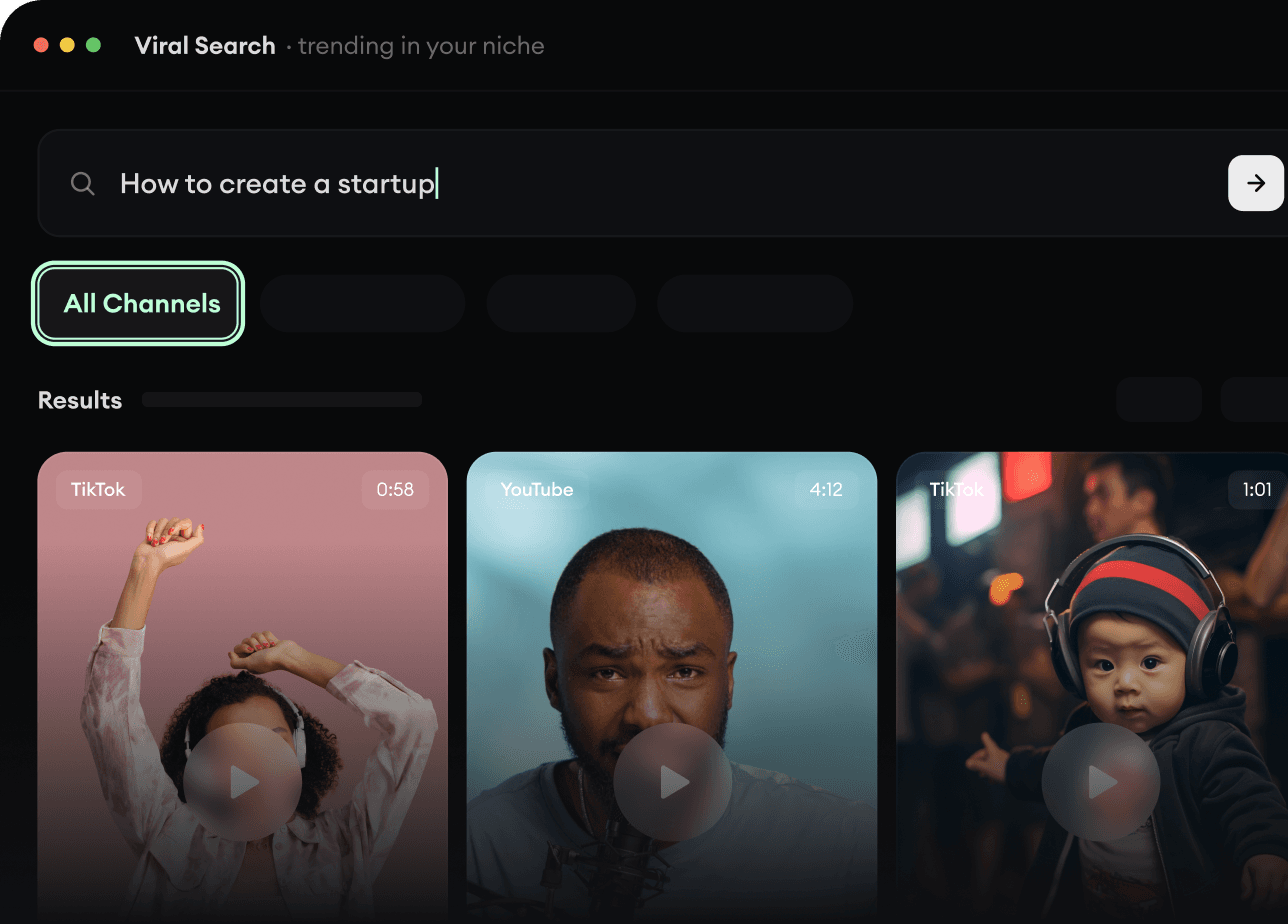
RevidAI's Viral Search and Channel Watcher surface the formats, creators, and trends getting attention right now, then help you turn them into ideas of your own.
Discover winning video formats in your niche
Follow creators and channels that matter
Start with proven ideas instead of guessing
2
Turn An Idea Into A Story.
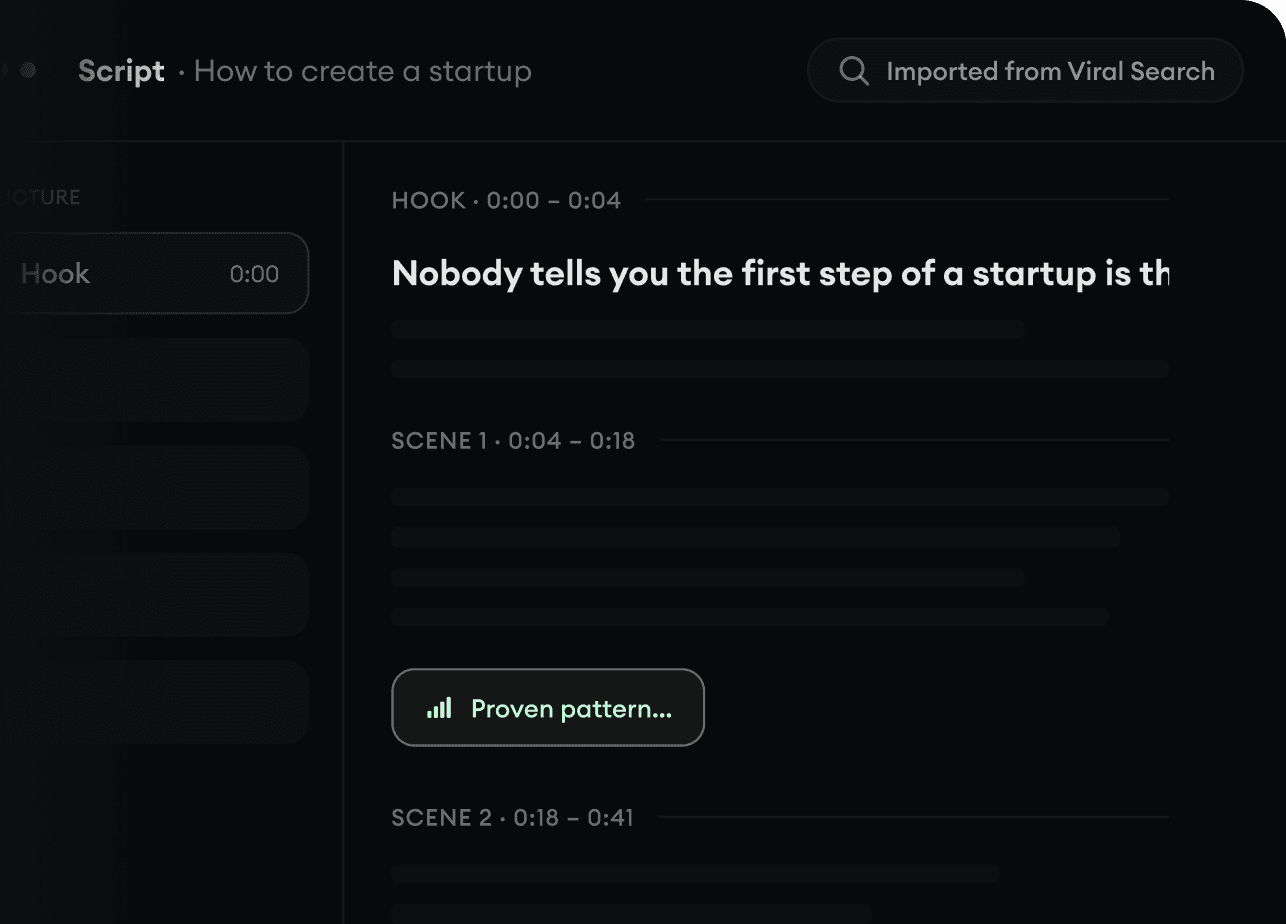
Found something worth making? Revid AI writes the script, suggests the structure, and turns links, prompts, or topics into complete video concepts.
Start with a prompt, topic, or URL
Generate scripts inspired by proven patterns
Build stories designed to keep people watching
3
Generate The Finished Video.
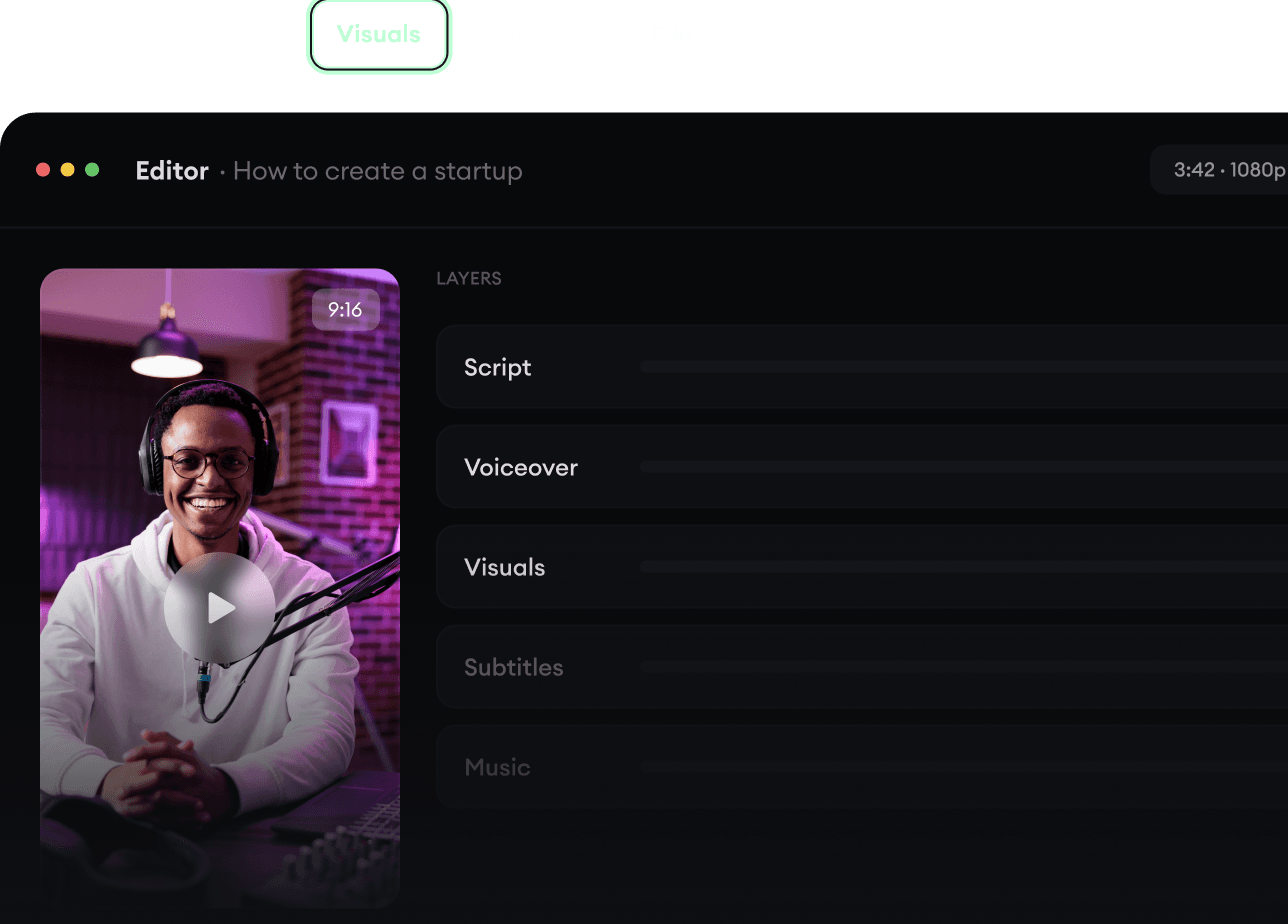
Script, voiceover, visuals, subtitles, and editing all come together in one workflow. No stitching together five different tools.
Turn text into complete, multi-minute videos
Generate everything in one place
Refine the result in the editor
4
Publish Everywhere.
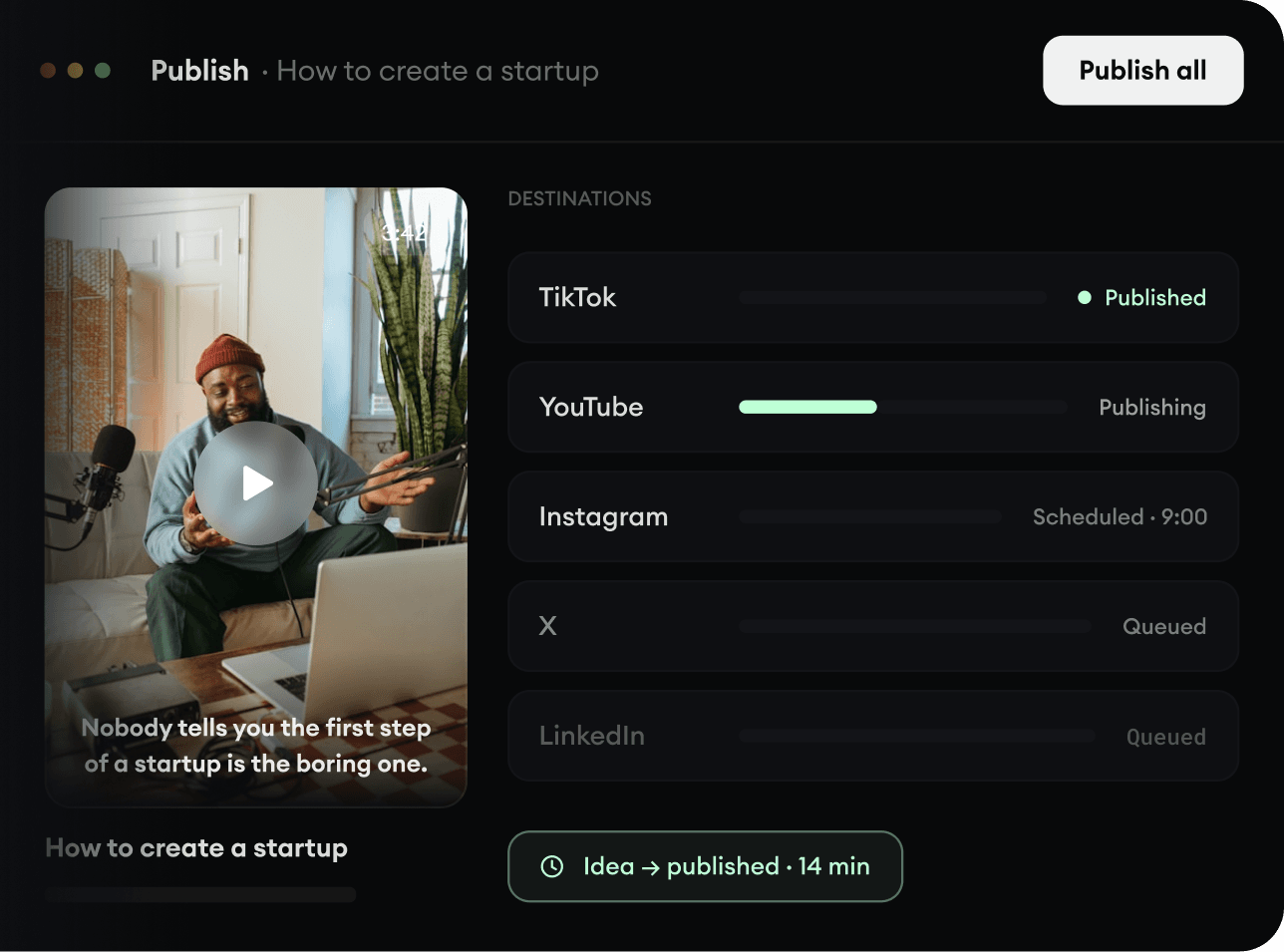
Share your videos to TikTok, YouTube, Instagram, and wherever your audience is.