2,571 videos created with Revid in the last 24h
or explore our 42+ other tools to create the exact video you want
Explore our tools
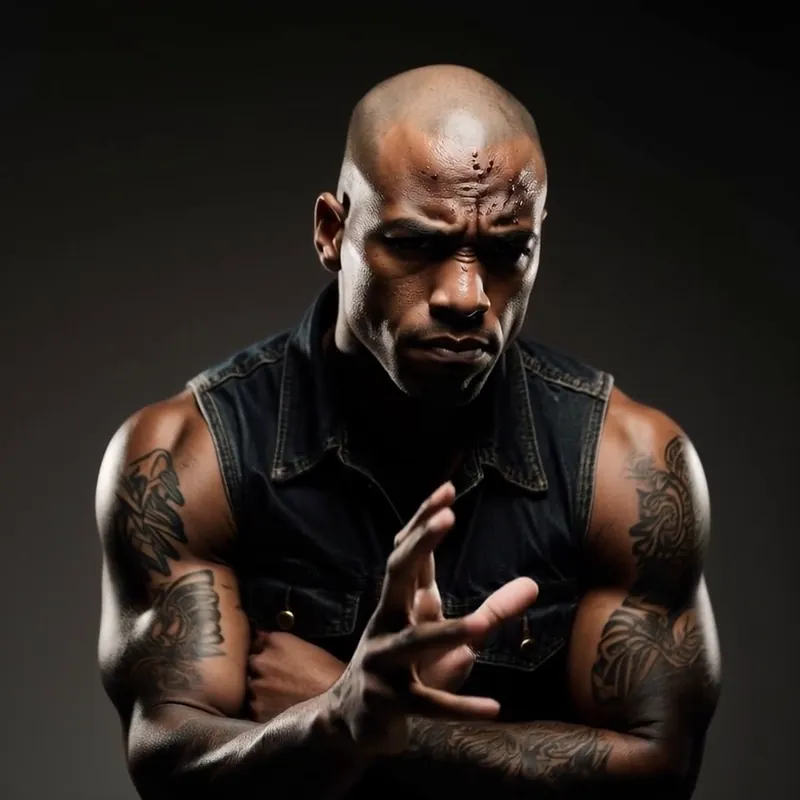
Upload a source video with a dance or movement and a reference image of a person to transfer the motion onto them. The AI maps every gesture, step, and body movement to the new person while keeping it natural. Cost at least 50 credits per 5s of video.
or explore our 42+ other tools to create the exact video you want
Explore our tools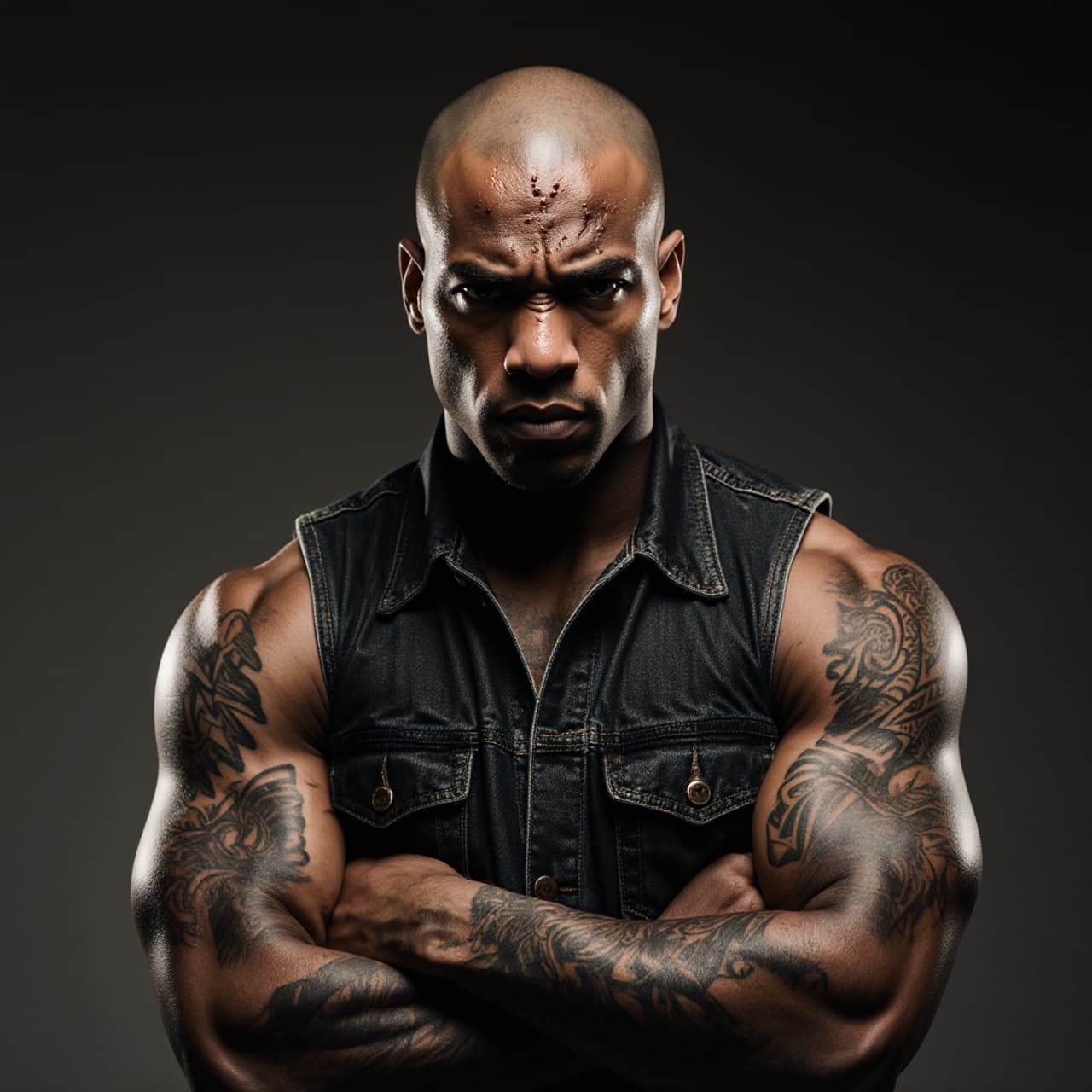
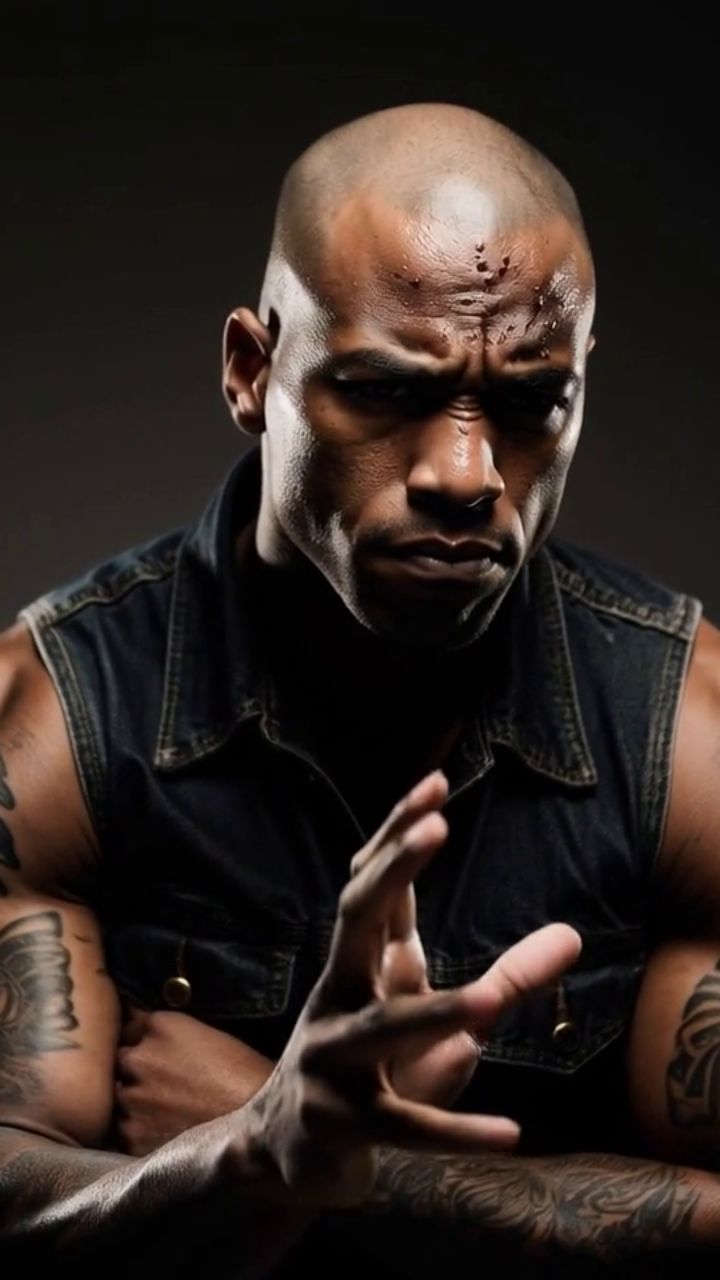
Start by providing a source video featuring a clear dance or movement. You can upload an MP4 file or simply paste a TikTok or Instagram link. Next, upload a clear, front-facing reference photo of the person, AI character, or brand mascot you want to animate using our AI motion transfer tool.
Select your preferred AI motion transfer quality model: Pro for standard high-quality movement mapping, or Ultra for our most advanced, broadcast-quality AI animation. You can also toggle the 'Place Avatar in Video Context' setting to seamlessly integrate your character into the source video's original background, or choose to replace the original audio with an AI voice.
Click 'Generate' and let Revid's AI motion transfer engine do the heavy lifting. In just a few minutes, the AI will map every gesture, step, and body movement onto your target character. Your dynamic, 9:16 vertical video is now ready to be shared directly to TikTok, Instagram Reels, or YouTube Shorts!
Revid's AI motion transfer takes a source video with a dance, gesture, or any body movement and maps it onto the person in your reference photo. The result preserves the original timing, steps, and energy so the generated video looks like your character actually performed the routine. No rigging, no motion-capture suit, no manual keyframing.
You do not need a 3D model, a video of the target person, or multiple angles. A single clear photo is enough for the AI to reconstruct pose and appearance and apply the source motion to your character. This makes the tool ideal for turning product mascots, AI-generated characters, or real people into dynamic performers in seconds.
Trending dances and viral movements drive short-form platforms. With Revid's motion transfer you can place any character into the latest TikTok trend, apply a viral dance to a brand mascot, or create scroll-stopping content by pairing unexpected characters with popular choreography — all without filming a single frame.
Under the hood, Revid uses the best motion control model available to extract pose sequences from the source video and faithfully reproduce them on the target person. This is why the output keeps natural weight shifts, arm trajectories, and rhythm instead of looking robotic or disconnected. The workflow is simple, but the result is broadcast-quality motion that holds up on any screen.
Discover our official tutorial of how to use Motion Transfer AI video tool
Apply trending dances and viral moves to any character for TikTok, Reels, and YouTube Shorts without filming yourself.
Bring logos, mascots, or product characters to life by transferring real human motion onto them from a single image.
Animate AI-generated or illustrated characters with realistic body movement using only a reference photo and a motion clip.
Prototype choreography and movement concepts quickly before committing to live shoots or heavier post-production.
Traditional motion transfer requires 3D rigging, mocap suits, or frame-by-frame editing. Revid does it from a single photo and a motion clip in minutes.
Discover more ways to create engaging videos with our AI-powered tools
Find detailed answers to 100+ questions about features, tools, and workflows
or check our markdown version optimized for LLMs
Choose your tool, add your content, and create a video in seconds. Then customize it to your liking.
Turn your prompts into engaging videos with AI assistance
Create studio-quality videos from text, no filming required
Turn any song into an animated lyric video with synced text and visuals.
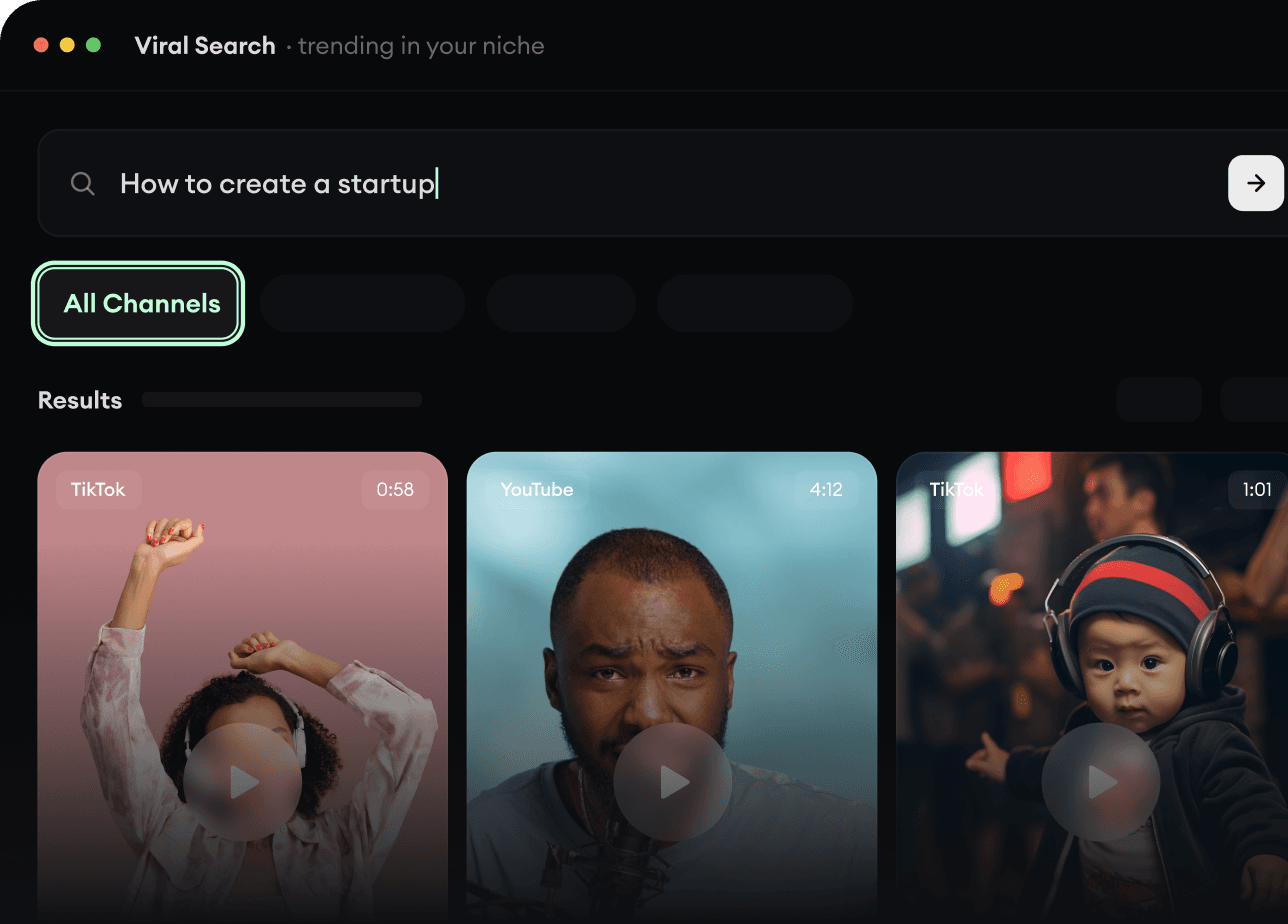
RevidAI's Viral Search and Channel Watcher surface the formats, creators, and trends getting attention right now, then help you turn them into ideas of your own.
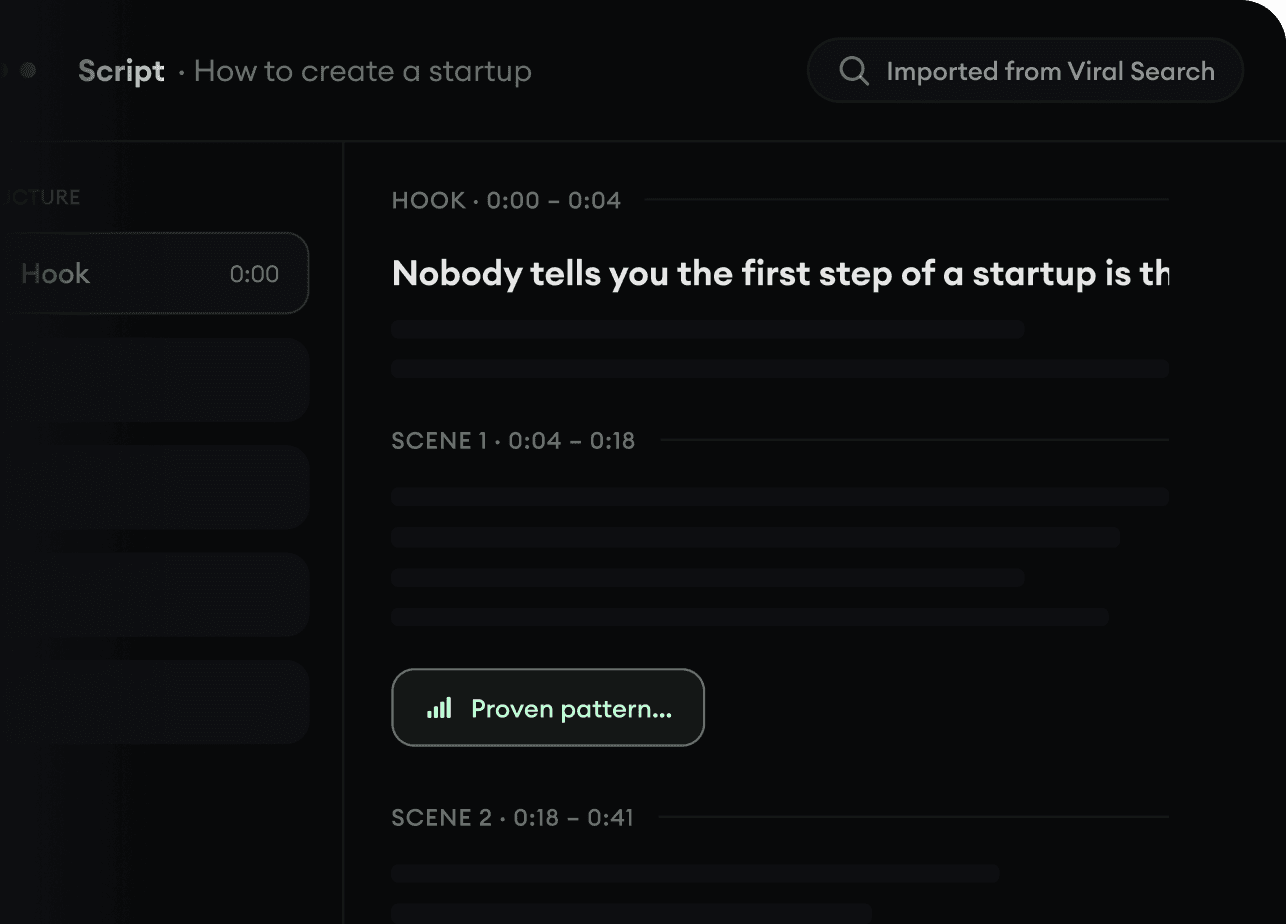
Found something worth making? Revid AI writes the script, suggests the structure, and turns links, prompts, or topics into complete video concepts.
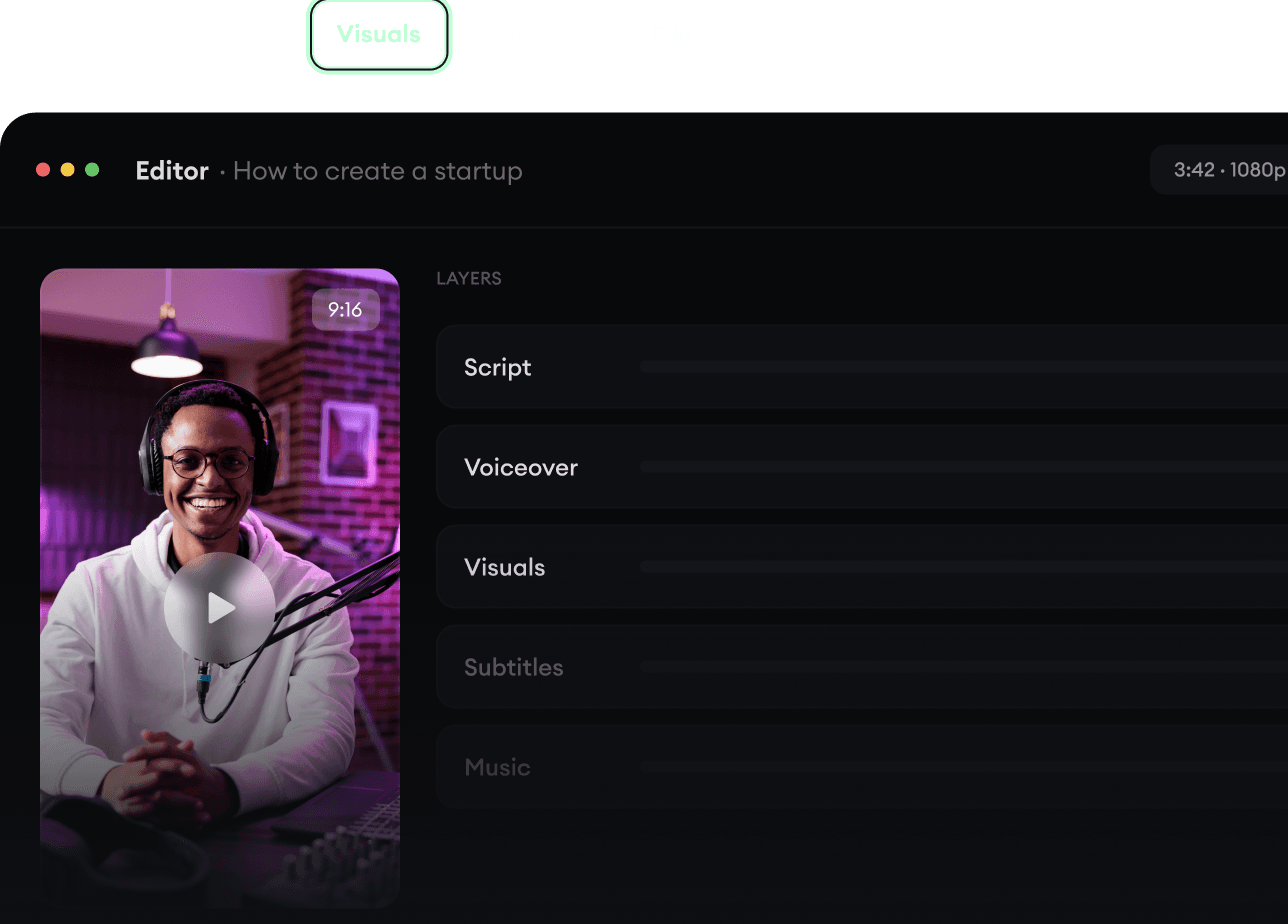
Script, voiceover, visuals, subtitles, and editing all come together in one workflow. No stitching together five different tools.
Share your videos to TikTok, YouTube, Instagram, and wherever your audience is.