
AI Video Effects From a Single Photo
Upload one photo of yourself and get a finished clip. Each of these 16 effects carries its own scene, camera work and lighting, so there is no prompt to write and nothing to edit.
All AI effects
16 effects, 12 of them video. Filter by media type or category, then open one to see the full preview and generate it with your own photo.
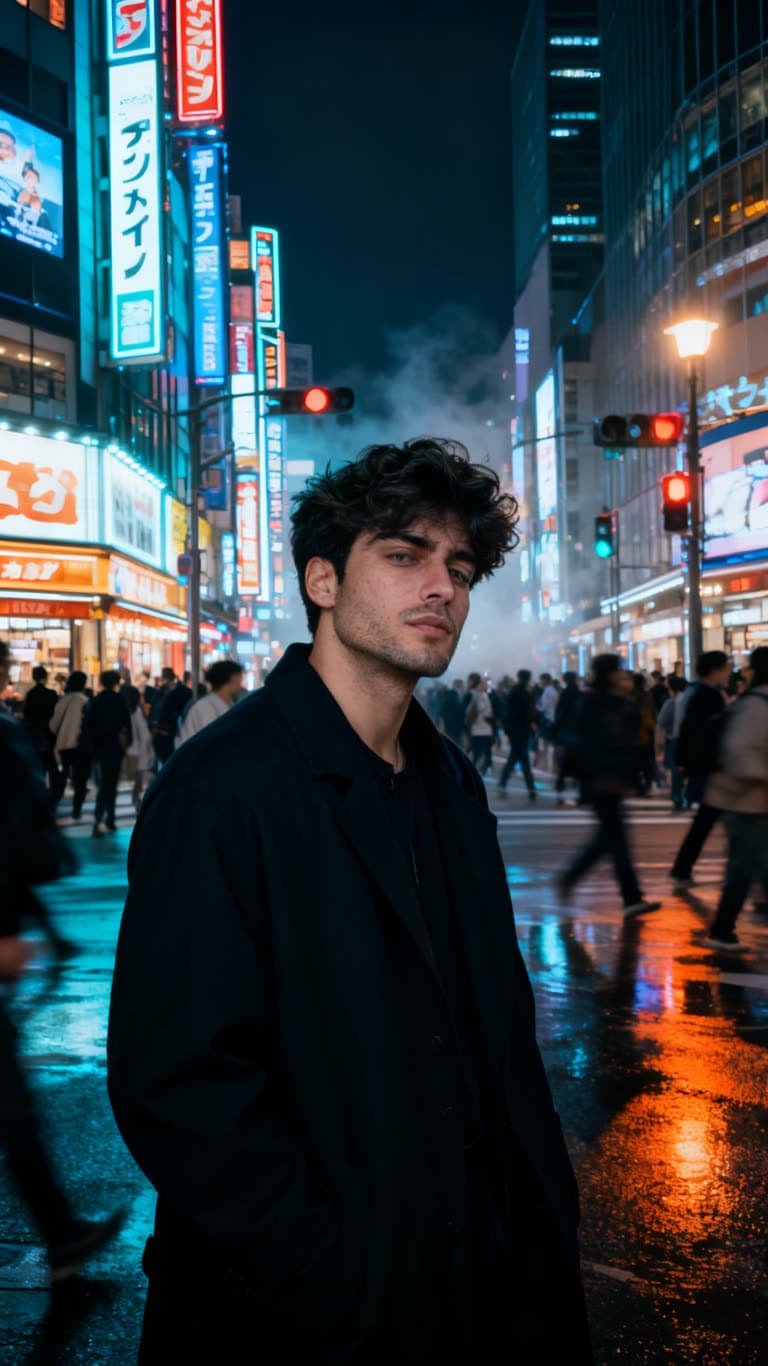
Tokyo Night Stillness
A cinematic Tokyo street portrait, perfectly still while the neon city rushes past.
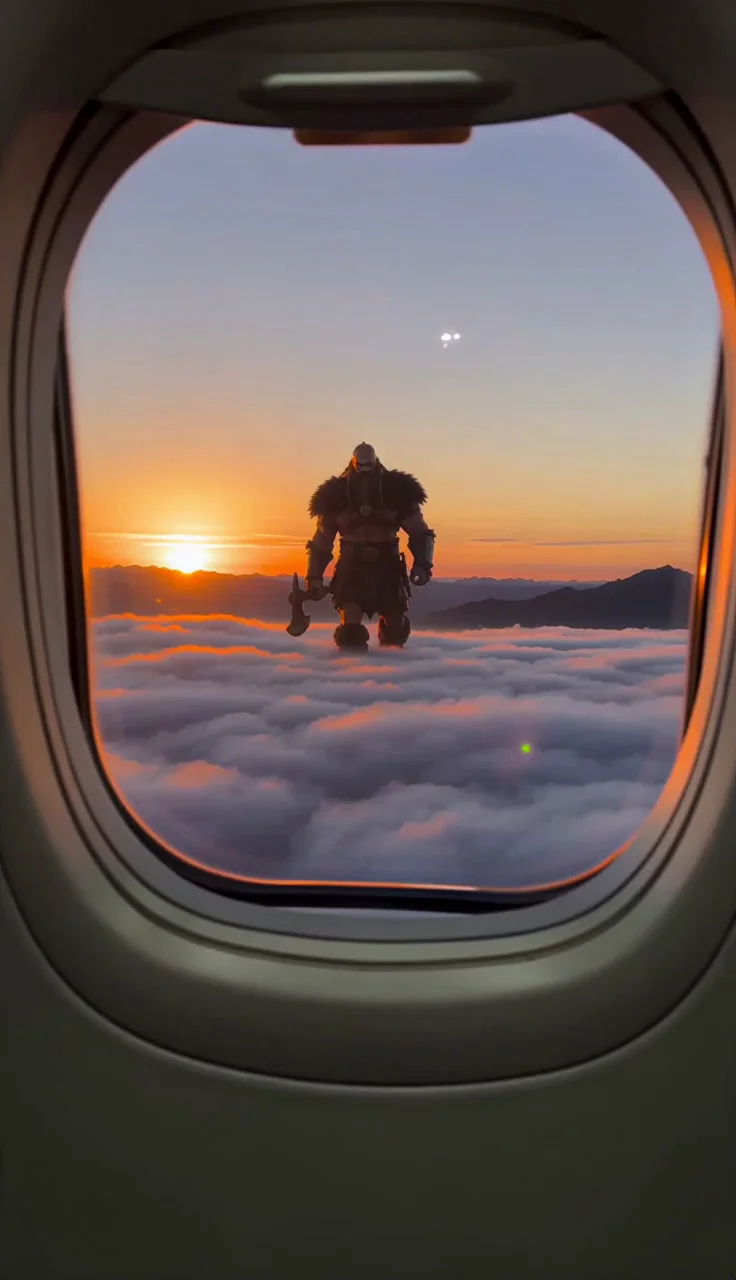
Giant Viking Plane
Film a colossal Viking from your plane window as it charges through the clouds.
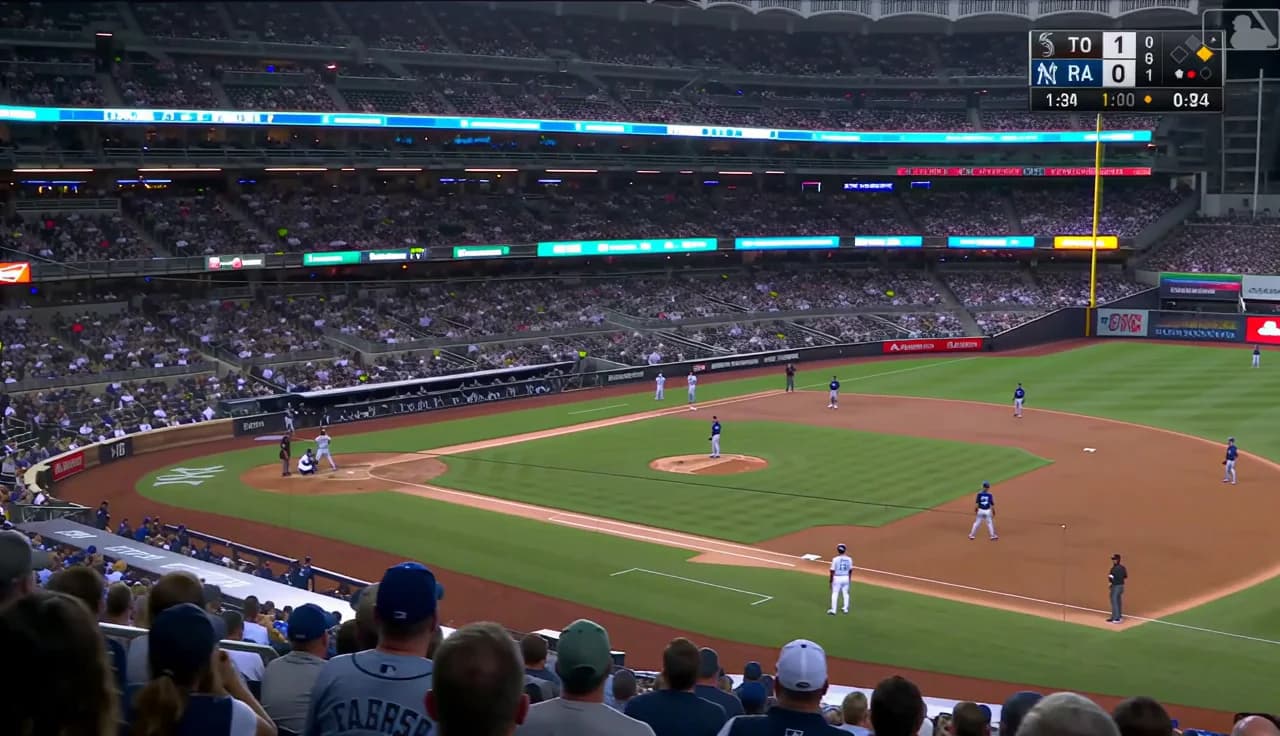
Baseball Jumbotron
Get caught on the stadium jumbotron during a live baseball broadcast and go viral.
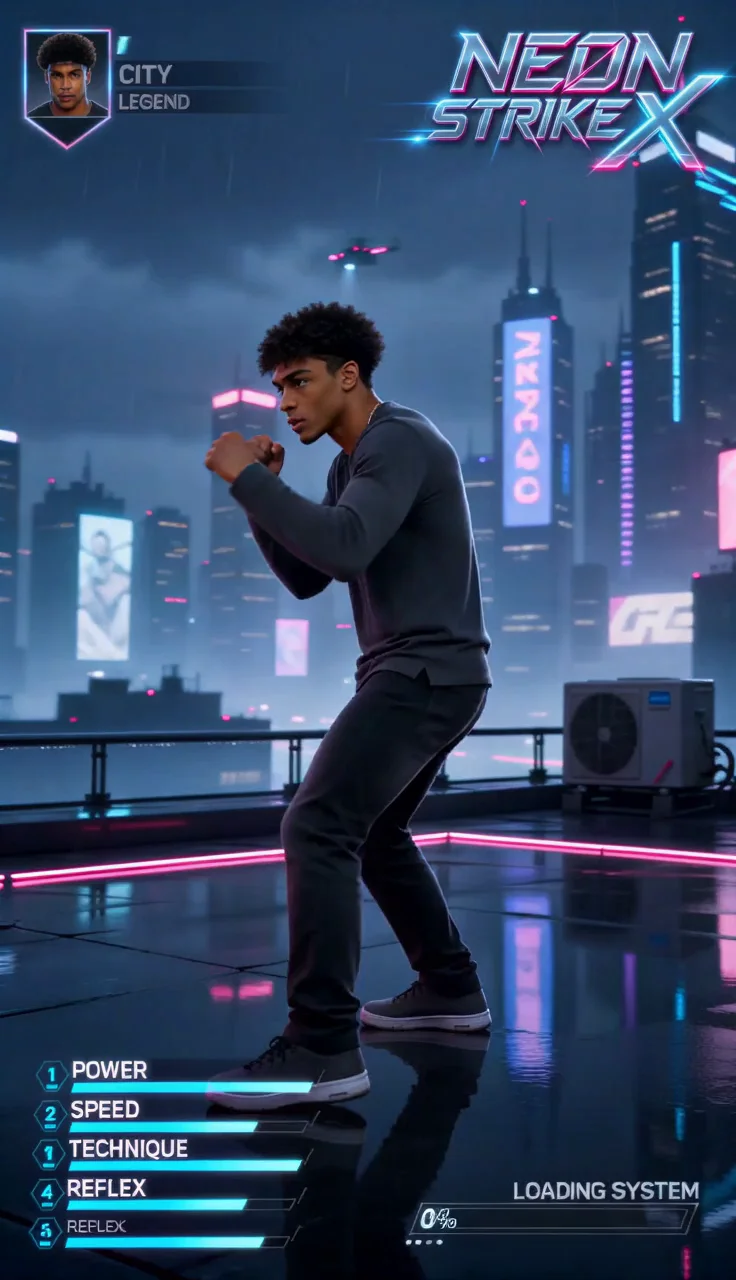
Neon Strike X
Become the featured fighter on a neon arcade character-select loading screen.
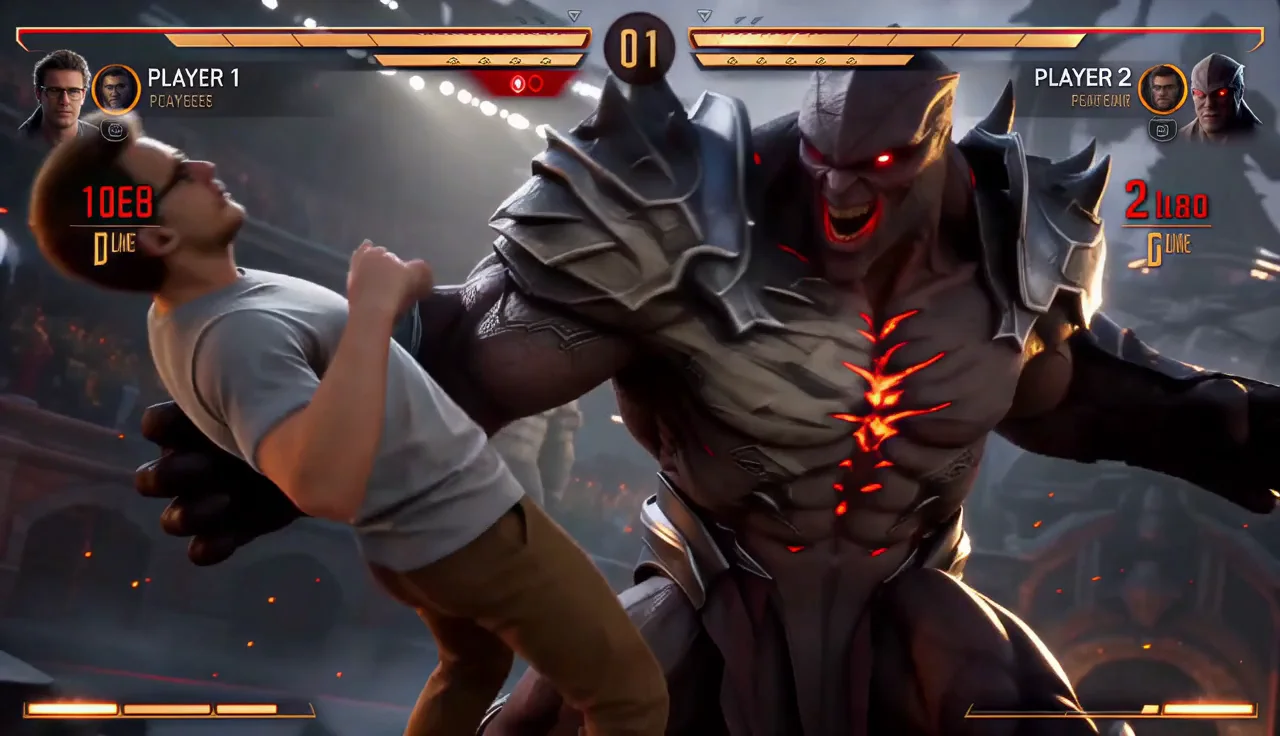
Boss Fight Arena
Drop into a AAA fighting-game boss battle and land the finishing blow for the win.
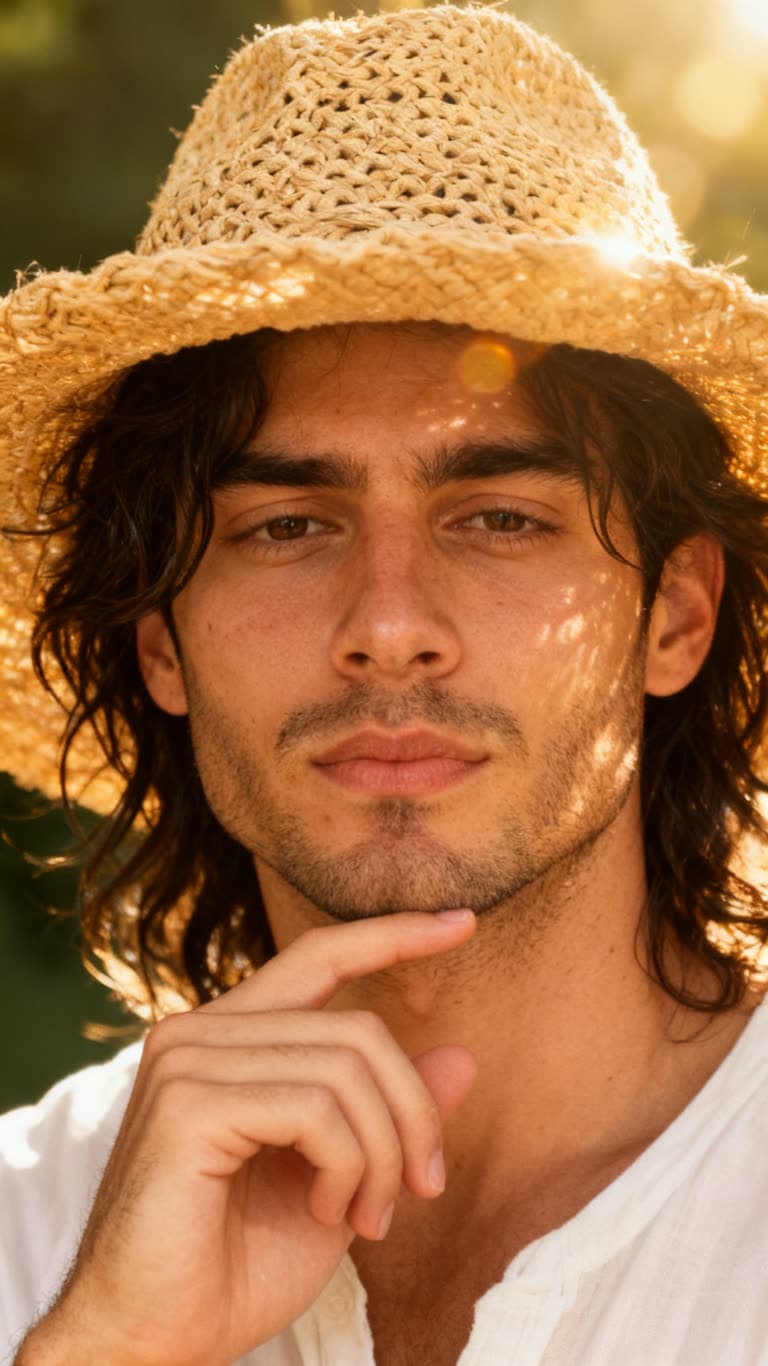
Golden Hour Close-Up
A dreamy, sun-flared close-up with a straw sun hat and soft film grain.
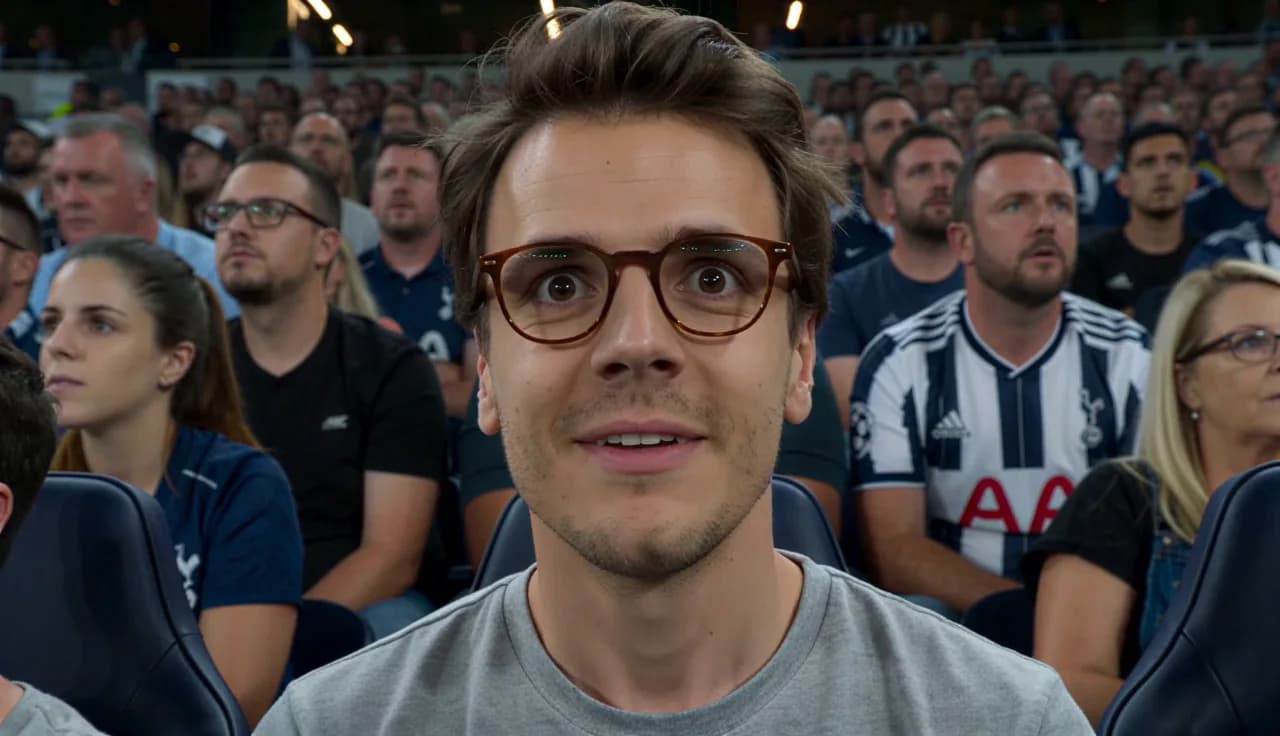
Football Hero Stadium
Drop your photo into a live match - run onto the pitch and score the winning goal as the stadium erupts.
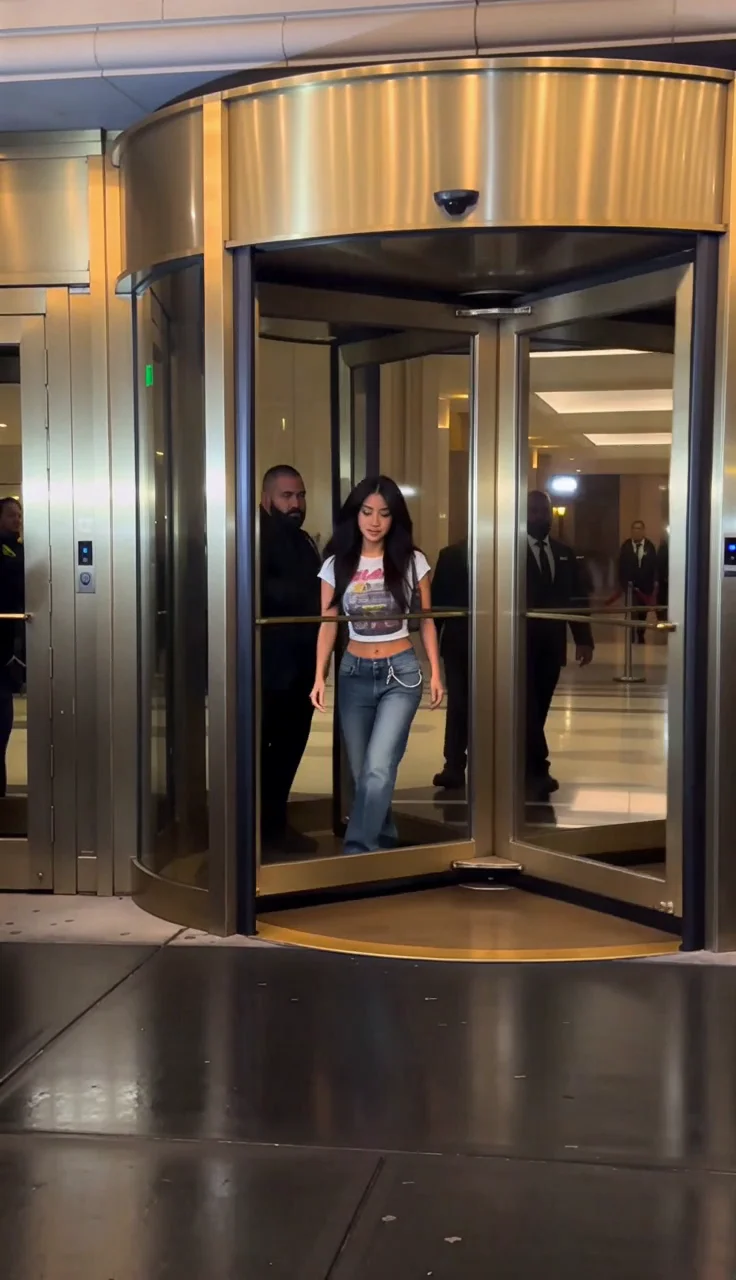
Y2K Paparazzi
Step out of a luxury hotel into a storm of early-2000s paparazzi flashes.
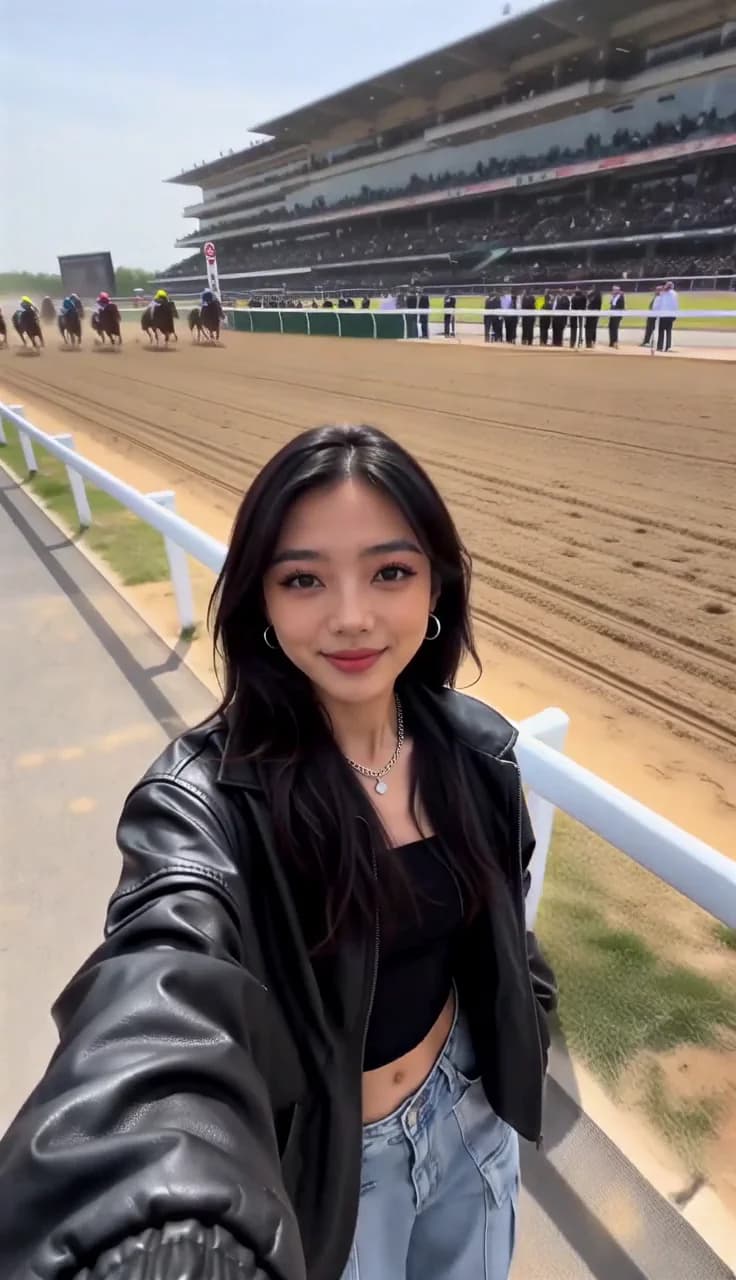
Horse Race Selfie
Film a casual selfie as a pack of race horses thunders past, whipping your hair in the wind.
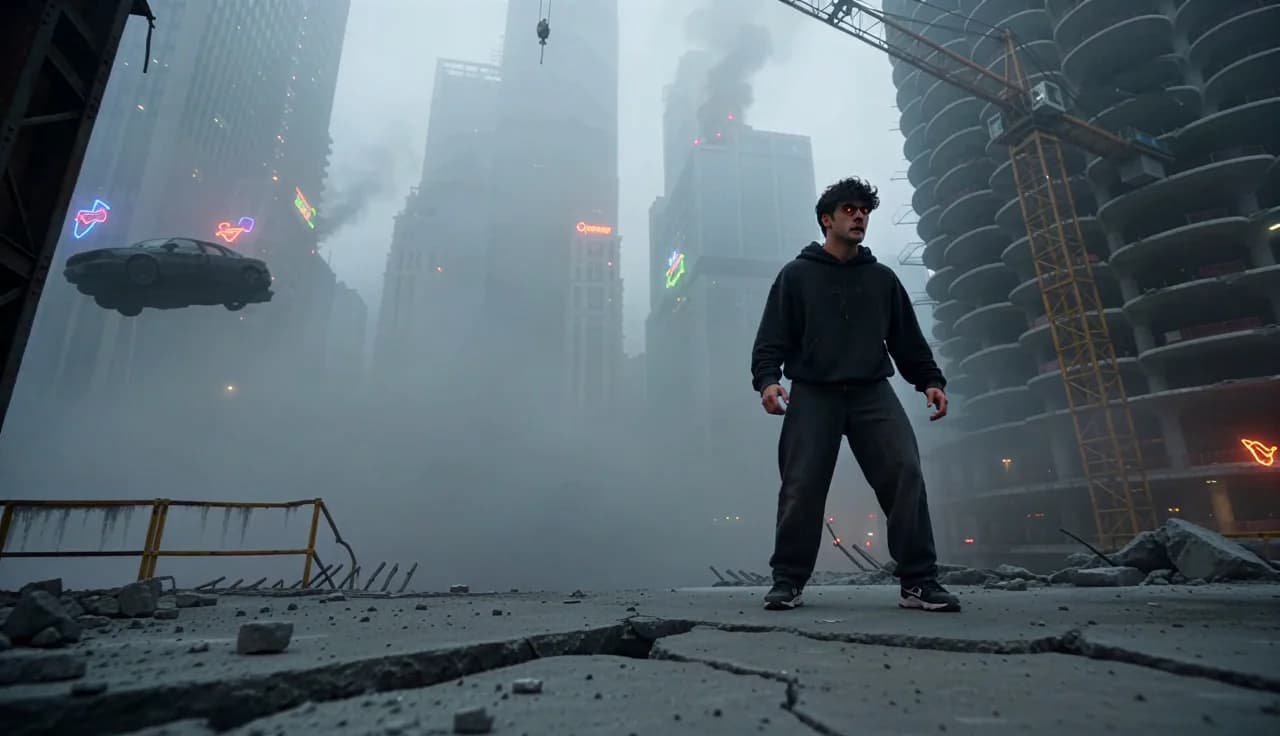
Superhuman Awakening
Awaken radiation-charged superhuman powers and battle a towering monster through ruined high-rises.
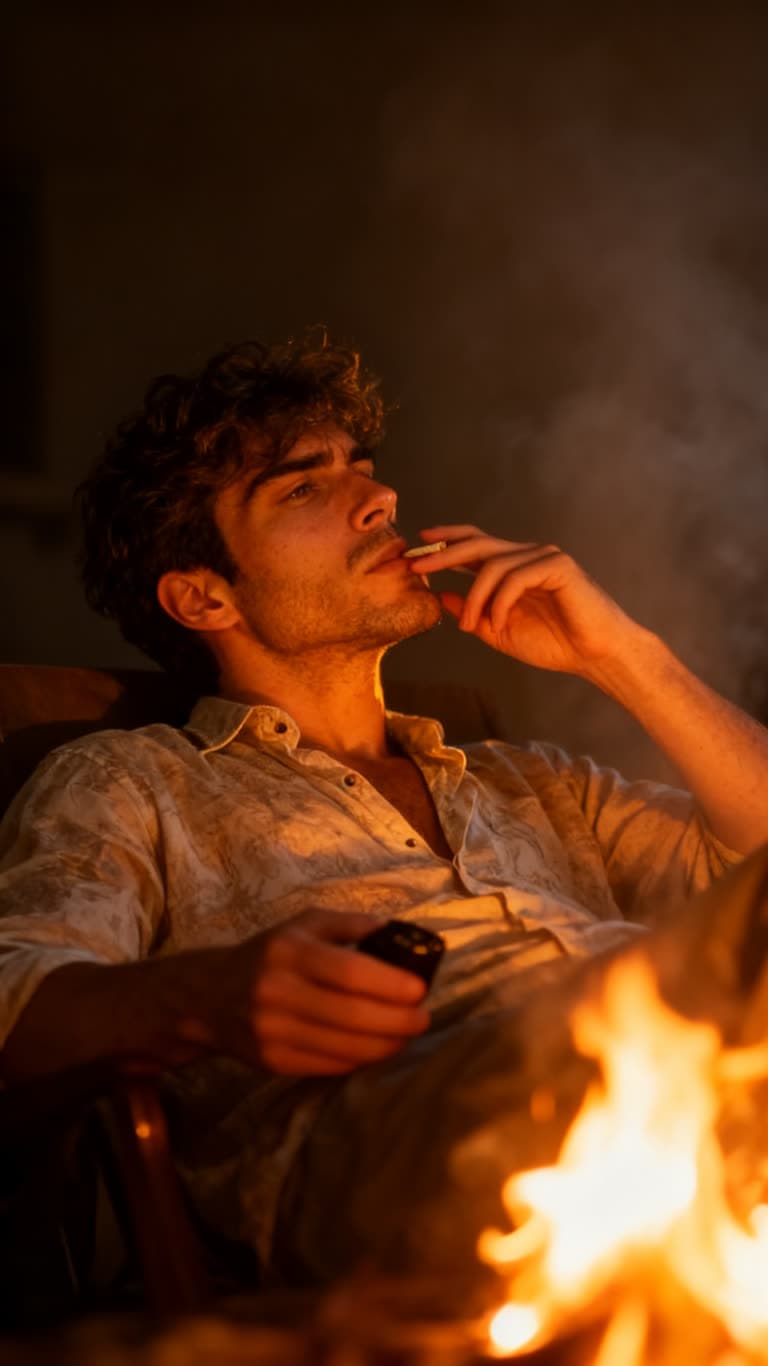
Firelight Portrait
A moody, cinematic portrait lit by warm firelight and drifting smoke.
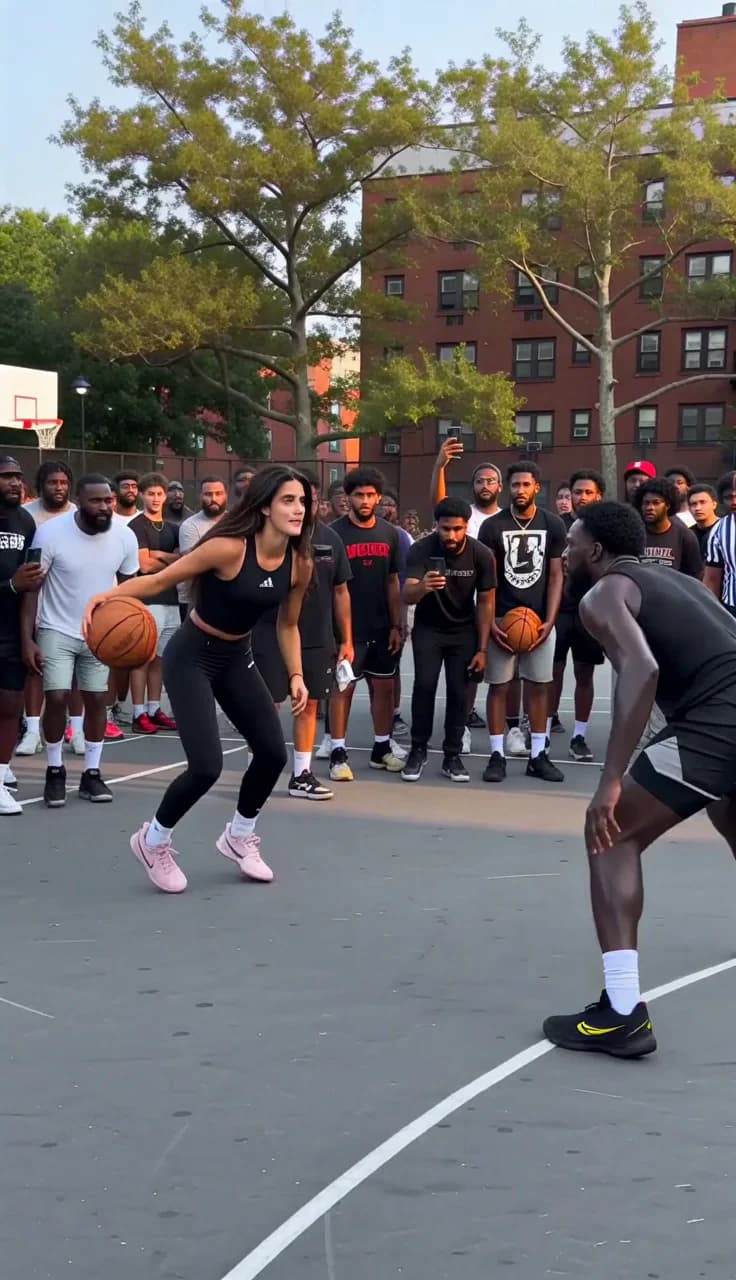
Streetball Showdown
Cross up a towering defender and finish with a dunk as the street court erupts.
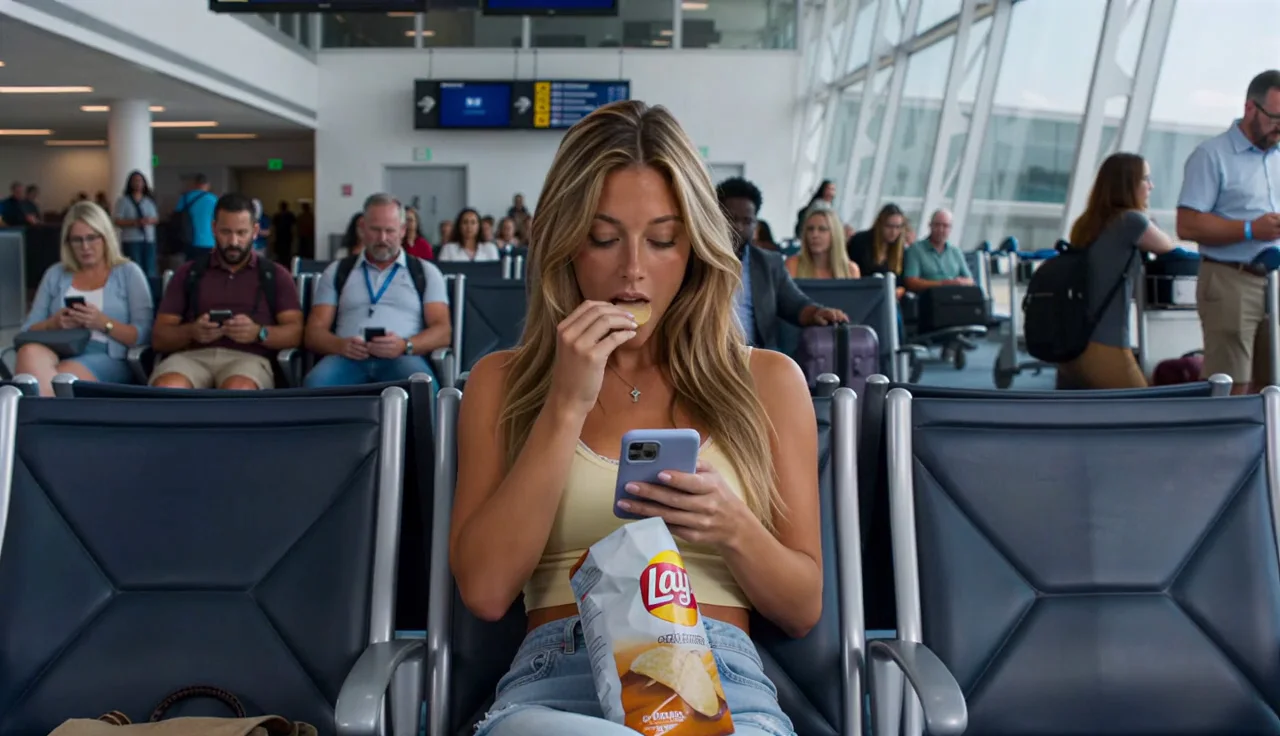
Airport Gatekeeper
Suit up in seconds to blast a dragon at the airport, then calmly return to your snack.
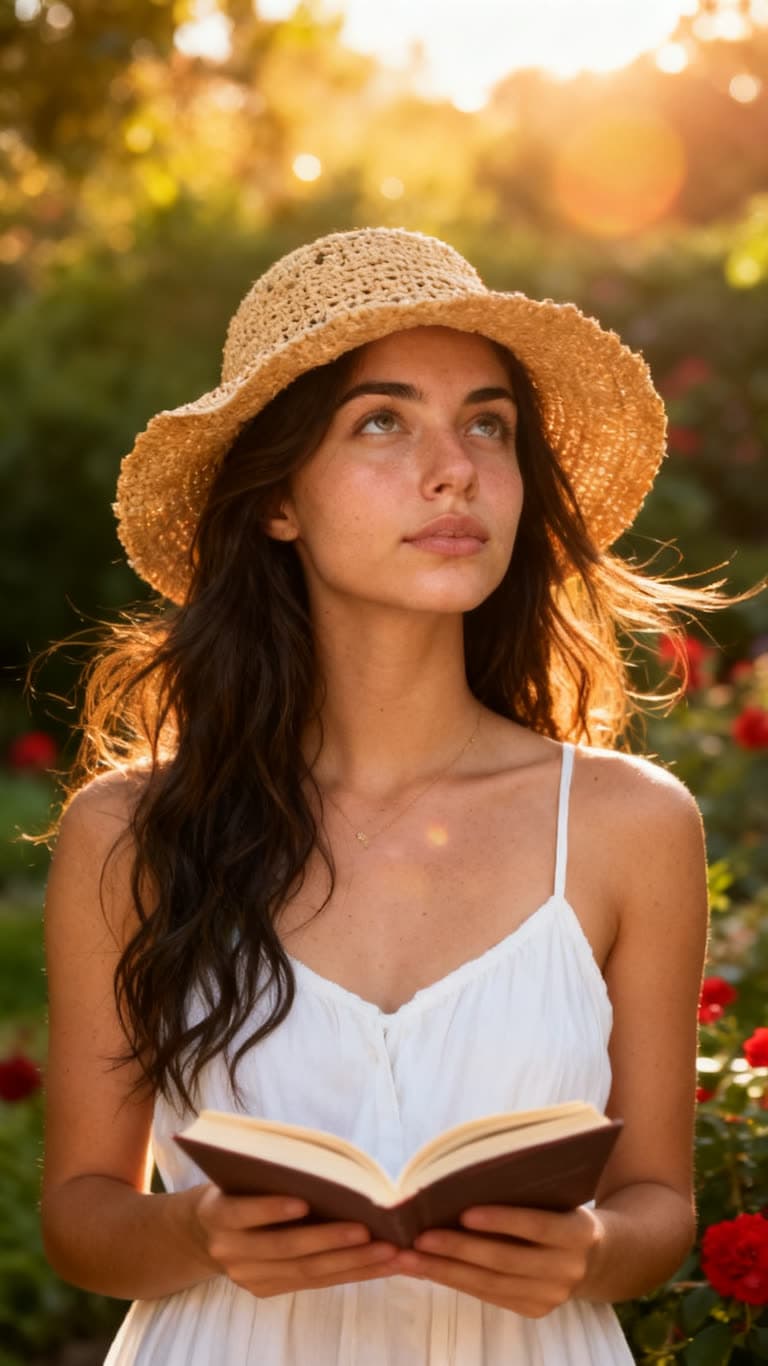
Summer Garden Portrait
A golden-hour garden portrait with warm film tones and soft summer haze.
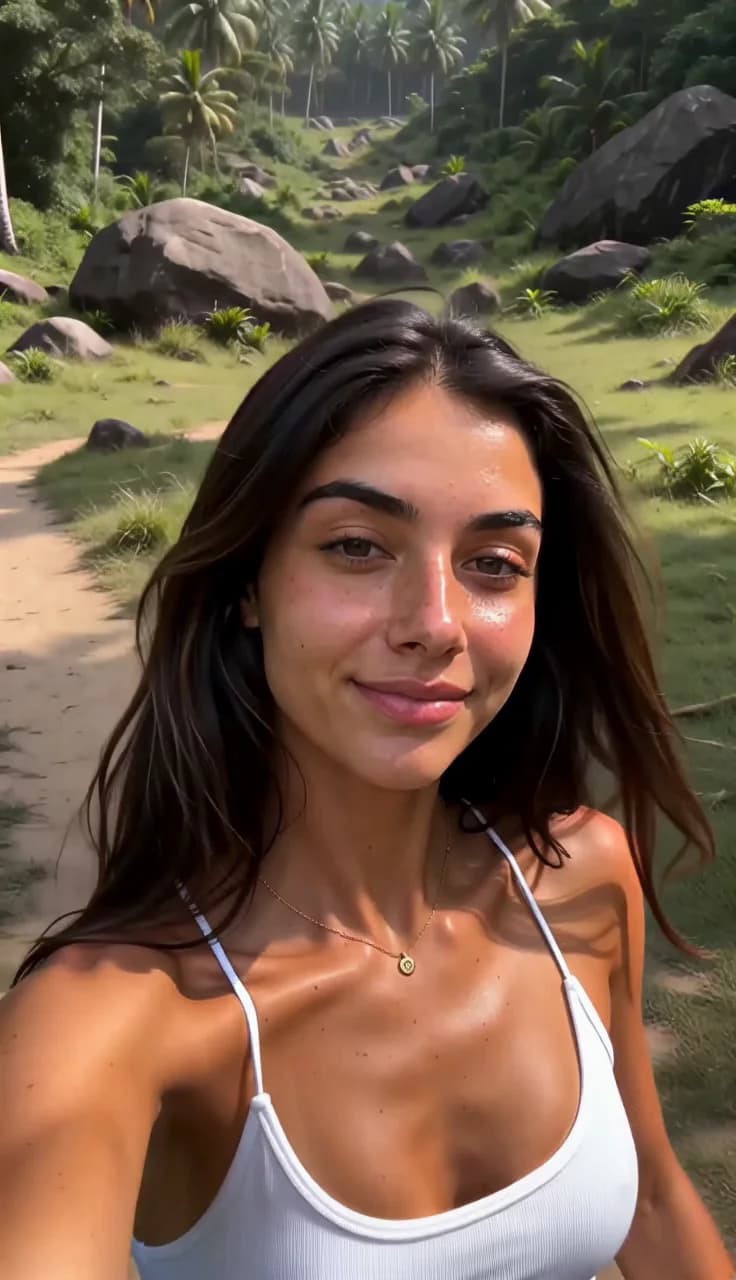
Dinosaur Stampede Selfie
A casual jungle selfie turns wild as a dinosaur stampede thunders in behind you.
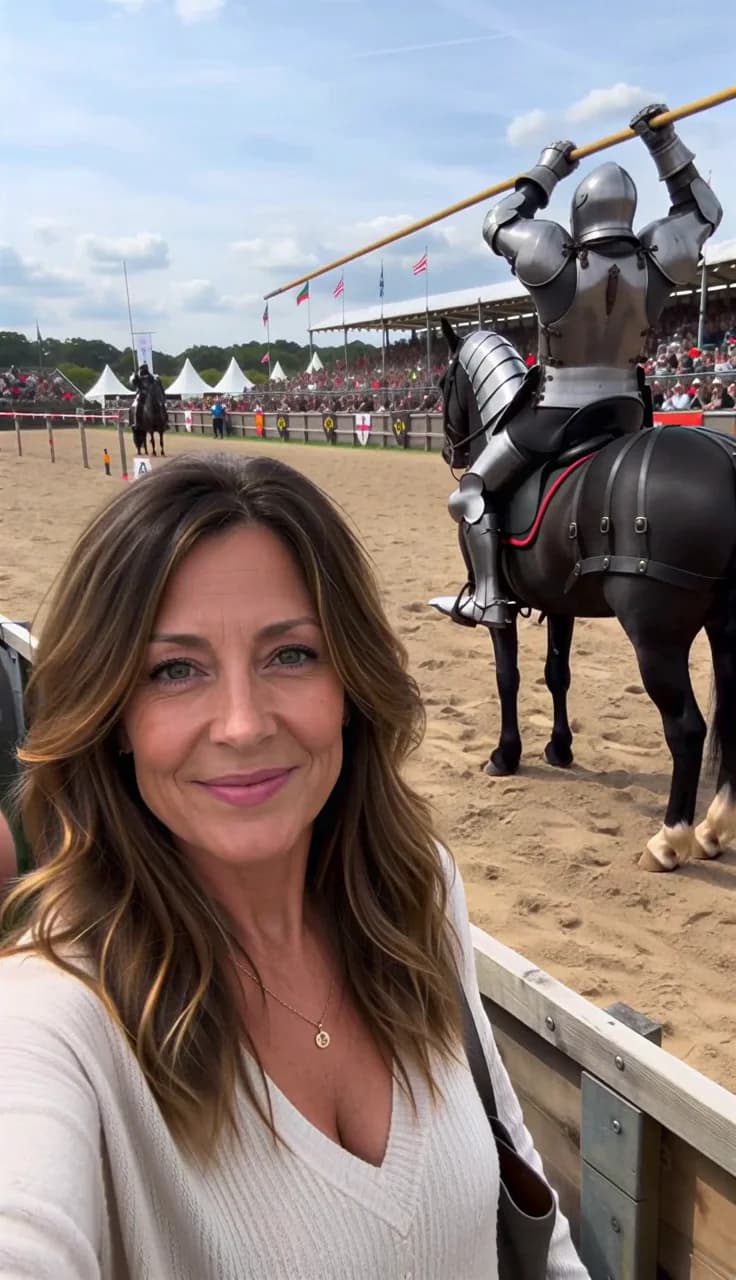
Medieval Tournament Selfie
Take a selfie as armored knights joust and collide in the arena behind you.
How it works
Pick an effect
Open any effect to watch its preview. The model, duration and camera work are already set, so there is nothing to configure.
Add your photo
Upload one clear photo of yourself, or several of the same person from different angles for a closer likeness. No video needed.
Generate and post
Pick your aspect ratio and generate. The clip is usually ready in a minute or two, with commercial use included.
Why effects instead of prompts
Your face, kept
Every effect is built around identity preservation: facial structure, hairstyle and skin tone stay recognizable from the photo you upload.
No prompt writing
The prompt behind each effect is engineered and tested, down to the lighting, lens and pacing. You supply the subject, nothing else.
Sized for your platform
Every effect has a native aspect ratio you can change before generating, so the same clip fits TikTok, Reels, Shorts or a landscape feed.
What AI video effects can do
AI video effects turn a single still photo into a short, finished video without any editing. Each of the 16 effects on this page pairs a fully engineered prompt with a specific model, duration and aspect ratio, so the result carries a real scene: a crowd, a stadium, a camera move, a lighting setup. What you add is the subject, in the form of one or more photos of the same person.
These are sometimes called viral presets or one-click filters, but the mechanism is different from a filter: the image is generated from scratch around your likeness rather than layered on top of existing footage. That is why identity preservation matters, and why a sharp, well-lit reference photo makes the biggest difference to the result.
Frequently asked questions
What is an AI video effect?
It is a ready-made scene the AI generates around your photo. Instead of writing a prompt, you pick an effect and upload a picture of yourself, and the model renders you into that scene with its camera work, lighting and pacing already decided.
Do I need to upload a video?
No. A still photo is enough for every effect on this page. You can add several photos of the same person from different angles if you want a closer likeness, but no footage, camera or editing software is required.
Will the result still look like me?
Yes. Each effect is engineered to preserve facial structure, hairstyle and skin tone from your reference photo across the whole clip. Results track the quality of what you upload, so a sharp, well-lit photo of one person works best.
How long does an effect take to generate?
Usually a minute or two. Video effects return a clip of 10 to 15 seconds depending on the effect, and photo effects return a still image. You can keep browsing while a generation runs.
Can I use the results commercially?
Yes. Commercial use is included, so the clips can go on brand channels, into ads, or to a client. You can start free with no credit card required.
Can I change the aspect ratio?
Yes. Each effect opens at its native ratio, and you can switch it before generating: 9:16 for TikTok, Reels and Shorts, 16:9 for landscape, 1:1 or 4:5 for feed posts.
Looking for editable prompts instead?
Effects hide the prompt and take a photo. AI templates do the opposite: they hand you a tested prompt you can rewrite, for when you want control over the scene rather than a one-click result.
Pick an effect, add your photo
Join over 14,758 creators using Revid AI to turn a single photo into a finished video.