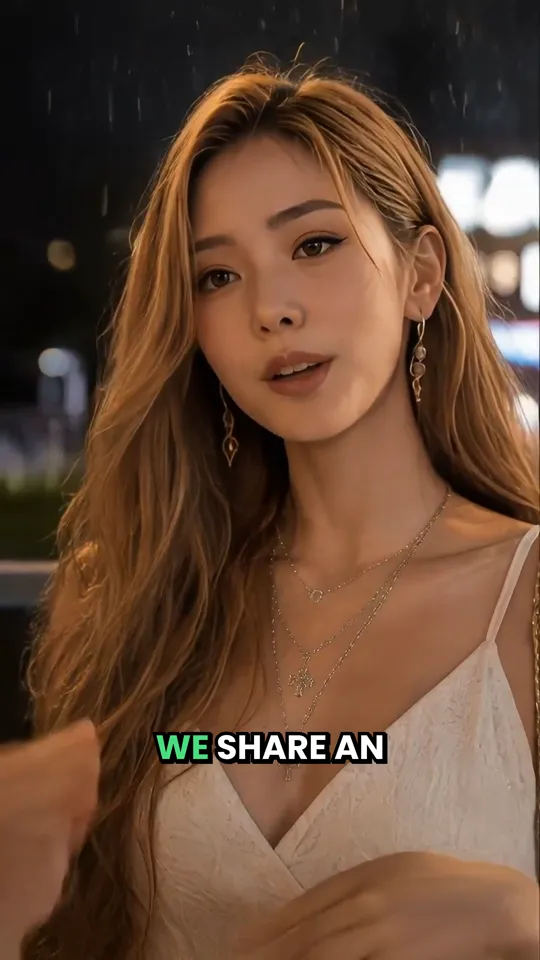
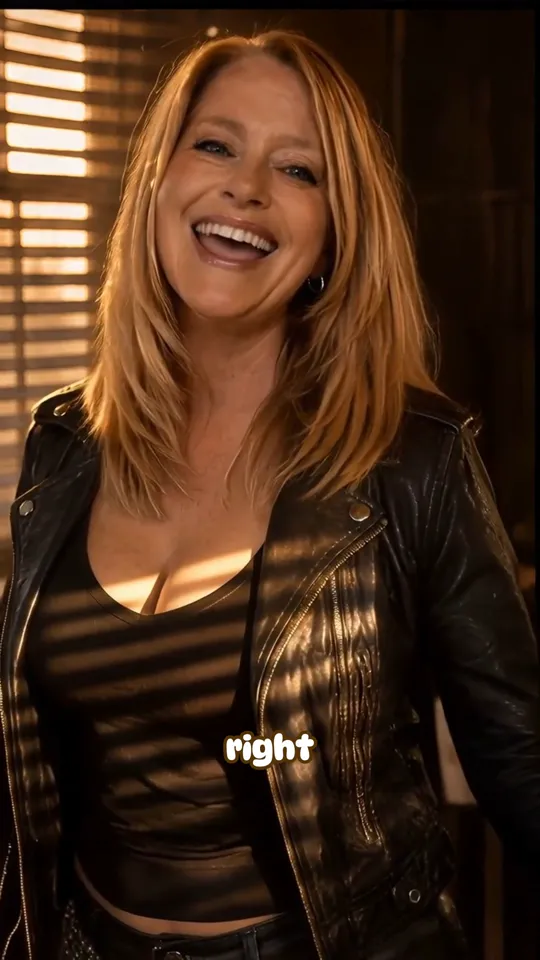
Creators publish 30,000+ videos a month with Revid

AI Music Video Generator

Turn any song into a beat-synced AI music video in minutes. Upload an audio file or paste a music link, Revid automatically generates visuals, motion, and lyric captions synced to your track.

Your song, your visual direction. Start with an MP3, WAV or music link, then choose beat or lyric timing.

  • Beat-synced
  • Lyric captions
  • TikTok ready
  • Reels & Shorts
3,181 videos created with Revid in the last 24h
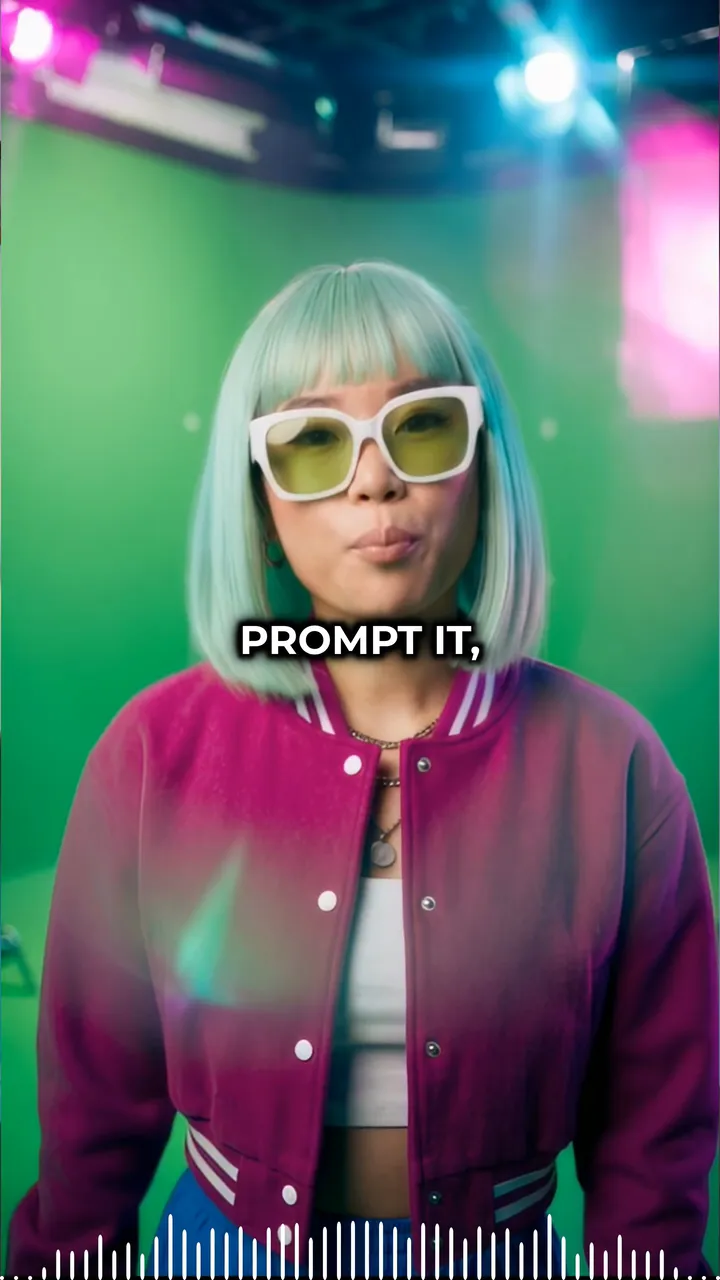
Ready in minutes · Edit everything before you post

or explore our 42+ other tools to create the exact video you want

Explore our tools
music videos generated in the last 12 months
430,000+
musicians and creators made one
184,000+
views on YouTube and TikTok for videos made with Revid
12M+
on Trustpilot, from 322 reviews
4.0 / 5

Measured in September 2026. Views are counted on 632 public videos whose creators connected a channel.

Made with Revid

Real music videos made with this generator

Each one was generated from a song by a Revid user. Tap a video to watch it with sound, then make yours in the same style.

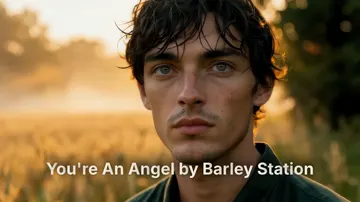
12.9K views

I Still Love You

Pop ballad · Ultra realism3:01

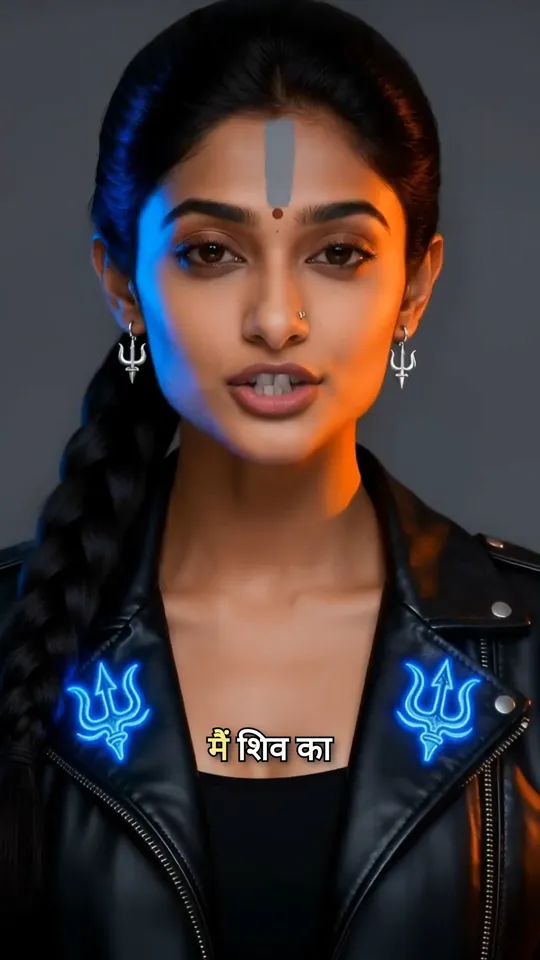
844.8K views

शिव का चेला, काल का भी काल

Dark pop · Auto style0:37

502.8K views

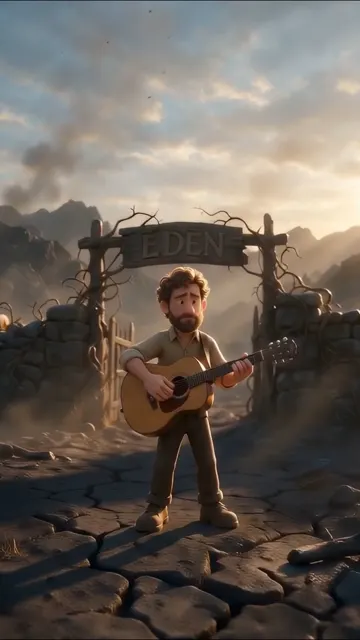
Er passero ferito

Italian folk · Claymation3:21

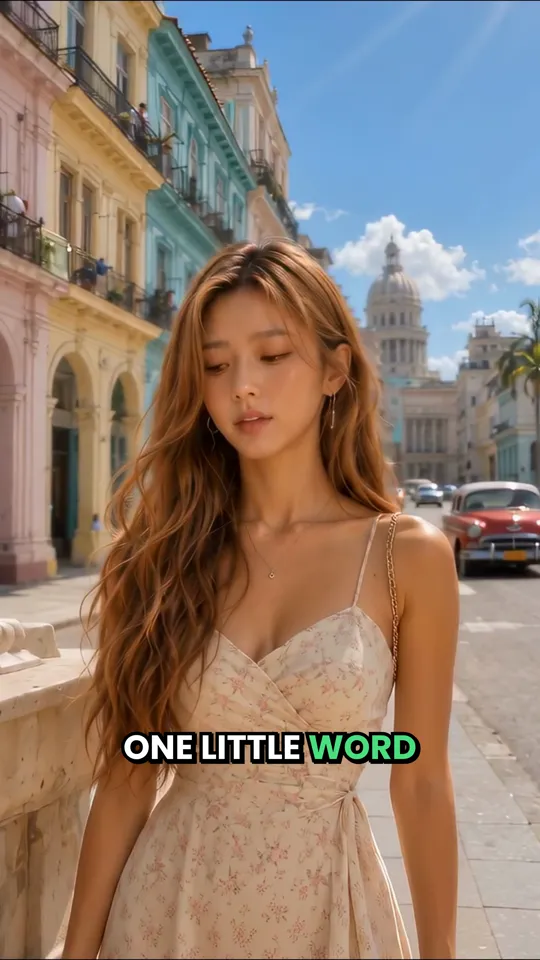
21.9K views

Little by Little

Indie acoustic · Ultra realism3:17

Top Floor Itch

Boom bap · 3D render1:10

36.6K views

Yürü Koçum Yürü

Anatolian rock · Cinematic2:20

Snake in My Boots

Country rock · Auto style3:22

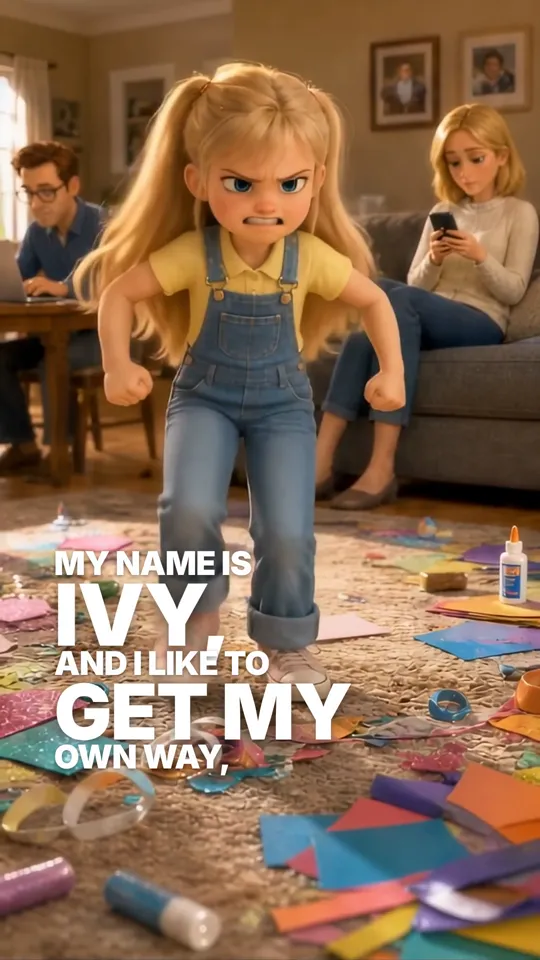
See Me, Ivy

Pop · 3D animation3:14

Reviews

What people who make music say

Word for word, from public reviews by people who use Revid for their songs, four-star ones included.

4.0322 reviews on Trustpilot
“I needed an AI program to create a music video. I didn't know what I wanted to make. Revid took my song and created the perfect video for me.”
Uncle GrapeUnited States · Jun 2026Trustpilot
“I curate music on YouTube and Revid has made it exceptionally easy to add to the song. I can generate the scenery that I think a song creates in my head. After some work, it's there on my screen!”
Jonathan KeownUnited States · Nov 2025Trustpilot
“I'm subbed on the $39 a month tier and for that I get 2,000 credits - which is generally speaking enough to generate 2 or sometimes 3 full-length (3-5 mins) music videos for my songs.”
Laurence DonaghyJun 2026Trustpilot
“I've had a great time with making music videos and personally recommend it to anyone interested in making music videos.”
Preston-Michael SimpsonUnited States · Jun 2026Trustpilot
“I have been using Revid to generate music videos for the songs I write and have had some great results.”
Ray DaltonUnited Kingdom · Nov 2025Trustpilot
“If you are looking to generate ~150 images and make them dance to the music, it's fantastic and affordable.”
Christopher MillerUnited States · Feb 2026Trustpilot

Pricing

What a music video costs

AI video is billed by the second, so the price follows the length of your song. There is no per-video fee.

0:306:00

The Growth plan is $39 a month and includes 2,000 credits. The generator shows the exact cost before you press generate. See all plans

Base

540

credits for this song

Fast AI video. What most of these examples use.

3 songs a month on Growth

Pro

1,800

credits for this song

Sharper motion and detail.

1 song a month on Growth

Ultra

3,600

credits for this song

The best model available, for hero videos.

More than one month of Growth credits

Proof of range

Start From What Already Works

YOUR IDEA
Your Prompt

Script automatically generated by Revid

A charming stop-motion clay adventure following a small, expressive clay character on a journey through a handcrafted miniature world.
Visual FormatAI Video
Visual StyleClaymation
FINAL VIDEO

How to Make an AI Music Video from Your Song in 3 Steps

1 Add your song

Upload an MP3, WAV or M4A file, or paste a Spotify, Suno or SoundCloud link. A video file (MP4, MOV or WebM) works too: Revid keeps its soundtrack and builds new visuals. Trim the audio to one part, such as the chorus, or keep the whole song.

2 Choose the timing and the look

Pick Lyrics to cut the scenes on the words and add lyric captions, or Beats to cut on the rhythm of an instrumental. Choose the visuals (AI video, animated AI images, stock videos or your own media), a visual style, the format (9:16, 16:9 or 1:1) and, with AI video and lyrics, singer lip sync.

3 Review, edit and export

Check the storyboard, then generate. The music video opens in the editor with your original track: swap a scene, fix a lyric, move a cut, then export an MP4 up to 4K or post it straight to YouTube, TikTok or Instagram.

Step-by-step guideHow to make a great AI music video from your songFour music videos made with Revid, with the exact settings and the visual direction behind each, then the steps to make yours and what it costs.
01

Make a music video from an MP3, WAV or Suno track

Upload your finished song or paste a supported music link. Revid uses that recording as the soundtrack while it builds the visuals. Use the audio trim control to start with a chorus or a short release teaser, or keep the full track selected. For a Suno song, provide the share link or upload the audio file you downloaded. Choose the output ratio for your destination before generating: vertical for a short social clip or landscape for a YouTube music video.

02

Choose beat sync for instrumentals or lyric timing for vocals

The generator has separate Lyrics and Beats timing options. Choose Beats when you want visuals paced to an instrumental, dance track or beat. Choose Lyrics when the words should guide the scenes, then review the detected lyrics and caption timing in the editor. A dense mix or an unusual pronunciation can need corrections. Singer lip sync is a separate option for shots where an on-screen performer should sing; it is different from putting lyric captions over a scene.

03

Plan the visuals before generating a full song

Pick a subject, a setting and a visual style that can carry several scenes. For a night-drive track, a direction like 'a lone driver, wet city streets, blue reflections, slow tracking shots' gives the visuals a consistent starting point. Try a short excerpt first so you can judge the pacing and look before spending credits on the full song. AI video, moving images and stock footage produce different results and have different credit costs; check the estimate shown before generation.

04

Review the scenes, captions and ending before export

Open the generated video in the browser editor and watch it with the original track. Replace a scene that does not fit the lyric, adjust a cut that interrupts a phrase, and correct names or words in the captions. Keep text away from the edges for mobile viewing. Check the last shot as carefully as the first: a held final frame can suit a sustained note better than an abrupt cut. Export the finished video, or use Revid's publishing tools when you are ready to post.

Watch & Learn

How to Get the Most Out of our AI Music Video Generator

Discover how real users are using our AI music video generator to create their content in a smart and effective way.

How to create AI music videos with Revid

Target Audience

Who is this tool for?

Independent Musicians

Artists releasing original tracks who need professional music videos without a production budget or video editing experience. Revid turns any song into a beat-synced visual ready to post on TikTok, Instagram Reels, and YouTube Shorts in minutes.

Content Creators

Creators who use music as the backbone of their short-form content and need visuals that match the energy and rhythm of their tracks automatically. Revid generates platform-ready music videos from any audio source without manual editing.

Music Marketers and Social Media Managers

Teams promoting artists or releases across multiple platforms who need to produce and test different video creatives quickly. Revid makes it possible to generate multiple visual directions from the same track in a single session.

Video Producers and Storytellers

Producers and visual storytellers who want to pair audio with cinematic AI-generated visuals, stock footage, or their own media. Revid gives full control over the visual treatment while handling the beat synchronization and caption timing automatically.

Comparison

Why Musicians and Creators Choose Revid

See how Revid compares to other AI music video generators

Audio input options
RevidUpload MP3, WAV, or paste a link from Spotify and Suno directly
Other ToolsFile upload only, no music platform link support
Lyric synchronization
RevidAutomatic word-level lyric detection and beat-synced caption animation
Other ToolsManual caption input or basic transcription with limited sync accuracy
Visual style variety
RevidAI-generated video, moving AI images, stock footage, and custom upload in one tool
Other ToolsOne or two visual modes with no option to bring your own media
Short-form platform optimization
RevidNative 9:16 vertical output built for TikTok, Reels, and YouTube Shorts
Other ToolsHorizontal output by default requiring manual reformatting for social media
Post-generation editing
RevidBuilt-in editor to adjust captions, swap visuals, and fine-tune timing after generation
Other ToolsStatic output with no editing capabilities once the video is generated
Genre adaptability
RevidDedicated video generators for hip-hop, EDM, lofi, rock, jazz, drill, phonk, and more
Other ToolsSingle generic generator applied to all music styles regardless of genre
Example Videos

See What You Can Create with AI Music Video Generator

Discover examples created with our AI music video generator, from audio visualizers and cinematic edits to lyric videos and music videos for kids. Each showcase shows how AI transforms raw audio into engaging visuals synced to the beat, structure, and energy of the track.

AI Music Video for Meme Songs

Transform viral meme songs into engaging AI music video content with perfectly synchronized animations and relevant imagery that captures the humor and energy of internet culture.
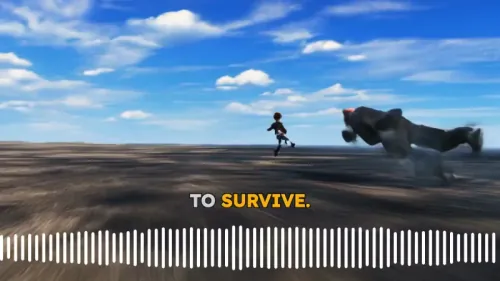
  • Auto-detects meme references and adds fitting visuals
  • Perfect beat synchronization for maximum impact
  • Trendy effects that match viral aesthetics
  • Ready for TikTok, Instagram Reels, and YouTube Shorts
AI Music Video for Meme Songs

Cinematic AI Music Video Generator

Generate cinematic AI music video visuals that match your music's mood and energy. Perfect for instrumental tracks, ambient music, and electronic beats.

  • AI music video visuals that match your mood
  • Professional audio waveform animations
  • Stock footage and AI imagery blend
  • Cinema-quality color grading
Cinematic AI Music Video Generator

Music Video for Kids

Create colorful music videos for kids with animated characters, sing-along lyrics, and family-friendly visuals. Perfect for nursery rhymes, preschool songs, educational channels, and YouTube Kids content.

  • Family-safe animated visuals for nursery rhymes and kids songs
  • Sing-along captions that make songs easier to follow
  • Great for YouTube Kids, classrooms, and preschool channels
  • Fast AI editing for lullabies, learning songs, and dance tracks
Music Video for Kids

Professional AI Music Video with Lyrics

Create stunning AI music video with animated lyrics, visual effects, and perfect timing. Ideal for musicians, content creators, and music marketers.
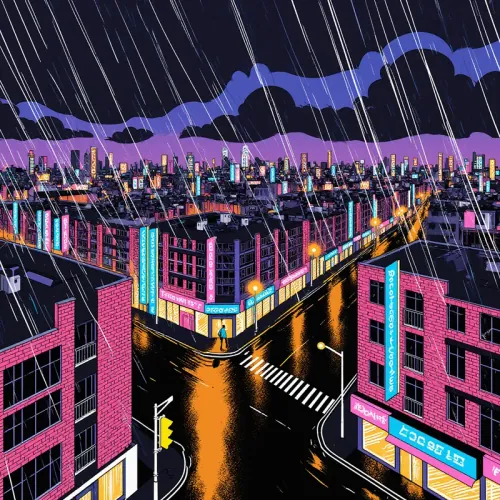
  • Automatic lyric synchronization
  • Multiple text animation styles
  • Custom visual themes and effects
  • Export in any aspect ratio
Professional AI Music Video with Lyrics
FAQs

Frequently Asked Questions

What is an AI music video generator?
An AI music video generator turns a finished song into a music video. It listens to the track, finds the lyrics and the beat, writes a scene for each part of the song, generates the visuals and cuts them in time with the music, while your recording stays the soundtrack. Revid's generator also adds lyric captions, a sound wave and, if you want it, a singer who lip syncs your lyrics.
How do I make a music video from an MP3 with AI?
Upload the MP3, choose Lyrics or Beats timing, pick the visuals and a style, then click Generate. Revid keeps your MP3 as the soundtrack, builds the scenes around it and opens the video in the editor, where you can change any scene or caption before you export it as an MP4. WAV and M4A files work the same way.
Is there a free AI music video generator?
You can start on Revid for free. The free plan makes music videos with animated AI images, which move the camera through AI-generated pictures in time with your song. Full AI video, where every scene is a generated clip, and singer lip sync need a paid plan. If you pick AI video on the free plan, Revid offers to make the same video with animated AI images instead.
Can I paste a Spotify, Suno or SoundCloud link?
Yes. Paste the link of a Spotify, Suno or SoundCloud track and Revid fetches the song, so you do not need to download it first. For one of those sources only, the Suno to MP4, Spotify to MP4 and SoundCloud to MP4 tools are set up for it.
Should I sync the video with the lyrics or the beats?
Choose Lyrics for songs with vocals: the scenes follow the words and the lyrics appear as captions, timed to the singing. Choose Beats for instrumentals, dance tracks and beats: the cuts land on the rhythm and no lyrics are shown. You can review and correct the detected lyrics before the video is made.
Can the AI make a singer lip sync my song?
Yes. With Lyrics timing and AI video selected, turn on Singer lip sync: a singer performs lines of your song to the camera, with the mouth in time with the vocal. A slider sets how much of the video uses lip sync, and the generator handles up to 2 singers.
What visuals and styles can I choose?
Four kinds of visuals: AI video (a generated clip for each scene), animated AI images, stock videos, or your own photos and clips. On top of that you pick a visual style, such as ultra realism, cinematic, 3D animation, claymation, anime or pixel art, and you can describe the look you want in a sentence. The AI music video maker page shows 30 real videos with the style each one used.
Which formats can I export for YouTube, TikTok and Reels?
Make the video vertical 9:16 for TikTok, Instagram Reels and YouTube Shorts, horizontal 16:9 for a YouTube music video, or square 1:1. Export an MP4 in 720p, 1080p or 4K, or publish it from Revid to your connected YouTube, TikTok or Instagram account.
Can I edit the AI music video after it is generated?
Yes. The video opens in Revid's browser editor with your track. You can replace a scene, regenerate a clip, move a cut so it does not interrupt a phrase, correct a word in the lyrics, restyle the captions, or change the sound wave. Nothing is exported until you are happy with it.
How long does it take to make a music video?
It depends on the length of the song and the visuals. A video with animated AI images or stock footage is usually ready in a few minutes. A full song in AI video takes longer, because every scene is a generated clip. You can close the tab: the video keeps rendering and appears in your projects.
How long can my song be?
Full songs work: Revid builds the music video around the whole track, and you can trim it if you only want one part. The 30 examples on the AI music video maker page run from 37 seconds to 6 minutes 47 seconds. Credits scale with length: AI video costs 15 credits per 5 seconds at Low, 50 at Pro and 100 at Ultra, so a 3-minute song is about 540 credits at Low. The editor shows the cost before anything renders.
How does Revid compare with other AI music video generators?
We scored 11 AI music video generators on 10 checks a musician needs, each one backed by a page you can open. Revid scored 9 out of 10, Neural Frames 8.5 and Solmi 8, and only 5 of the 11 make a full-length video from one song. The full comparison, with sources: best AI music video generators in 2026.
Can I use the music video commercially and post it on YouTube?
Yes, as long as you own the rights to the song or have a licence for it: your own tracks, songs you made with Suno on a plan that allows commercial use, or licensed music. That covers promo clips, ads and monetized channels. If the song belongs to someone else, platforms such as YouTube may claim or block the video through their copyright systems.
I have another question. How can I get help?
Write to us at hello@revid.ai or use the chat in the app, and the team will answer.

Still have questions?

Contact us

Find detailed answers to 100+ questions about features, tools, and workflows

or check our markdown version optimized for LLMs

Tools

Free AI Video Tools

Choose your tool, add your content, and create a video in seconds. Then customize it to your liking.

See all tools

AI TikTok Video Generator

Turn text into trendy, viral TikTok videos in a snap

Try it out

Prompt to Video

Turn your prompts into engaging videos with AI assistance

Try it out

Add Caption to Video

Generate subtitles in 100+ languages with AI captions

Try it out

PDF to Brainrot

Convert PDFs into attention-grabbing, scrollable videos

Try it out

Text to Brainrot

Turn your text into trendy, scrollable content with dynamic visuals

Try it out

AI Talking Avatar

Create lifelike talking avatars from text in seconds

Try it out

Video Podcast Generator

Transform your podcasts into visually engaging video content

Try it out

AI Movie Maker

Create studio-quality videos from text, no filming required

Try it out

Audio to Video

Make engaging videos from your podcasts, interviews, or any audio content

Try it out

Animated Lyrics Video Generator

Turn any song into an animated lyric video with synced text and visuals.

Try it out

AI Music Video Generator

Transform your music into cinematic music videos.

Try it out

AI Lyrics Video Generator

Transform your lyrics into a complete music video with AI

Try it out
How it works

From Signal To Published In Four Steps.

1

Find Viral & Trending Videos.

RevidAI's Viral Search and Channel Watcher surface the formats, creators, and trends getting attention right now, then help you turn them into ideas of your own.
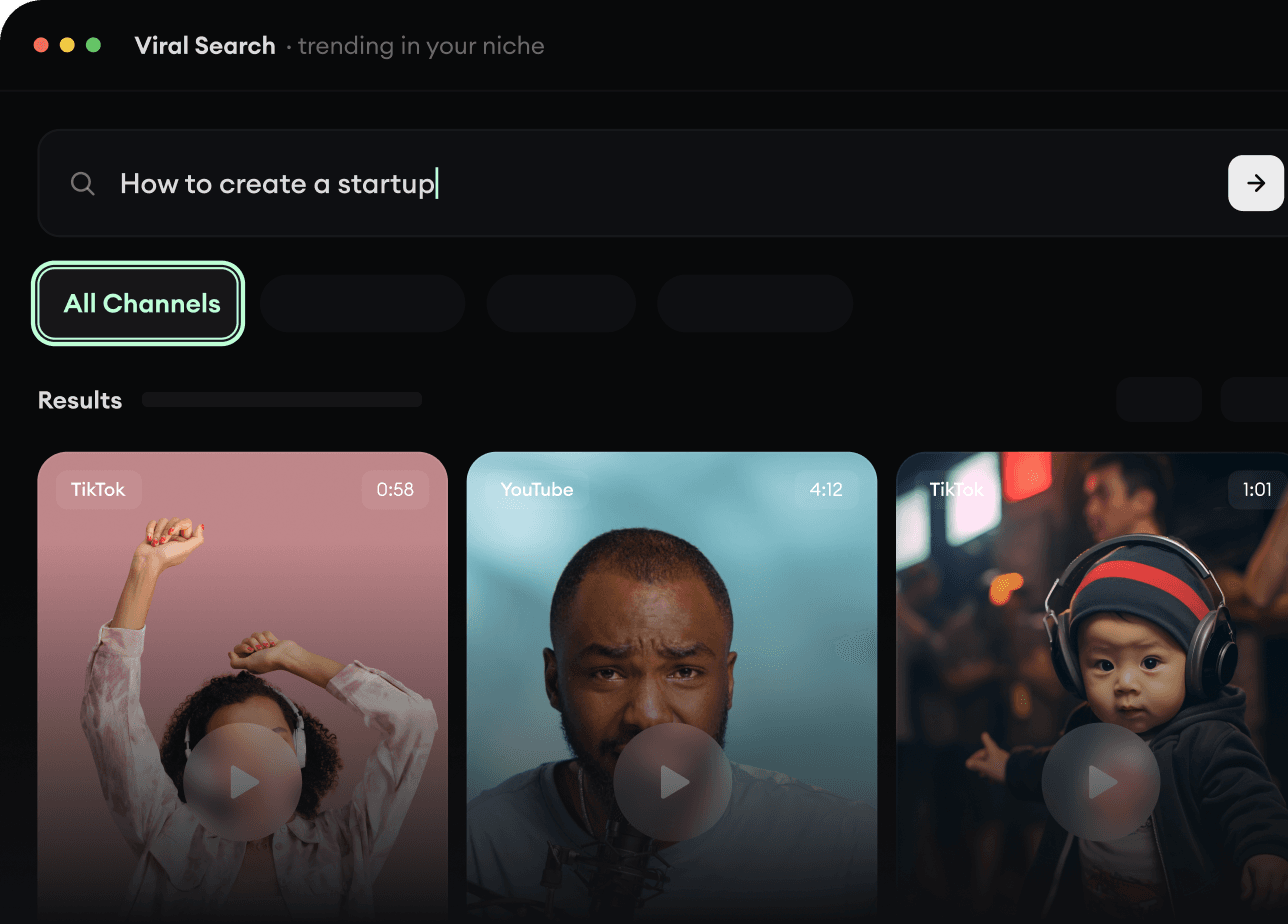
  • Discover winning video formats in your niche
  • Follow creators and channels that matter
  • Start with proven ideas instead of guessing
Find Viral & Trending Videos.
2

Turn An Idea Into A Story.

Found something worth making? Revid AI writes the script, suggests the structure, and turns links, prompts, or topics into complete video concepts.
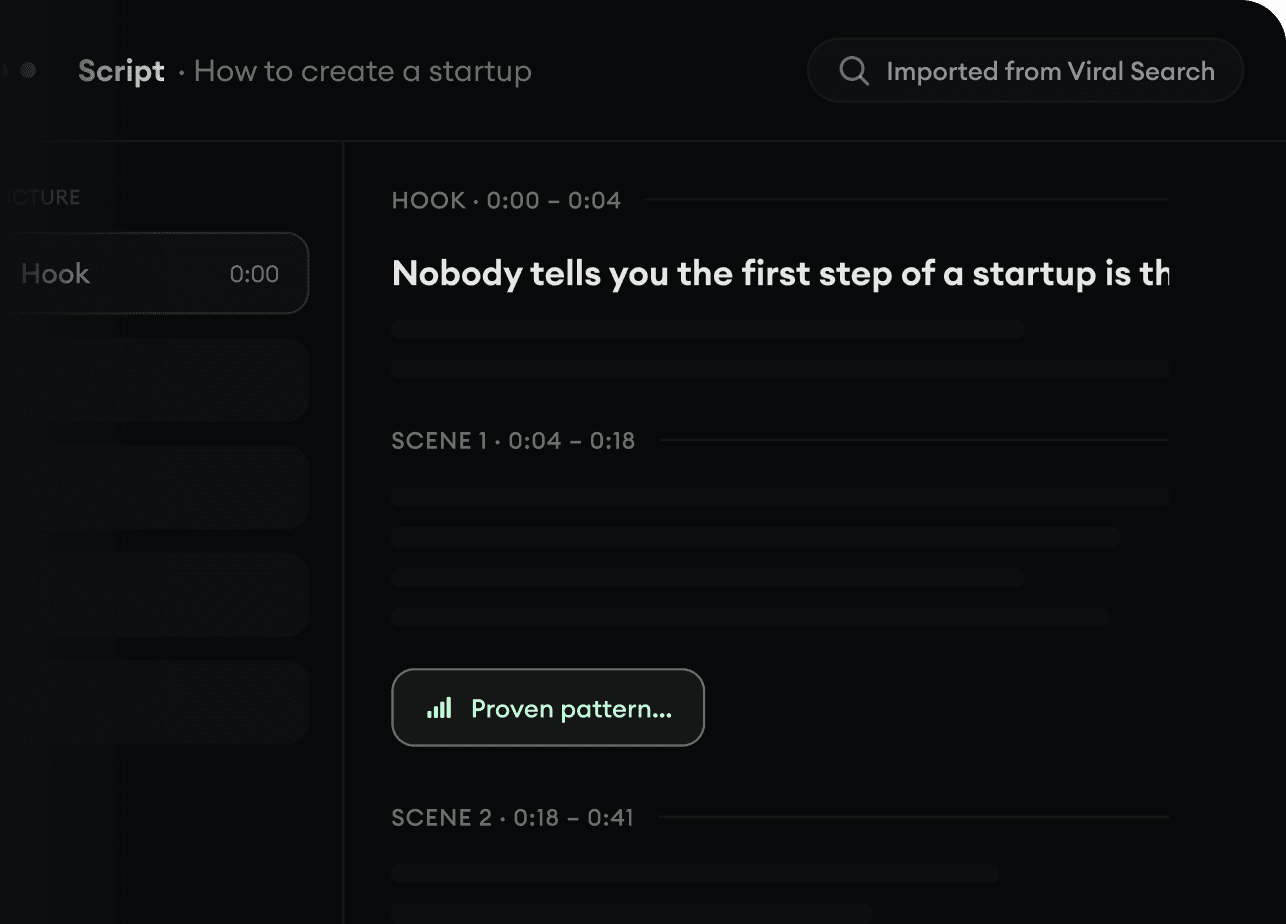
  • Start with a prompt, topic, or URL
  • Generate scripts inspired by proven patterns
  • Build stories designed to keep people watching
Turn An Idea Into A Story.
3

Generate The Finished Video.

Script, voiceover, visuals, subtitles, and editing all come together in one workflow. No stitching together five different tools.
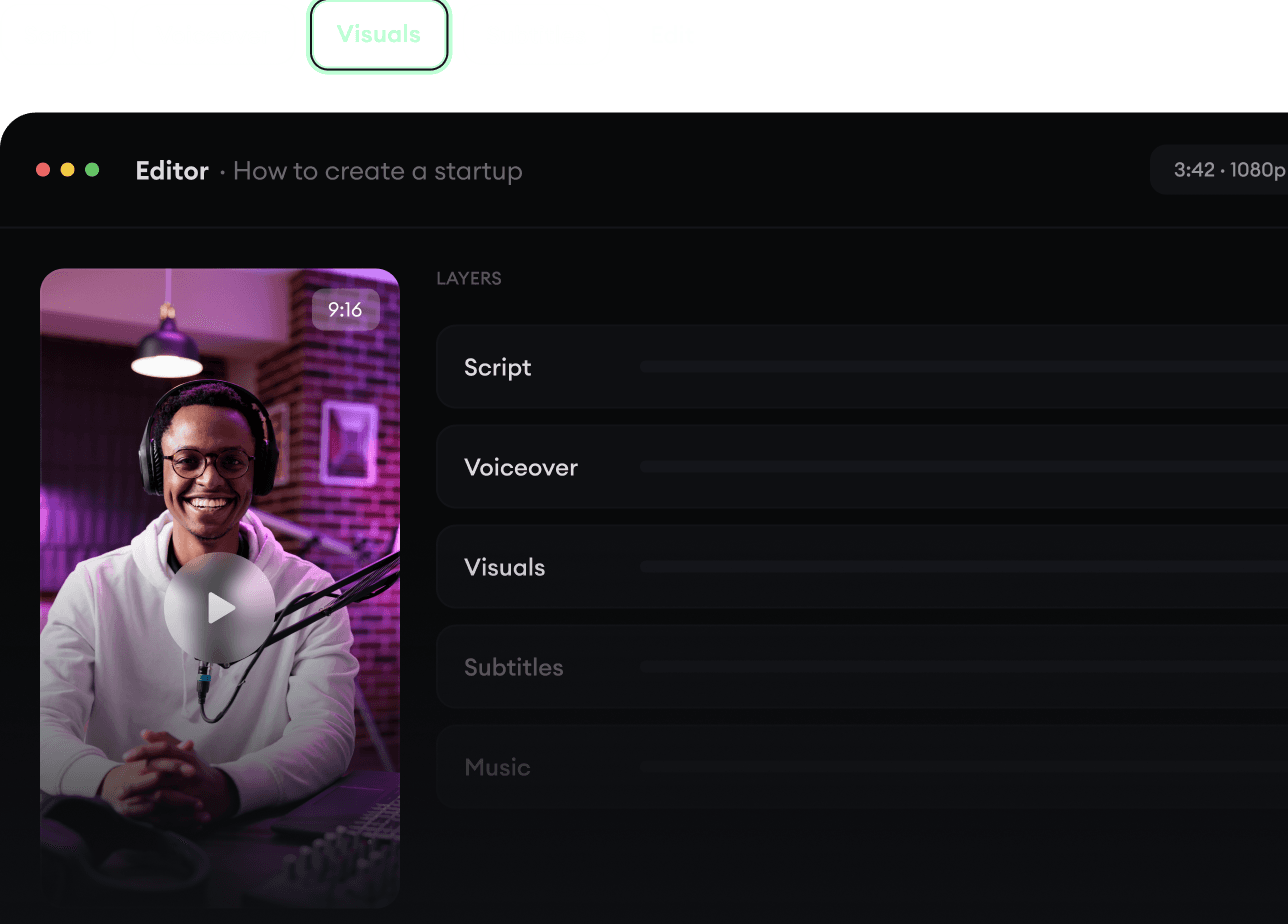
  • Turn text into complete, multi-minute videos
  • Generate everything in one place
  • Refine the result in the editor
Generate The Finished Video.
4

Publish Everywhere.

Share your videos to TikTok, YouTube, Instagram, and wherever your audience is.
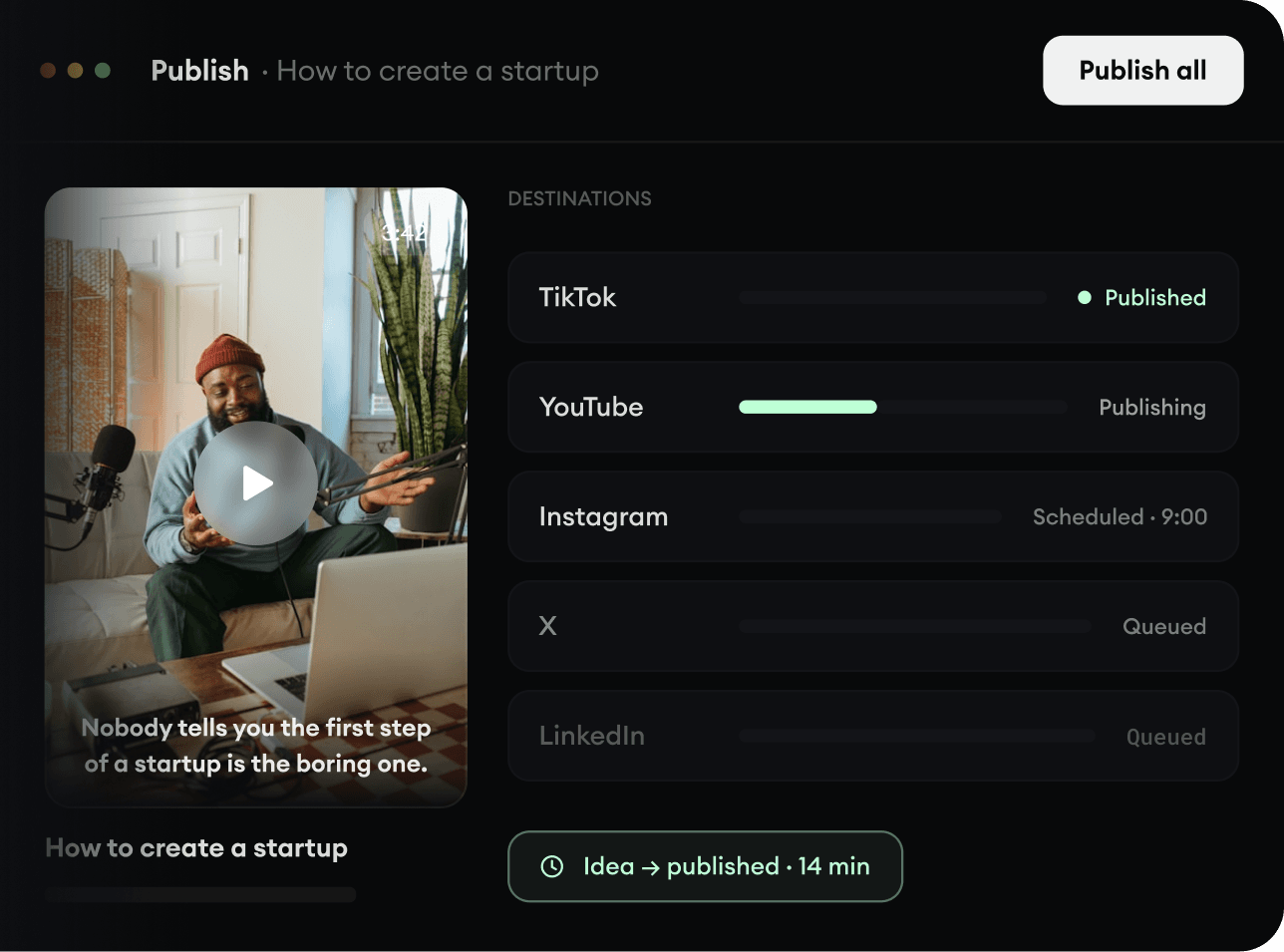
  • Publish across every major platform
  • Reach more people with less work
  • Go from idea to published video in minutes
Publish Everywhere.