2,691 videos created with Revid in the last 24h
or explore our 42+ other tools to create the exact video you want
Explore our tools
Upload a real video and the AI redraws every frame of it as hand-painted 2D animation in the Ghibli style: clean hand-drawn lines, flat cel shading, watercolor backgrounds and a soft natural palette. The people stay recognizable, the motion, framing and voices stay as filmed. Revid is not affiliated with Studio Ghibli.
Upload a video you filmed - the AI redraws it as hand-painted 2D animation, with the same motion, people and voices.
or explore our 42+ other tools to create the exact video you want
Explore our toolsAdd a video you filmed. The AI works from your real footage, so the people, motion and framing come from your clip.
Choose the style first, then pick the Pro or Ultra video model. If you want, add a short note to steer the colors, the light or the mood.
Revid shows the credits before you generate, so there are no surprises. The AI then redraws every frame as hand-painted 2D animation.
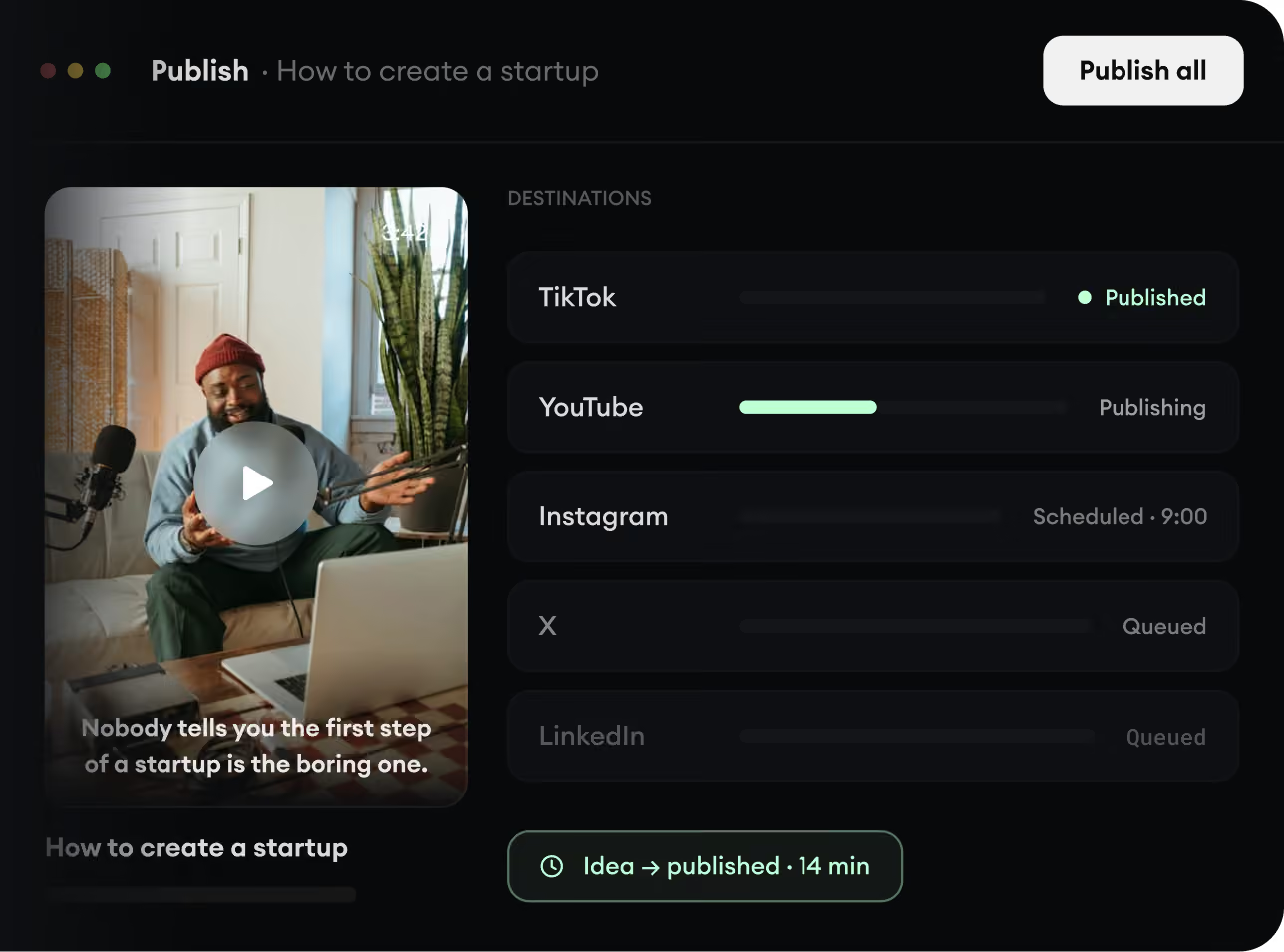
Every video can be edited after it is generated, so you can adjust it before you post it to TikTok, Instagram or YouTube.
Discover more ways to create engaging videos with our AI-powered tools
Find detailed answers to 100+ questions about features, tools, and workflows
or check our markdown version optimized for LLMs
Choose your tool, add your content, and create a video in seconds. Then customize it to your liking.
Turn your prompts into engaging videos with AI assistance
Create studio-quality videos from text, no filming required
Turn any song into an animated lyric video with synced text and visuals.
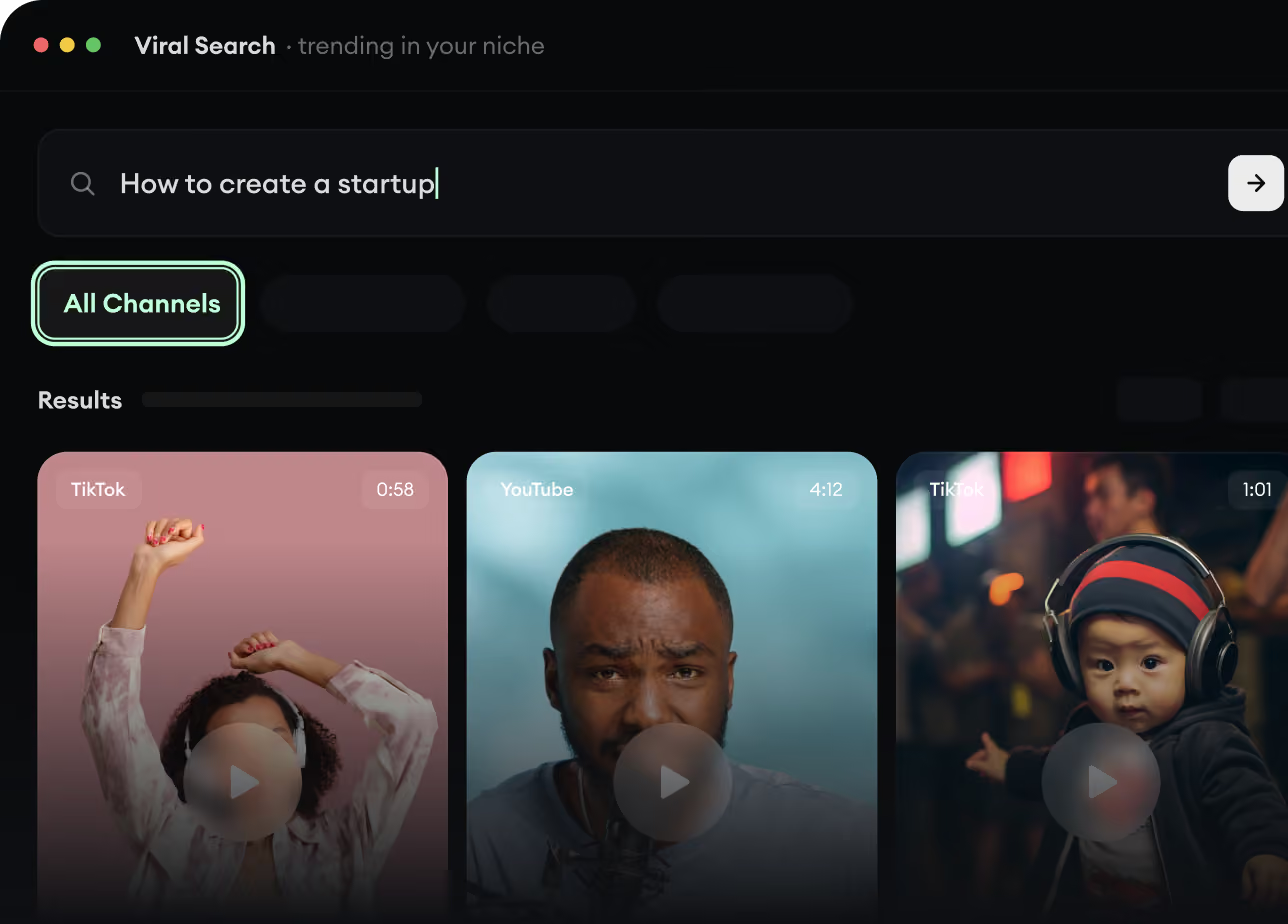
RevidAI's Viral Search and Channel Watcher surface the formats, creators, and trends getting attention right now, then help you turn them into ideas of your own.
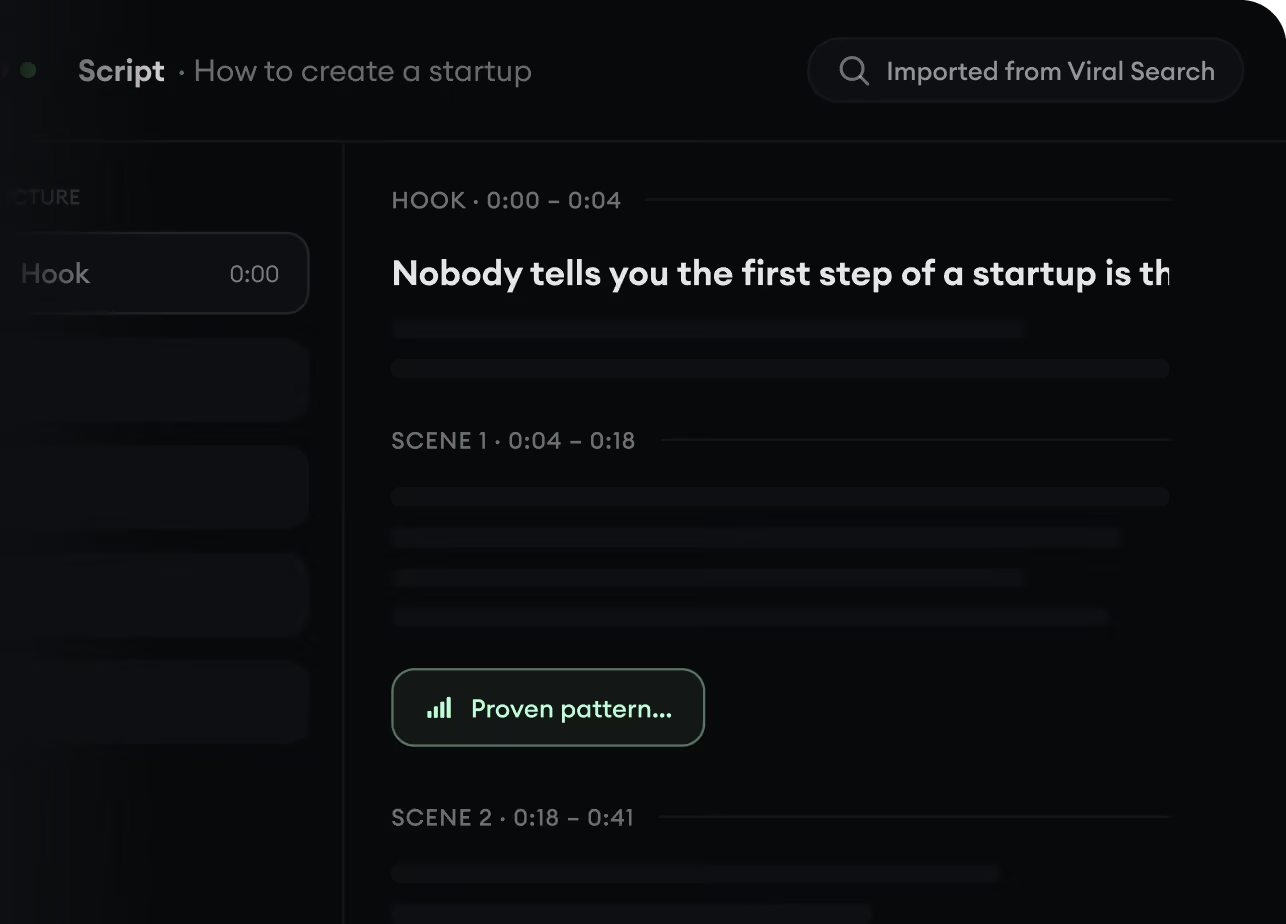
Found something worth making? Revid AI writes the script, suggests the structure, and turns links, prompts, or topics into complete video concepts.
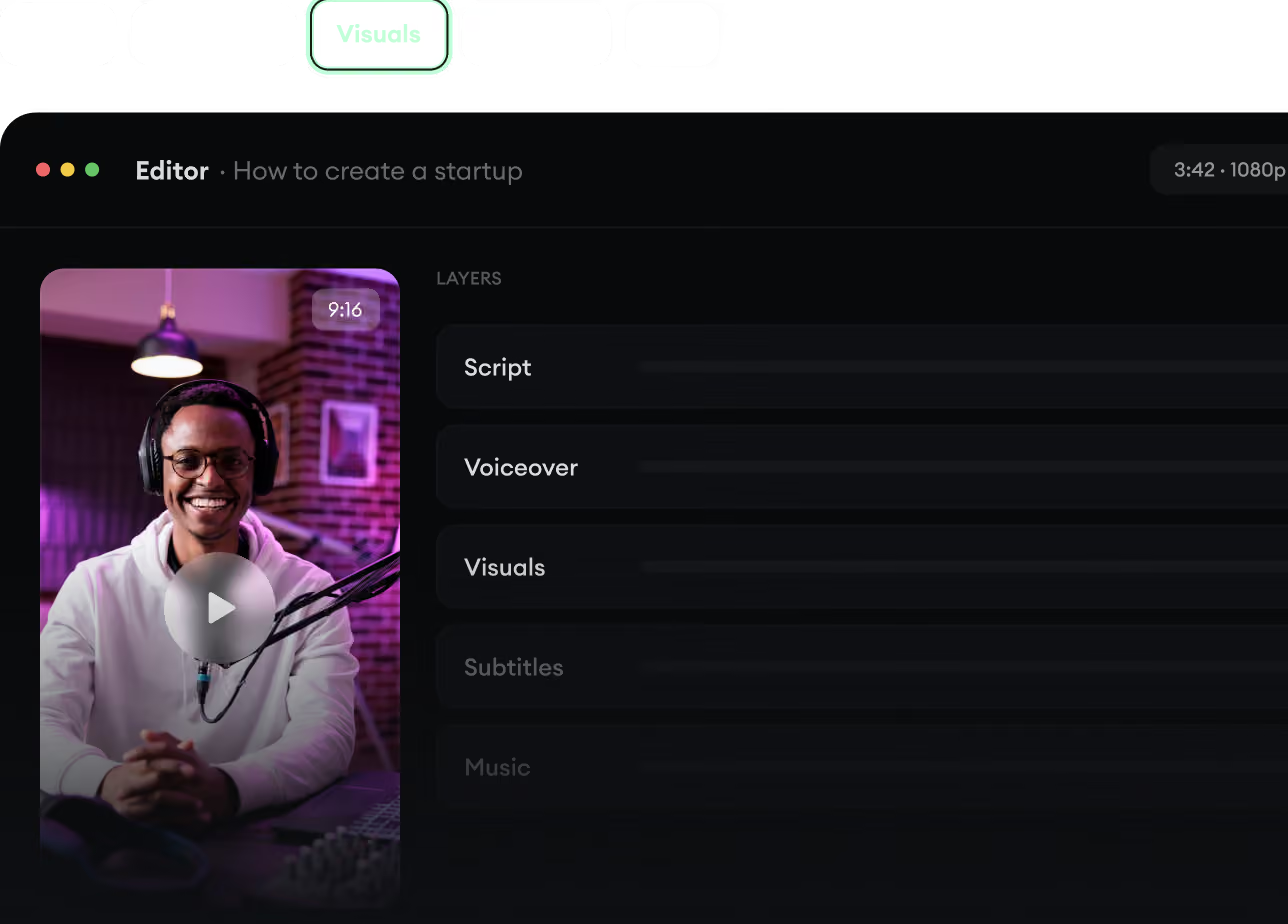
Script, voiceover, visuals, subtitles, and editing all come together in one workflow. No stitching together five different tools.
Share your videos to TikTok, YouTube, Instagram, and wherever your audience is.