Creators publish 30,000+ videos a month with Revid
YouTube Transcript Generator
Revid's YouTube transcript generator pulls the full text of any public video, Short or live replay in a few seconds. Read it with or without timestamps, search it, copy it in one click, or download it as a .txt or .srt subtitle file.
Paste a YouTube link and get the whole transcript, then turn the best part into a Short.
Free, no signup
Timestamps on or off
Copy, .txt or .srt
Any caption language
No signupNo credit cardShorts and live replays too
2:02We'd been driving since sunrise and nobody had a plan.
2:14Then we missed the exit and ended up on the coast road…
2:19…and it turned into the best day of the whole trip.
2:25Cliffs on one side, the ocean on the other, no one around.
2:33Anyway, back to the plan for day four.
Visual formatAnimated images
VoiceAuto
Final video
How to Get the Transcript of a YouTube Video in 3 Steps
1 Paste the link
Copy the URL from your browser bar or the Share button and paste it into the box above. Regular videos, Shorts and live replays all work, as long as the video is public.
2 Get the transcript
Revid reads the video's captions and cleans them into readable text in a few seconds. Turn timestamps on or off, search inside the text, and switch to another caption language if the video has one.
3 Copy, download or remix
Copy the whole transcript in one click or download it as a .txt or .srt subtitle file. Found a moment worth sharing? Turn it into a vertical Short with visuals, voice and captions.
01
The YouTube Transcript Generator That Reads Any Video for You
A transcript lets you read a twenty-minute video in two. Revid is a free video to transcript tool: it pulls the full text of any public YouTube video, Short or live replay, cleans it into readable paragraphs and keeps the timestamps one click away. Search for a word to jump to the exact moment a topic comes up, then click the timestamp to open YouTube right there.
02
Turn One YouTube Video Into a Week of Content
Pull the strongest lines from a podcast, tutorial or talk and reuse them as posts, threads, newsletters or blog drafts. When you find a moment worth sharing, Revid turns that part of the transcript into a vertical Short with visuals, an AI voice and captions, ready for TikTok, Reels and YouTube Shorts.
03
Download YouTube Subtitles as .srt Without Retyping
Download the transcript as an .srt subtitle file to add captions to your own edit, translate a video's script, or make your content accessible to people who watch on mute. If the video has captions in several languages, pick one from the menu and the transcript reloads in that language.
04
Study Notes, Research and Quotes With Timestamps
Students and researchers paste lectures, interviews and conference talks to get searchable notes with timestamps they can cite and come back to later. Copy the text in one click, keep the timestamps for references, or turn them off for clean paragraphs you can paste into a doc.
Comparison
Revid vs. YouTube's Transcript Panel
YouTube's transcript is hidden under “…more” and can only be read line by line.
What you get
YouTube panel
Revid
Works on any public video with captions
Clean paragraphs without timestamps
Copy the whole transcript in one click
Download as .txt or .srt
Search inside the transcript
Turn it into a Short with AI
Example Videos
See What You Can Make From a YouTube Transcript
Same transcript, different looks. Pick a style in Revid and it builds the video for you.
AI-generated visuals
Revid reads your transcript and generates a scene for every line, so a talk or tutorial becomes a vertical video without a single frame of footage.
A generated scene for every line
AI voice-over that reads the script
Animated captions on by default
Vertical 9:16 for TikTok, Reels and Shorts
Stock footage
Prefer real footage? Revid matches stock clips to what's being said in each part of the transcript and cuts them to the voice.
Real b-roll matched to each sentence
Background music picked for the mood
Cuts timed to the voice-over
Swap any clip in the editor
Your own footage
Upload your own clips and Revid cuts them to the transcript, with captions synced on top, ready to post.
Use your own recordings
Edits synced to the transcript
Captions burned in
Export in 720p, 1080p or 4K
More Tools
Explore Similar AI Video Tools
Discover more ways to turn videos and text into engaging content with our AI-powered tools
FAQs
Frequently Asked Questions
How do I get the transcript of a YouTube video?
Paste the video link into the box at the top of this page and press Get transcript. You'll get the full text in a few seconds, which you can copy or download.
Is this YouTube transcript generator free?
Yes. It's free to use with no signup and no credit card. There's a fair-use limit per hour to keep it free for everyone.
Does it work on YouTube Shorts?
Yes. Paste a Shorts link (youtube.com/shorts/…) and it works the same way as a regular video.
Why does a video say it has no transcript?
The tool reads the captions YouTube has for the video, including auto-generated ones. If the creator turned captions off, the video is private, or YouTube hasn't generated captions yet, there's nothing to read.
Can I get the transcript in another language?
If the video has caption tracks in several languages, a language menu appears above the transcript. Pick one and the transcript reloads in that language.
Can I download the transcript with timestamps?
Yes. Turn Timestamps on and download .txt for a timestamped text file, or download .srt to get a subtitle file you can load into any video editor.
How accurate are the transcripts?
They're as accurate as the video's captions. Captions written by the creator are usually exact. Auto-generated captions are good but can miss names, jargon and punctuation.
Is there a length limit?
No fixed limit. Long podcasts and multi-hour streams work, they just take a few extra seconds.
Can I turn the transcript into a short video?
Yes. Press Turn into a Short under the transcript. Revid takes the text and creates a vertical video with visuals, voice and captions that you can edit and post to TikTok, Reels or Shorts.
Do you store the videos or transcripts I look up?
We don't save your transcripts to an account. The text is generated for your request and shown in your browser.
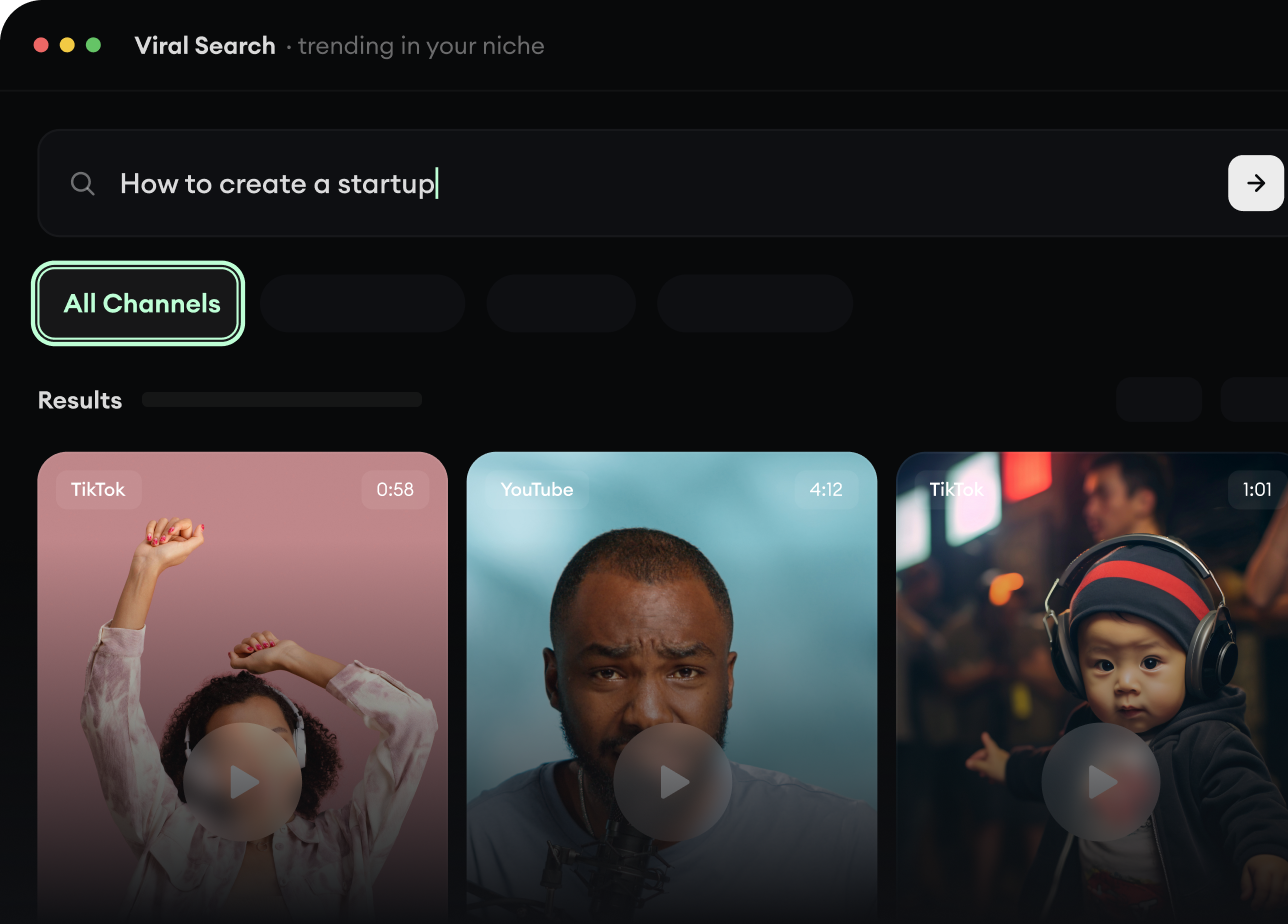
RevidAI's Viral Search and Channel Watcher surface the formats, creators, and trends getting attention right now, then help you turn them into ideas of your own.
Discover winning video formats in your niche
Follow creators and channels that matter
Start with proven ideas instead of guessing
2
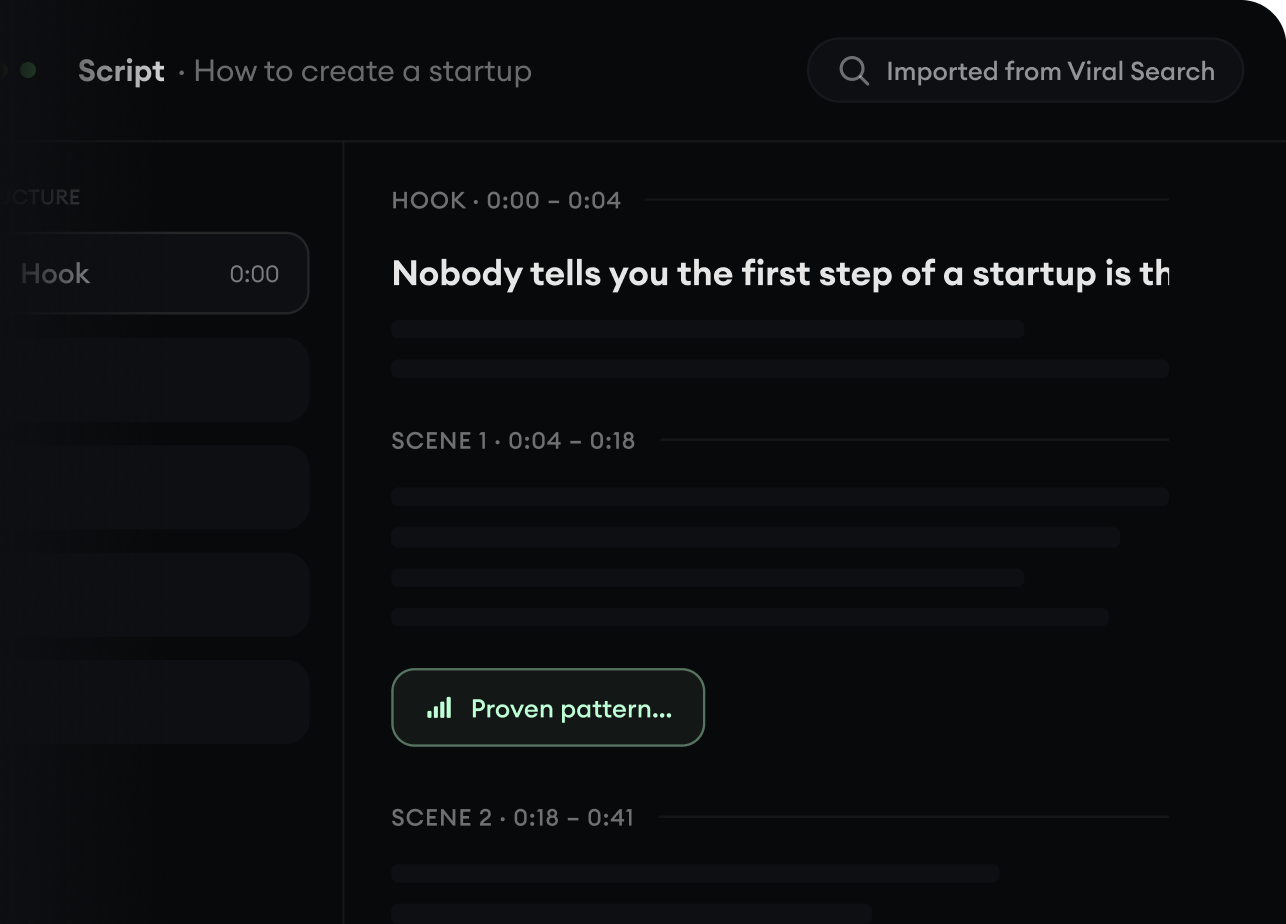
Turn An Idea Into A Story.
Found something worth making? Revid AI writes the script, suggests the structure, and turns links, prompts, or topics into complete video concepts.
Start with a prompt, topic, or URL
Generate scripts inspired by proven patterns
Build stories designed to keep people watching
3
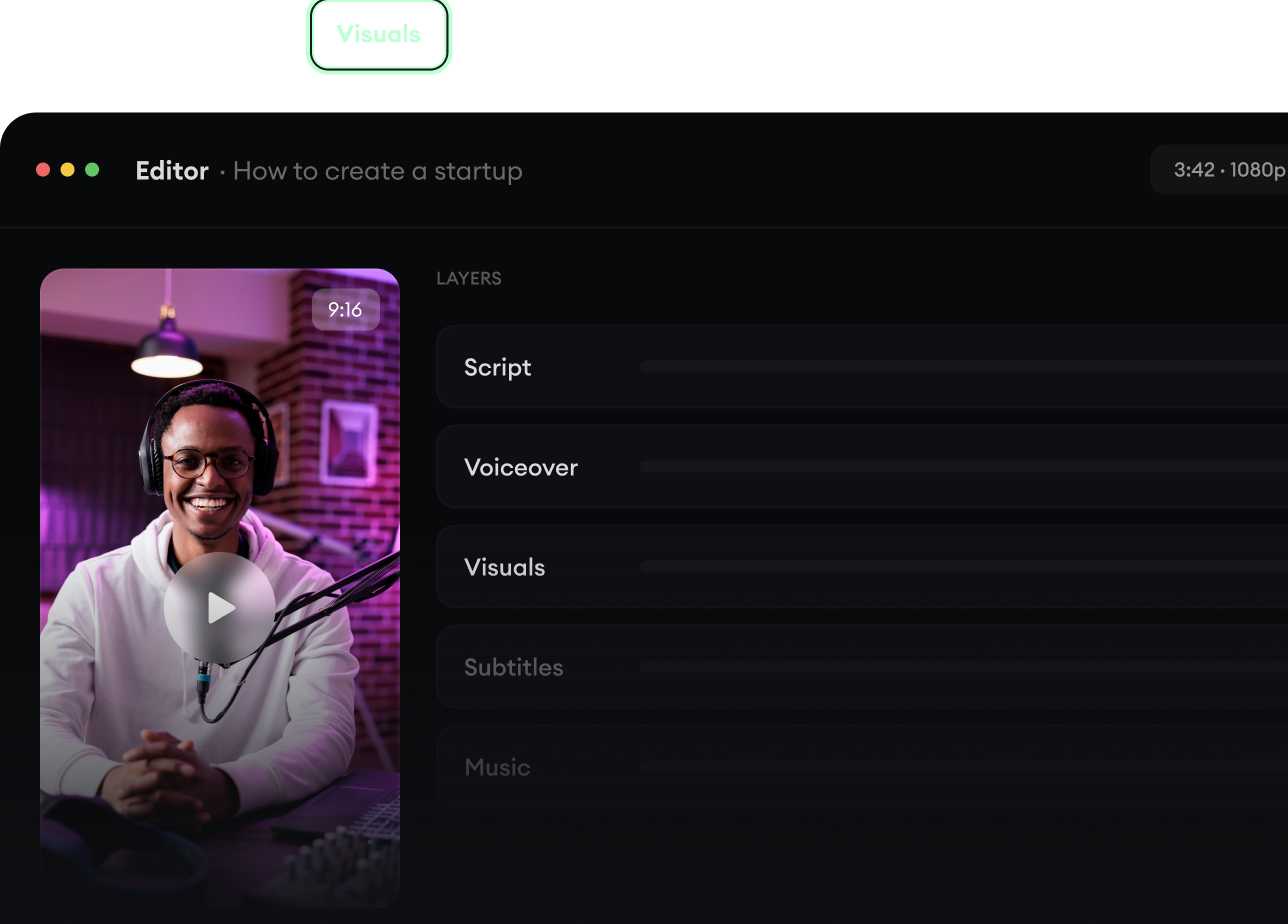
Generate The Finished Video.
Script, voiceover, visuals, subtitles, and editing all come together in one workflow. No stitching together five different tools.
Turn text into complete, multi-minute videos
Generate everything in one place
Refine the result in the editor
4
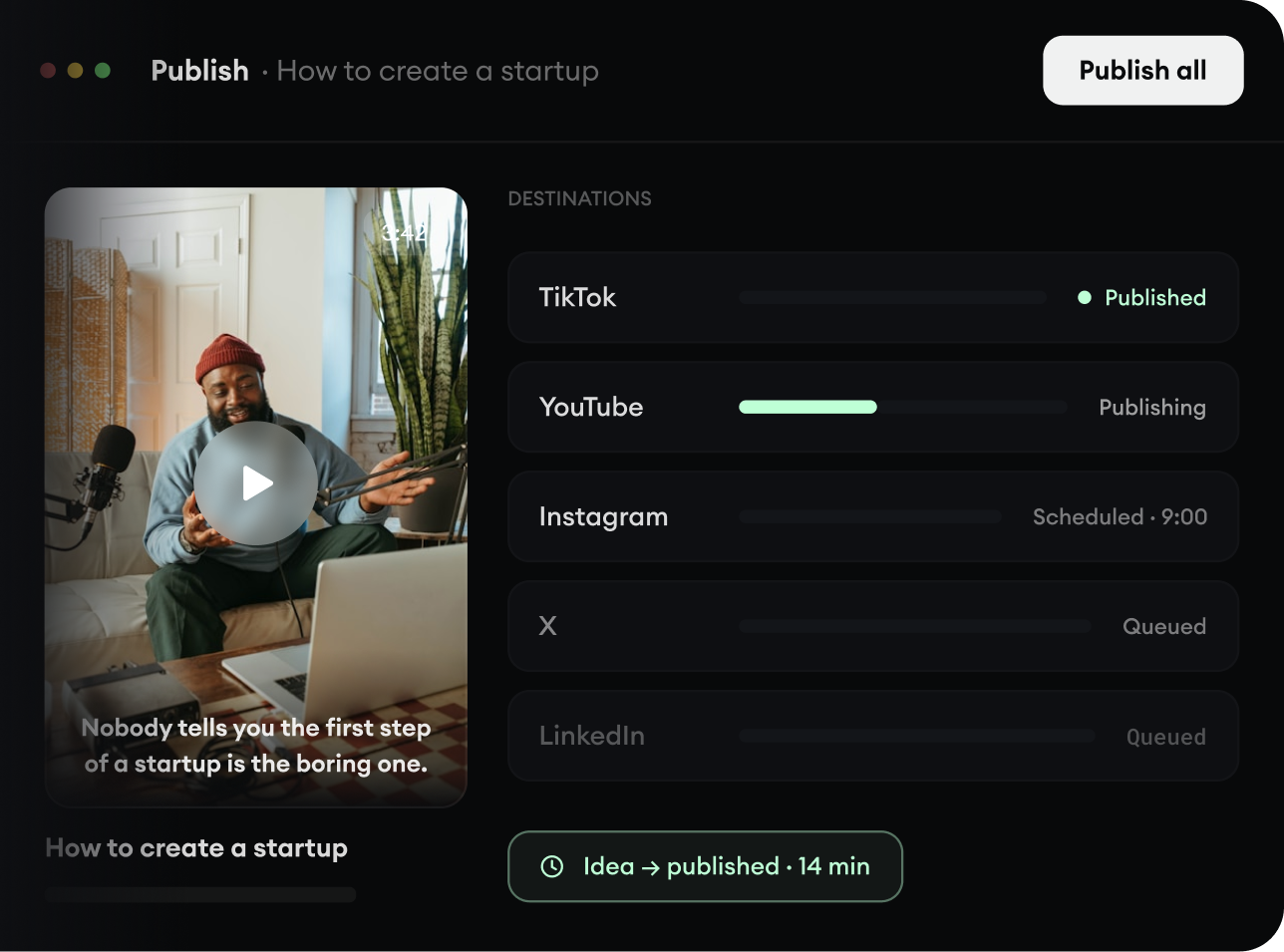
Publish Everywhere.
Share your videos to TikTok, YouTube, Instagram, and wherever your audience is.