

Frequently Asked Questions
How do I find the length of a YouTube playlist?
Copy the playlist link from YouTube, paste it into the box at the top of this page and press Calculate. You get the total watch time of every video in the playlist, plus the time at 1.25x, 1.5x, 1.75x and 2x speed.
How long is a playlist at 1.5x or 2x speed?
Divide the total length by the speed. A 10-hour playlist takes 6 hours 40 minutes at 1.5x and 5 hours at 2x. The calculator works this out for you at every speed YouTube offers.
Can I count only part of a playlist?
Yes. Drag the handles on the timeline or type the first and last video number. The total, every speed and the finish date update right away, so you can measure just the videos you have left.
How many days will it take me to finish a playlist?
Pick how many minutes you watch per day, from 15 minutes to 2 hours or your own number. The calculator divides the total (at your chosen speed) by that and shows how many days it takes and the date you'll finish.
Does it work with private, unlisted or Mix playlists?
Public and unlisted playlists work. Private playlists, Watch Later and Liked videos can only be seen by their owner, so no tool can read them. Mixes are made on the fly for each viewer and never end, so they have no fixed length.
Why are some videos not counted?
Private and deleted videos still sit in many playlists but have no length anyone can see, so they're skipped and marked in the list. Live streams that are still running and upcoming premieres are skipped too, because their length isn't known yet.
Is there a limit on playlist size?
The calculator reads up to 3,000 videos per playlist, which covers almost every course, series and music playlist. For longer lists it counts the first 3,000 and tells you so.
Is this playlist length calculator free?
Yes. It's free with no signup and no limit on how many playlists you check, within fair use. It reads only public data from YouTube.
Can I download the list of videos?
Yes. Press Download CSV to get every video with its position, title, channel, length and link, ready for Excel or Google Sheets. Copy summary puts the totals on your clipboard.
Can I turn a playlist video into a Short?
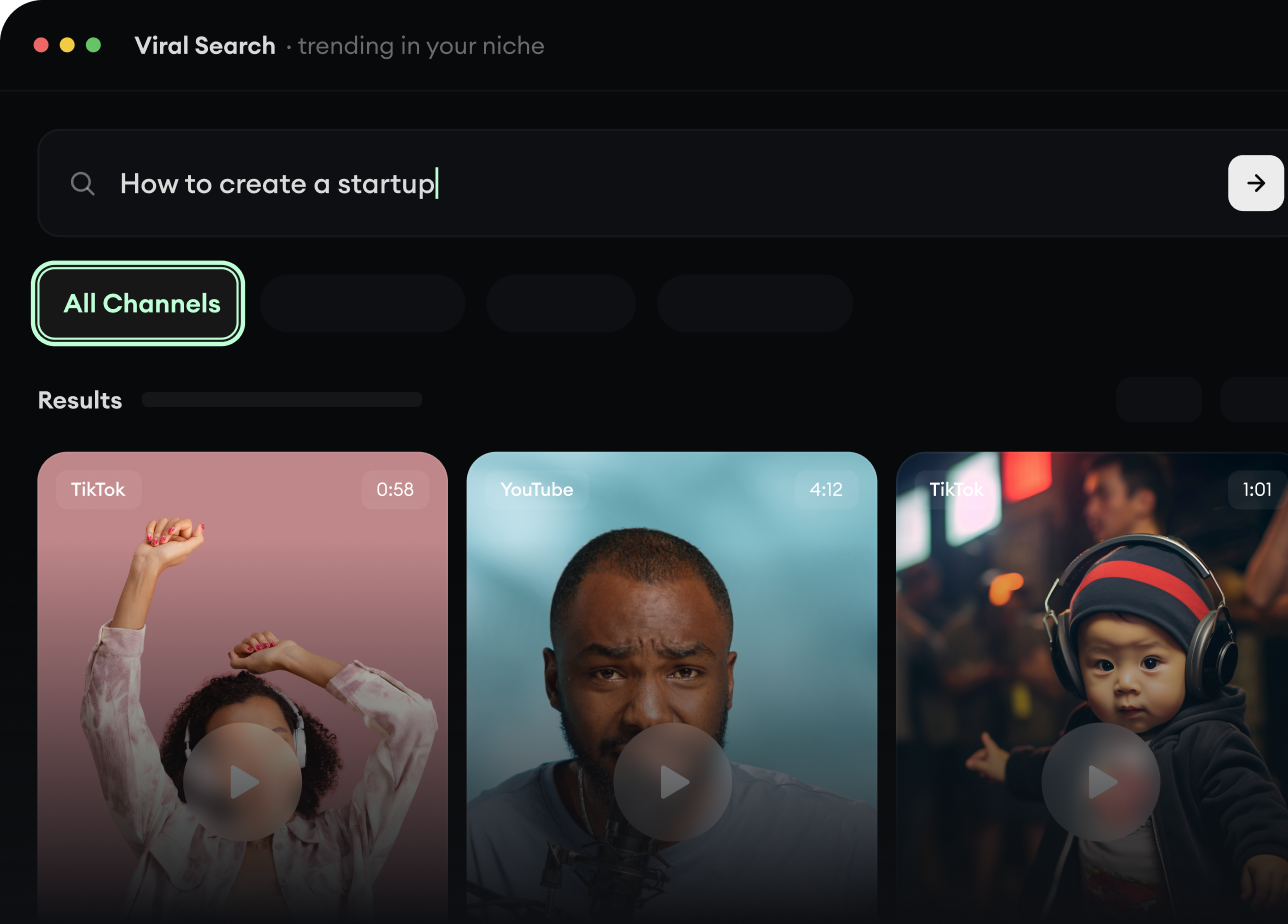
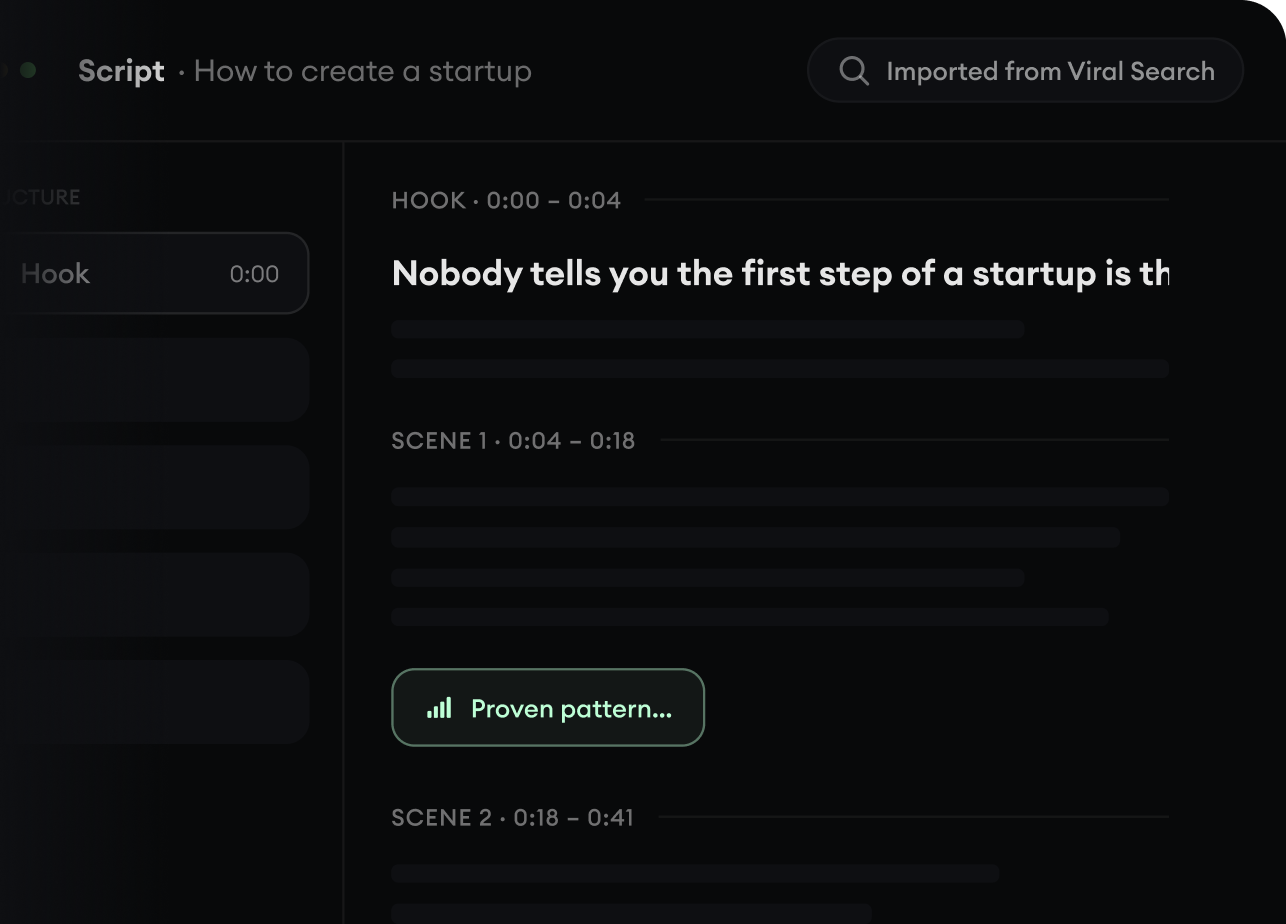
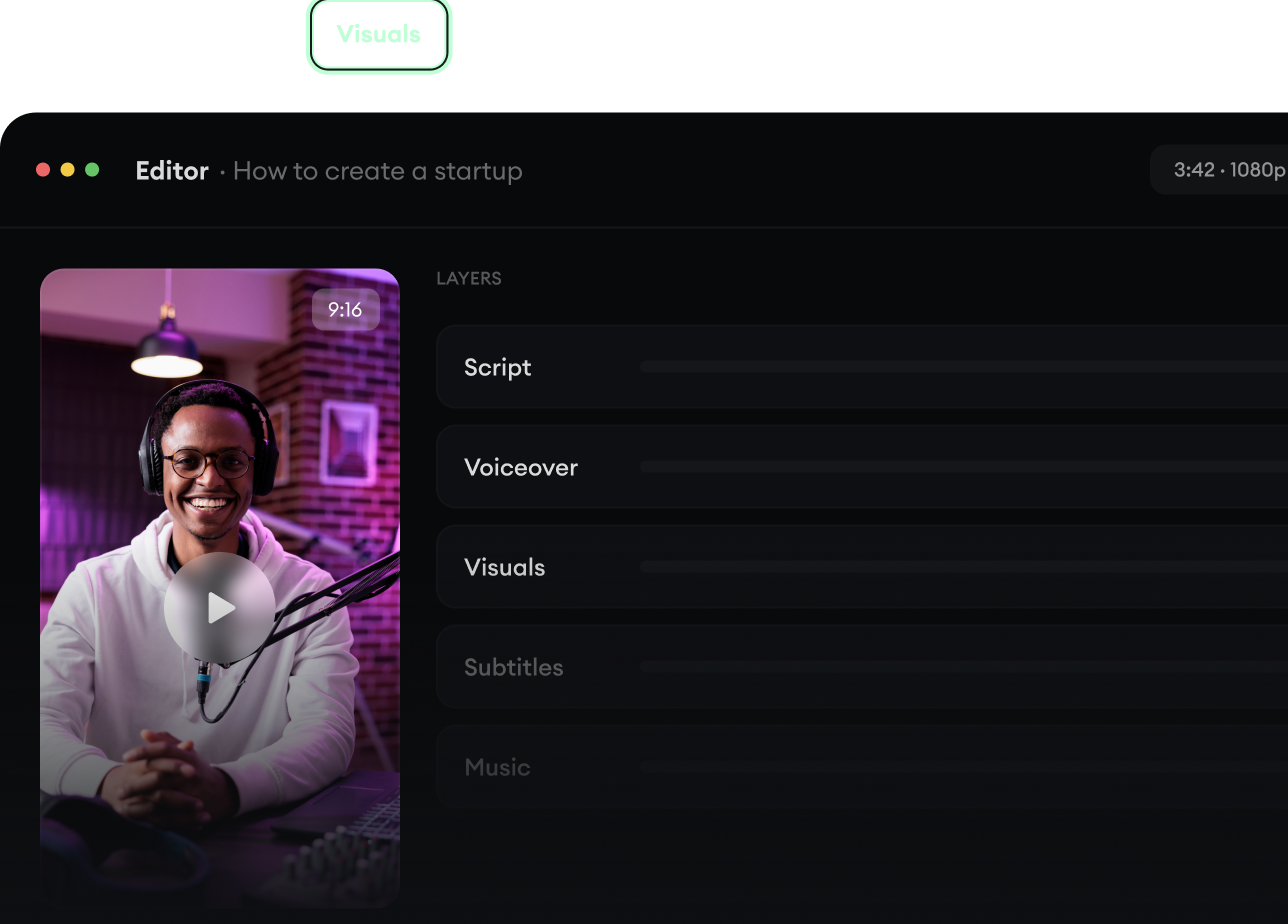
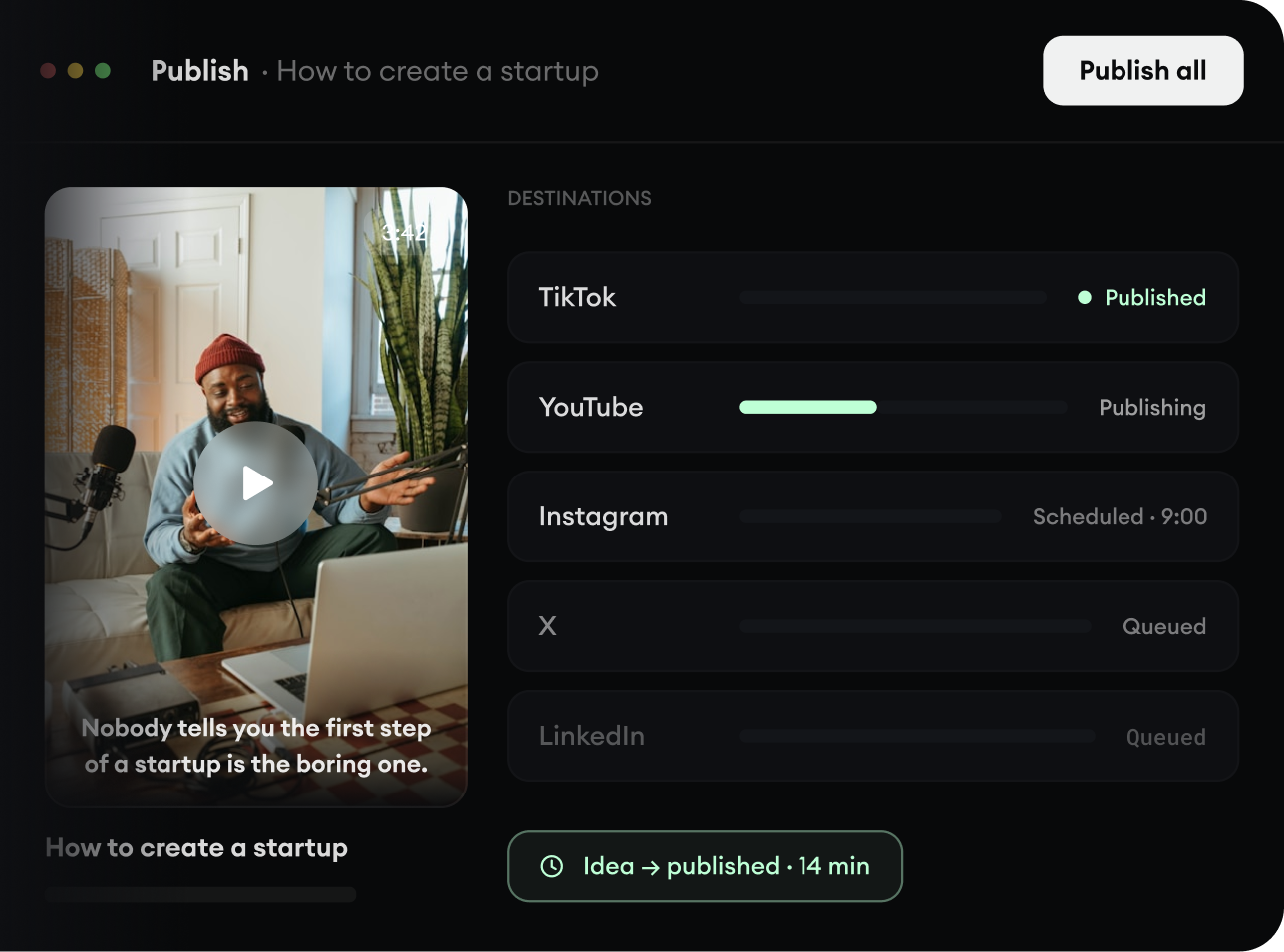
Yes. Every video in the list has a Make a Short button. It opens Revid with the video's title filled in, and Revid drafts a 60-second vertical Short with a script, voice-over, visuals and captions that you can edit before posting.
Still have questions?
Contact usFind detailed answers to 100+ questions about features, tools, and workflows
or check our markdown version optimized for LLMs